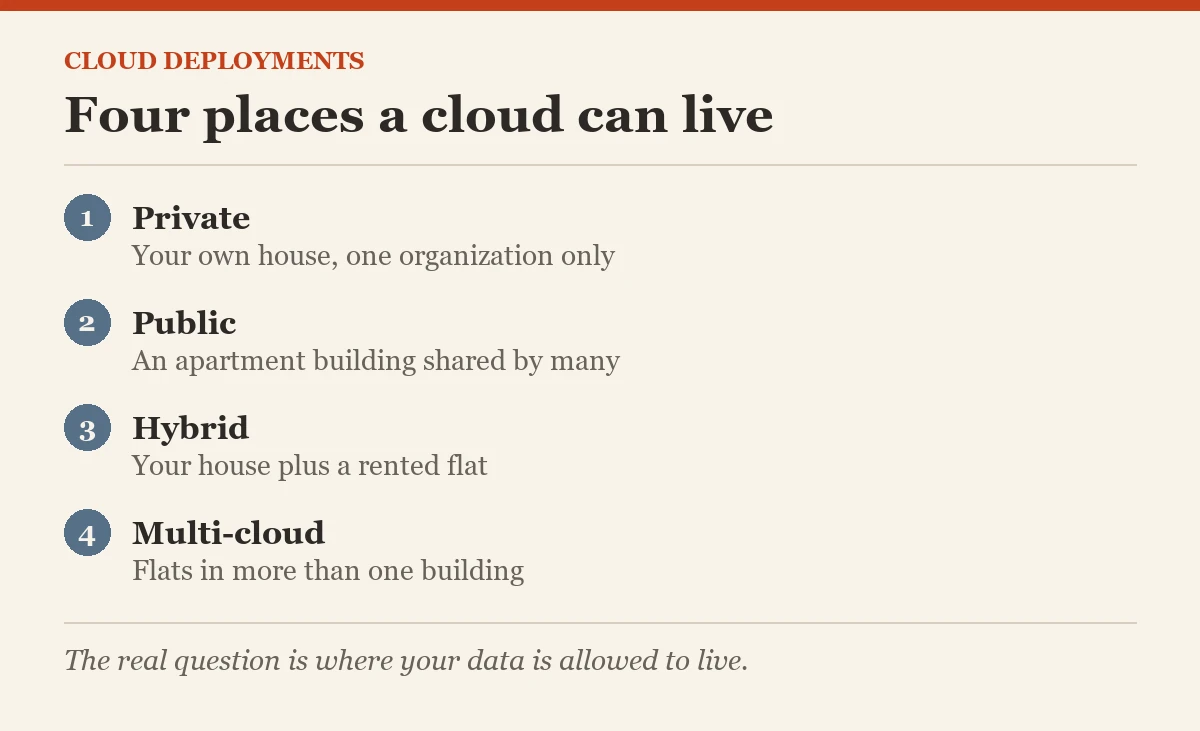
What are the different types of cloud deployments? There are four: private, public, hybrid and multi-cloud. They are simply four answers to one question: whose building do your computers live in?
In one minute
- Private cloud is used by one organization only.
- Public cloud is shared by many customers of a provider.
- Hybrid mixes your own servers with a public cloud, and multi-cloud uses more than one provider.

Why This Question Came Up
After the last post, the team understood how the cloud works. Then the risk head raised a hand: “Our customer data has strict rules. Does moving to the cloud mean it sits next to other companies’ data?” The honest answer is: it depends on which kind of cloud you choose.
A Simple Way to Picture It: Places to Live
Think of cloud deployments as different ways to live in a city.
- Private cloud is your own house. Everything inside belongs to one organization. It can sit in your own data center or be run for you by a provider, but no other customer shares it. You get the most control, and you pay for all of it, even the empty rooms.
- Public cloud is a large apartment building. Many tenants share the same building, but each flat has its own lock. The provider runs everything, you rent what you need, and you can move in or out quickly.
- Hybrid cloud is a house plus a rented flat. You keep some things at home, usually the most sensitive or the oldest systems, and use the rented flat for the rest. The two are connected so they can work together.
- Multi-cloud is renting flats in more than one building. You use two or more public providers, perhaps because each is best at something, or to avoid depending on just one.
How to Choose, in Plain Words
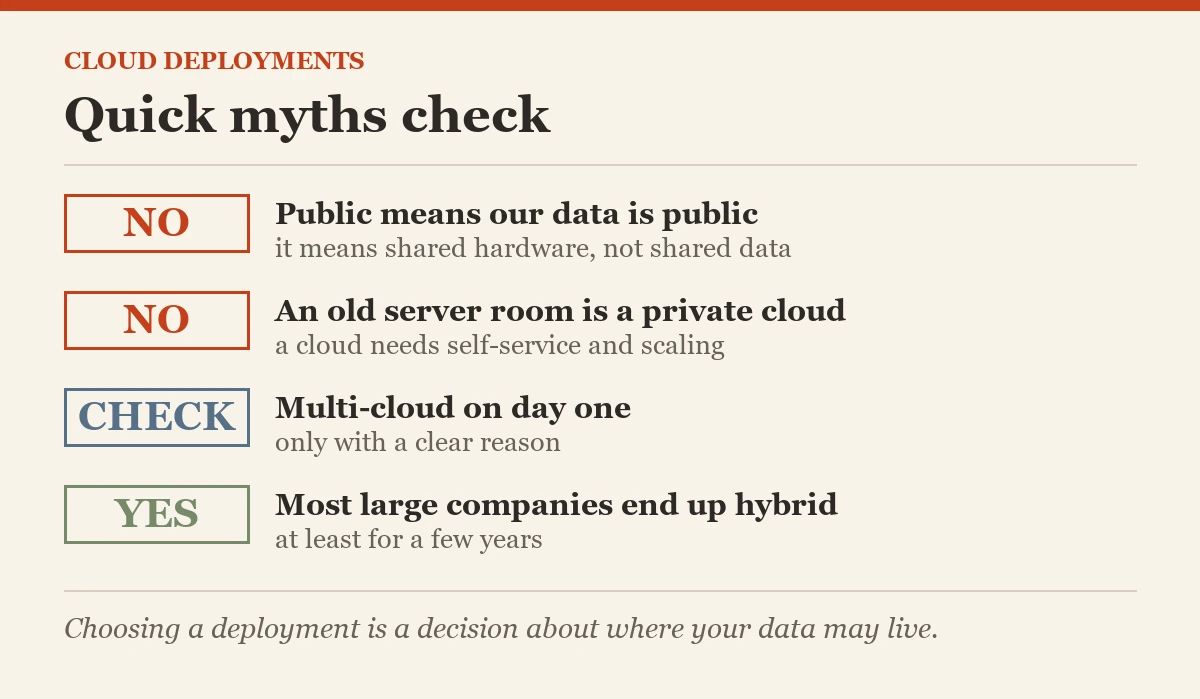
Most organizations do not pick just one. In my experience, almost every large company ends up hybrid, at least for a few years. Here is a quick guide I shared with the team:
- Choose private when rules or contracts say the data must stay on dedicated hardware, or when the workload is steady and very large.
- Choose public when you want speed, want to grow and shrink easily, and do not want to run hardware.
- Choose hybrid when some systems cannot move yet, or must stay close to your existing data center.
- Choose multi-cloud when you have a clear reason, such as a special service only one provider offers. Multi-cloud also means learning two sets of tools, so it is not free.
Where Your Data Lives Matters
One thing has become much more important since I first wrote this series. Many countries now have rules about where personal and financial data may be stored. So the question is not only “private or public?” but also “in which country?” Public providers let you pick a region in a specific country, which often solves this. Always check with your legal team before choosing.
Words to Know
- Private cloud: cloud used by one organization only
- Public cloud: cloud shared by many customers of a provider
- Hybrid cloud: your own servers connected to a public cloud
- Multi-cloud: using more than one public provider
- On-premises: servers in your own building
Common Mistakes Beginners Make
- Thinking public means open to everyone. Public cloud means shared hardware, not shared data. Your data is still private to you.
- Calling an old data center a private cloud. A private cloud still needs self-service and quick scaling. A room of servers with a ticket queue is just a data center.
- Going multi-cloud on day one. Learn one provider well first. Add a second only when there is a real reason.
- Forgetting the network in hybrid. The link between your building and the cloud must be fast and secure, or everything feels slow.
What Comes Next
We now know what the cloud is, how it works and where it can live. Next we step aside for one important idea that changes how clouds are built: open source.
Open Source Cloud series, part 3 of 10
- What is the Cloud?
- What is Cloud Computing?
- What are the Different Types of Cloud Deployments? (you are here)
- What is Open Source?
- What is Open Source Cloud?
- Open Source Cloud: Different Options
- What are the Different Layers of Open Source Cloud?
- Checklist for the Best Open Source Cloud
- The CXO Role in Implementing Open Source Cloud
- Open Source Cloud: Final Post
Previous: What is Cloud Computing? | Next: What is Open Source?
Choosing a cloud deployment is not a technology decision first, it is a decision about where your data is allowed to live.
Published by Pinal Dave on SQLAuthority. More of my work at pinaldave.com.
Discover more from SQL Authority with Pinal Dave
Subscribe to get the latest posts sent to your email.