

While helping a client with Azure environment, I came across an interesting error. I this blog I would explain cause and fix of error “Authentication failed for account sqlauthprembackup and the provided key. Please provide a valid key and try again.”
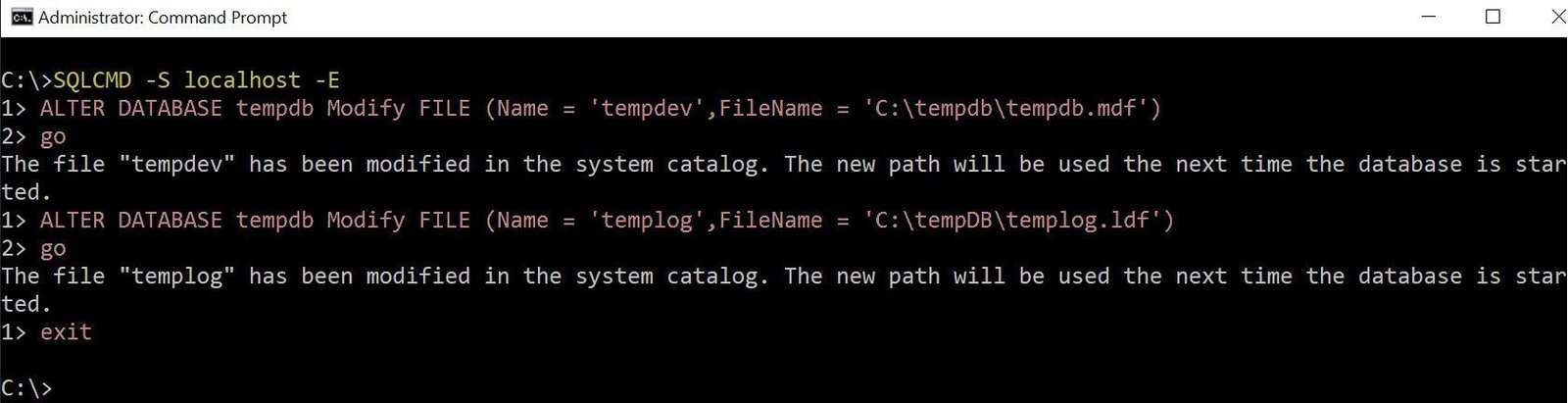
SQL SERVER – FCB::Open Failed – TEMPDB Files Fail to be Created with Error: “CREATE FILE Encountered Operating System Error 3”
Once there was an urgent request from my client and they asked my assistance. Without wasting any time, I sent them GoToMeeting invite and started working. In this blog we would learn how to fix FCB::Open failed for TempDB database.

SQL SERVER – FIX: Msg 8180 – Statement(s) Could not be Prepared. Deferred Prepare Could not be Completed
While running a linked server query, I encountered an error and learned something new. In this blog we would learn about how to fix error – Msg 8180 – Statement(s) could not be prepared.

SQL SERVER – FIX: Msg 9514 – XML Data Type is Not Supported in Distributed Queries
Sometimes, I get some quick questions via my blog comments and I do spend the time to search on them and reply or write a blog. In this blog we would learn how to fix: Msg 9514 – XML data type is not supported in distributed queries.
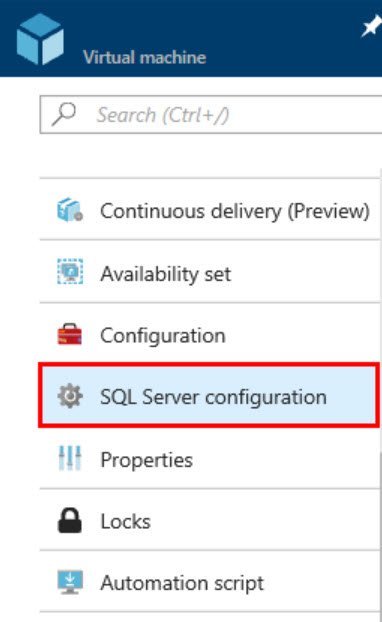
SQL SERVER – FIX: Cannot Connect to SQL in Azure Virtual Machine From Laptop
To keep up with the market trend, I have already done my hands-on with SQL in Azure Virtual Machine. In this blog, I would share my learning about a connectivity issue which I faced recently.

SQL SERVER – Unable to Set Cloud Witness. Error: The Client and Server Cannot Communicate, Because They do Not Possess a Common Algorithm
Recently, I was trying to simulate a client’s environment for which I need to have windows cluster with cloud witness. It didn’t go well, and I encountered an error message. In this blog, I will share the solution of error – “The client and server cannot communicate, because they do not possess a common algorithm” which I received while adding cloud witness. I was following below documentation: Deploy a Cloud Witness for a Failover Cluster

SQL SERVER – FIX: Msg 41105: Failed to Create the Windows Server Failover Clustering (WSFC) Resource With Name and Type ‘SQL Server Availability Group’
Sometimes there are errors which give us the solution to the problem and I love to discover other ways to fix it. In this blog, we would learn how to fix Failed to create the Windows Server Failover Clustering (WSFC) resource with name and type ‘SQL Server Availability Group’