

You can comment T-SQL in SSMS with a keyboard shortcut, a toolbar button or the Edit menu. The tests here show nested block comments, an UPDATE that lost its WHERE clause, a dangling comma after a commented column, and an unclosed comment, on SQL Server 2025.
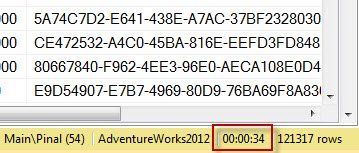
SQL SERVER – Discard Results After Query Execution – SSMS
No results in SSMS, yet the same query works in the app? My friend Ajit hit this, and the cause was the option to discard results after query execution.
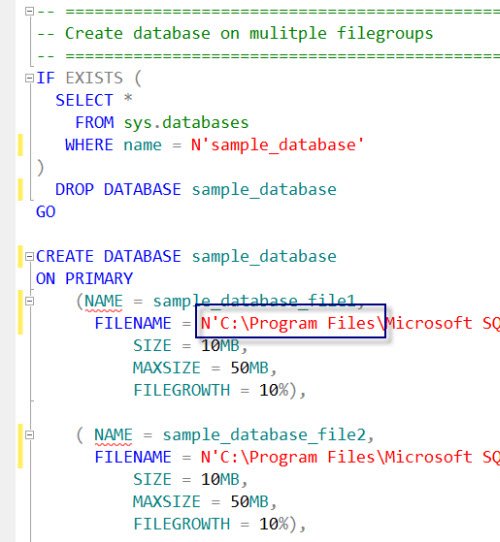
SQL SERVER – Template Browser – A Very Important and Useful Feature of SSMS
Many people have never used Template Browser in SSMS. I give a quick introduction to this useful feature and the ready templates it offers for common tasks.
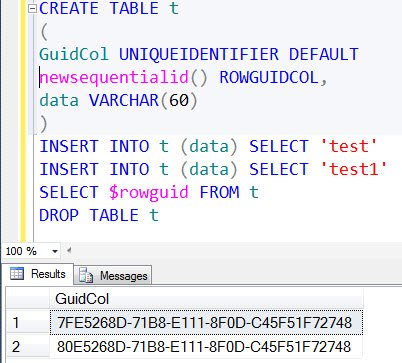
SQL SERVER – Identifying Column Data Type of uniqueidentifier without Querying System Tables
Madhivanan asked how to tell if a table has a uniqueidentifier column without querying system tables or DMVs, knowing only the table name.
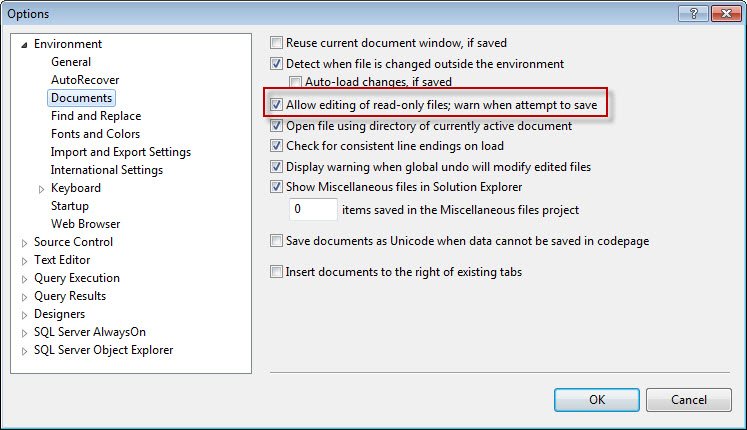
SQL SERVER – Read Only Files and SQL Server Management Studio (SSMS)
Open a read only file in SSMS and you get a small lock icon. You can edit it, but saving brings a pop-up. Here is how SSMS handles read only files.

Replace SELECT * with Column Names in SQL Server: SQL in Sixty Seconds #017
Replace SELECT * with the columns your application needs. The tests here show a query that read 4 pages instead of 64, a view that missed a new column, and two errors that appear when a table changes, all on SQL Server 2025.

Standard Reports in SSMS: SQL in Sixty Seconds #016
Standard Reports in SSMS put activity, space and performance information a few clicks away. This post adds T-SQL queries for the same questions, tested on SQL Server 2025, and shows the permission error a reader without VIEW SERVER PERFORMANCE STATE receives.