
![SQL SERVER - CTRL+SHIFT+] Shortcut to Select Code Between Two Parenthesis](https://blog.sqlauthority.com/wp-content/uploads/2012/07/cursor3.jpg)
CTRL+SHIFT+] in SSMS lets you select code between two parenthesis, handy for subqueries and CTEs. Here is how it works at a few cursor positions.

SQL SERVER – Tricks to Comment T-SQL in SSMS – SQL in Sixty Seconds #019 – Video
Three quick ways to comment T-SQL code and uncomment it in SSMS, starting with keyboard shortcuts. A SQL in Sixty Seconds video that saves time while debugging.
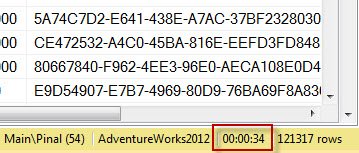
SQL SERVER – Discard Results After Query Execution – SSMS
No results in SSMS, yet the same query works in the app? My friend Ajit hit this, and the cause was the option to discard results after query execution.
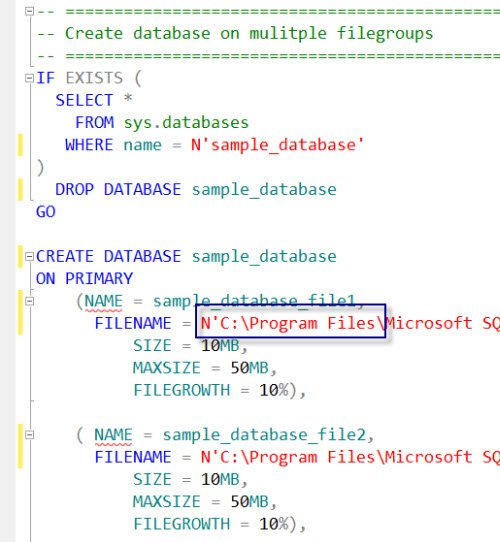
SQL SERVER – Template Browser – A Very Important and Useful Feature of SSMS
Many people have never used Template Browser in SSMS. I give a quick introduction to this useful feature and the ready templates it offers for common tasks.

SQL SERVER – Importing CSV File Into Database – SQL in Sixty Seconds #018 – Video
What is the quickest way of importing CSV file data into a SQL Server table? This SQL in Sixty Seconds video shows it: create a table, BULK INSERT, verify.
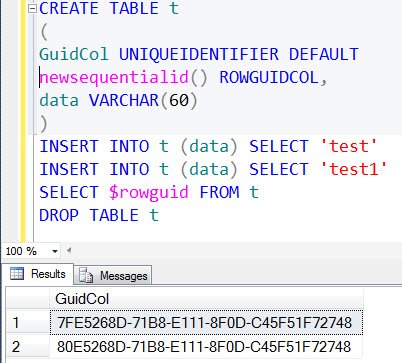
SQL SERVER – Identifying Column Data Type of uniqueidentifier without Querying System Tables
Madhivanan asked how to tell if a table has a uniqueidentifier column without querying system tables or DMVs, knowing only the table name.
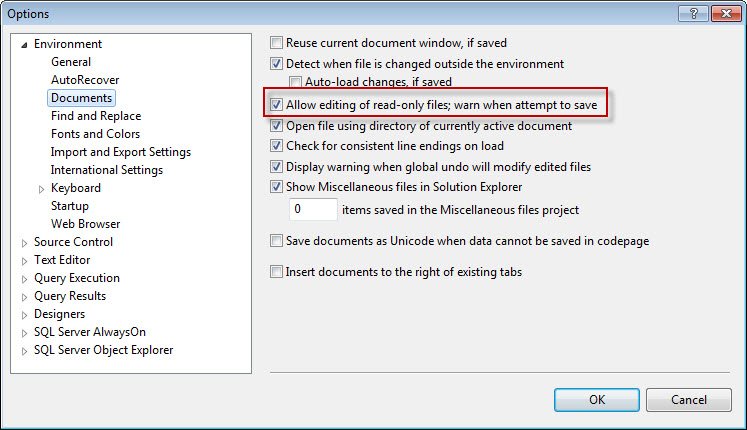
SQL SERVER – Read Only Files and SQL Server Management Studio (SSMS)
Open a read only file in SSMS and you get a small lock icon. You can edit it, but saving brings a pop-up. Here is how SSMS handles read only files.