
You can comment T-SQL in SSMS with a keyboard shortcut, a toolbar button or the Edit menu.

The quickest method is the one you can use without leaving the keyboard. Episode #019 shows all three approaches. I also tested what a comment does to a script on SQL Server 2025. A comment can change the meaning of what remains.
Use the Keyboard Shortcut
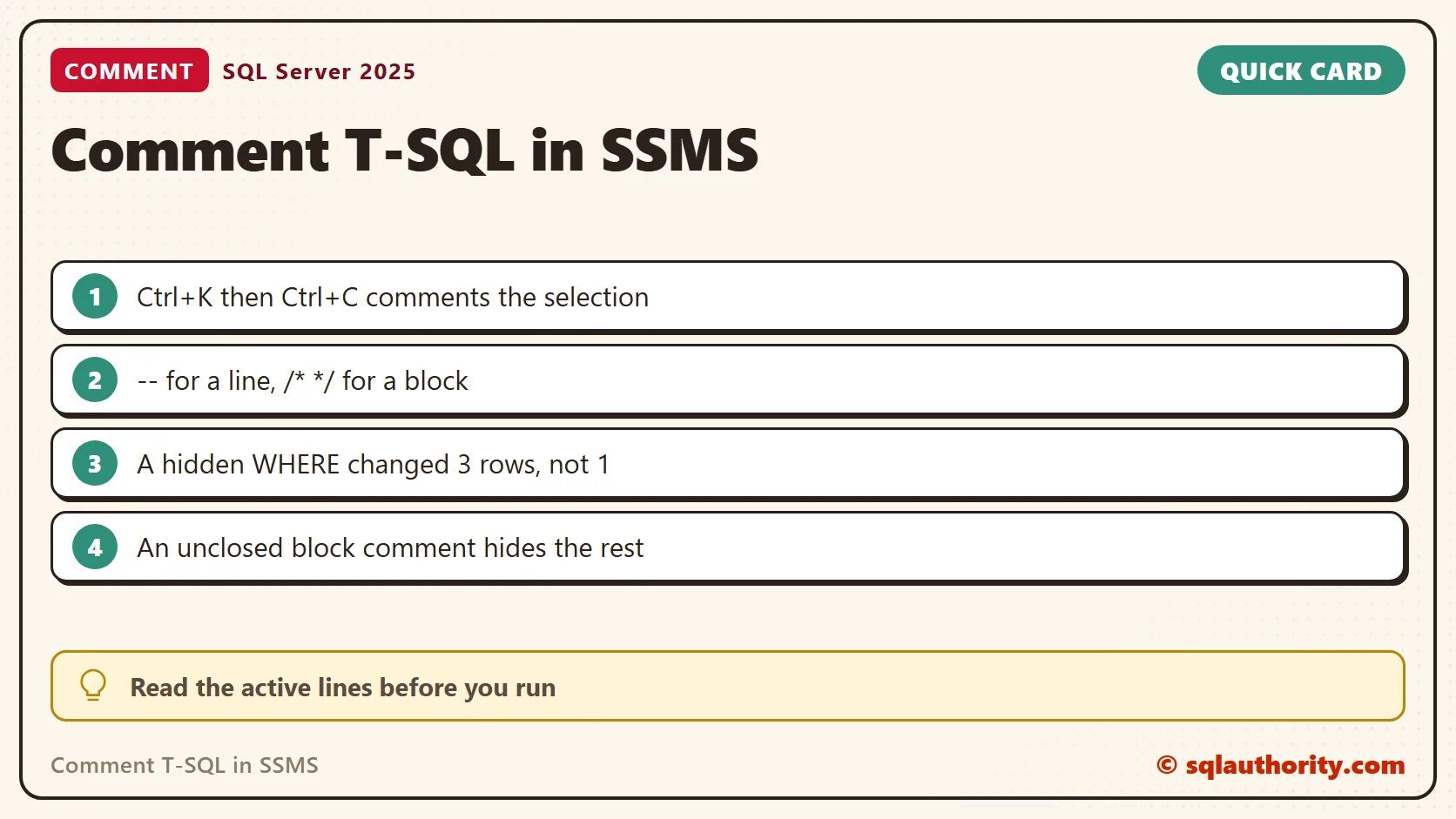
Select the lines you want to comment. Press Ctrl+K, then Ctrl+C. To uncomment the selection, press Ctrl+K, then Ctrl+U. These are two-step shortcuts, so press the combinations one after the other.
Use the Toolbar or Menu
The query editor toolbar has comment and uncomment buttons. Hover over a button to read its command before you click. The video also shows Edit, Advanced, Comment Selection and Uncomment Selection. Menu layout and key assignments change with the SSMS version and your settings. If a shortcut does not work, check the keyboard settings under Tools, Options.
Watch the Original Demonstration
Line Comments and Block Comments
A line comment begins with -- and ends at the end of the line. A block comment begins with /* and ends with */. In this example, only the final SELECT runs.
-- SELECT 'This line is commented out.' AS Message;

/*
SELECT 'This block is commented out.' AS Message;
*/

SELECT 'This statement runs.' AS Message;
Two details are worth knowing. Block comments can nest in T-SQL, so an inner pair does not end the outer one early. And the characters -- inside a string are not a comment at all.
/* outer comment /* inner comment */ still a comment */
SELECT 'Nested block comments work' AS Result;
SELECT 'This -- is not a comment' AS FirstText, '/* neither is this */' AS SecondText;
When a Comment Changes the Meaning
Commenting a few lines can change how the rest of the script behaves. Here is a small table and the classic mistake. I commented out the WHERE line of an UPDATE and wrapped it in a transaction so I could undo it.
CREATE TABLE dbo.Price (ItemId int PRIMARY KEY, Amount decimal(8,2) NOT NULL);
INSERT INTO dbo.Price VALUES (1, 10), (2, 10), (3, 10);
BEGIN TRANSACTION;
UPDATE dbo.Price SET Amount = 0
-- WHERE ItemId = 2
;
SELECT @@ROWCOUNT AS RowsChanged;
ROLLBACK TRANSACTION;
SELECT COUNT(*) AS PricesStillTen FROM dbo.Price WHERE Amount = 10;
The UPDATE changed 3 rows, not 1. The ROLLBACK brought all three prices back to 10. Before you run a script with commented lines, read the active statements together. Check that each one is still complete.
A select list has its own trap. Commenting the last column leaves a comma in front of FROM, and the query fails with Msg 156. Put the comma at the start of the commented line instead.
SELECT ItemId,
       -- Amount,
FROM dbo.Price;
GO
SELECT ItemId
       -- , Amount
FROM dbo.Price;
The first query failed with Msg 156. The second returned the three item numbers.
A Block Comment Must Close
A block comment with no end mark hides everything after it, including the statements you meant to run. SQL Server reports Msg 113, missing end comment mark. In a long script, the message points at the line where the comment starts. After you edit comments in a long script, run it in pieces until you trust it.
/* this comment never closes
SELECT 1 AS Unreached;
A Line Comment in Dynamic SQL
A line comment runs to the end of the line. A string built in pieces can have no line break. Then the comment swallows the rest of the statement. I built one statement three ways.
DECLARE @Sql nvarchar(200) = N'SELECT 1 AS One -- note' + N', 2 AS Two';
EXEC (@Sql);
SET @Sql = N'SELECT 1 AS One /* note */' + N', 2 AS Two';
EXEC (@Sql);
SET @Sql = N'SELECT 1 AS One -- note' + CHAR(10) + N', 2 AS Two';
EXEC (@Sql);
The first version returned only the column One, because the comment hid the second column. The block comment and the version with a line break both returned One and Two. In dynamic SQL, I prefer block comments or an explicit line break after a line comment.
Comments Stay with the Code
A comment in a stored procedure is saved with it. OBJECT_DEFINITION returned the procedure text with my comment line intact. Use that to explain why a query has an unusual condition or a deliberate workaround. Write the reason a future reader needs. Repeating what a line plainly does only makes the script harder to scan.
CREATE PROCEDURE dbo.ShowPrice
AS
BEGIN
    -- Explain why, for the next reader: finance wants the cheapest item first.
    SELECT TOP (1) ItemId, Amount FROM dbo.Price ORDER BY Amount, ItemId;
END;
GO
SELECT OBJECT_DEFINITION(OBJECT_ID(N'dbo.ShowPrice')) AS Definition;
When you disable code for a while, leave the script in a clear state before you share it. A comment should help the next person see which part of a larger operation is still active.

More About SQL Comments
A comment is not only disabled code, it is also an explanation for the next reader.
Published by Pinal Dave on SQLAuthority. More of my work at pinaldave.com.
Discover more from SQL Authority with Pinal Dave
Subscribe to get the latest posts sent to your email.



3 Comments. Leave new
Till now I have used the first two methods only thanks for the 3rd method
Pinal :
Thanks for the 3rd trick on commenting and un-commenting methods .
dave
from my observations since becoming an avid watch and learn not to mention savvy individual we are primarily working with the MS SQL system?
or mySQL, postgresql, tivoli frameworks? and other sql server wares included?
when i discovered sql i was totally lost with it a few years back but using the “my” version since build 5.0.37, including all 5.1 builds and currently 5.5.24 with apache modules. i used to use IIS7 but it was(IMO) a migraine headache and stressful(IMO) so i reverted back to apache and i do pretty good with mySQL for someone that wings it and learns it as he goes so can someone if not yourself ever so kindly bring me up to par/speed with heresay, Please?
thanks. love this forum/blog. glad i found it and im sure i can get something out of it that i may need and hopefully can contribute something in the not so distant future. happy indpendence day evening 2012 and many blessings….
TJ