
Replace SELECT * with the column names your application needs, and SSMS can help you build the list.

SQL in Sixty Seconds episode #017 demonstrates two shortcuts in the 2012 interface. The habit behind them still matters. I tested the reasons on SQL Server 2025.
Two Shortcuts from the Original Video
The video drags the Columns folder from Object Explorer into the query editor, which pastes the column names. It also scripts a SELECT statement from the table’s shortcut menu. In current SSMS you right-click the table, choose Script Table as, then SELECT To and New Query Editor Window.
A generated list of every column is only a starting point. Keeping all of them still retrieves all of them. The useful step is to delete the columns the caller does not need.
Fewer Columns Can Mean Fewer Reads
I built a table of 200,000 products and an index on CategoryId that includes ProductName. Then I asked for the same 40 or so rows two ways.
CREATE TABLE dbo.Product (ProductId int IDENTITY(1,1) PRIMARY KEY, ProductName nvarchar(40) NOT NULL,
                          CategoryId int NOT NULL, ListPrice decimal(8,2) NOT NULL, Notes char(200) NOT NULL DEFAULT 'x');
INSERT INTO dbo.Product (ProductName, CategoryId, ListPrice)
SELECT TOP (200000) CONCAT(N'Item ', ROW_NUMBER() OVER (ORDER BY (SELECT 1))),
       1 + ROW_NUMBER() OVER (ORDER BY (SELECT 1)) % 50, 9.99
FROM sys.all_objects AS a CROSS JOIN sys.all_objects AS b;
CREATE INDEX IX_Product_Category ON dbo.Product (CategoryId) INCLUDE (ProductName);
SET STATISTICS IO ON;
SELECT ProductId, ProductName FROM dbo.Product WHERE CategoryId = 7 AND ProductId < 2000;
SELECT * FROM dbo.Product WHERE CategoryId = 7 AND ProductId < 2000;
SELECT 'star' AS Form WHERE EXISTS (SELECT * FROM dbo.Product WHERE CategoryId = 7);
SELECT 'one' AS Form WHERE EXISTS (SELECT 1 FROM dbo.Product WHERE CategoryId = 7);
SET STATISTICS IO OFF;
The Messages tab shows the cost. The named columns came entirely from the index and read 4 pages. SELECT * needed columns that the index does not hold, and it read 64. That does not promise a seek or a faster plan in every query. Compare actual plans when speed is the reason. Row counts and index design matter as much as the column list. The two EXISTS forms each read 3 pages. The asterisk inside EXISTS returns no columns, so it costs nothing extra.
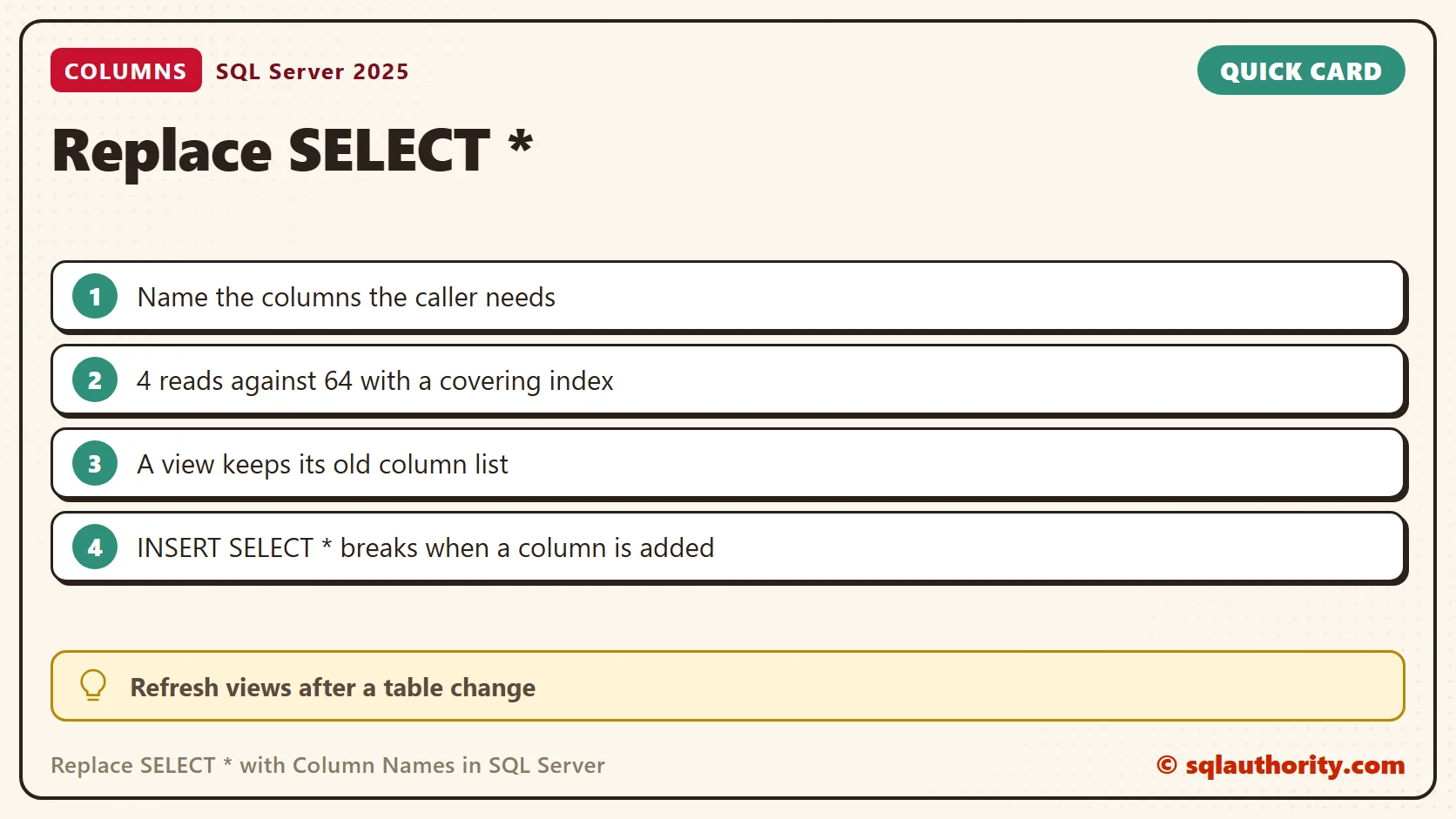
Build the List with T-SQL
SSMS is not the only way to get the names. The catalog view sys.columns lists them, and STRING_AGG joins them into one line you can paste. This version leaves out the wide Notes column. QUOTENAME adds brackets, so a name with a space still works.
SELECT STRING_AGG(QUOTENAME(c.name), N', ') WITHIN GROUP (ORDER BY c.column_id) AS ColumnList
FROM sys.columns AS c
WHERE c.object_id = OBJECT_ID(N'dbo.Product') AND c.name <> N'Notes';
It returned [ProductId], [ProductName], [CategoryId], [ListPrice]. Paste that after SELECT and trim it further. The list follows the column order of the table at that moment.
A View Keeps Its Old Column List
A view written with SELECT * stores its column list when it is created. A column added later does not appear until the view is refreshed.
CREATE TABLE dbo.Gadget (GadgetId int PRIMARY KEY, GadgetName nvarchar(30) NOT NULL);
INSERT INTO dbo.Gadget VALUES (1, N'Lamp');
GO
CREATE VIEW dbo.GadgetAll AS SELECT * FROM dbo.Gadget;
GO
ALTER TABLE dbo.Gadget ADD Colour nvarchar(20) NOT NULL DEFAULT N'Green';
GO
SELECT * FROM dbo.GadgetAll;
EXEC sys.sp_refreshview N'dbo.GadgetAll';
SELECT * FROM dbo.GadgetAll;
The first query returned two columns. After sp_refreshview, the view returned all three. Review and refresh views whenever you change the tables beneath them. A view created WITH SCHEMABINDING refuses the asterisk outright, with Msg 1054, so it always lists its columns.
INSERT with SELECT * Breaks Later
An INSERT ... SELECT * works while the two tables match. It fails the day one of them changes. My archive table kept two columns, and the source table now had three.
CREATE TABLE dbo.GadgetArchive (GadgetId int PRIMARY KEY, GadgetName nvarchar(30) NOT NULL);
GO
INSERT INTO dbo.GadgetArchive SELECT * FROM dbo.Gadget;
GO
INSERT INTO dbo.GadgetArchive (GadgetId, GadgetName) SELECT GadgetId, GadgetName FROM dbo.Gadget;
The first insert failed with Msg 213, because the column counts differ. The second, with named columns on both sides, inserted the row. Names also protect you when someone reorders columns.
A Join Repeats Column Names
Two tables can share a column name. SELECT * over a join returns both, and that breaks the moment you wrap the query in a derived table.
CREATE TABLE dbo.Maker (MakerId int PRIMARY KEY, GadgetName nvarchar(30) NOT NULL);
INSERT INTO dbo.Maker VALUES (1, N'Acme');
GO
SELECT * FROM (SELECT * FROM dbo.Gadget AS g JOIN dbo.Maker AS m ON m.MakerId = g.GadgetId) AS Joined;
GO
SELECT g.GadgetId, g.GadgetName, m.GadgetName AS MakerName
FROM dbo.Gadget AS g JOIN dbo.Maker AS m ON m.MakerId = g.GadgetId;
The first query failed with Msg 8156, because GadgetName was specified more than once. Naming the columns and aliasing the second one fixed it.
My Habit
I still use SELECT * for a quick look when I need every column. For an application result, I prefer an explicit list, because it states the contract. In a code review, I check every SELECT * that feeds an application, and I ask what the caller reads. COUNT(*) counts rows and is a different use of the asterisk.

Related Reading
- Puzzle: SELECT * vs SELECT COUNT(*)
- Solution to the Puzzle: SELECT * vs SELECT COUNT(*)
- SELECT vs SET Performance Comparison
An explicit column list is not extra typing, it is a clear description of the result.
Published by Pinal Dave on SQLAuthority. More of my work at pinaldave.com.
Discover more from SQL Authority with Pinal Dave
Subscribe to get the latest posts sent to your email.




18 Comments. Leave new
Good tips but still not nearly as easy as using SQL prompt. Love you stuff!
Nice Post
i prefer developers do not use SELECT * for the reasons you cited. i was wondering if there are properties you can apply on a view that make SELECT * return an error. i might be thinking of mysql.
One more way is to select a statement and press Ctrl+Shift+Q to open query design editor and click OK on it..
Out of habit, when using osql/sqlcmd I usually grab the column list by hand using:
select ‘,’+c.name — edit out the first , on row 1 of course
from syscolumns c
,sysobjects o
where c.id = o.id
and o.type in (‘u’, ‘v’) — Or what have you.
and o.name = ‘object name’
GO
Then just copy/paste the results into my query/view/proc etc.
Though in Management Studio I will try Chintak’s solution I think as it can be down with minimal movement away from the text editor.
Thanks, I wasn’t aware of reason #2. I did a few quick tests to confirm it’s correct. Interestingly, #2 doesn’t apply to select * in a stored proc, although other reasons still apply.
Also, I didn’t know you could drag & drop the list of column names in SSMS. I played around and realized that there are many DB objects and collections of objects that you can drag & drop including table, view, proc and function names and collections such as column or parameter names, as well as individual column or parameter names. Where applicable, (e.g. tables, views, procs and functions), it includes the schema and wraps everything in square brackets (i.e. [dbo].[Person] ). It does not however wrap column names in square brackets in the same way.
You can also drag & drop more obscure DB objects and collections such as indexes, keys and constraints. I did notice one little bug though. When I drag the Keys collection to a query window, I get a comma separated list of the key names, but there is no comma between the primary key and any foreign keys. Anyway, thanks for educating me on reason #2 and on the drag & drop features of SSMS.
David Thank you so much for kind comment!
Select * from table ;fine tune above query .
How to fine tune it
I use “SELECT * ” for adhoc query in SSMS. Usually it is convenient to type “SELECT * FROM [TABLE]” to view some data.
@robertmcbean: You can add a dummy column in every table/view and make then set the permissions to that column as DENY SELECT. So any user belonging to this role won’t be able to write a query SELECT *
Hi, I use SELECT * when querying tables from a linked server
The whole post relies on a huge assumption which is the user has full knowledge of the table columns and his own permissions on those.
Given that “any” user may execute a predefined query (using his own credentials against the database) there is no prior knowledge of which columns are SELECT-able or not. Hence, the user SHOULD be able to perform a “SELECT *” statement and this SHOULD NOT fail because he can not see a subset of the columns or rows.
Instead, SqlServer SHOULD interpret the “*” not as “all columns” but rather “all available columns” !
This justifies the usage of “SELECT *” and this also shows that SqlServer is not executing as expected in its interpretation of the “*”.
Pinal – Thanks for the video. Is there any way to remove square bracket surrounding the column names by default? when I drag the columns they are like [col1], [col2]… When you have 20 some columns in a select query, it makes it harder to read.
same thing is true when dragging table it adds [dbo].[table]…
Thanks,
What if i want to select all columns where the column name not like ‘%SID’
Amy,
Unfortunately, you need to write custom queries. nothing in-built in SSMS.
Having the square brackets is not a bad thing, those let the optimizer know the string in the brackets is a name, not a value, so it has less work to do, much like telling it column names instead of SELECT * so the optimizer doesn’t have to work to look up the column names itself.
My opinion is that a well-written query always uses square brackets, schema names and no asterisk, such as:
SELECT [colA] AS [A], [colB] AS [B] FROM [dbo].[myTable] AS [X] WHERE [X].[A] = 1;
Granted, once a query plan is created, the query syntax is no longer important, however, I consider it to be best practice, plus, you become more familiar with the layout so it’s easier to troubleshoot down the line.
I agree with you Bart.
One reason to use a Select * is when you’re using a TVF or Stored Proc or View to view a table, so you don’t have to assign permissions directly to a table. With SELECT *, you don’t have to update the TVF when you add a column or remove one.