

Decide when to scale up SQL Server by checking sustained CPU demand, memory pressure, storage latency, and whether query tuning comes first.

Choosing Hardware for SQL Server Now
Choosing hardware for SQL Server Now means matching core cost, memory, and storage latency to measured workload needs and future growth.

Finding Which Database Uses the Most CPU on a Shared Instance
Find which database uses the most CPU from cached query stats and plan attributes, then use Query Store for restart-safe history.

Find the Most Resource Intensive Queries in SQL Server
To find resource intensive queries, read sys.dm_exec_query_stats and rank the cached statements by reads, CPU or time. This post builds a small demo, ranks it two ways, and fixes the worst offender with one index. It also explains what the numbers can and cannot tell you.

Finding the Worst Query in Five Minutes With Query Store
Find the worst query with Query Store totals, compare CPU and duration over the last day, inspect plans, and choose the first tuning target.
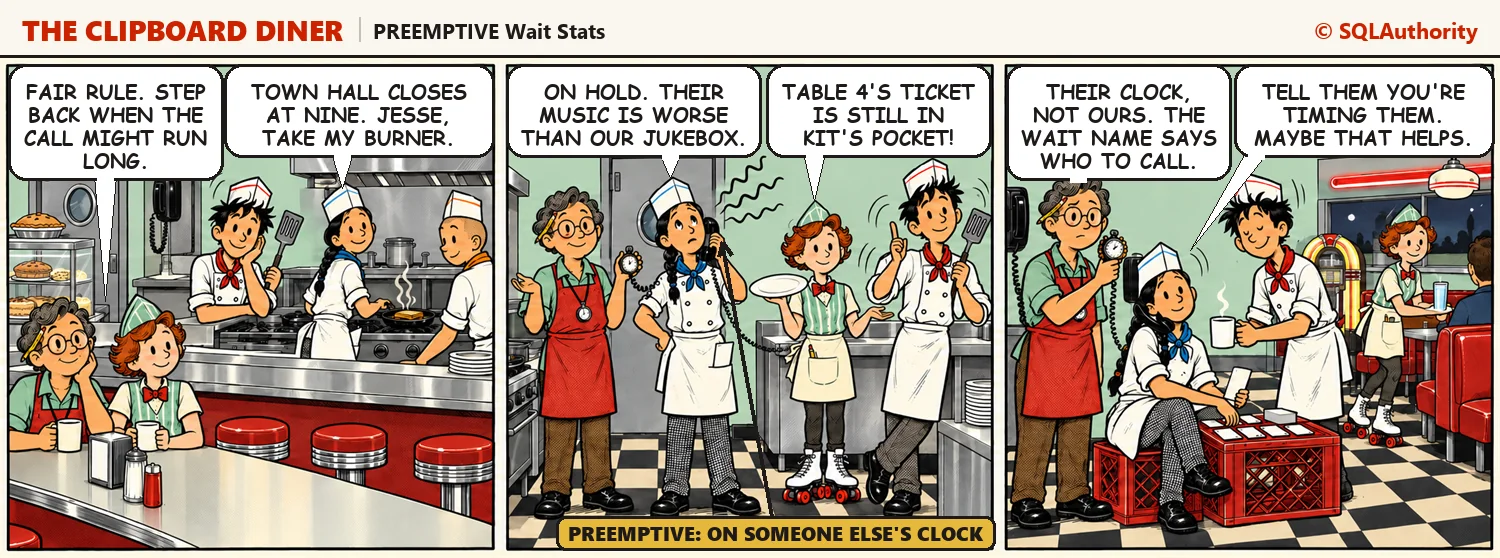
PREEMPTIVE Wait Stats: Calls Outside SQL Server
PREEMPTIVE wait stats record the time a task spends in code outside SQL Server, such as a call into Windows. On Night 19 at the Clipboard Diner, Kit picks up the wall phone to town hall and steps off the kitchen’s schedule. Then two queries find the preemptive waits that matter on your server.
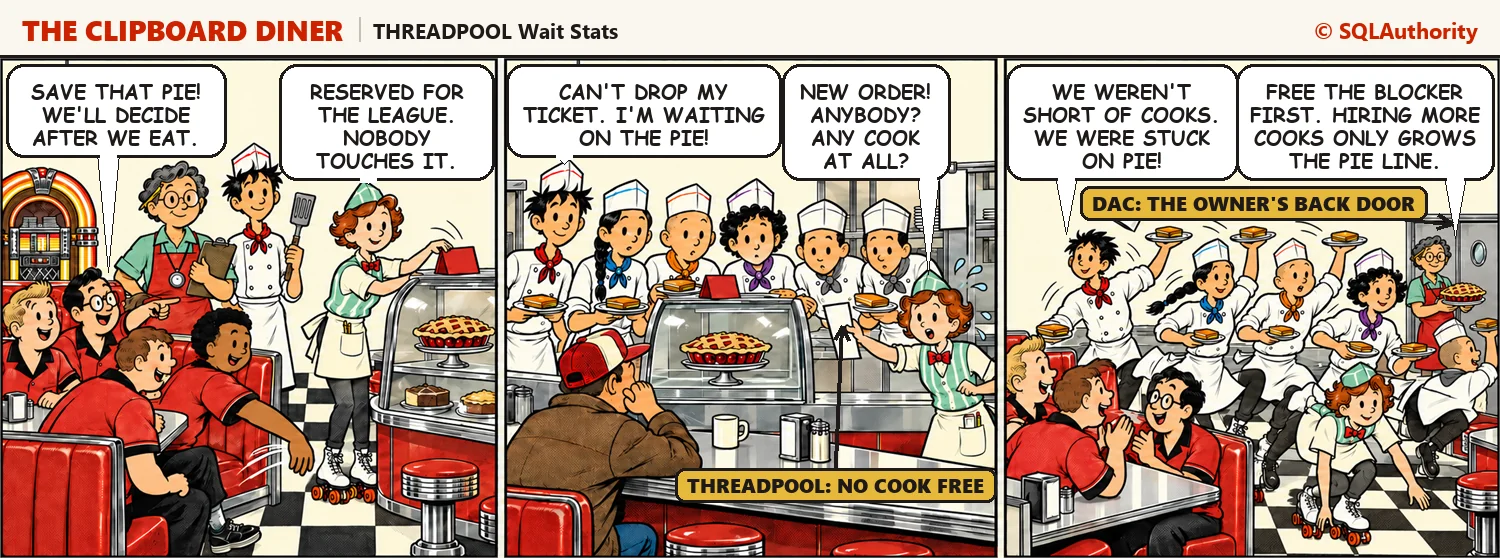
THREADPOOL Wait Stats: When Worker Threads Run Out
THREADPOOL wait stats mean a task is waiting for a worker thread because every worker is already busy. On Night 16 at the Clipboard Diner, every cook holds a ticket that can’t move, and nobody is free to take a new order. Then two queries show how close your server is to its worker limit, and how to get in when nobody else can.