
To delete duplicate records safely, look at them before you remove anything. A delete statement cannot tell a true copy from a lookalike. That check is your job. This is episode 36 of SQL in Sixty Seconds, and I tested every query on SQL Server 2025.

The video shows two scripts. The first selects the duplicate records, and the second deletes them. It assumes the table has a unique, increasing ID, and it keeps the latest copy of each duplicate. Below I rebuilt the same idea with my own sample data and a newer way to write the delete.
Watch the Original Video
Build a Table With Duplicates
Run everything here in a scratch database, never in production. The sample is a pantry list. Red lentils appears three times and chickpeas twice. One of the lentil rows is typed in lowercase with a trailing space.
CREATE TABLE dbo.PantryItem (
    ItemId   int IDENTITY(1,1) NOT NULL PRIMARY KEY,
    ItemName varchar(100) NOT NULL,
    Quantity int NOT NULL
);
INSERT INTO dbo.PantryItem (ItemName, Quantity)
VALUES ('Basmati rice', 2), ('Red lentils', 1), ('red lentils ', 3), ('Red lentils', 5),
       ('Chickpeas', 4), ('Chickpeas', 6), ('Whole wheat flour', 1);
Now count the rows and find the groups. List the column, or columns, that define a duplicate in the GROUP BY.
SELECT COUNT(*) AS TotalRows, COUNT(DISTINCT ItemName) AS DistinctNames FROM dbo.PantryItem;
SELECT ItemName, COUNT(*) AS Copies, MIN(ItemId) AS FirstId, MAX(ItemId) AS KeptId
FROM dbo.PantryItem
GROUP BY ItemName
HAVING COUNT(*) > 1
ORDER BY Copies DESC;
The table holds seven rows but only four distinct names. Red lentils has three copies, with ids 2 to 4, and chickpeas has two. The lowercase row with the trailing space counted as red lentils. My default collation ignores case, and comparisons ignore trailing spaces. Decide whether that matches your data before you delete.
Preview What Will Go
ROW_NUMBER numbers the copies inside each group, newest first. Rank 1 is the row to keep. Every row with a higher rank is a candidate for deletion. The preview returned ids 2, 3 and 5.
WITH Ranked AS (
    SELECT ItemId, ItemName, Quantity,
           ROW_NUMBER() OVER (PARTITION BY ItemName ORDER BY ItemId DESC) AS KeepRank
    FROM dbo.PantryItem
)
SELECT ItemId, ItemName, Quantity FROM Ranked WHERE KeepRank > 1 ORDER BY ItemId;
The video keeps the highest ID per name with NOT IN and MAX. That works, and on this data it keeps the same rows as mine. The ROW_NUMBER form lets me preview with a SELECT and delete through the same query. It also lets me change the keep rule by changing the ORDER BY.
The NOT IN form has a trap. When the ID column allows NULL, the subquery can return a NULL, and NOT IN then matches nothing. In my test with a NULL ID, the delete removed 0 rows.
Delete Inside a Transaction
The delete below uses the same query. OUTPUT lists each removed row, and the transaction stays open while I read the count. It returned ids 5, 3 and 2 and a count of 3, which matches the preview.
BEGIN TRANSACTION;
WITH Ranked AS (
    SELECT ItemId, ItemName,
           ROW_NUMBER() OVER (PARTITION BY ItemName ORDER BY ItemId DESC) AS KeepRank
    FROM dbo.PantryItem
)
DELETE FROM Ranked
OUTPUT deleted.ItemId, deleted.ItemName
WHERE KeepRank > 1;
SELECT @@ROWCOUNT AS RowsDeleted;
When the count is right, commit. When it looks wrong, run ROLLBACK TRANSACTION instead and nothing changes.
COMMIT TRANSACTION;
On a big table, delete in batches so the log and the locks stay small. DELETE TOP (n) works through the same query, and I tested it with one row per batch. OUTPUT can also write the removed rows INTO an archive table, which gives you a way back. If other tables point at the duplicates, repoint those rows first.
After the commit, the table holds four rows and four distinct names. The survivors are ids 1, 4, 6 and 7, the newest copy of each name.
SELECT COUNT(*) AS TotalRows, COUNT(DISTINCT ItemName) AS DistinctNames FROM dbo.PantryItem;
SELECT ItemId, ItemName, Quantity FROM dbo.PantryItem ORDER BY ItemId;
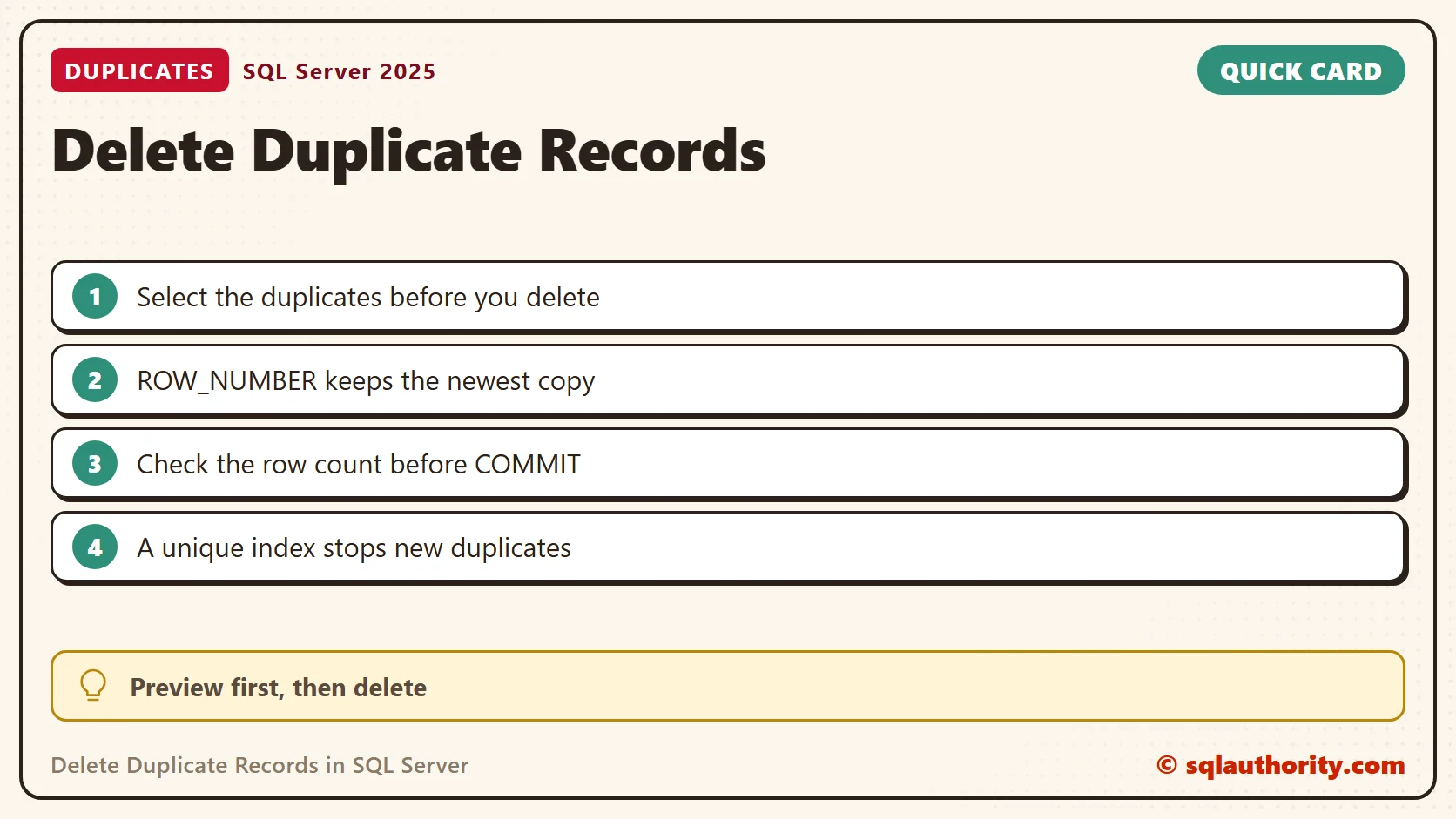
Stop Duplicates From Coming Back
Deleting is the second-best fix. The best fix is a unique index, which refuses a duplicate at insert time. Build it after the cleanup. My first attempt, with the duplicates still in place, failed with Msg 1505 and named chickpeas as the duplicate key.
CREATE UNIQUE INDEX UX_PantryItem_ItemName ON dbo.PantryItem (ItemName);
Now a repeat insert fails. Even CHICKPEAS in capitals was refused, with Msg 2601, because the collation ignores case.
INSERT INTO dbo.PantryItem (ItemName, Quantity) VALUES ('CHICKPEAS', 2);You can also build the index WITH (IGNORE_DUP_KEY = ON). A repeat row is then skipped with the message "Duplicate key was ignored". The rest of the insert goes through. In my test, one of two rows was kept. Choose it only when silent skipping is acceptable. The related article on IGNORE_DUP_KEY below explains its transactional behavior.
Related Tips
- Delete Duplicate Rows in SQL Server and Keep One Copy
- Unique Nonclustered Index Creation with IGNORE_DUP_KEY = ON – A Transactional Behavior
- Delete Duplicate Records – Rows
- Count Duplicate Records – Rows
A delete is not a cleanup tool, it is a decision you check with a SELECT first.
Published by Pinal Dave on SQLAuthority. More of my work at pinaldave.com.
Discover more from SQL Authority with Pinal Dave
Subscribe to get the latest posts sent to your email.




25 Comments. Leave new
In oracle we can use ROWID Pseudocolumn,
It helps to delete records even if table not contains incremental unique id & without using another temp table.
Is there any method in sql server to delete records in such situation without using another(temp) table?
@Sanjay
You can use ROW_NUMBER() function in this case
suppose single column table cantains records like below
NameCol
——–
First
Second
Second
Second
Second
Third
Then how its possible to delete duplicate records using row_number() function.
even if SSMS not allows to delete single record from duplicate set & showing error.
Sanjay, I think you are overcomplicating this. If you have a single column table, do a SELECT DISTINCT into a temp table, truncate your single column table and INSERT the distinct values back from temp table.
You may want to go one step further by adding a PK constraint for future proofing.
Hope this helps.
Pinal, nice post mate.
You will need to append a new column in your table, and then update it with row_number over (partition by namecol order by namecol), and then execute a delete command, delete from tabel where row_num > 1
One doubt,
we have to pass where condition to update records, then here possibility to update same row_num for duplicate records, isn’t it?
You don’t need to append a new column in the table, that is incorrect. You can utilize the row_number() and delete the duplicate records without creating a new column on the table.
How could I user Row_Number in Delete Statement ?.If we did not have ID column , we are not able to delete duplicated record.
You can also use newID():
WITH cte(NameCol, RankField)
AS (SELECT NameCol
, RankField = DENSE_RANK()
OVER (
PARTITION BY NameCol
ORDER BY newID())
FROM
TestTable)
DELETE FROM cte
WHERE RankField > 1
Very good Scott
Its perfect!!!
Hi Pinal
I appreciate the info in this article.
Removing duplicate records could be a tedious job especially when you have hundreds of millions of records in one table. When removing duplicate records you may want to combine different fields’ values in one good record. Say you have a Phone Number in one records and DOB in another record but they are duplicate based on First, Last and Address.
Here is an article that will discuss the above issues and how to resolve the problem while integrating all required fields in one good record.
Any feedback is appreciated.
Regards,
Doron
DELETE
FROM TestTable
WHERE ID NOT IN
(
SELECT MAX(ID)
FROM TestTable
GROUP BY NameCol)
this is not working ……………
If the ID 6 has also duplicated records, I am unable to delete this record,Can anyone please say how to delete it.
I found a easy way to remove duplicate records from tables
take script of all the Functions, constraints, triggers etc.
1.select distinct col,col2,col3,col4.. into dbname.dbo.TablewithoutDuplicates from dbname.dbo.TablewithDuplicates
2.create function,keys,triggers on new table “tablewithoutDuplicates”
3.Delete old table “TableWithDuplicates”
4. Rename the new table
Thanks. It worked fine.
for 1 column is easy. for 2 columns?
Thank for this nice post. I got a great solution here that will be helpful to me for delete duplicate records in sql.
Thanks for the informative solution. Does it will work for huge data, I mean would it take long time if records are in millions. I am searching a technique to delete duplicates with very few time. Thanks
Aashika – I have not tested it. If you can do that, please share the results.
CREATE PROCEDURE [dbo].[Proc_deletedups] (@tablename varchar(30))
As — Add the parameters for the stored procedure here
BEGIN
SET NOCOUNT ON;
declare @deletequery varchar(max), @insertquery varchar(max)
— SET NOCOUNT ON added to prevent extra result sets from
— interfering with SELECT statements.
— delete dups from dbo.billtoparty table
Select @deletequery = ‘
DELETE FROM dbo.’+@tablename + ‘ WHERE ID NOT IN
(
SELECT MAX(ID)
FROM dbo.’ + @tablename +
‘ GROUP BY QuoteNumber, Quotedate, Quoteversion)’;
exec (@deletequery);
–insert unique rows into tar.billtoparty table
select @insertquery = ‘
insert into tar.’ + @tablename + ‘ (QuoteNumber, QuoteDate, QuoteVersion, AccountNumber, AccountName, SuperUserFirstName, SuperUserLastName, SuperUserEmail, ProcurementUserFirstName, ProcurementUserLastName, ProcurementUserEmail, CountryDialing, AreaDialing, LandNumber, Extension, Mobile, AddressLine1, AddressLine2, AddressLine3, Province, Zipcode, City, State, County, Country)
(select QuoteNumber, QuoteDate, QuoteVersion, AccountNumber, AccountName, SuperUserFirstName, SuperUserLastName, SuperUserEmail, ProcurementUserFirstName, ProcurementUserLastName, ProcurementUserEmail, CountryDialing, AreaDialing, LandNumber, Extension, Mobile, AddressLine1, AddressLine2, AddressLine3, Province, Zipcode, City, State, County, Country from dbo.’ + @tablename + ‘)’;
exec (@insertquery);
END
GO
i tried the above stored procedure. where i have to do it for 7 similar tables. so i created one and in a ssis task i will write the command with exec sp with table name and pass the parameters. but i guess it will affect the performance. is there any way i can do it better?
you can’t specify target table ‘student’ for update in FROM clause
How to select the duplicate records , without using > symbol ?
As for in the above statement it would delete the only one instance of duplicate. What if there are many?
May I suggest for this.
WITH T1 AS
(
SELECT LASTNAME FROM TestTable GROUP BY NameCol HAVING COUNT(1) > 1
)
DELTE FROM TestTable T INNER JOIN T1 ON T1.NameCol = E.NameCol
DELETE, SELECT we can do whatever we wish
Ragavendhran – Very interesting.
awesome. worked great. cheers, brother