
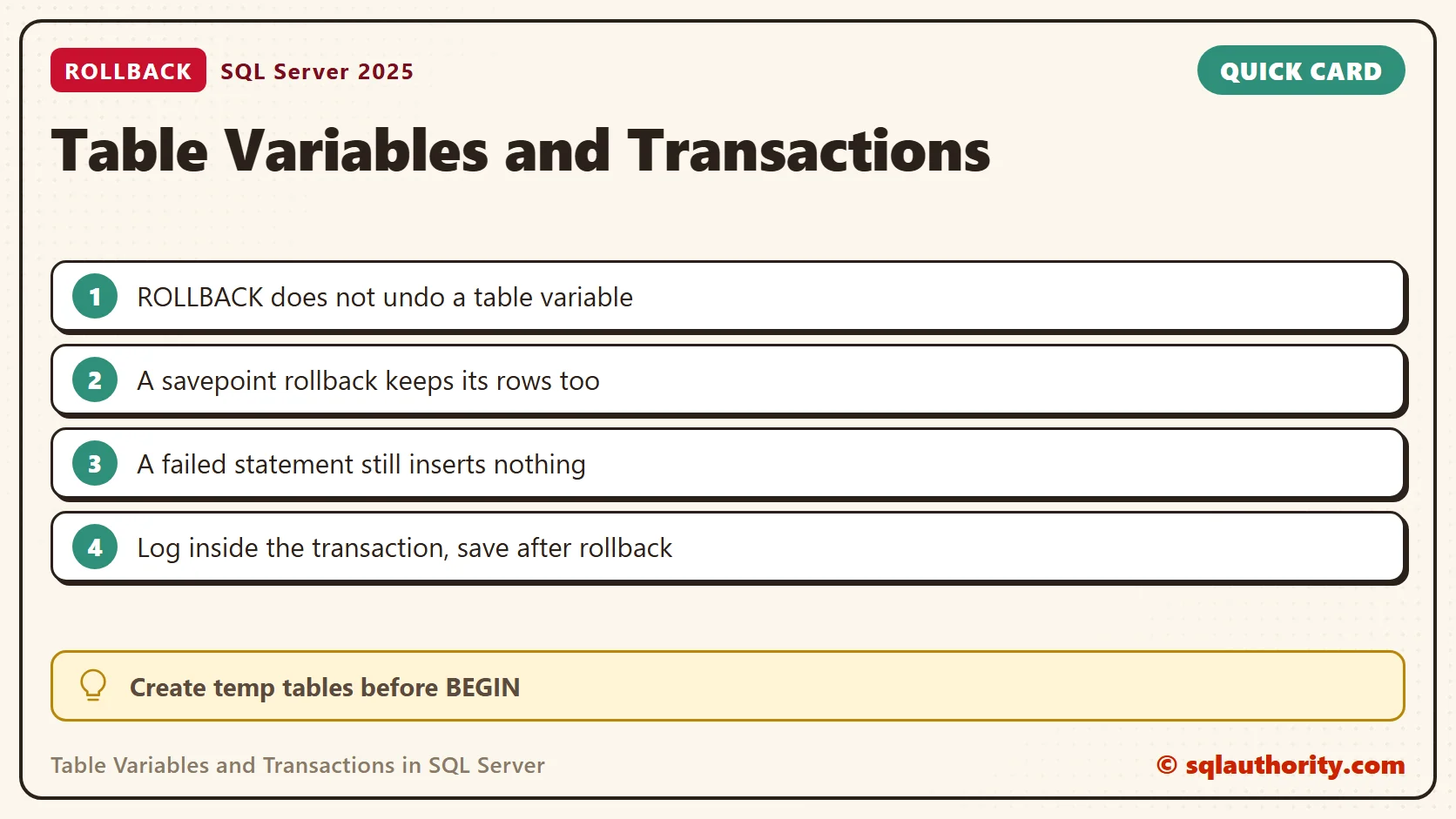
Table variables and transactions behave differently from temporary tables, because a ROLLBACK does not remove rows from a table variable.

This episode grew out of my TechEd India 2012 session on misconceptions and resolutions. A developer who expects a rollback to clear everything reads the result as a bug. It is the documented behavior. I tested each example below on SQL Server 2025, and the counts I quote are the ones it returned.
Watch the Original Episode
A Full Rollback
This example inserts the same two rows into a temporary table and a table variable, then rolls back. Run it in a new query window with no open transaction, because a ROLLBACK ends the outer one.
CREATE TABLE #Scores (TeamId int, Points int);
DECLARE @Scores TABLE (TeamId int, Points int);
BEGIN TRANSACTION;
INSERT INTO #Scores VALUES (1, 10), (2, 20);
INSERT INTO @Scores VALUES (1, 10), (2, 20);
ROLLBACK TRANSACTION;
SELECT 'Temporary table' AS Storage, COUNT(*) AS RowsLeft FROM #Scores
UNION ALL
SELECT 'Table variable', COUNT(*) FROM @Scores;
DROP TABLE #Scores;
The temporary table had 0 rows afterwards. The table variable had 2. Both inserts succeeded. The rollback undid only the work that belongs to the transaction. A table variable does not belong to it, so its rows stayed.
A Savepoint Rollback
A partial rollback shows the same split. The table variable keeps rows from after the savepoint, and the temporary table loses them.
DECLARE @Steps TABLE (StepNo int, Note varchar(20));
CREATE TABLE #Steps (StepNo int, Note varchar(20));
BEGIN TRANSACTION;
INSERT INTO @Steps VALUES (1, 'before savepoint');
INSERT INTO #Steps VALUES (1, 'before savepoint');
SAVE TRANSACTION AfterStep1;
INSERT INTO @Steps VALUES (2, 'after savepoint');
INSERT INTO #Steps VALUES (2, 'after savepoint');
ROLLBACK TRANSACTION AfterStep1;
COMMIT TRANSACTION;
SELECT 'Table variable' AS Storage, COUNT(*) AS RowsLeft, MAX(StepNo) AS LastStep FROM @Steps
UNION ALL
SELECT 'Temporary table', COUNT(*), MAX(StepNo) FROM #Steps;
DROP TABLE #Steps;
The table variable kept both rows and its last step was 2. The temporary table kept one row, and its last step was 1.
A Failed Statement Still Inserts Nothing
This does not mean a table variable ignores every error. One statement is all or nothing, whatever it writes to. I inserted three rows in one statement, and the last row divided by zero.
DECLARE @Batch TABLE (Id int);
BEGIN TRY
    INSERT INTO @Batch (Id) SELECT 10 UNION ALL SELECT 20 UNION ALL SELECT 1 / 0;
END TRY
BEGIN CATCH
    SELECT ERROR_NUMBER() AS ErrorNumber, (SELECT COUNT(*) FROM @Batch) AS RowsInTableVariable;
END CATCH;
The error was 8134 and the table variable held 0 rows. Only a rollback of a whole transaction skips it.
Use the Survivor for Logging
The surviving rows are useful. A CATCH block can write a message into a table variable and roll back. It then saves the message to a permanent table. A permanent table written before the rollback would lose its rows. Here are two small tables for the example.
CREATE TABLE dbo.Orders (OrderId int PRIMARY KEY, Amount decimal(8,2) NOT NULL);
CREATE TABLE dbo.ImportLog (LogId int IDENTITY(1,1) PRIMARY KEY, Message nvarchar(200) NOT NULL);
DECLARE @Log TABLE (Message nvarchar(200));
BEGIN TRY
    BEGIN TRANSACTION;
    INSERT INTO dbo.Orders VALUES (1, 25.00);
    INSERT INTO @Log VALUES (N'Order 1 inserted');
    INSERT INTO dbo.Orders VALUES (1, 99.00);
    COMMIT TRANSACTION;
END TRY
BEGIN CATCH
    INSERT INTO @Log VALUES (CONCAT(N'Error ', ERROR_NUMBER(), N': ', ERROR_MESSAGE()));
    IF @@TRANCOUNT > 0 ROLLBACK TRANSACTION;
    INSERT INTO dbo.ImportLog (Message) SELECT Message FROM @Log;
END CATCH;
SELECT (SELECT COUNT(*) FROM dbo.Orders) AS OrderRows, Message FROM dbo.ImportLog ORDER BY LogId;
The duplicate key raised error 2627. Afterwards dbo.Orders held 0 rows, and the log held two messages: the insert and the error with its duplicate value. Neither message was lost with the rollback.
Clear a Table Variable Before a Retry
The same behavior bites a retry loop. A failed attempt rolls back, and the loop tries again. The table variable still holds the rows from that failed attempt. Two attempts left four rows in my test, with every order twice. Clearing the table at the start of each attempt left two.
DECLARE @Staging TABLE (OrderId int);
DECLARE @Attempt int = 1;
WHILE @Attempt <= 2
BEGIN
    BEGIN TRANSACTION;
    DELETE FROM @Staging;
    INSERT INTO @Staging VALUES (101), (102);
    ROLLBACK TRANSACTION;
    SET @Attempt += 1;
END;
SELECT COUNT(*) AS RowsInStaging FROM @Staging;
The ROLLBACK stands in for a failed attempt here. In real code the retry would follow an error such as a deadlock. Without the DELETE, the result was 4.
Create Temporary Tables Before the Transaction
A temporary table created inside a transaction is rolled back with it. After my ROLLBACK, a query on the table failed with Msg 208, invalid object name. Create it before BEGIN TRANSACTION when you plan to inspect it afterwards.
Check the Transaction Count
After my rollback, @@TRANCOUNT was 0 and the table variable still held its row. When a result looks wrong, read @@TRANCOUNT first. A ROLLBACK in a nested call ends every open transaction. The table variable keeps whatever it received before that point.
Keep the Conclusion Narrow
This result does not make a table variable permanent storage. Its scope is the batch or procedure that declares it, and it vanishes when that ends. It says nothing about speed or about where the rows are stored. Those are separate questions. Choose the structure for the behavior you need.

Related Transaction Examples
- Difference Between Temp Table and Table Variable: Effect of Transaction
- Effect of Transaction on a Local Variable After ROLLBACK and COMMIT
- Table Variables vs Temporary Tables Quiz: Which Survives a Rollback?
A table variable is not a durable rollback log, it is temporary state with its own behavior.
Published by Pinal Dave on SQLAuthority. More of my work at pinaldave.com.
Discover more from SQL Authority with Pinal Dave
Subscribe to get the latest posts sent to your email.




4 Comments. Leave new
@Pinal: Thank you so much for putting some light on this. I noticed this behaviour just 2 week ago and trying to figure out why this is the case inspite of both the tables getting created in tempdb.tables
I also observed that any local variable declared on the same scenario works like local table variable. Please let me know WHY this is the case. Is it the case that Transactions are associated with connection and scope of Temp table is wrt connection while table variable is local to the scope ?
Thank you. I’ve learnt this from you!
gr8! reference
Hey Pinal,
I would require your inputs on one of the issue which I encounter’s at random interval.
Issue Is with the SP logic. There are 2 Tables one is Master Table ‘Day’ which has day wise entry and other is the transaction table ‘Date’ which is date wise. The SP logic is implemented using Table Variable and CTE.
SP Logic is as follows:
1) I am checking, if the date has an entry in the transaction table for that date. If not find any entry for that date then I am removing the day of that date by Date function and inserting the data of that day which is taken from DAY(Master) table and inserting into Table Variable
2) After inserting into table variable, Further I insert into Transaction table row by row.
3)After the insertion process , I have used CTE for displaying the result.
Now the challenge is like this… At the time time of insertion from master to table variable or table variable to transaction table, A column of Nvarchar Datatype is getting null,however master table ‘DAY’ has the entry for that column. This issue happens randomly and I am unable to trace it where it is causing the issue.
If you can help me with this at the earliest that will be more helpful for me…
Thanks in advance..:-)