
MAXDOP 1 requests serial execution for a SQL Server query. It can help when parallel execution adds more overhead than benefit. It should follow a measured comparison, not become a default hint on every query.

This SQL in Sixty Seconds episode grew from my TechEd India 2012 presentation, Speed Up! Parallel Processes and Unparalleled Performance. The original title describes a single processor. The more precise description is a serial query plan. I tested the examples below on SQL Server 2025.
Watch the Original Episode #008
Use MAXDOP 1 on One Statement
Place OPTION (MAXDOP 1) at the end of the SELECT statement. This example uses local sample data and leaves server settings unchanged. It shows the syntax, not a speedup.
DECLARE @Work TABLE (Category varchar(12), Amount decimal(10,2));
INSERT INTO @Work (Category, Amount)
VALUES ('Books', 25.00), ('Books', 15.00), ('Classes', 80.00);

SELECT Category, SUM(Amount) AS TotalAmount
FROM @Work
GROUP BY Category
ORDER BY Category
OPTION (MAXDOP 1);
The result contains Books with 40.00 and Classes with 80.00. This tiny example already runs serially without the hint. It cannot show why a production query runs slowly.
What the Hint Means
MAXDOP 1 prevents a parallel plan for that statement. It does not pick a physical processor or set CPU affinity. Other sessions can still use other processors. A larger value permits parallel execution within limits, but it does not force the optimizer to choose a parallel plan.
Read the Settings Behind the Hint
Three levels decide the degree of parallelism: the server setting, the database setting and the query hint. The hint wins. This query shows the first two and the cost threshold that keeps small queries serial.
SELECT cpu_count FROM sys.dm_os_sys_info;
SELECT name, value_in_use FROM sys.configurations
WHERE name IN (N'max degree of parallelism', N'cost threshold for parallelism') ORDER BY name;
SELECT name, value FROM sys.database_scoped_configurations WHERE name = N'MAXDOP';
My instance reported 16 logical CPUs and a server maximum of 2. The cost threshold was 50 and the database setting was 0. A value of 0 at the database level means the server setting applies.
Measure Four Variants of One Query
I built a table of 3,000,000 rows and ran one self-join aggregate four ways. The comment tags V1 to V4 let me find each run in the plan cache. The hint ENABLE_PARALLEL_PLAN_PREFERENCE asks the optimizer for a parallel plan even when the cost is under the threshold. I use it only to run this test.
CREATE TABLE dbo.Sales (SaleId int IDENTITY(1,1) PRIMARY KEY, Category int NOT NULL, Amount decimal(10,2) NOT NULL, Note varchar(40) NOT NULL);
INSERT dbo.Sales (Category, Amount, Note)
SELECT n % 50, CAST(5 + n % 997 AS decimal(10,2)), 'lentils and rice'
FROM (SELECT TOP (3000000) ROW_NUMBER() OVER (ORDER BY (SELECT NULL)) AS n
      FROM sys.all_objects AS a CROSS JOIN sys.all_objects AS b CROSS JOIN sys.all_objects AS c) AS t;
GO
SELECT /*V1*/ a.Category, COUNT(*) AS Matches, SUM(b.Amount) AS Total
FROM dbo.Sales AS a JOIN dbo.Sales AS b ON a.SaleId = b.SaleId
WHERE a.Category < 3
GROUP BY a.Category;
GO
SELECT /*V2*/ a.Category, COUNT(*) AS Matches, SUM(b.Amount) AS Total
FROM dbo.Sales AS a JOIN dbo.Sales AS b ON a.SaleId = b.SaleId
WHERE a.Category < 3
GROUP BY a.Category
OPTION (USE HINT ('ENABLE_PARALLEL_PLAN_PREFERENCE'));
GO
SELECT /*V3*/ a.Category, COUNT(*) AS Matches, SUM(b.Amount) AS Total
FROM dbo.Sales AS a JOIN dbo.Sales AS b ON a.SaleId = b.SaleId
WHERE a.Category < 3
GROUP BY a.Category
OPTION (MAXDOP 1, USE HINT ('ENABLE_PARALLEL_PLAN_PREFERENCE'));
GO
SELECT /*V4*/ a.Category, COUNT(*) AS Matches, SUM(b.Amount) AS Total
FROM dbo.Sales AS a JOIN dbo.Sales AS b ON a.SaleId = b.SaleId
WHERE a.Category < 3
GROUP BY a.Category
OPTION (MAXDOP 4, USE HINT ('ENABLE_PARALLEL_PLAN_PREFERENCE'));
GO
SELECT SUBSTRING(st.text, CHARINDEX(N'/*', st.text) + 2, 2) AS Variant,
       qs.last_dop, qs.last_worker_time/1000 AS cpu_ms, qs.last_elapsed_time/1000 AS elapsed_ms
FROM sys.dm_exec_query_stats AS qs
CROSS APPLY sys.dm_exec_sql_text(qs.sql_handle) AS st
WHERE st.text LIKE N'%FROM dbo.Sales AS a%' AND st.text NOT LIKE N'%dm_exec_query_stats%'
ORDER BY Variant;| Variant | Hint | Degree of parallelism | CPU ms | Elapsed ms |
|---|---|---|---|---|
| V1 | none | 1 | 462 | 462 |
| V2 | parallel preference | 2 | 433 | 223 |
| V3 | MAXDOP 1 | 1 | 471 | 471 |
| V4 | MAXDOP 4 | 4 | 438 | 122 |
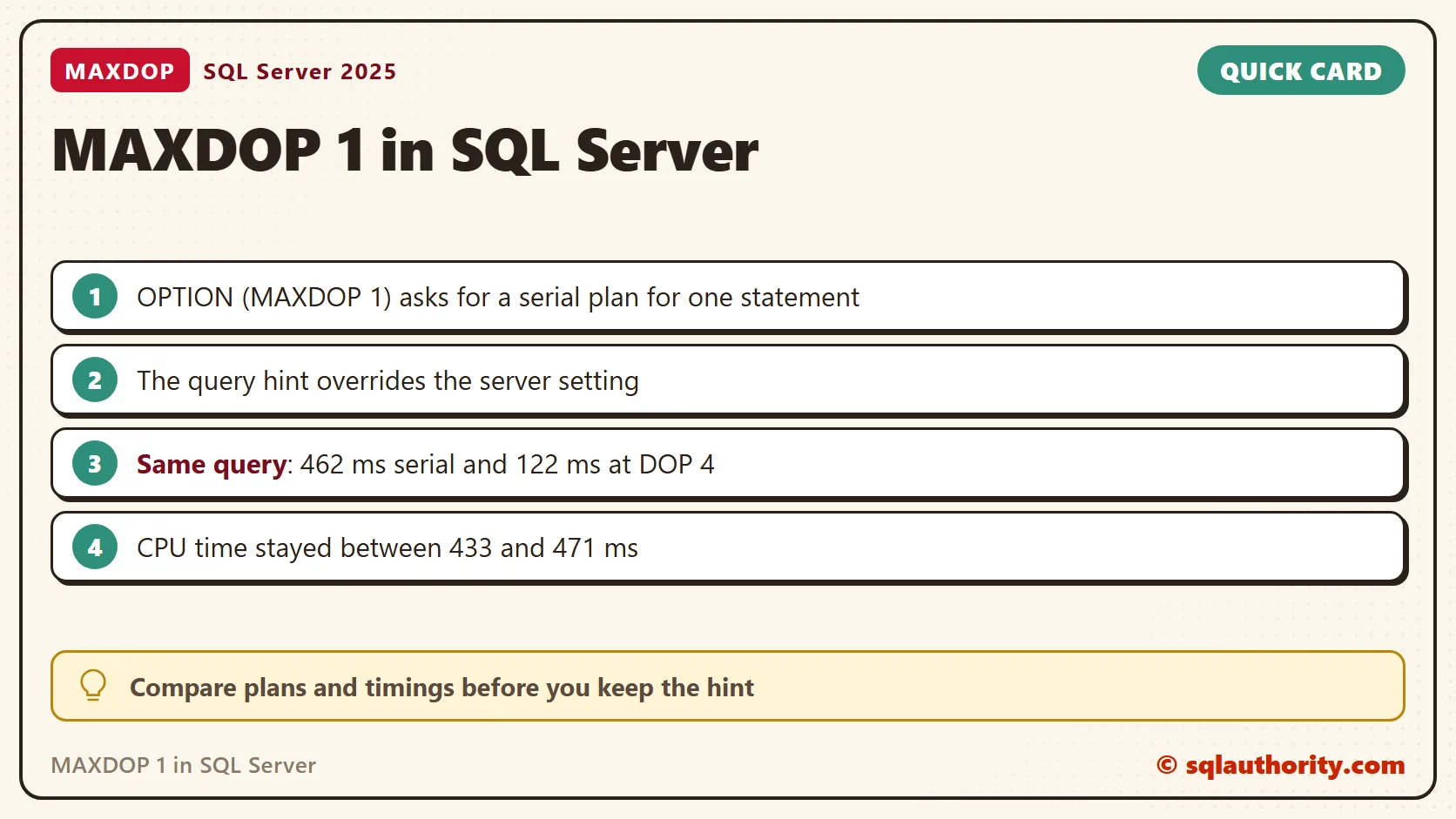
The unhinted query stayed serial, because its cost was under the threshold of 50. The parallel runs finished sooner, and CPU time stayed between 433 and 471 ms in every variant. MAXDOP 4 ran at degree 4 although the server maximum is 2, so the hint overrode the server setting. In this test MAXDOP 1 made the query about 4 times slower than MAXDOP 4. I would not keep it here.
Set It for One Database Instead
A hint changes one statement. A database scoped setting changes every query in that database and leaves the server alone. I set it to 1 and ran the parallel-preference query again. The plan ran at degree 1, even though the hint asked for parallelism. I read the result before I put the setting back to 0. In my test, the change cleared the cached plan.
ALTER DATABASE SCOPED CONFIGURATION SET MAXDOP = 1;
GO
SELECT /*V5*/ a.Category, COUNT(*) AS Matches, SUM(b.Amount) AS Total
FROM dbo.Sales AS a JOIN dbo.Sales AS b ON a.SaleId = b.SaleId
WHERE a.Category < 3
GROUP BY a.Category
OPTION (USE HINT ('ENABLE_PARALLEL_PLAN_PREFERENCE'));
GO
SELECT qs.last_dop, qs.last_elapsed_time/1000 AS elapsed_ms
FROM sys.dm_exec_query_stats AS qs
CROSS APPLY sys.dm_exec_sql_text(qs.sql_handle) AS st
WHERE st.text LIKE N'%/*V5*/%' AND st.text NOT LIKE N'%dm_exec_query_stats%';
GO
ALTER DATABASE SCOPED CONFIGURATION SET MAXDOP = 0;
When the Hint Earns Its Place
A serial plan can win when parallel workers wait on each other. It can also win when many sessions compete for the same processors. Look at the parallelism waits before you decide. The counters below are cumulative since the last restart, so compare two readings.
SELECT wait_type, waiting_tasks_count, wait_time_ms
FROM sys.dm_os_wait_stats
WHERE wait_type IN (N'CXPACKET', N'CXCONSUMER')
ORDER BY wait_type;
Compare Before Keeping the Hint
Test the same query with and without the hint, using representative data and parameter values. Compare actual execution plans, elapsed time, CPU time and logical reads. Repeat the comparison under realistic concurrency. One quick win on a quiet laptop does not prove a benefit.
Check indexes, estimates and unnecessary reads before you blame parallelism. A query-level hint and a server-wide setting are different changes. Do not change the whole instance to fix one query. Keep your comparison, and revisit the hint when the workload changes.
MAXDOP 1 is not a universal speed fix, it is a choice to test for a specific query.
Published by Pinal Dave on SQLAuthority. More of my work at pinaldave.com.
Discover more from SQL Authority with Pinal Dave
Subscribe to get the latest posts sent to your email.




4 Comments. Leave new
Hi, pinal,,
i was at lalit 1 & 2 for this session,, to be very true,, loved your sppech and topic,,you make the difference,,,
hope i will see u next year,,,
Hi Pinal Dave Sir,
I am not commenting for the above reply.
I am commenting by over all about the site of you.
When ever we face issues on MSBI, if we search for solutions,
if your face / site comes before us then we are getting confident that we can have a solution.
This kind of confidence you build for the people who are indeed on MSBI.
Thanks,
Chetan
Brilliant Stuff!
Did you engineer the demo by manipulating DOP parameters and statistics or this can be reproed with out of the box configurations?
What is the plan warning (those exclamation marks on SELECT) you have in both the plans?
I believe that if you fix the warning, the optimizer will not choose a parallel plan for this query.
I was not able to repro this in any of my test environments even with a reduced cost threshold for parallelism.
In general, a parallel plan will have a bigger cost than a serial plan ONLY when the sum of the cost of the individual parallelism related operators (Repartition streams, gather streams etc) is greater than the sum of CPU cost reduction achieved in other operators due to parallelism. And in such scenarios the Optmizer generally favors the serial plan.
Full credits to you for coming up with such a special scenario.
It’ll be great if you can attach the xml plans to this post for getting the full picture :)
Short of testing every single query, how do we know when to use this?