
This Table Variables vs Temporary Tables Quiz asks what a rollback does to each kind of temporary storage. The two look alike in most code, and they behave the same way most of the time. This is one of the places where they don’t.

The Quiz
Inside one transaction, you insert one row into a table variable, @t, and one row into a temporary table, #t. Then you roll the transaction back.
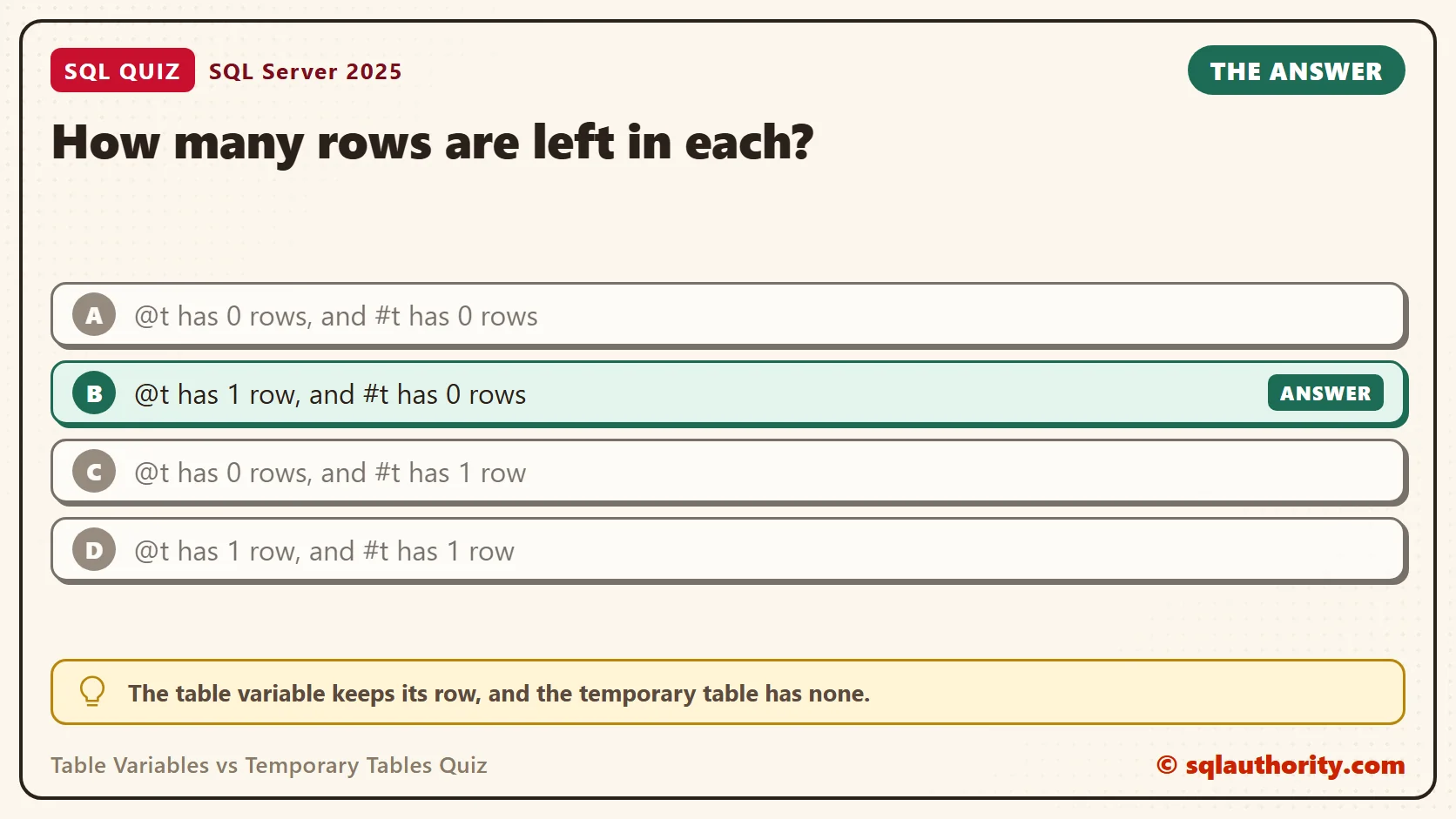
How many rows are left in each?
A. @t has 0 rows, and #t has 0 rows
B. @t has 1 row, and #t has 0 rows
C. @t has 0 rows, and #t has 1 row
D. @t has 1 row, and #t has 1 row
Pick one before you read on.
The Answer
The answer is B. The table variable keeps its row, and the temporary table has none.
A temporary table is an ordinary table that lives in tempdb. Your transaction owns its changes, so ROLLBACK removes them. A table variable isn’t part of your transaction. Its rows are written the same way, but a rollback of the surrounding transaction doesn’t undo them.
Both objects write to the transaction log in tempdb, so neither one is free. The difference is who owns the change, not whether it is recorded.
Prove It
Here is the quiz as one script. It creates a small test database called SqlQuizTableVariablesVsTemporaryTab, so run it on a test server.
IF DB_ID(N'SqlQuizTableVariablesVsTemporaryTab') IS NULL CREATE DATABASE SqlQuizTableVariablesVsTemporaryTab;
GO
USE SqlQuizTableVariablesVsTemporaryTab;
GO
DROP TABLE IF EXISTS #t;
CREATE TABLE #t (Item nvarchar(20));
DECLARE @t TABLE (Item nvarchar(20));
BEGIN TRANSACTION;
INSERT INTO @t (Item) VALUES (N'Granola');
INSERT INTO #t (Item) VALUES (N'Granola');
ROLLBACK TRANSACTION;
SELECT (SELECT COUNT(*) FROM @t) AS TableVariableRows, (SELECT COUNT(*) FROM #t) AS TempTableRows;
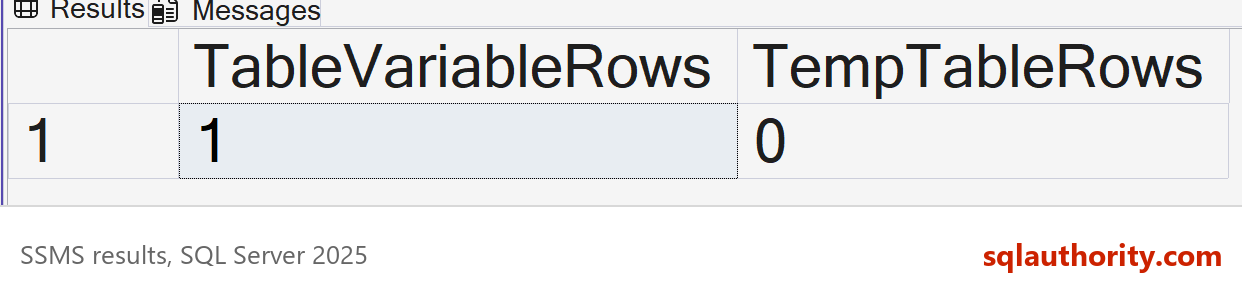
On SQL Server 2025, the result was this.
| TableVariableRows | TempTableRows |
|---|---|
| 1 | 0 |
Why the Other Answers Are Wrong
A assumes a rollback reaches everything you touched in the transaction. It reaches the temporary table only. People expect this answer because it’s how a normal table behaves.
C has it backward. Some people think a table variable lives only in memory, so it must be the one that gets wiped. It doesn’t live in memory. Both objects are stored in tempdb, and the table variable’s row survives.
D would be true if a rollback ignored both objects. It doesn’t. The temporary table takes part in the transaction like any other table, so its row is gone.
Use the Difference on Purpose
This behavior is useful. A table variable can keep a log of what a transaction tried, even when the transaction fails. The script below inserts two orders. The second one breaks a CHECK rule, so everything rolls back, but the log stays.
DROP TABLE IF EXISTS dbo.QuizOrder;
CREATE TABLE dbo.QuizOrder (OrderID int PRIMARY KEY, Quantity int NOT NULL CHECK (Quantity > 0));
DECLARE @Log TABLE (Step int IDENTITY(1,1), Note nvarchar(80));
BEGIN TRY
    BEGIN TRANSACTION;
    INSERT INTO @Log (Note) VALUES (N'Inserting order 1');
    INSERT INTO dbo.QuizOrder (OrderID, Quantity) VALUES (1, 5);
    INSERT INTO @Log (Note) VALUES (N'Inserting order 2');
    INSERT INTO dbo.QuizOrder (OrderID, Quantity) VALUES (2, -1);
    COMMIT TRANSACTION;
END TRY
BEGIN CATCH
    ROLLBACK TRANSACTION;
    INSERT INTO @Log (Note) VALUES (CONCAT(N'Rolled back, error ', ERROR_NUMBER()));
END CATCH;
SELECT Step, Note FROM @Log;
SELECT COUNT(*) AS OrderRows FROM dbo.QuizOrder;
The log kept all three notes, including the failure, while the orders table stayed empty.
| Step | Note |
|---|---|
| 1 | Inserting order 1 |
| 2 | Inserting order 2 |
| 3 | Rolled back, error 547 |
| OrderRows |
|---|
| 0 |
Two More Differences
The first one limits the idea above. A table variable does undo a single failed statement. If one INSERT fails halfway, the rows it already added are removed. Only the rollback of a whole transaction leaves the table variable alone. This script divides by zero on the second row.
DECLARE @Qty TABLE (Qty int);
BEGIN TRY
    INSERT INTO @Qty (Qty) SELECT 10 / (n - 2) FROM (VALUES (1), (2), (3)) AS v (n);
END TRY
BEGIN CATCH
    SELECT ERROR_NUMBER() AS ErrorNumber;
END CATCH;
SELECT COUNT(*) AS RowsAfterFailedStatement FROM @Qty;
The error was 8134, and the table variable ended with 0 rows, even though the first row had been inserted.
The second difference is scope. A procedure you call can see your temporary table, but it can’t see your table variable. The table variable exists only in the batch or procedure that declares it. First, create a small procedure that reads a temporary table.
CREATE OR ALTER PROCEDURE dbo.QuizCountScratch AS SELECT COUNT(*) AS RowsSeen FROM #Scratch;
Then create the temporary table and call the procedure.
DROP TABLE IF EXISTS #Scratch;
CREATE TABLE #Scratch (Item int);
INSERT INTO #Scratch (Item) VALUES (1), (2);
EXEC dbo.QuizCountScratch;
| RowsSeen |
|---|
| 2 |
The procedure counted both rows. A table variable has no such reach. To share one with a procedure, you pass it in as a table-valued parameter.
Statistics and Recompiles
The next big difference is statistics. A temporary table gets column statistics, so the optimizer learns how the values are spread. A table variable gets none, so for a filter on a column it can only guess. This script puts 1,000 rows in each, with only 10 rows of category B.
DROP TABLE IF EXISTS #Big;
CREATE TABLE #Big (Category char(1) NOT NULL);
DECLARE @Big TABLE (Category char(1) NOT NULL);
INSERT INTO #Big (Category)
SELECT TOP (1000) CASE WHEN ROW_NUMBER() OVER (ORDER BY (SELECT NULL)) <= 10 THEN 'B' ELSE 'A' END
FROM sys.all_objects AS a CROSS JOIN sys.all_objects AS b;
INSERT INTO @Big (Category) SELECT Category FROM #Big;
SET STATISTICS PROFILE ON;
SELECT Category FROM #Big WHERE Category = 'B';
SELECT Category FROM @Big WHERE Category = 'B';
SET STATISTICS PROFILE OFF;
Each query prints a plan in the Results tab. Find the Table Scan line and read the Rows and EstimateRows columns.
| Table | Rows | EstimateRows |
|---|---|---|
| #Big | 10 | 10 |
| @Big | 10 | 31.622776 |
The temporary table’s estimate matched the real count. The table variable’s estimate was a guess, about three times too high. A bad guess like that can pick a poor join or a wrong memory grant when the data gets large.
A table variable does know one thing, which is how many rows it holds. Since compatibility level 150, SQL Server plans the query after the table variable is filled. The row count is real. Older levels assume 1 row. This script fills a table variable with 1,000 rows and reads them all. It also shows the current level.
SELECT compatibility_level FROM sys.databases WHERE name = DB_NAME();
DECLARE @Rows TABLE (Category char(1) NOT NULL);
INSERT INTO @Rows (Category) SELECT TOP (1000) 'A' FROM sys.all_objects AS a CROSS JOIN sys.all_objects AS b;
SET STATISTICS PROFILE ON;
SELECT COUNT(*) AS RowsRead FROM @Rows;
SET STATISTICS PROFILE OFF;
Now switch the test database to level 130, and run the same script again. Switch it back afterward.
ALTER DATABASE CURRENT SET COMPATIBILITY_LEVEL = 130;
Run the script again here. Then restore the level you saw first. On SQL Server 2025 that was 170.
ALTER DATABASE CURRENT SET COMPATIBILITY_LEVEL = 170;
Read the Table Scan line each time. The estimate changed with the level, and the real count didn’t.
| compatibility_level | Rows | EstimateRows |
|---|---|---|
| 170 | 1000 | 1000 |
| 130 | 1000 | 1 |
So the full count is known on modern levels, and the spread of the values still isn’t. That is why the filter on category B was a guess.
Recompiles run the other way. A temporary table can cause statement recompiles as its row count changes, while a table variable doesn’t. That is the price of having statistics.
Indexes follow the same split. A table variable takes a primary key or an index only inside its DECLARE statement. You can’t add one later. A temporary table accepts CREATE INDEX at any time, like a normal table.
What to Remember
A rollback undoes a temporary table and leaves a table variable alone. Use that on purpose for a log, and never rely on it by accident. If you expect a rollback to clean up your scratch rows, use a temporary table.
When I choose between them, I count the rows first. For a handful of rows, a table variable is fine. For thousands, I use a temporary table so the optimizer has statistics. When you finish testing, remove the example database.
USE master;
GO
ALTER DATABASE SqlQuizTableVariablesVsTemporaryTab SET SINGLE_USER WITH ROLLBACK IMMEDIATE;
DROP DATABASE SqlQuizTableVariablesVsTemporaryTab;
A table variable is not a lighter temporary table, it is a table that your transaction doesn’t own.
Published by Pinal Dave on SQLAuthority. More of my work at pinaldave.com.
Discover more from SQL Authority with Pinal Dave
Subscribe to get the latest posts sent to your email.




6 Comments. Leave new
Hi Dave, it seems every time I google a SQL issue, your site comes up, and it’s always very informative. If it doesn’t answer my problem directly, it normally points me in the right direction. I’m not a DB admin, and i’m not formally educated in database design, rather I only have what my years of forcing it to work have given me.
This week my issue is temp tables. I seem to have a problem with SQL express such that if my temp table goes beyond a certain size, it takes the server forever to get it done. This is very odd because I’m using something like
SELECT INTO #temp FROM
but what’s odd is that the takes about a second to retun 200 rows, is about 18 columns of ints, varchar(50)’s, and numeric(16,4)’s, no identity columns, indexes, or anything like that. It takes 2-3 minutes to generate and insert in to the tempt table. The execution plan reflects that all of the time is spent on the INSERT. The same thing happens if I switch to a table variable. I would include specifics, but I really think it has something to do with external factors from the statement itself. I’ve found a few forums with people having a similar issue, but no one helping them has been able to recreate it, leading me to belive it’s an environmental situation, and not the specific SQL.
Anyhow, if you’ve ever heard of anything like this, where an INSERT into a temp table takes an abnormal amount of time for a handfull of records, I’d love to know what it is. Thanks Dave.
I just noticed that the forums remove my angle bracket code, making my above post illegible. my SQL statement was supposed to be
SELECT -FIELDLIST- INTO #Temp FROM -SQLQUERY-
On a whim I tried:
DBCC DropCleanBuffers
DBCC FreeProcCache
and that actually fixed it. I don’t want to do this every single time, as that would probably reduce my preformance in other areas. Any additional knowledge on why this might fix it would be welcome, as I could maybe put a more permenent fix in place, but at least things are moving forward again.
what is the difference between temporary table and table variable
what is the difference between sql server2005 and sql server 2008?
Search for “What is new in SQL Server 2008?” in Microsoft site