
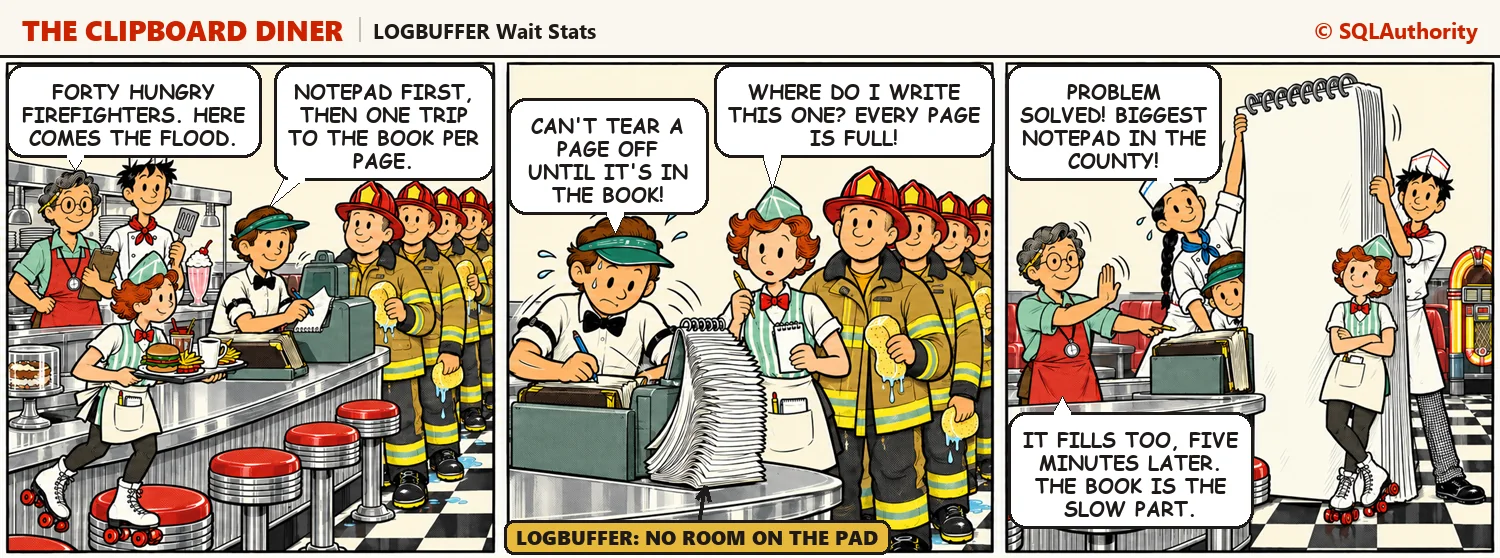
LOGBUFFER wait stats mean a task is waiting for free space in the log buffer before it can write a log record. On Night 18 at the Clipboard Diner, Pat’s notepad fills up faster than Pat can copy it into the order book. Then two queries show whether your log can keep up, and the fixes in order.

WRITELOG Wait Stats: Transaction Log Flush Waits
WRITELOG wait stats measure the time a commit waits for its log records to reach the disk. On Night 17 at the Clipboard Diner, Pat’s pen slows down and plates pile up at the pass. Then two queries show your log write latency, and a short script shows why many tiny commits hurt.

Monitoring Log Growth and VLF Counts
Monitor VLF counts and transaction log growth with SQL Server DMVs, then choose file growth settings that keep recovery and maintenance predictable.

Loading Large Files Fast With BULK INSERT
BULK INSERT loads large SQL Server files through a tested format, accessible path, staging table, measured batches, and final validation.

Minimal Logging for Bulk Loads
Minimal logging for Bulk Loads depends on recovery model, table shape, and locking; learn the prerequisites, tradeoffs, and how to verify a load.


Stopping Backup Success Messages From Flooding the Error Log
Reduce backup success messages in the SQL Server error log with trace flag 3226, verify msdb history, and cycle logs safely.