
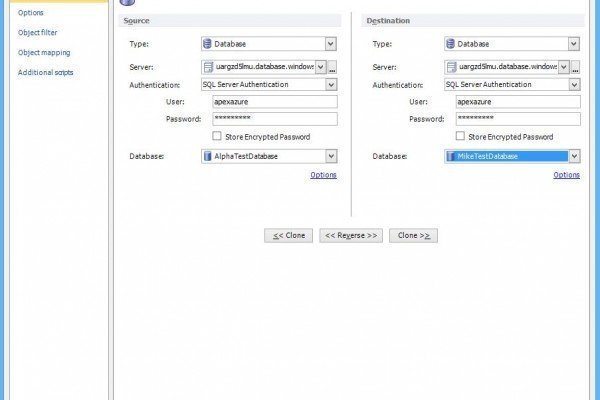
In the previous article I wrote about comparing two Windows Azure, SQL databases using free community version of ApexSQL Diff. In this article we will write about comparing data in two Windows SQL Azure databases using a free Community version of ApexSQL Data Diff – a tool for SQL data comparison and synchronization.

SQL SERVER – Back& Reborn as Premier Back End SaaS Provider
Back&, an international provider of Back Office Services, is proud to announce the launch of their revolutionary Zero Entry pricing model and Back End SaaS product. By creating a Better BackOffice, Back& has destroyed the barriers of cost and time – enabling companies and small business of any size access…
Read More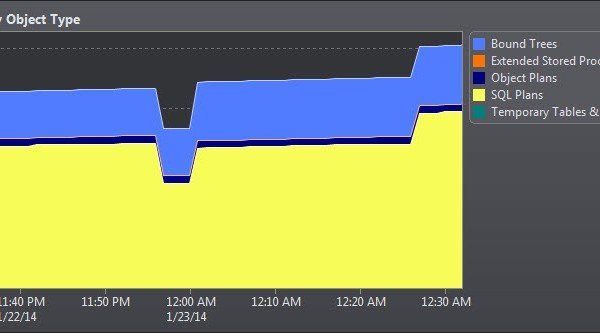
SQL SERVER – Monitoring Server at a Glance – A Open Conversation with DBAs
A few days ago I was visiting a large Database Shop and I happened to meet quite a few DBAs there. After my session was over we all went to the company’s cafe for a quick coffee. While having a coffee in the relaxed environment, I shared details about my recent vacation with my family. After sharing a quick story of my vacation, I asked the DBAs around me about their own vacations. To my surprise many of the DBA’s have not taken a holiday for quite a some time. Upon asking why they have not taken holiday the answer was simple (and as expected) – due to the job. Let us read about Monitoring Server.
SQL SERVER – Rename a Table Name Containing [ or ] Identifier in the Name – Part 2
Yesterday I posted article where we discussed how to rename a table name where identifier is part of the tablename. Read the blog post Rename a Table Name Containing [ or ] in the Name – Identifier in the Table Name. If the table name contains an identifier, it is…
Read More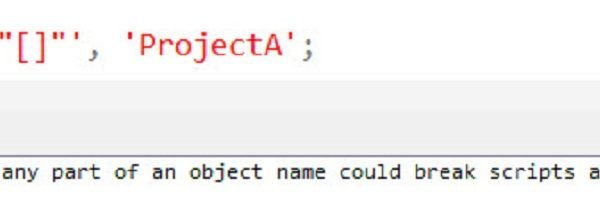
SQL SERVER – Rename a Table Name Containing [ or ] in the Name – Identifier in the Table Name
Just a day ago, my old colleague sent me an email. “I accidently renamed my tablename as a [], and now I am not able to rename it back with the help of T-SQL to its original name which was ProjectA. Is there any way to fix it?” Very interesting…
Read More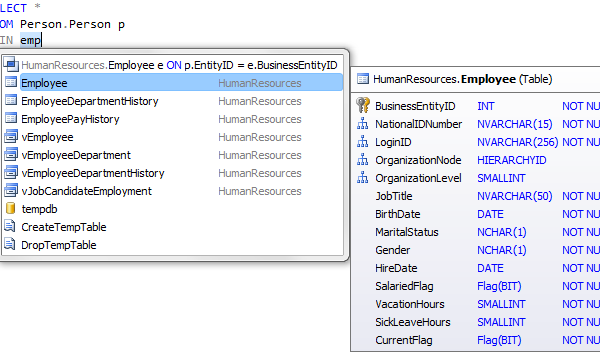
SQL SERVER – Writing SQL Queries Made Easy with dbForget SQL Complete
Down with shackles of convention! dbForge SQL Complete 4.5 came in this world.

SQL SERVER – Query Plan Analysis of Pivot and Unpivot with Profiler of dbForge Studio for SQL Server
Probably, everyone who writes SQL code has used INSERT statement, which alongside SELECT, UPDATE and DELETE, is a part of a basic operations’ set for data manipulation. Let us learn about Query Plan Analysis.
SQL SERVER – Tools for Proactive DBAs – Policy Based Management – Notes from the Field #012
[Note from Pinal]: This is a 12th episode of Notes from the Fields series. When taking a vacation the biggest worry any DBA has it that in their absence what will happen to their database. They are often worried that something will go wrong with their server or some users…
Read More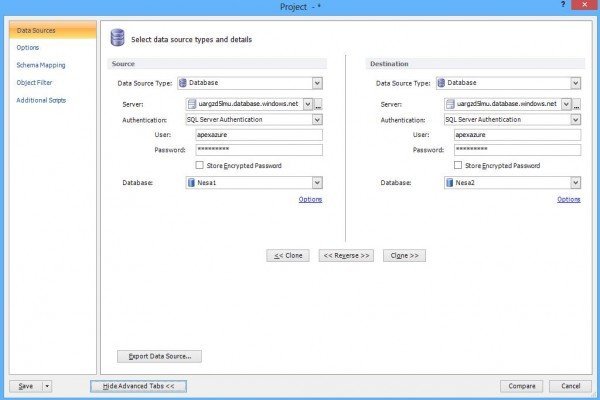
SQL SERVER – How to Survive on Free Tools for Month – Database Comparison Done Easily with ApexSQL Diff
ApexSQL Diff is a SQL Server database comparison software with a free Community version and Windows Azure SQL database support. To compare Windows Azure SQL databases in ApexSQL Diff selects “Database” as the data source type and a destination. Select the SQL Server Authentication and type the SQL Azure server name, user and password. Select databases from the list of available databases and click the Compare button.
SQL SERVER – SQLWays – Database and Application Migration Tool
Database and what is more application migration has always been time and money consuming task. In this article I’m going to tell you about one of the ways to make this task easier in all senses. I suppose that you might have already heard about SQLWays database migration tool, developed…
Read More