
RESOURCE_SEMAPHORE_QUERY_COMPILE was the first wait type in one client’s wait statistics, and enabling Lock Pages in Memory resolved it. Recently I wrote about when to enable Lock Pages in Memory. I received amazing feedback and lots of questions, so this post is the short note behind it.

The Error
There is no error message here. The wait type itself is the symptom:
RESOURCE_SEMAPHORE_QUERY_COMPILEWhat the Client Saw
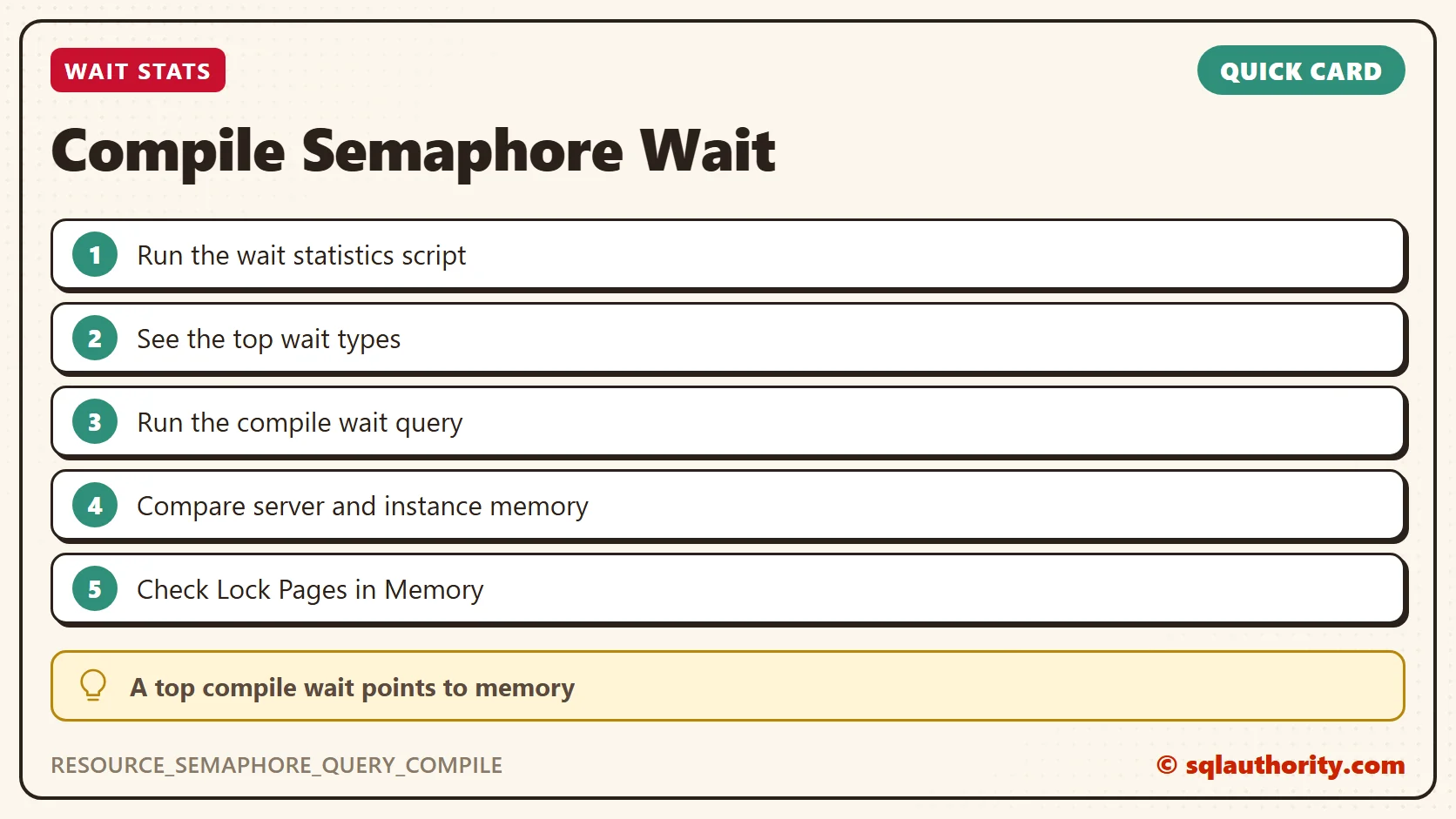
I received questions on LinkedIn and Twitter asking how I decided that my client needed Lock Pages in Memory. The answer is simple. I ran the SQL wait statistics script and looked at the top wait types.
The first one was RESOURCE_SEMAPHORE_QUERY_COMPILE. That told me the problem was with query compilation.
Why It Happens
Many queries were compiling again and again. That points to queries that need more memory, or to plans that don’t stay in memory.
On my client’s system, we needed either more memory for the system or for the instance. The system had way more memory available, so I assumed a server-level configuration issue. The DBA told me they had recently changed the OS, so I suspected Lock Pages in Memory (LPIM).
How to Check
This script lists the queries waiting for query compilation memory:
SELECT sp.*, st.text
FROM sys.sysprocesses sp
CROSS APPLY sys.dm_exec_sql_text(sp.sql_handle) AS st
WHERE sp.lastwaittype LIKE 'RESOURCE_SEMAPHORE_QUERY_COMPILE%'
ORDER BY sp.waittime DESC;
If no query is waiting on query compilation memory, it returns no rows.
The Fix
Before I added any memory, I tried enabling LPIM. That resolved the resource problem for my client.
How to Prevent It
Before you add more memory, compare what the server has with what the instance uses. After an OS change, check that Lock Pages in Memory is still enabled.
If your server is slow, look at my Comprehensive Database Performance Health Check.
A compile wait is not always a memory shortage, it is sometimes a setting that went missing.
Published by Pinal Dave on SQLAuthority. More of my work at pinaldave.com.
Discover more from SQL Authority with Pinal Dave
Subscribe to get the latest posts sent to your email.




1 Comment. Leave new
please give any one out put for this
table a
ID NAME
1 A
2 B
1 A
2 C
OUT PUT AS
TABLEA
ID NAME
1 AC
2 BD
YOU SHOULD NOT USE CASE STATEMENT
CAN ANY ONE HELP ME CODE WITH OUT CASE AND XML CONDITION