
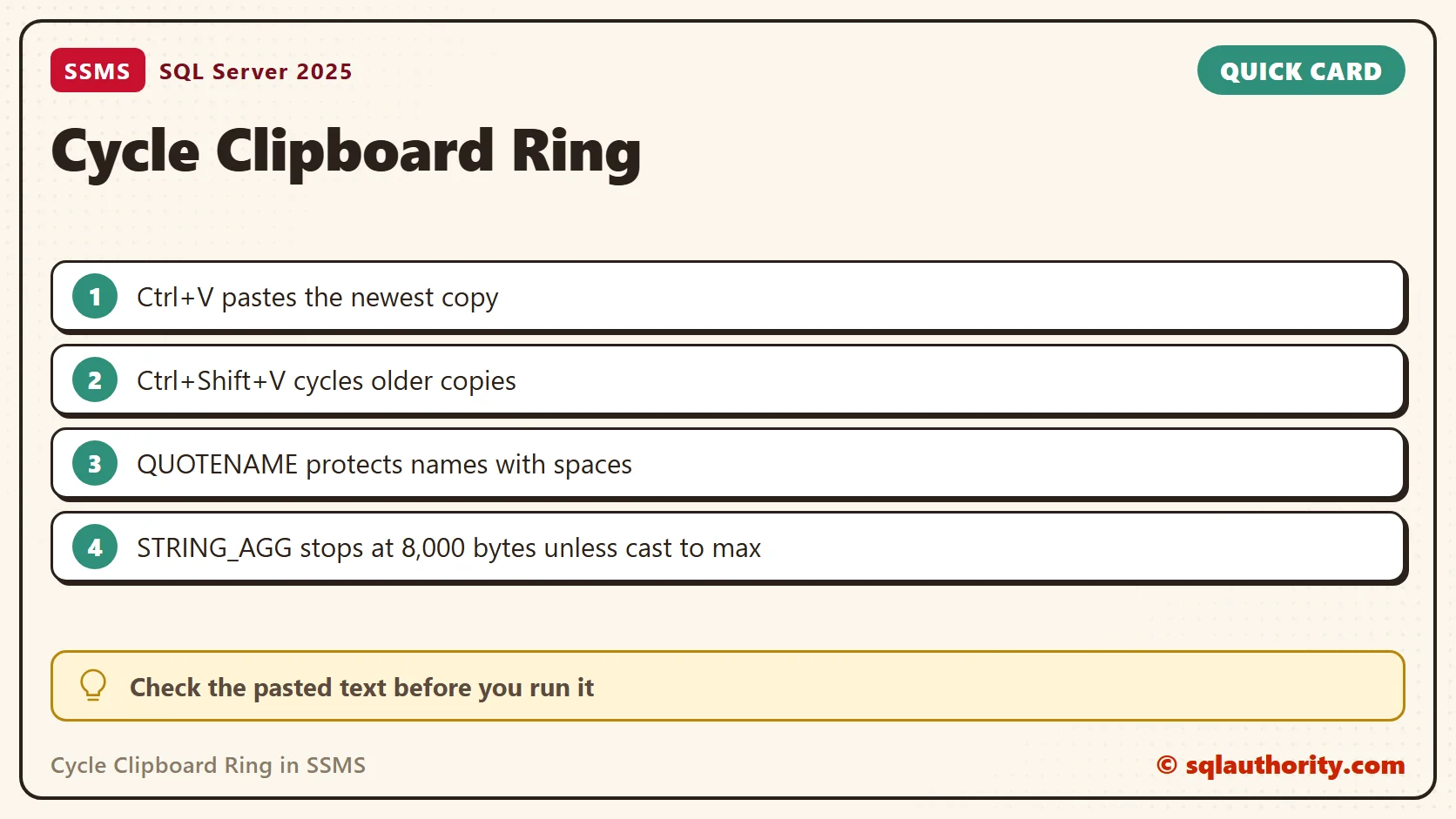
Cycle Clipboard Ring in SSMS lets you revisit text you copied while editing queries. During development I copy object names and reusable snippets all day. Reusing those names reduces typing mistakes, but going back to the source to copy them again is a chore.

The usual Ctrl+C and Ctrl+V workflow pastes the most recently copied item. The clipboard-ring shortcut, Ctrl+Shift+V, lets you cycle through items captured by the editor. The pasted item stays selected, so the next press can replace it with another ring entry.
Try It in a Query Window
Copy two short snippets from the query editor, place the cursor where you want to paste, and press Ctrl+Shift+V. Repeat the shortcut to cycle through the available entries. Check the inserted text before you run the query.
The original video uses the 2013 interface. Microsoft still documents this clipboard-ring shortcut for SSMS, but a customized keyboard scheme can change the binding. Check the keyboard settings if it behaves differently. This editor feature is separate from Windows clipboard history.
Watch the Original Video
Where the Ring Earns Its Keep
The ring pays off when a query needs several different names. Think of an INSERT ... SELECT that needs a table name, a column list and a filter. Copy each piece in turn, then paste them one by one. The newest copy comes first, and Ctrl+Shift+V steps back to the older ones.
I could not drive the SSMS editor from a script, so I did not test the ring itself. I also did not test which copies join the ring, such as a copy from the results grid. Everything below is T-SQL, and I ran all of it on SQL Server 2025.
Let T-SQL Build the Pieces
Typing a column list by hand is where mistakes start. Let the catalog write it. This table has a column with a space in its name, which makes it a good test.
CREATE TABLE dbo.TeaOrders (
  OrderId int NOT NULL PRIMARY KEY,
  CustomerName varchar(50) NOT NULL,
  TeaName varchar(30) NOT NULL,
  Quantity int NOT NULL,
  [Order Date] date NOT NULL);
SELECT STRING_AGG(QUOTENAME(c.name), ', ') WITHIN GROUP (ORDER BY c.column_id) AS ColumnList
FROM sys.columns AS c
WHERE c.object_id = OBJECT_ID('dbo.TeaOrders');
The result is one cell: [OrderId], [CustomerName], [TeaName], [Quantity], [Order Date]. Copy that cell, and the ring keeps it for the next paste. The brackets come from QUOTENAME.
Why QUOTENAME Matters
Without the brackets, the paste breaks on the column with a space. SELECT OrderId, Order Date failed with Msg 156, incorrect syntax near the keyword ‘Order’. The same list with brackets runs. A name that contains a space, a reserved word or a dash needs them.
SELECT OrderId, Order Date FROM dbo.TeaOrders;
GO
SELECT OrderId, [Order Date] FROM dbo.TeaOrders;
A Ready INSERT Skeleton
The same list can feed both sides of a copy statement. This query returns a complete skeleton with a line break between the parts. Paste it into a new window and change the archive table name.
SELECT CONCAT('INSERT INTO dbo.TeaOrdersArchive (', STRING_AGG(QUOTENAME(c.name), ', ') WITHIN GROUP (ORDER BY c.column_id),
       ')', CHAR(10), 'SELECT ', STRING_AGG(QUOTENAME(c.name), ', ') WITHIN GROUP (ORDER BY c.column_id),
       CHAR(10), 'FROM dbo.TeaOrders;') AS Skeleton
FROM sys.columns AS c
WHERE c.object_id = OBJECT_ID('dbo.TeaOrders');
A Wide Table Breaks the List
There is a limit to watch. STRING_AGG returns at most 8,000 bytes unless its input is a large type. I built a table with 250 numbered columns, named like ColumnNumber_001. The list query failed with Msg 9829, and the message points to large object types. Cast the input to nvarchar(max) and it returned all 5,004 characters.
DECLARE @sql nvarchar(max) = N'CREATE TABLE dbo.WideTable (Id int NOT NULL PRIMARY KEY';
SELECT @sql += N', ' + QUOTENAME(CONCAT('ColumnNumber_', RIGHT(CONCAT('000', n), 3))) + N' int NULL'
FROM (SELECT TOP (250) ROW_NUMBER() OVER (ORDER BY (SELECT NULL)) AS n FROM sys.all_objects) AS t;
SET @sql += N');';
EXEC sys.sp_executesql @sql;
SELECT LEN(STRING_AGG(CAST(QUOTENAME(c.name) AS nvarchar(max)), ', ') WITHIN GROUP (ORDER BY c.column_id)) AS ListLength
FROM sys.columns AS c WHERE c.object_id = OBJECT_ID('dbo.WideTable');
A Short Habit List
Copy the small pieces and let T-SQL produce the long ones. Read what you pasted before you run it. The ring can hand you an older entry than the one you wanted. Keep the ring for working text, and keep passwords out of it. Windows clipboard history, opened with Win+V, is a different feature.
Related Tips
- Copy Database With Data – Generate T-SQL For Inserting Data From One Table to Another Table
- Copy Database from Instance to Another Instance – Copy Paste in SQL Server
- Fix : Remote Desktop Copy Paste Stop Working
A clipboard shortcut is not a substitute for reviewing SQL, it is a way to reduce repeated typing.
Published by Pinal Dave on SQLAuthority. More of my work at pinaldave.com.
Discover more from SQL Authority with Pinal Dave
Subscribe to get the latest posts sent to your email.



4 Comments. Leave new
I do not see Cycle Clipboard when I click Edit or Ctrl + Shift + V, nothing happens.
Is there a setting somewhere?
I do not see Cycle Clipboard Ring from the Edit menu and nothing happens when I key: Ctrl + Shift + V
Is there a setting?
AFAIK this is only available in SSMS 2012. Might be useful to know that up front since I’m guessing a lot of companies are still using SSMS 2008. Thanks for creating these tips.
Mine Cycle clipboard ring was working in same way as I have seen in video. Really good shortcut to see your deleted queries.