
SQL Server version and edition are among the first details I check when I connect to an unfamiliar instance.

They help me identify the product release and understand which features and servicing information to investigate. This short video shows a quick way to find those details. I tested each query on SQL Server 2025.
Watch the Original Version Check
Read Version and Edition in Separate Columns
@@VERSION returns one long descriptive string. For individual values that are easier to use in a script, I use SERVERPROPERTY.
SELECT SERVERPROPERTY('ProductVersion') AS ProductVersion,
       SERVERPROPERTY('ProductLevel') AS ProductLevel,
       SERVERPROPERTY('Edition') AS Edition;
On my SQL Server 2025 instance it returned 17.0.5015.4, RTM and Enterprise Developer Edition (64-bit). ProductVersion is the full engine build. Edition names the product edition. ProductLevel needs a closer look, because RTM did not tell the whole story.
ProductLevel Says RTM After an Update
My instance runs cumulative update 9, and ProductLevel still returned RTM. The property that carries the update is ProductUpdateLevel, and ProductUpdateReference gives the knowledge base number. Read all three together.
SELECT SERVERPROPERTY('ProductMajorVersion') AS MajorVersion,
       SERVERPROPERTY('ProductBuild') AS BuildNumber,
       SERVERPROPERTY('ProductLevel') AS ProductLevel,
       SERVERPROPERTY('ProductUpdateLevel') AS UpdateLevel,
       SERVERPROPERTY('ProductUpdateReference') AS UpdateReference,
       SERVERPROPERTY('EngineEdition') AS EngineEdition,
SERVERPROPERTY('InstanceName') AS InstanceName;| Property | Value on my instance |
|---|---|
| ProductMajorVersion | 17 |
| ProductBuild | 5015 |
| ProductLevel | RTM |
| ProductUpdateLevel | CU9 |
| ProductUpdateReference | KB5126967 |
| EngineEdition | 3 |
| InstanceName | SQLDEV |
ProductUpdateLevel comes back empty on builds that are not a cumulative update, so treat NULL as normal. Compare the complete build number with the update history for that release before you decide which updates are missing. A major version alone is not a support or feature checklist.
The edition text matters for features and licensing. EngineEdition is a number for the family, and Enterprise, Developer and Evaluation all report 3. A Developer build has the Enterprise feature set but is licensed for development and testing only. A production server should never show it.
Compare Versions in a Script
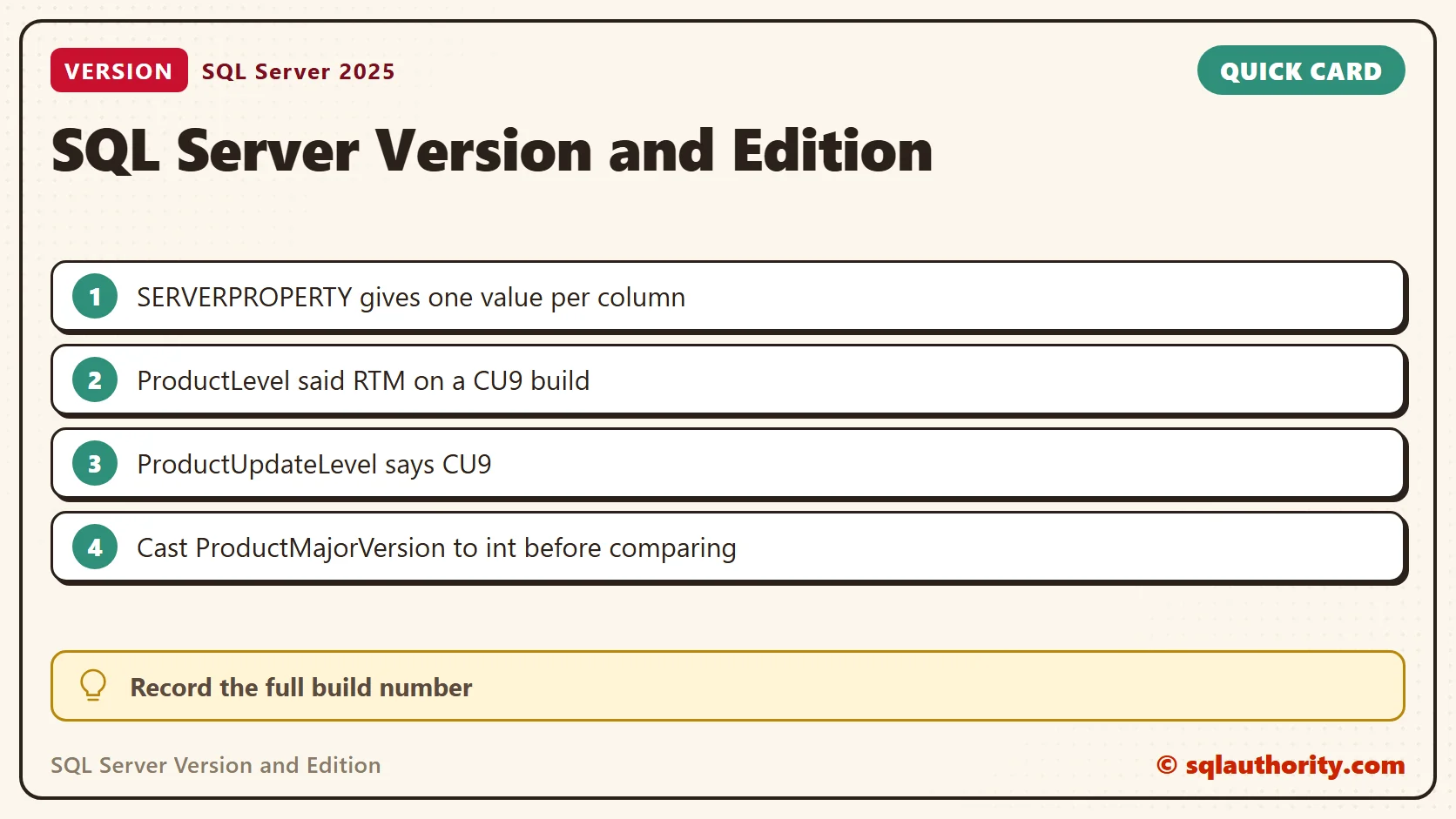
SERVERPROPERTY returns the sql_variant type, and the version properties inside it are text. ProductMajorVersion came back as nvarchar, so convert it before you compare numbers. Without the cast, the comparison with 16 returned no on my version 17 instance. The cast fixes it.
SELECT CASE WHEN SERVERPROPERTY('ProductMajorVersion') >= 16 THEN 'yes' ELSE 'no' END AS WithoutCast;
SELECT CASE WHEN CONVERT(int, SERVERPROPERTY('ProductMajorVersion')) >= 16
            THEN 'SQL Server 2022 or later' ELSE 'Older than SQL Server 2022' END AS Generation;
DECLARE @Build nvarchar(128) = CONVERT(nvarchar(128), SERVERPROPERTY('ProductVersion'));
SELECT PARSENAME(@Build, 4) AS Major, PARSENAME(@Build, 3) AS Minor,
       PARSENAME(@Build, 2) AS Build, PARSENAME(@Build, 1) AS Revision;
The first query returned no, and that is wrong. The second returned SQL Server 2022 or later. The last one split 17.0.5015.4 into 17, 0, 5015 and 4. PARSENAME numbers the parts from the right, so part 4 is the leftmost.
One Line for a Ticket
When I report a problem, I paste the build and edition on one line. This version returned 17.0.5015.4 RTM CU9 Enterprise Developer Edition (64-bit).
SELECT CONCAT(CONVERT(nvarchar(128), SERVERPROPERTY('ProductVersion')), ' ',
              CONVERT(nvarchar(128), SERVERPROPERTY('ProductLevel')), ' ',
              COALESCE(CONVERT(nvarchar(128), SERVERPROPERTY('ProductUpdateLevel')), N''), ' ',
              CONVERT(nvarchar(128), SERVERPROPERTY('Edition'))) AS ServerSummary;
Version Is Not Compatibility Level
A database has its own compatibility level, and it does not have to match the engine. On this build the system databases report 170. A restored database can keep an older level, so check both when a feature seems missing.
SELECT name, compatibility_level FROM sys.databases WHERE database_id <= 4 ORDER BY database_id;
Other Facts Worth Recording
Four more properties and the start time complete my notes for a new server. They answer the questions that follow the version. What is the collation? Is the instance clustered? Are availability groups on? Is Windows sign-in the only option?
SELECT SERVERPROPERTY('Collation') AS Collation,
       SERVERPROPERTY('IsClustered') AS IsClustered,
       SERVERPROPERTY('IsHadrEnabled') AS IsHadrEnabled,
       SERVERPROPERTY('IsIntegratedSecurityOnly') AS WindowsAuthOnly;
SELECT sqlserver_start_time FROM sys.dm_os_sys_info;
My instance returned SQL_Latin1_General_CP1_CI_AS, 0, 0 and 0. It last started on 2026-10-27 at 15:26:59. The start time also tells you whether the service has restarted since the last maintenance window.
When the Instance Will Not Start
If you cannot connect, the first lines of the current ERRORLOG hold the same text that @@VERSION returns. The file is named ERRORLOG, without an extension, in the instance’s Log folder. From a working session, this query reads it.
EXEC master.dbo.xp_readerrorlog 0, 1, N'Microsoft SQL Server';
A property name that does not exist returns NULL, not an error. That makes a typo easy to miss, so spell the names exactly.
Related SQL in Sixty Seconds Tips
- Get Server Version and Additional Info
- Get All the Information of Database using sys.databases
- Script to Find SQL Server on Network
- Version Information and Additional Information – Extended Stored Procedure xp_msver
A version number is not a name to remember, it is the full build you record before you investigate.
Published by Pinal Dave on SQLAuthority. More of my work at pinaldave.com.
Discover more from SQL Authority with Pinal Dave
Subscribe to get the latest posts sent to your email.




1 Comment. Leave new
Great tips. I did not know this “SERVERPROPERTY”.
I want to add the old extended procedure: [xp_msver].