

A controlled SQL Server 2025 CU9 test separates partition metadata visibility from access to table rows. Compare the documented permission pair with observed grant behavior, and keep the build-specific result within its measured scope.

End of Support: What Actually Stops Working
End of Support does not shut down SQL Server, but it changes security updates, fixes, and help; plan an exit before risk grows.

Contained Database Users: Logins That Move With the Database
Use contained database users to move authentication with a database, inspect prerequisites, test connections, and review access ownership.
Random Tokens in SQL Server: Generation, Storage and Expiry Checks
Random tokens in SQL Server need more than a generated value. Their stored state must define expiry, revocation and whether consumption already occurred. A guarded disposable fixture makes the boundary conditions explicit.

SQL SERVER – Best Practices for DBA Before Taking Vacation
Why is it so hard for a DBA before taking vacation to relax? For T-SQL Tuesday I share my best practices, starting with the hardest: do not think about your job.

SQLAuthority News – Wireless Router Security and Attached Devices – Complex Password
Strange emails and a missing shared folder led me to a reset router with a weak key. My lesson on wireless router security and complex passwords.
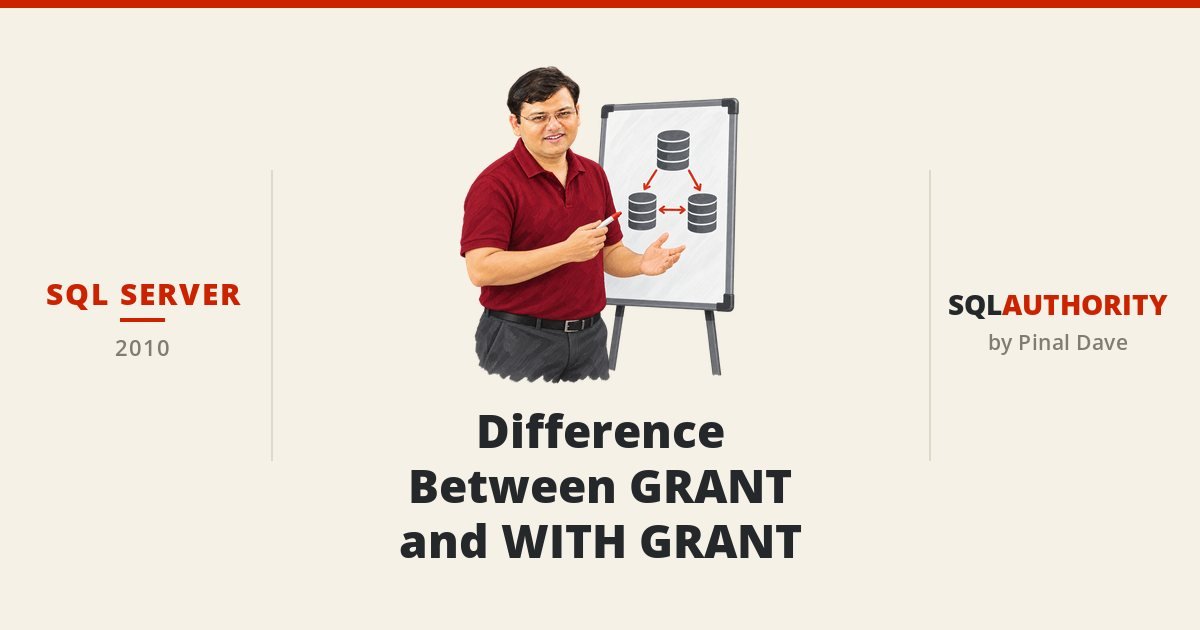
SQL SERVER – Difference Between GRANT and WITH GRANT OPTION
What is the difference between GRANT and WITH GRANT? Only WITH GRANT OPTION lets a user pass the same permission on to other users.