

When I was on-site for the performance tuning workshop, few DBAs suddenly got call as there was an unexpected downtime of SQL Server. As per them, after some maintenance activities were scheduled, the SQL Server resource failed to come online on both nodes. When they try to bring it online, it remains in online pending state for some time before failing eventually. Here are the things I tried. Let us see an error related to clustered SQL Resource not coming online.


SQL SERVER – Unable to Start SQL Service – OS Error 5 (Access is denied.) for TempDB
This was really one of the issue where I was totally confused because SQL Server was raising incorrect error message. Let me first tell you what I was doing. I was trying to move TEMPDB database files to a new location. I ran below alter commands and restarted SQL Server. Let us learn about OS Error 5.



SQL SERVER – FIX : Msg 8115, Level 16, Arithmetic Overflow Error Converting IDENTITY to Data Type INT
One of my friends who is a SharePoint expert told that he is getting overflow error while doing check-in on the document. He was confident that the error is related to SQL and that’s why he contacted me. I used profiler and found the table which had the problem and fixed that as well. This blog is an outcome of that work done. Let us see the error related to Arithmetic Overflow Error.
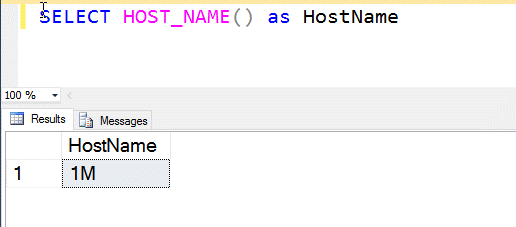
Why SELECT HOST_NAME() Returns Empty String? – Interview Question of the Week #119
Question: Why SELECT HOST_NAME() Returns Empty String while connected from certain .net application?