OS threads by scheduler shows how many Windows threads each SQL Server scheduler owns. Every scheduler works through a queue of tasks. Every task runs on a worker, and every worker sits on an operating system thread. Three views connect the pieces, and one query counts them for each CPU.

Schedulers, Workers and Threads
SQL Server does its own scheduling. It creates one scheduler for each visible CPU, and a scheduler runs one task at a time. A task is a unit of work, such as one part of a query. A worker is the SQL Server object that executes a task. Each worker has one operating system thread, and Windows decides when that thread gets a processor.
The view sys.dm_os_schedulers lists the schedulers. The view sys.dm_os_workers lists the workers and names the scheduler of each. The view sys.dm_os_threads lists the threads and shares a thread address with the workers. Reading them needs VIEW SERVER STATE, which is VIEW SERVER PERFORMANCE STATE on SQL Server 2022 and later. Every query here only reads.
Count OS Threads by Scheduler
The query for OS threads by scheduler starts from the visible schedulers and joins to their workers and threads. The counts of tasks and runnable tasks come from the scheduler itself. A left join keeps a scheduler in the result even when it has no worker.
SELECT s.scheduler_id, s.cpu_id, s.current_tasks_count AS Tasks, s.runnable_tasks_count AS Runnable,
       COUNT(w.worker_address) AS Workers, COUNT(DISTINCT th.os_thread_id) AS OsThreads
FROM sys.dm_os_schedulers AS s
LEFT JOIN sys.dm_os_workers AS w ON w.scheduler_address = s.scheduler_address
LEFT JOIN sys.dm_os_threads AS th ON th.thread_address = w.thread_address
WHERE s.status = N'VISIBLE ONLINE'
GROUP BY s.scheduler_id, s.cpu_id, s.current_tasks_count, s.runnable_tasks_count
ORDER BY s.scheduler_id;
The first four rows of one run look like this. The test server has 16 rows in all.
| scheduler_id | cpu_id | Tasks | Runnable | Workers | OsThreads |
|---|---|---|---|---|---|
| 0 | 0 | 11 | 0 | 15 | 15 |
| 1 | 1 | 10 | 0 | 15 | 15 |
| 2 | 2 | 9 | 0 | 14 | 14 |
| 3 | 3 | 9 | 0 | 14 | 14 |
The test server has 16 visible schedulers, one per CPU. Each scheduler shows the same count for workers and for threads, because each worker owns exactly one thread. The numbers change from one run to the next, because workers come and go with the load. The shape does not change.
Compare With the Server Totals
A second query puts the totals side by side. It reads the CPU count, the scheduler count and the limit on workers from sys.dm_os_sys_info. Then it counts all workers and all threads.
SELECT i.cpu_count, i.scheduler_count, i.max_workers_count,
       (SELECT COUNT(*) FROM sys.dm_os_workers) AS Workers,
       (SELECT COUNT(*) FROM sys.dm_os_threads) AS Threads
FROM sys.dm_os_sys_info AS i;| cpu_count | scheduler_count | max_workers_count | Workers | Threads |
|---|---|---|---|---|
| 16 | 16 | 704 | 306 | 333 |
The worker count sits far below the limit of 704 workers. The thread count is higher than the worker count. The extra threads do not belong to a worker in sys.dm_os_workers. The view of threads lists every thread of the SQL Server process, and not only the ones that execute queries.
Count Tasks by State
The view sys.dm_os_tasks adds the state of each task. Grouping by state shows how many tasks run, wait for a CPU, wait for a resource, or are finished.
SELECT task_state, COUNT(*) AS Tasks
FROM sys.dm_os_tasks
GROUP BY task_state
ORDER BY task_state;
The numbers below come from one run, and they change every second.
| task_state | Tasks |
|---|---|
| DONE | 1433 |
| DONE_UNBOUND | 1 |
| RUNNING | 18 |
| SUSPENDED | 143 |
Most live tasks are SUSPENDED. They wait for a resource, a lock, a disk read or an internal signal, and they use no CPU. A session that sits idle between requests has no task at all. RUNNING tasks are on a processor now. The count can exceed the 16 visible schedulers, since tasks on hidden schedulers count too. RUNNABLE tasks wait for a processor, and a count that stays high means CPU pressure. DONE tasks have finished and wait for cleanup.
Hidden Schedulers Are Not CPUs
The view sys.dm_os_schedulers lists more than the visible schedulers. Hidden schedulers serve internal tasks, and one scheduler is reserved for the dedicated administrator connection. A query that forgets the status filter counts them as CPUs. The hidden count differs from server to server.
SELECT status, COUNT(*) AS Schedulers
FROM sys.dm_os_schedulers
GROUP BY status
ORDER BY status;
| status | Schedulers |
|---|---|
| HIDDEN ONLINE | 59 |
| VISIBLE ONLINE | 16 |
| VISIBLE ONLINE (DAC) | 1 |
Only the 16 visible online schedulers handle user work. The other rows are internal. Filter on the status, as the first query does, and the count matches the CPUs that SQL Server uses.
What the Counts Tell You
Compare the scheduler rows with each other. A scheduler with a high runnable count has tasks that wait for the processor. Several of them at once point to a busy CPU. The same column is the basis of Measure CPU Pressure in SQL Server with Waits and Schedulers. For the session side, read OS Thread of a Session: Map Session ID to Windows Thread ID.
The worker count matters for one more reason. SQL Server stops creating workers at its limit, and tasks then wait for a thread. The max worker threads setting sets the limit. It is explained in Optimal Value for Max Worker Threads in SQL Server.
You could argue that none of this needs watching. SQL Server creates and retires workers by itself, and the defaults suit most servers. That is right for a healthy server. The counts help once a problem is visible. A long runnable queue or a worker count near its limit tells you where to look first.
What to Remember
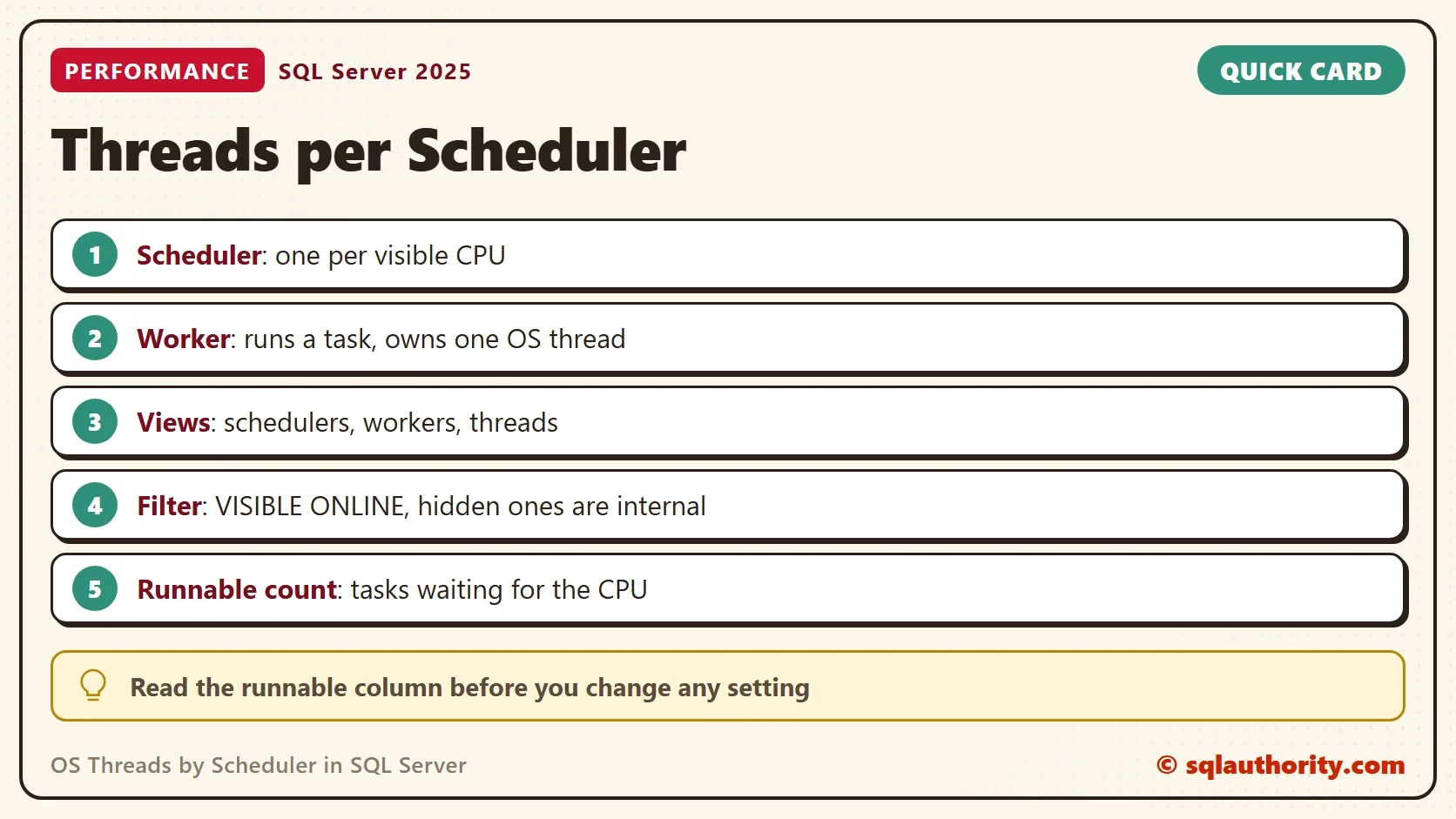
OS threads by scheduler come from three views joined on addresses. Filter on VISIBLE ONLINE, because hidden schedulers are internal. In the result, expect one thread for each worker. Expect more threads in total than workers, and counts that move with the load. Read the runnable column before you change any setting.
A scheduler is not a thread, it is the queue that decides which thread works next.
Published by Pinal Dave on SQLAuthority. More of my work at pinaldave.com.
Discover more from SQL Authority with Pinal Dave
Subscribe to get the latest posts sent to your email.