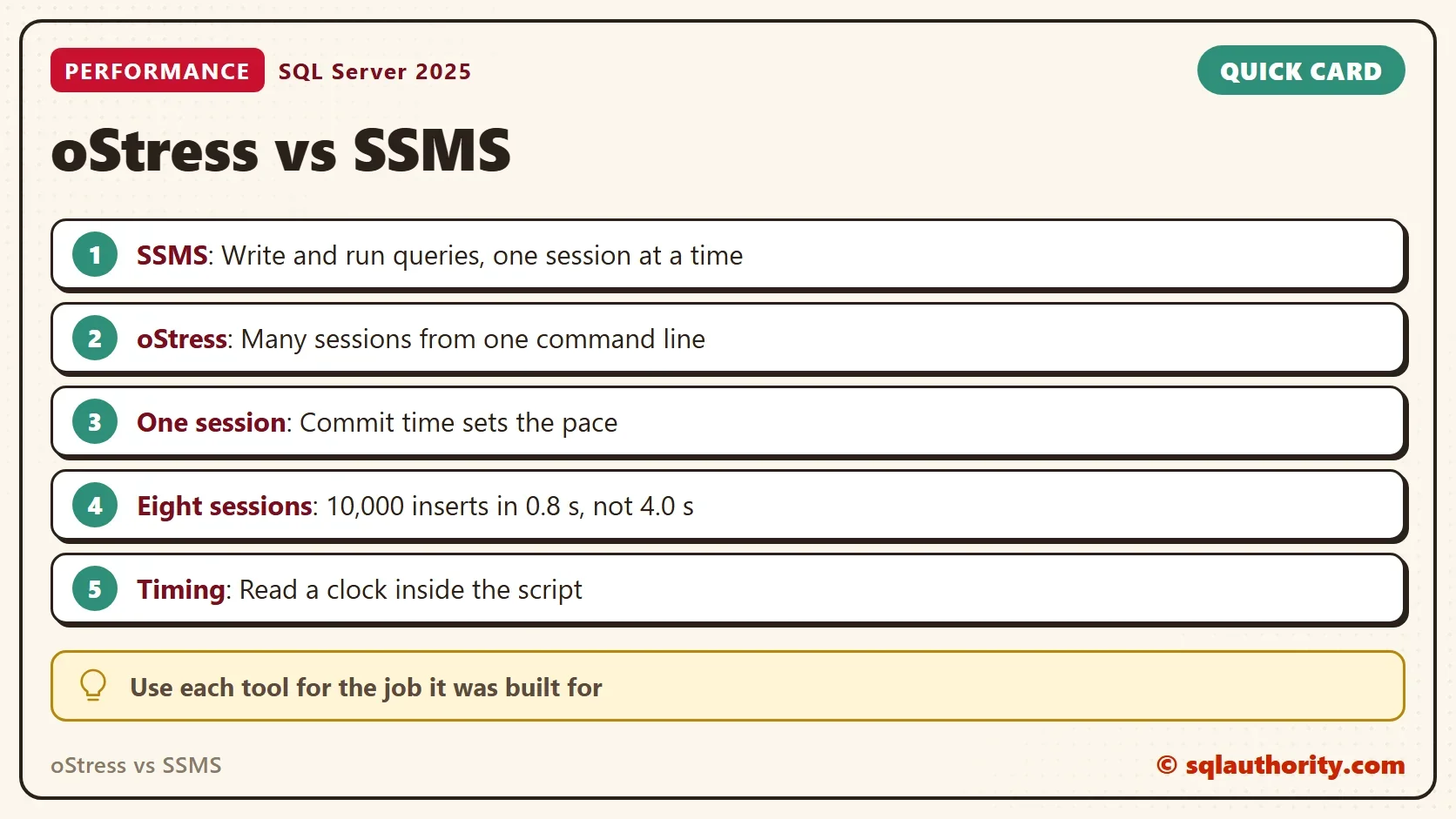
oStress vs SSMS is not a race, because the two tools are built to measure different things.

Two Tools, Two Jobs
SSMS is where you write queries and manage servers. oStress is where you run one query from many connections to see how SQL Server holds up. Start with oStress Load Test: Run Many Sessions Against SQL Server.
A DBA at a client asked what the speed difference would be between the two. In the original test, 10,000 single-row inserts took about 7 seconds in SSMS. The same inserts took about 20 seconds in oStress with one connection. That gap shows that oStress carries its own cost per iteration. It says nothing about how the server behaves under a crowd. For daily command-line work, PowerShell is a better choice than either.
What a One-Session Loop Measures
The demo uses the insert table from the rest of the series, plus a log table for timings. Run it on a test server.
IF DB_ID(N'OStressCompareDemo') IS NULL CREATE DATABASE OStressCompareDemo;
GO
USE OStressCompareDemo;
GO
DROP TABLE IF EXISTS dbo.GateLog, dbo.TimingLog;
CREATE TABLE dbo.GateLog (
    GateLogId int          IDENTITY(1,1) NOT NULL PRIMARY KEY,
    Note      varchar(200) NOT NULL DEFAULT ('Visitor counted at the gate')
);
CREATE TABLE dbo.TimingLog (
    Label     nvarchar(40) NOT NULL,
    StartedAt datetime2(3) NOT NULL,
    EndedAt   datetime2(3) NULL
);
The first test does what an SSMS window does with GO 10000. It sends 10,000 separate batches, and each batch holds one insert. A timing row before and after the loop lets the script measure itself.
SET NOCOUNT ON;
TRUNCATE TABLE dbo.GateLog;
INSERT dbo.TimingLog (Label, StartedAt) VALUES (N'10,000 batches', SYSDATETIME());
GO
INSERT dbo.GateLog DEFAULT VALUES;
GO 10000
UPDATE dbo.TimingLog SET EndedAt = SYSDATETIME() WHERE Label = N'10,000 batches';
The second test inserts the same 10,000 rows inside one transaction.
SET NOCOUNT ON;
TRUNCATE TABLE dbo.GateLog;
INSERT dbo.TimingLog (Label, StartedAt) VALUES (N'One transaction', SYSDATETIME());
DECLARE @i int = 0;
BEGIN TRANSACTION;
WHILE @i < 10000
BEGIN
    INSERT dbo.GateLog DEFAULT VALUES;
    SET @i += 1;
END;
COMMIT TRANSACTION;
UPDATE dbo.TimingLog SET EndedAt = SYSDATETIME() WHERE Label = N'One transaction';
SELECT Label, DATEDIFF(MILLISECOND, StartedAt, EndedAt) AS Milliseconds
FROM dbo.TimingLog
ORDER BY StartedAt;
| Label | Milliseconds |
|---|---|
| 10,000 batches | 3353 |
| One transaction | 108 |
The same rows took 3.4 seconds as separate batches and 0.1 seconds in one transaction. Three runs gave 2.8 to 6.0 seconds for the batches and 0.1 seconds for the transaction. The difference is the commit. Every separate insert waits until its log records reach the disk, and one transaction waits once.
A fair single-session test follows a few rules. Run the same script from both tools. Empty the table before each run, and keep the server quiet. Run one warm-up pass and ignore it. Repeat the test three times. On a busy test server, the same script took between 2.8 and 6.0 seconds, so one run proves little.
So a one-session loop measures how fast one session can commit. It doesn’t measure how much the server can take. SSMS and sqlcmd pay the same commit price in that test. oStress was not run for this post. In the original test, the same 10,000 inserts took about 20 seconds there and 7 in SSMS. So oStress adds work of its own to every iteration.
What oStress Adds
Concurrency is the missing piece. When several sessions commit together, SQL Server can write their log records in one flush. The next worker file inserts 1,250 rows. Eight copies of it insert the same 10,000 rows in total.
SET NOCOUNT ON;
INSERT dbo.GateLog DEFAULT VALUES;
GO 1250
$server  = '.\SQLDEV'
$workers = 8
$watch = [Diagnostics.Stopwatch]::StartNew()
1..$workers | ForEach-Object {
    Start-Process sqlcmd -ArgumentList "-S $server -E -C -d OStressCompareDemo -i worker.sql -o NUL" -WindowStyle Hidden -PassThru
} | Wait-Process
'{0:N1} seconds with {1} workers' -f $watch.Elapsed.TotalSeconds, $workers
This is the oStress command for the same test. Eight connections each run the insert 1,250 times.
ostress -S.\SQLDEV -E -d OStressCompareDemo -Q"INSERT dbo.GateLog DEFAULT VALUES;" -n8 -r1250 -q
| Test | Seconds |
|---|---|
| 10,000 inserts, one session | 4.0 |
| 10,000 inserts, eight sessions | 0.8 |
These timings come from sqlcmd workers. oStress isn’t installed on the test PC. The oStress line above starts the same test but was not timed. One worker with all 10,000 inserts took 4.0 seconds. Eight workers took 0.8 seconds. Three runs gave 4.0 to 6.1 seconds for one worker and 0.8 to 1.3 seconds for eight. The figures include the time to start the processes. A tool built for crowds shows what a single connection hides.
Read the Clock Inside the Script
The timing log is the habit to keep. A clock inside the script measures the work itself. Name each timing row, so a table of results tells you which test it came from. It leaves out the time to start a tool, draw a window or write output. That makes any two tools comparable on the same script. The next post in the series uses it: sqlcmd vs SSMS: How to Time the Same Loop Fairly.
You could argue that SSMS can create a crowd too, with several query windows. It can, up to the number of windows you can start by hand. Ten windows are a lot of clicking, and the starts are never together. One oStress line starts 50 connections together.
Keep the purpose in front of you. If the question is how fast a developer can run a query, use SSMS. If the question is how many sessions the server can take before it slows down, use oStress. Each question needs the tool built for it. Repeat every test, because one run can mislead. A tool is only as fair as the test you build around it.
What to Remember
Use SSMS to write and tune a query. Use oStress to see how that query behaves with many sessions at once. In any oStress vs SSMS comparison, the one-session numbers measure the commit and the round trip, not the server.
When you finish, drop the demo database.
USE master;
GO
ALTER DATABASE OStressCompareDemo SET SINGLE_USER WITH ROLLBACK IMMEDIATE;
DROP DATABASE OStressCompareDemo;
Comparing oStress vs SSMS is not fair, it is a mismatch between a crowd and a desk.
Published by Pinal Dave on SQLAuthority. More of my work at pinaldave.com.
Discover more from SQL Authority with Pinal Dave
Subscribe to get the latest posts sent to your email.