
The log shipping job error “Failed to connect to server” came down to a connection timeout expired message. A few days earlier, I wrote about a log shipping job failing for a missing permission. This is another log shipping error. My client contacted me through a Comprehensive Database Performance Health Check, and told me the restore job was failing.

The Error
This is the output of the failed job:
Job Name: LSRestore_<details>
Step Name: Log shipping restore log job step.
Duration: 00:00:23
Message:
<DateTime>*** Error: Could not retrieve restore settings.(Microsoft.SqlServer.Management.LogShipping) ***
<DateTime>*** Error: Failed to connect to server ServerName.(Microsoft.SqlServer.ConnectionInfo) ***
<DateTime>*** Error: Connection Timeout Expired. The timeout period elapsed while attempting to consume the pre-login handshake acknowledgement. This could be because the pre-login handshake failed or the server was unable to respond back in time. The duration spent while attempting to connect to this server was - [Pre-Login] initialization=17708; handshake=15341; (.Net SqlClient Data Provider) ***
<DateTime>*** Error: The wait operation timed out() ***
<DateTime>----- END OF TRANSACTION LOG RESTORE -----
Why It Happens
There are a few interesting things to note in this output:
- The total job duration is 23 seconds.
- The error is Connection Timeout Expired.
- The time in initialization and handshake adds up to 17708 + 15341 = 33049, about 33 seconds.
- The time was spent in the pre-login handshake.
A login can be slow for several reasons. The server can be busy, the domain controller can answer slowly, or the network can be slow. These errors mean that sqllogship.exe tried to connect to SQL Server and gave up. The connection took longer than the default of 30 seconds.
How to Check
In my client’s case, too many databases were configured for log shipping. All the jobs ran at the same time. Look at the schedules of your Copy and Restore jobs. Edit a job step, and you can see that both jobs call sqllogship.exe.
The Fix
First, I asked my client to stagger the jobs, so they don’t all run at the same time.
Another workaround is to raise the login timeout. To avoid the connection timeout errors, we edited the job step. We appended the parameter -logintimeout 60 (without quotes) to the command. Here is the Copy job step with the parameter highlighted:
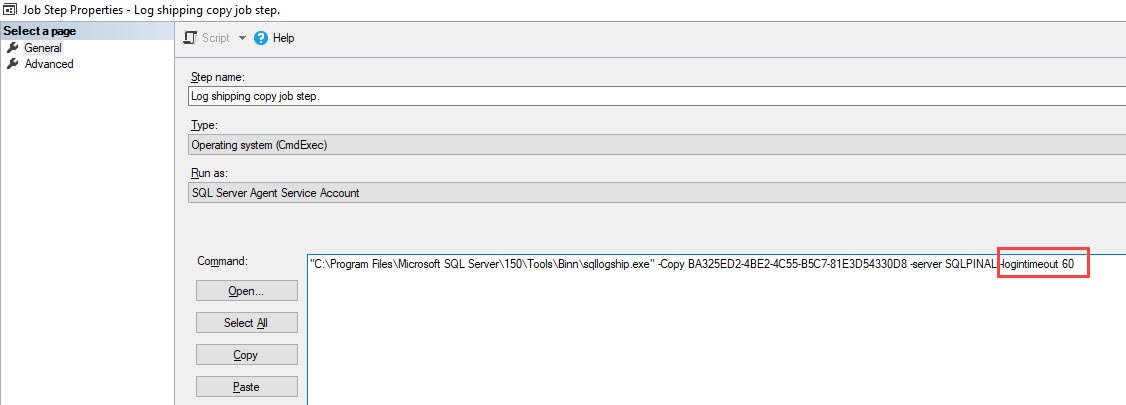
The job now waits 60 seconds before it times out while connecting to the server. This is a documented option of sqllogship.exe.
Confirm It Worked
After we added this parameter, the issue was resolved and the job ran successfully.
How to Prevent It
Spread the log shipping schedules so that the jobs don’t all connect at once. If logins still need more time, raise the timeout with -logintimeout.
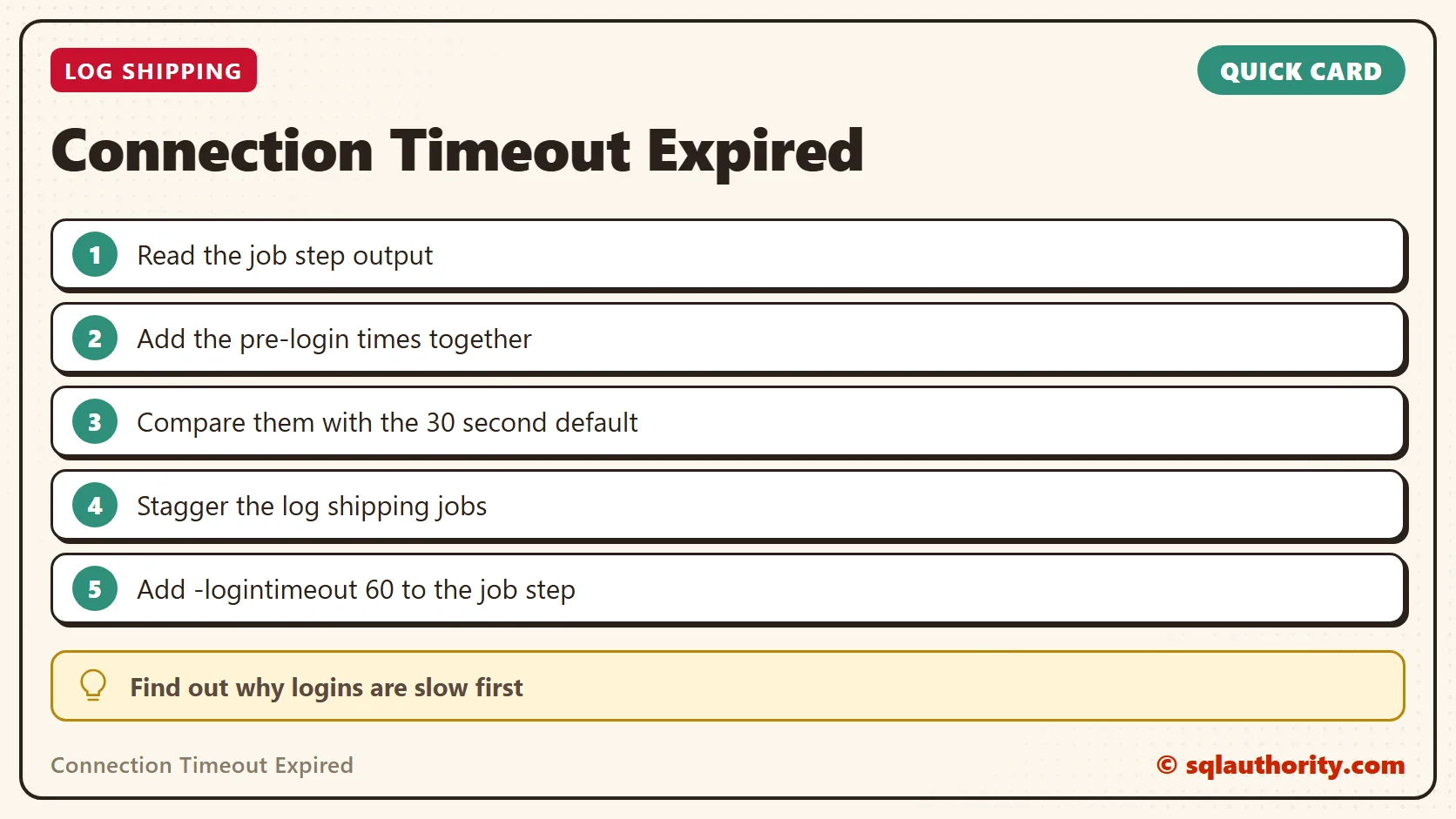
A connection timeout is not a dead server, it is a connection that waited too long.
Published by Pinal Dave on SQLAuthority. More of my work at pinaldave.com.
Discover more from SQL Authority with Pinal Dave
Subscribe to get the latest posts sent to your email.




1 Comment. Leave new
Message
2022-09-29 11:56:31.67 *** Error: Could not retrieve copy settings for secondary ID ‘e286746c-abdf-41fc-a485-8543ed173b32’.(Microsoft.SqlServer.Management.LogShipping) ***
2022-09-29 11:56:31.67 *** Error: The specified agent_id E286746C-ABDF-41FC-A485-8543ED173B32 or agent_type 1 do not form a valid pair for log shipping monitoring processing.(.Net SqlClient Data Provider) ***
2022-09-29 11:56:31.68 *** Error: Could not log history/error message.(Microsoft.SqlServer.Management.LogShipping) ***
2022-09-29 11:56:31.68 *** Error: The specified agent_id E286746C-ABDF-41FC-A485-8543ED173B32 or agent_type 1 do not form a valid pair for log shipping monitoring processing.(.Net SqlClient Data Provider) ***
2022-09-29 11:56:31.68 *** Error: Could not cleanup history.(Microsoft.SqlServer.Management.LogShipping) ***
2022-09-29 11:56:31.68 *** Error: The specified agent_id E286746C-ABDF-41FC-A485-8543ED173B32 or agent_type 1 do not form a valid pair for log shipping monitoring processing.(.Net SqlClient Data Provider) ***
2022-09-29 11:56:31.68 —– END OF TRANSACTION LOG COPY —–
Can you help me to resolve this issue of log shipping.