
The “Could not log history” error stopped the Copy and Restore jobs of one of my clients’ log shipping setups. Many disaster recovery solutions exist in SQL Server today, and a few of my clients still go with log shipping. This post covers a specific log shipping error about the sysadmin fixed server role.

The Error
My client told me that the Copy and Restore jobs were failing. I asked for the exact message from the job history. This was the useful part:
*** Error: Could not log history/error message.(Microsoft.SqlServer.Management.LogShipping) ***
*** Error: Only members of the sysadmin fixed server role can perform this operation.(.Net SqlClient Data Provider) ***
What the Client Saw
I’d already seen a similar message in an earlier case.
I checked the documentation of the SQL Server Agent service account. Under the SQL Server Role Membership section, it says the Agent service account needs the sysadmin role. So the message looked straightforward: the Agent account didn’t have sysadmin. We checked the primary and the secondary, and the account was a sysadmin on both.
Why It Happens
I asked the client to capture a Profiler trace on every server involved, and they sent me three traces. I was surprised to see three, so I called them. They told me they also had a monitor server.
The trace from the monitor server showed the error. The Agent account wasn’t a sysadmin on that server:

How to Check
Run this query on the monitor server to verify the permission:
Select IS_SRVROLEMEMBER ('sysadmin','domain\sql-agent-service-account')If it returns zero, the account is not a sysadmin. Giving it the permission fixes the error.
The Fix
The error came from the permission on the monitor server. After we gave the SQL Server Agent service account the sysadmin role there, the jobs started running.
How to Prevent It
Count every server in a log shipping setup, including the monitor. The Agent account needs the permission on each of them.
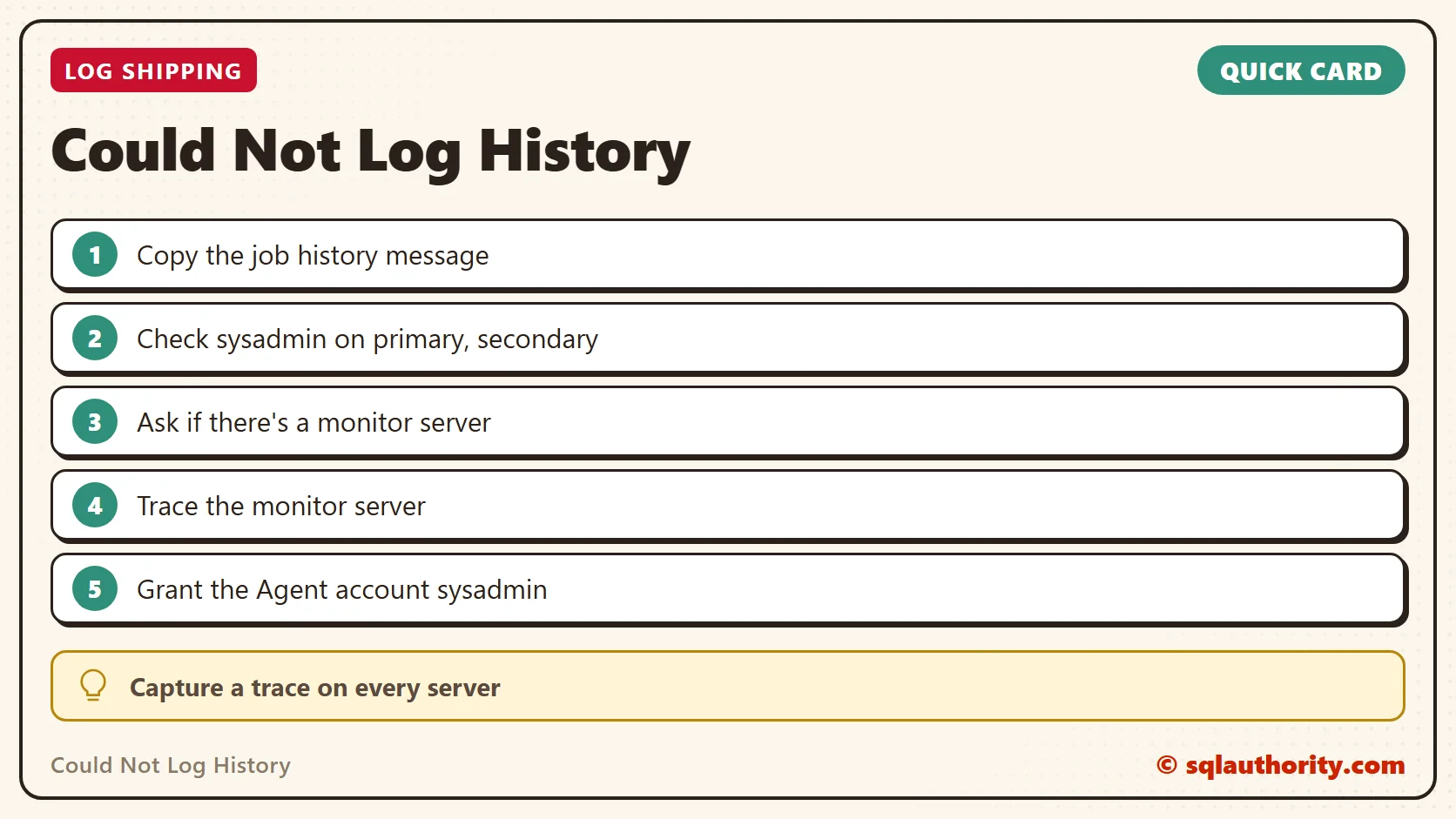
The error is not on the servers in the pair, it is on the monitor.
Published by Pinal Dave on SQLAuthority. More of my work at pinaldave.com.
Discover more from SQL Authority with Pinal Dave
Subscribe to get the latest posts sent to your email.




1 Comment. Leave new
Can someone let me know if there is any quick way to re-establish log shipping after primary database is refreshed?
TIA