
Msg 41379 stopped a restore on a client’s development server with an insufficient memory error for the resource pool ‘default’. I ran into it during a Comprehensive Database Performance Health Check. In over 10 years of performance tuning consulting, it was the first time I’d seen this error.

The Error
The restore failed with this message:
Msg 41379, Level 16, State 0, Line 0
Restore operation failed for database 'InMemoryDB' due to insufficient memory in the resource pool 'default'. Close other applications to increase the available memory, ensure that both SQL Server memory configuration and resource pool memory limits are correct and try again. See 'http://go.microsoft.com/fwlink/?LinkID=507574' for more information.
Msg 3167, Level 16, State 1, Line 2
RESTORE could not start database 'InMemoryDB'.
Msg 3013, Level 16, State 1, Line 2
RESTORE DATABASE is terminating abnormally.
What Happened
While fixing performance issues with the customer, we found an interesting solution to their problem. They had no development environment. So we took a quick backup of their database and tried to restore it on their development box. The plan was to test the solution there first and then apply it on production.
The database we were restoring had a few In-Memory OLTP tables. The restore failed with the error above. Fortunately, I had a solution ready, even though I had never faced this error before.
Why It Happens
A database with In-Memory OLTP tables has to load its memory-optimized data into memory during a restore. That memory comes from the resource pool the database is bound to. Here it was the default pool, and the pool didn’t have enough memory.

The Fix
We needed to increase the memory available to the default resource pool. On this server, we set its limit to 90%:
ALTER RESOURCE GOVERNOR DISABLE
GO
ALTER RESOURCE POOL "default" WITH ( MAX_MEMORY_PERCENT = 90 )
GO
ALTER RESOURCE GOVERNOR RECONFIGURE
GO
Confirm It Worked
After we raised the limit to 90%, the error disappeared.
How to Prevent It
Before you restore a database with In-Memory OLTP tables, check how much memory the target server’s resource pool can use. The error message gives the same advice: close other applications and check both the SQL Server memory configuration and the resource pool limits.
Have you ever faced such a problem? Let me know in the comments. You can also follow me on YouTube.
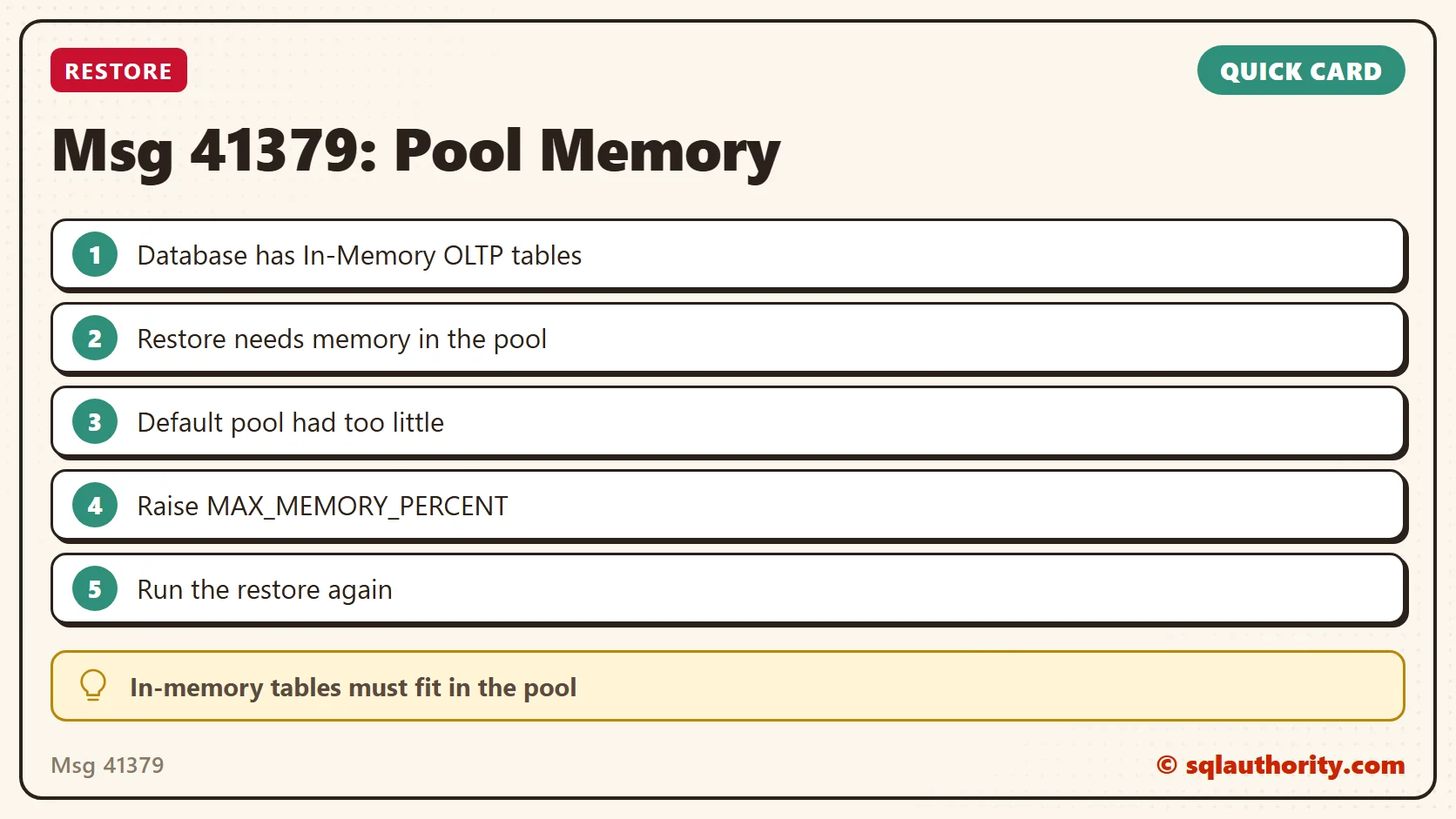
A restore is not only disk work, it is a request for memory the pool has to grant.
Published by Pinal Dave on SQLAuthority. More of my work at pinaldave.com.
Discover more from SQL Authority with Pinal Dave
Subscribe to get the latest posts sent to your email.




8 Comments. Leave new
Hi Pinal,
we are facing the same issue, we have implemented the IN MEMORY DB on our local server with 1 TB HDD & 16 GB RAM with SQL server 2017
whenever the server got restarted then the DB goes to recovery mode & throws an error “There is insufficient system memory in resource pool ‘default’ to run this query”
changed the setting to 90% but still facing the issue & unable to recovery the DB.
DB contains only one table size is only 2.6 GB ,but backup taken its around 6.6 GB.
Can you please help me on this issue.
Thanks
Santosh
you need to check max server memory.
it works for me , thanks !
Thanks Carlos.
Hi,
i have the same issue which is :
Msg 701, Level 17, State 13, Procedure g39_ck, Line 1
There is insufficient system memory in resource pool ‘internal’ to run this query.
And tried execute the script above :
ALTER RESOURCE GOVERNOR DISABLE
GO
ALTER RESOURCE POOL “default” WITH ( MAX_MEMORY_PERCENT = 90 )
GO
ALTER RESOURCE GOVERNOR RECONFIGURE
GO
but there is an error like this :
‘ALTER RESOURCE GOVERNOR RECONFIGURE’ failed. The resource governor is not available in this edition of SQL Server. You can manipulate resource governor metadata but you will not be able to apply resource governor configuration. Only Enterprise edition of SQL Server supports resource governor.
Is there other script that support my issue in SQL Server 2008 R2?
Thanks
This doesnt work for me though. Still get the same error
Msg 5181, Level 16, State 5, Line 5
Could not restart database “databaselog”. Reverting to the previous status.
Msg 5069, Level 16, State 1, Line 5
ALTER DATABASE statement failed.
Msg 41316, Level 23, State 3, Line 3678
Restore operation failed for database ‘databaselog’ with internal error code ‘0x88000001’.
I have faced this following error on AG secondary replica and I had to resume in the database in order to begin the sync again, any idea why this happened?
[ERROR] HkHostRedoLogRecords(): Database ID: [6] ‘databasename’. Failed to redo log record at LSN 002EC8EB:000691E5:0001.
Error code: 0x84000004. (sql\ntdbms\hekaton\sqlhost\sqlmin\hkhosttxmgmt.cpp:2103)
Error: 41316, Severity: 23, State: 7.
Restore operation failed for database ‘databasename’ with internal error code ‘0x84000004’.
Always On Availability Groups data movement for database ‘databasename’ has been suspended for the following reason: “system” (Source ID 2; Source string: ‘SUSPEND_FROM_REDO’). To resume data movement on the database, you will need to resume the database manually. For information about how to resume an availability database, see SQL Server Books Online.
Parallel redo is shutdown for database ‘databasename’ with worker pool size [16].
Error: 3313, Severity: 21, State: 2.
During redoing of a logged operation in database ‘databasename’ (page (0:0) if any), an error occurred at log record ID (3066091:430565:1). Typically, the specific failure is previously logged as an error in the operating system error log. Restore the database from a full backup, or repair the database.