Setup error 1603 hid a simple cause when a SQL Server patch failed. A few of my clients still run older versions of SQL Server, for reasons of their own. The message that finally explained it was Disk full: There is not enough disk space on the volume.

The Error
Whenever any installation fails, I follow the official Microsoft documentation for reading the setup logs. I investigated the Summary file, Summary_MachineName_Date.txt, and found this error:
Feature: Database Engine Services
Status: Failed: see logs for details
Reason for failure: An error occurred during the setup process of the feature.
Next Step: Use the following information to resolve the error, and then try the setup process again.
Component name: SQL Server Database Engine Services Instance Features
Component error code: 1603
Component log file: C:\Program Files\Microsoft SQL Server\110\Setup Bootstrap\Log\20191229_100959\MSSQLSERVER\sql_engine_core_inst_Cpu64_1.log
The Full-Text and Replication entries showed the same component name, error code and log file.
How to Check
All the failures point to another file, sql_engine_core_inst_Cpu64_1.log, and the error code is 1603. As the Microsoft documentation describes, I searched that log for value 3 (without quotes). That found the place of failure and its error message.

Here is the message in text form:
Disk full: There is not enough disk space on the volume 'D:' to continue the install with recovery enabled. 131,060 KB are required, but only 48 KB are available. Click Ignore to continue the install without saving recovery information, click Retry to check for available space again, or click Cancel to quit the installation.
Action ended 3:22:05: InstallValidate. Return value 3.
Action ended 3:22:05: INSTALL. Return value 3.
Why It Happens
Error 1603 is a generic code. The component log holds the real cause. Here, setup needed 131,060 KB on the D drive, about 128 MB, and only 48 KB were free.
The Fix
I don’t think I need to explain the corrective action for this message. The D drive was low on free space. Move some files to other drives so the D drive has enough room, and then run setup again.
How to Prevent It
Before you start a patch, check the free space on every drive that setup will use. As the message shows, the installer also needs room to save its recovery information.
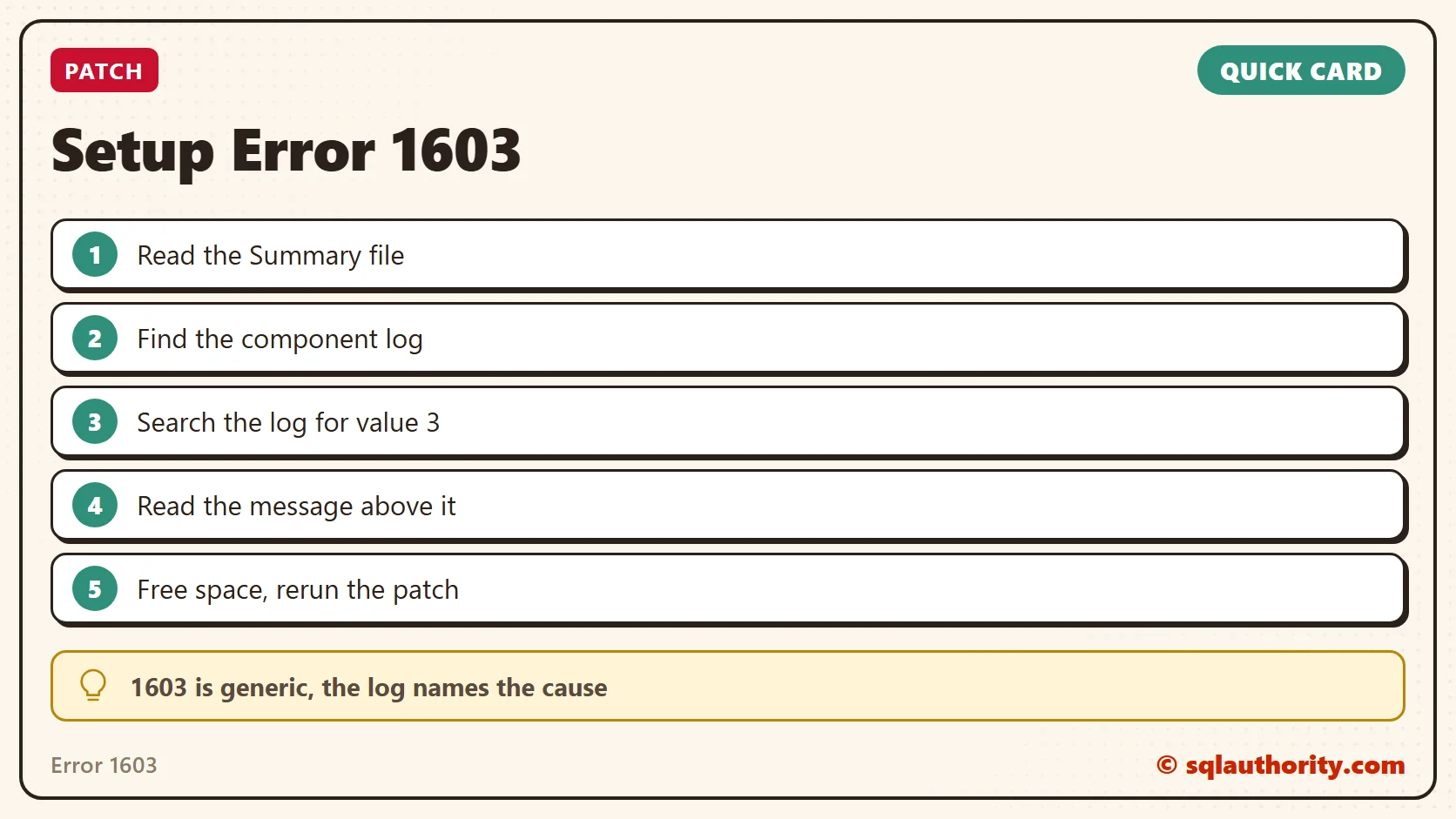
Error 1603 is not the answer, it is a pointer to the log that holds the answer.
Published by Pinal Dave on SQLAuthority. More of my work at pinaldave.com.
Discover more from SQL Authority with Pinal Dave
Subscribe to get the latest posts sent to your email.