Error 21089 failed the Copy and Restore jobs of a log shipping setup for one of my clients. Even with newer features in SQL Server, many organizations still prefer log shipping. After a long time, a client brought me an interesting error in it. Their Log Shipping Copy and Restore jobs were failing.

The Error
I checked the job history and found this:
*** Error: Could not cleanup history.(Microsoft.SqlServer.Management.LogShipping) ***
*** Error: Only members of the sysadmin fixed server role can perform this operation.(.Net SqlClient Data Provider) ***
----- END OF TRANSACTION LOG COPY -----
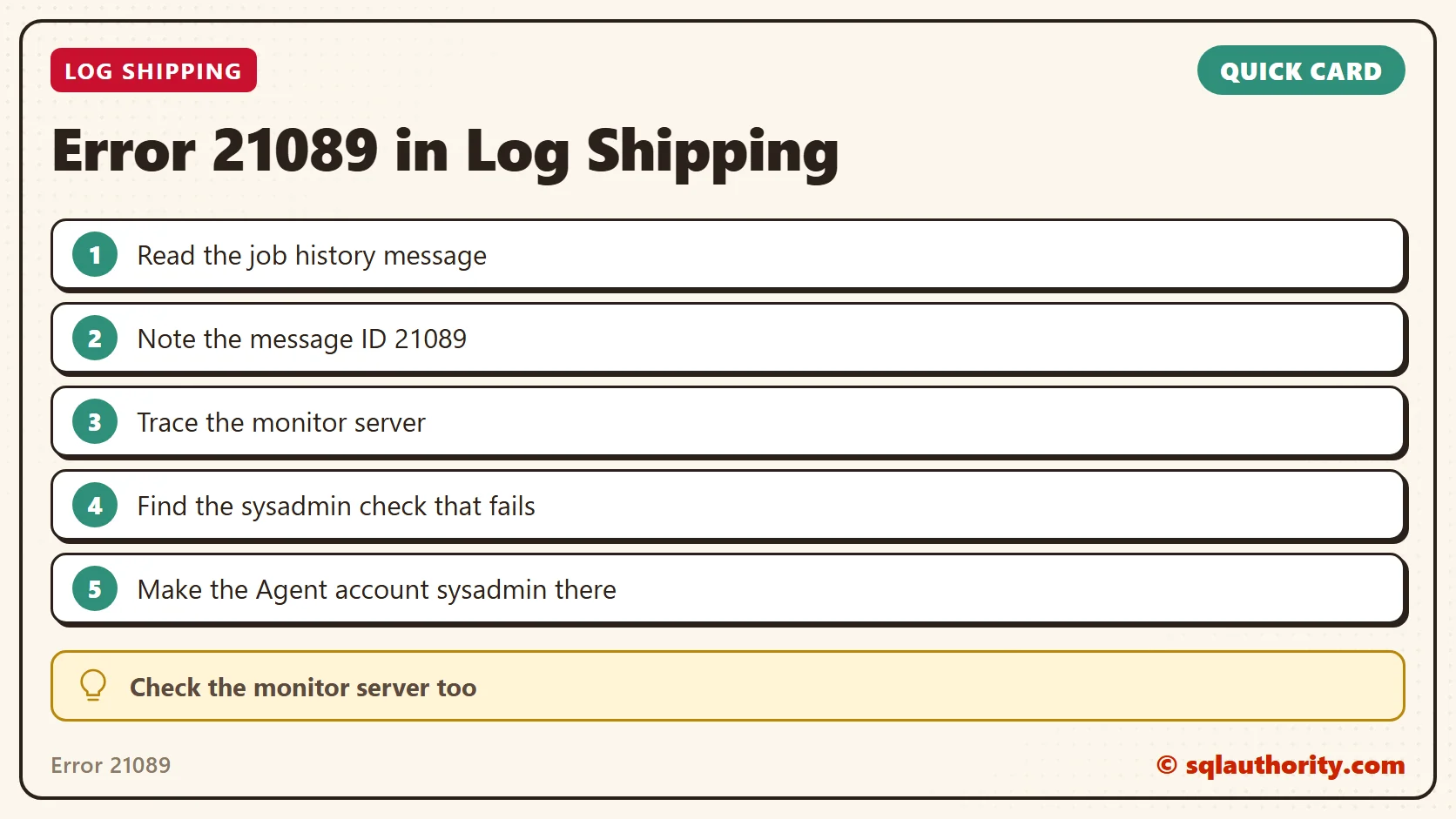
The ID of the message raised is 21089. I wanted to know the exact place where it was raised, so we captured a Profiler trace.
What the Client Saw
It didn’t take long to see in the trace that sys.sp_MSlogshippingsysadmincheck returns error 21089. It was called by this code:
exec @retcode = sys.sp_MSprocesslogshippingmonitorhistory
                    @mode = 1
                    ,@agent_id = @agent_id
                    ,@agent_type = @agent_type
                    ,@session_id = @session_id
                    ,@session_status = @session_status
                    ,@monitor_server = @monitor_server
                    ,@monitor_server_security_mode = @monitor_server_security_mode
                    ,@database = @database
                    ,@log_time = @curdate
                    ,@log_time_utc = @curutcdate
                    ,@message = @message
So it was clear that the job connects to the monitor server and raises the error there. That’s the server we needed to look at.
Why It Happens
The monitor server checks that the caller is a sysadmin. The SQL Server Agent startup account was not a sysadmin on the monitor server. We confirmed that this caused the error. The problem shows up when the monitor server is a separate server. The Agent service account of the primary or secondary needs permission there.
How to Check
Take a Profiler trace on the monitor server, as we did next. Look for the sysadmin check and the error raised right after it. This is the same trace approach that found the call above.
The Fix
Make the SQL Server Agent startup account a sysadmin on the monitor server. That’s how we fixed the log shipping error.

How to Prevent It
Give the Agent accounts of the primary and secondary the needed permission on a separate monitor server too. For a second case with a different message, read my other post on the sysadmin error. It reaches the same monitor server by a different route.
Here are more posts on log shipping:
- Log Shipping Alternative for Databases in Simple Recovery Model
- Log Shipping Monitor Not Getting Updated
- What Is a WRK File in Log Shipping?
- Log Shipping Copy Job Failure: The Password for This Account Has Expired
- Log Shipping Restore Job Error: The File Is Too Recent to Apply to the Secondary Database
- SSMS: Transaction Log Shipping Status Report
Error 21089 is not about the two servers, it is about the one that watches them.
Published by Pinal Dave on SQLAuthority. More of my work at pinaldave.com.
Discover more from SQL Authority with Pinal Dave
Subscribe to get the latest posts sent to your email.