
Does GROUP BY sort the rows it returns? No. Only an ORDER BY clause guarantees the order of a result. Many queries do come back sorted, and that habit makes the belief feel true.

Where the Sorted Look Comes From
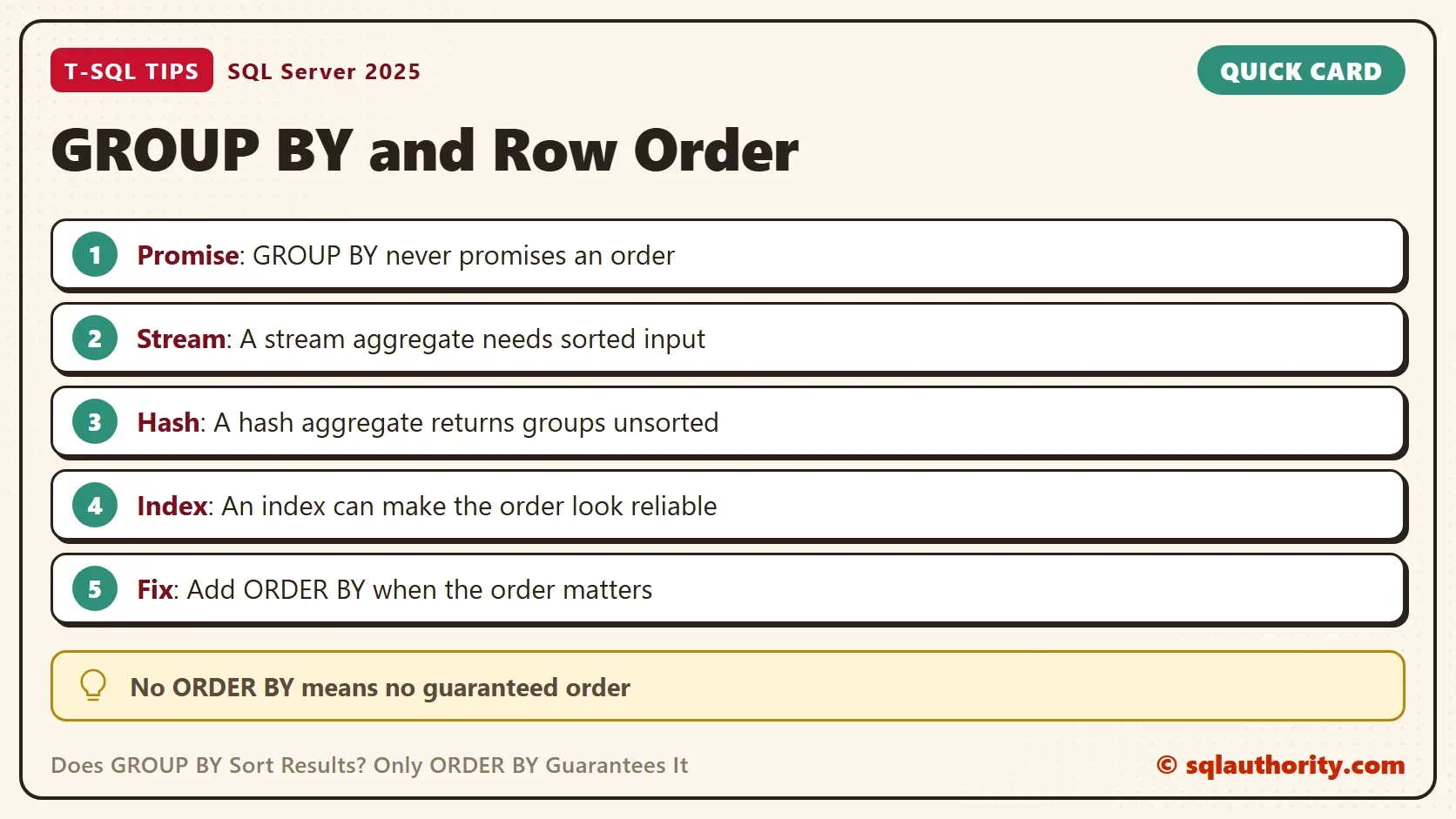
GROUP BY gathers rows into groups. SQL Server has two main ways to do that. A stream aggregate reads rows that arrive in order and closes a group when the value changes. A hash aggregate fills a hash table in memory and returns the groups in bucket order.
So the answer to “does GROUP BY sort” depends on the plan. Sorted output is a side effect of the stream aggregate. When the optimizer picks the hash method, the same query returns the same groups in another order.
The demo database is named GroupOrderDemo, and it holds 200,000 orders for 8 customers. A formula fills the table, so every run builds the same rows. Run the script on a test server.
IF DB_ID(N'GroupOrderDemo') IS NULL CREATE DATABASE GroupOrderDemo;
GO
USE GroupOrderDemo;
GO
DROP TABLE IF EXISTS dbo.Orders;
CREATE TABLE dbo.Orders (
    OrderID    int NOT NULL PRIMARY KEY,
    CustomerID int NOT NULL,
    Amount     decimal(10,2) NOT NULL
);
INSERT INTO dbo.Orders (OrderID, CustomerID, Amount)
SELECT n, 1 + ((n * 7 + n / 11) % 8), 10 + (n % 90)
FROM (SELECT TOP (200000) ROW_NUMBER() OVER (ORDER BY (SELECT NULL)) AS n
      FROM sys.all_objects AS a CROSS JOIN sys.all_objects AS b) AS x;
No Index, No Order
Count the orders for each customer. The query has no ORDER BY clause.
SELECT CustomerID, COUNT(*) AS OrderCount
FROM dbo.Orders
GROUP BY CustomerID;
| CustomerID | OrderCount |
|---|---|
| 1 | 27272 |
| 4 | 22727 |
| 3 | 27272 |
| 5 | 27272 |
| 2 | 22727 |
| 8 | 22728 |
| 6 | 22728 |
| 7 | 27274 |
The customers come back as 1, 4, 3, 5, 2, 8, 6 and 7. That is hash order. This table has no index on CustomerID, so the optimizer chose a hash aggregate, which needs no sorted input. Your server can return another order, and that is the point.
An Index Changes the Order
Create an index on CustomerID and run the same query again. The index holds the customers in order, so SQL Server can read it and use a stream aggregate.
CREATE INDEX IX_Orders_CustomerID ON dbo.Orders (CustomerID);
GO
SELECT CustomerID, COUNT(*) AS OrderCount
FROM dbo.Orders
GROUP BY CustomerID;
| CustomerID | OrderCount |
|---|---|
| 1 | 27272 |
| 2 | 22727 |
| 3 | 27272 |
| 4 | 22727 |
| 5 | 27272 |
| 6 | 22728 |
| 7 | 27274 |
| 8 | 22728 |
The query did not change. The plan did, and the order followed the plan. In the plan, the index scan carries the Ordered property. It means the scan delivers rows in index order for the aggregate above it. It isn’t a promise about your result.
To see the other method, ask for it. The hint OPTION (HASH GROUP) forces a hash aggregate, even with the index in place.
SELECT CustomerID, COUNT(*) AS OrderCount
FROM dbo.Orders
GROUP BY CustomerID
OPTION (HASH GROUP);
| CustomerID | OrderCount |
|---|---|
| 1 | 27272 |
| 3 | 27272 |
| 4 | 22727 |
| 5 | 27272 |
| 2 | 22727 |
| 8 | 22728 |
| 6 | 22728 |
| 7 | 27274 |
The order is arbitrary again. It differs from the first hash result in one spot: customer 3 now comes before 4. Same rows, same query, another order. Nothing is wrong, because SQL Server returned a valid answer both times.
Read the Plan Instead of Guessing
You can check which method ran. SET SHOWPLAN_TEXT shows the plan without running the query, and it must be the only statement in its batch. The next script lists the plans for three queries.
SET SHOWPLAN_TEXT ON;
GO
SELECT CustomerID, COUNT(*) AS OrderCount FROM dbo.Orders GROUP BY CustomerID;
GO
SELECT CustomerID, COUNT(*) AS OrderCount FROM dbo.Orders GROUP BY CustomerID OPTION (HASH GROUP);
GO
SELECT CustomerID, COUNT(*) AS OrderCount FROM dbo.Orders GROUP BY CustomerID ORDER BY CustomerID;
GO
SET SHOWPLAN_TEXT OFF;
| Query | Plan shape |
|---|---|
| Plain GROUP BY | Stream Aggregate over an Index Scan marked ORDERED |
| OPTION (HASH GROUP) | Hash Match (Aggregate) over an Index Scan |
| GROUP BY with ORDER BY | Stream Aggregate over an Index Scan, no Sort |
The ORDER BY costs nothing extra here, because the index already delivers the order. Drop the index and the picture changes. SQL Server must add a Sort operator.
DROP INDEX IX_Orders_CustomerID ON dbo.Orders;
GO
SET SHOWPLAN_TEXT ON;
GO
SELECT CustomerID, COUNT(*) AS OrderCount FROM dbo.Orders GROUP BY CustomerID ORDER BY CustomerID;
GO
SET SHOWPLAN_TEXT OFF;
Now the plan reads a Sort over a Hash Match (Aggregate) over a Clustered Index Scan. That Sort is the price of a guaranteed order when no index helps. It’s a fair price for a result you can trust. If your queries suddenly return no rows, the session is still in plan-only mode. Run SET SHOWPLAN_TEXT OFF.
Why Not Rely on the Habit?
You could argue that your query has returned sorted rows for years, so the habit is safe. It’s safe until the plan changes. A dropped index, a statistics update, a parallel plan or an upgrade can move a query to a hash aggregate. The rows then arrive unsorted. A report that depended on the habit breaks without an error.
Should you create an index to get the order? Not for that reason alone. Create indexes for the filters and joins your workload needs. When one of them also delivers the order, the ORDER BY is free.
The habit has a second trap. Even when the rows look sorted, they look sorted in one direction only. A query that needs the newest customer first must say ORDER BY CustomerID DESC. The next query returns customer 8 first and customer 1 last. Without the clause, nothing in the language says which end comes first.
SELECT CustomerID, COUNT(*) AS OrderCount
FROM dbo.Orders
GROUP BY CustomerID
ORDER BY CustomerID DESC;
What to Remember
A result has no order unless the outermost query says ORDER BY. GROUP BY can look sorted when SQL Server uses a stream aggregate. It can look random when SQL Server uses a hash aggregate. Both are correct answers. So, does GROUP BY sort? It sorts the way every other query does: only when you ask for it with ORDER BY.
The same rule covers DISTINCT and UNION. Both remove duplicates by sorting or by hashing, and neither promises an order. Write ORDER BY on every query where a person or a program reads the rows in sequence. Check the plan when you wonder where an order came from. When you finish with the demo, run the cleanup script.
USE master;
GO
ALTER DATABASE GroupOrderDemo SET SINGLE_USER WITH ROLLBACK IMMEDIATE;
DROP DATABASE GroupOrderDemo;
A sorted result is not a feature of GROUP BY, it is a request you make with ORDER BY.
Published by Pinal Dave on SQLAuthority. More of my work at pinaldave.com.
Discover more from SQL Authority with Pinal Dave
Subscribe to get the latest posts sent to your email.




3 Comments. Leave new
So, it is recomended to create an index on this column?
Using the GroupBy does not inherently order the records returned, but forces the optimizer to use whatever index/ order the “grouped” by column has, in this case ASC
This is good information about SQL Server group by and order by . thanks for sharing this information because this is very helpfull