Setup error 1060 stopped an in-place upgrade of SQL Server 2008 R2 to 2014 for one of my clients. Support for SQL Server 2008 R2 has ended, but many clients still run it. A few of mine plan to upgrade as soon as possible. This one was a standalone instance.

The Error
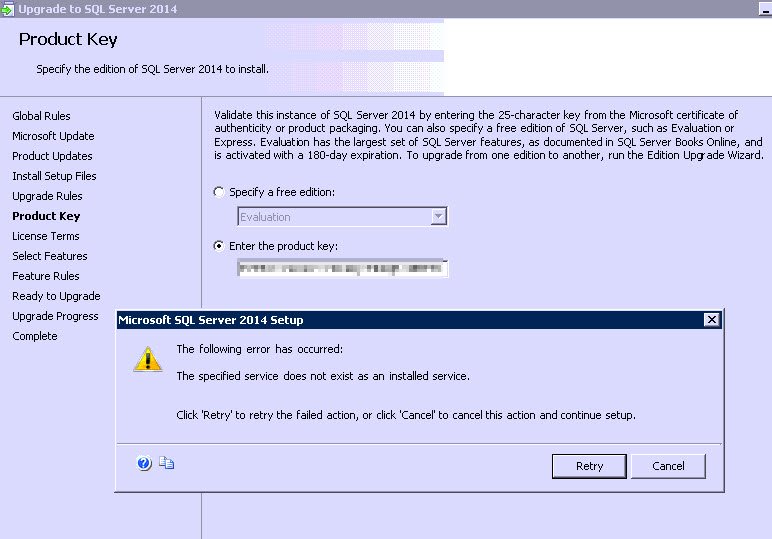
As soon as the client entered the product key and clicked Next, setup failed. The message said the specified service does not exist as an installed service.
What Happened
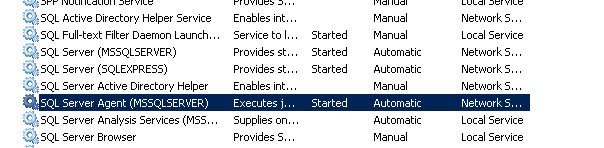
I checked the SQL Server services and found these. Everything looked fine there.
Then I checked the SQL Server setup logs to see what exactly the problem with the services was. This is what I found:
Sco: Failed to get service status for service ReportServer
Prompting user if they want to retry this action due to the following failure:
The following is an exception stack listing the exceptions in outermost to innermost order
Inner exceptions are being indented
Exception type: Microsoft.SqlServer.Configuration.Sco.ScoException
Message:
The specified service does not exist as an installed service.
HResult : 0x84bb0001
FacilityCode : 1211 (4bb)
ErrorCode : 1 (0001)
Data:
DisableRetry = true
Inner exception type: System.ComponentModel.Win32Exception
Message:
The specified service does not exist as an installed service.
HResult : 0x80004005
Error : 1060
Stack:
at Microsoft.SqlServer.Configuration.Sco.Service.OpenService()
at Microsoft.SqlServer.Configuration.Sco.Service.QueryServiceStatus()
at Microsoft.SqlServer.Configuration.Sco.Service.GetServiceStatus(ControlsAccepted& controlsAccepted)
Why It Happens
The first message says setup failed to get the status of the service ReportServer. That is SQL Server Reporting Services, and it is missing from the list. Error 1060 is the Windows code for a service that is not installed.
The client recalled that they had SSRS installed on this server, but the application team had removed it. It seems the removal was not clean.
How to Check
I asked the client to run the SQL Server discovery report and check the status of Reporting Services. My earlier post explains it: Discovery Report: How to Find Information About Installed Features.
The Fix
When we ran the report, it showed SSRS. That means there were issues with the SSRS installation on this server. We went to Add/Remove Programs and uninstalled SSRS, since the client wasn’t using it anymore.
Confirm It Worked
After removing SSRS, we were able to migrate to SQL Server 2014 without any further errors.
How to Prevent It
Before an upgrade, run the discovery report and look for features that were only half removed. Remove any leftovers you no longer use.
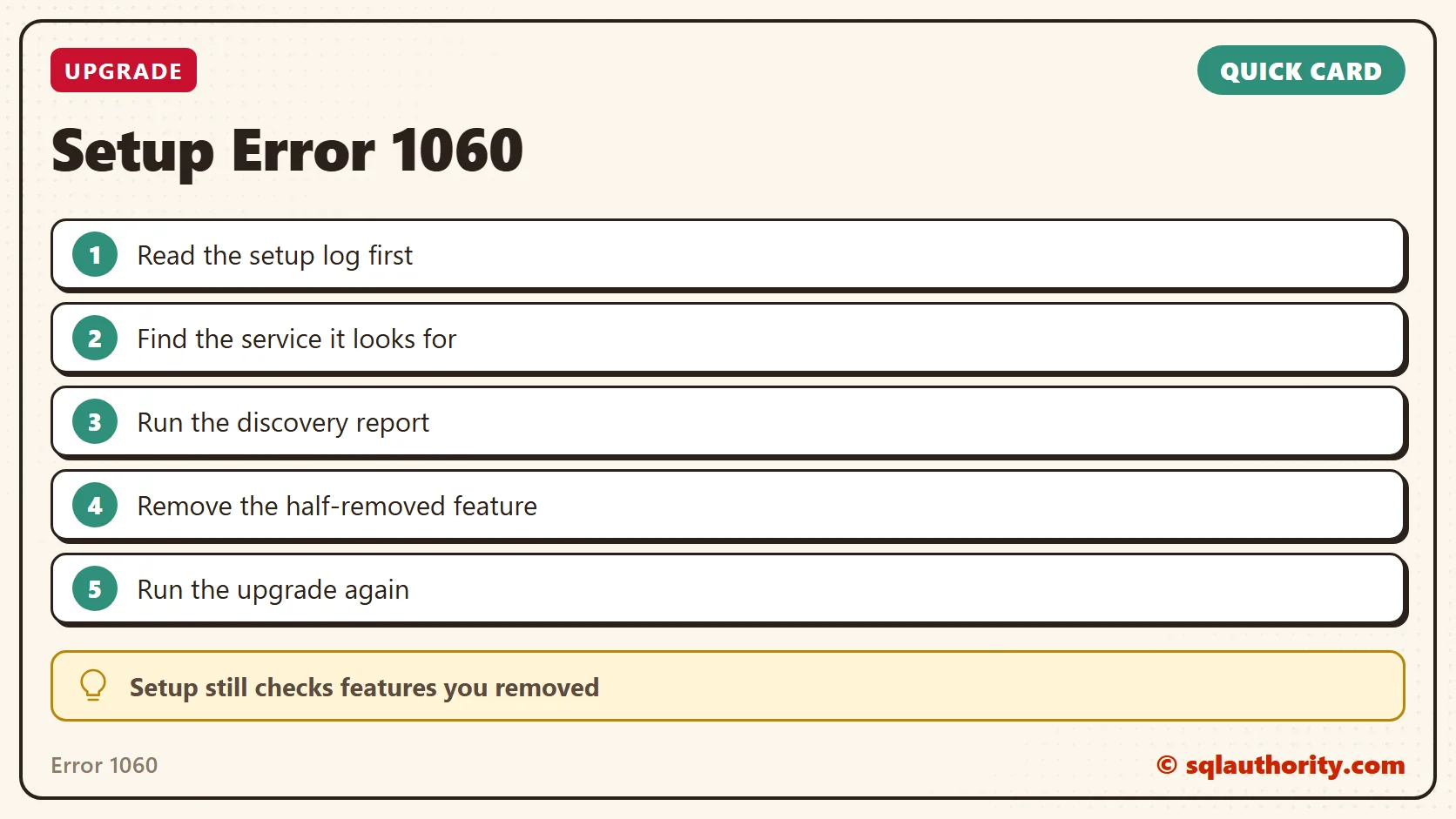
A removed feature is not always gone, it is sometimes still on setup’s checklist.
Published by Pinal Dave on SQLAuthority. More of my work at pinaldave.com.
Discover more from SQL Authority with Pinal Dave
Subscribe to get the latest posts sent to your email.