
The PARALLEL_BACKUP_QUEUE wait is poorly documented, so when a reader asked me about it, I had to dig. I get the same question during the Comprehensive Database Performance Health Check. My search on the internet gave few details.

The Error
The only official documentation I found is a single line. It says the wait occurs when serializing the output of RESTORE HEADERONLY, RESTORE FILELISTONLY or RESTORE LABELONLY. The reader’s command finally failed with this message:
The media family on device is incorrectly formed.What the Reader Sent
I asked the reader, who is also a friend, for the exact command they were running. This is it:
RESTORE FILELISTONLY FROM DISK='F:\Backups\ProductionDB.bak'That matched the documentation, but what does serializing output mean? The reader had been checking sys.dm_exec_requests for the SPID that ran this command.

How to Check
I asked the reader to check sys.sysprocesses instead. There were two threads for that SPID. One was suspended with the wait type PARALLEL_BACKUP_QUEUE. The other was running and showing a wait of BACKUPIO.
I captured Process Monitor to look at the IO. The command was reading the whole file in chunks, and the database size was close to 1.5 TB.
Why It Happens
This command reads the backup file even when you only want the file list. On a huge file, that takes a long time. I asked the reader to leave it running, and it finally failed with the media error above.
This made me believe that a bad backup file makes the command run long. The wait then shows up. I haven’t been able to reproduce this in my lab, even with a 50 GB backup.
The Fix
There was nothing to fix in SQL Server itself. The command needed to finish, and the error showed that the backup file was the problem.
How to Prevent It
Check your backup files before you need them. A damaged file can look like a stuck command that reads for a long time before it fails.
If you can reproduce this, or you have other findings, please share them in the comments. I wrote about wait statistics in detail in Learning SQL Wait Stats.
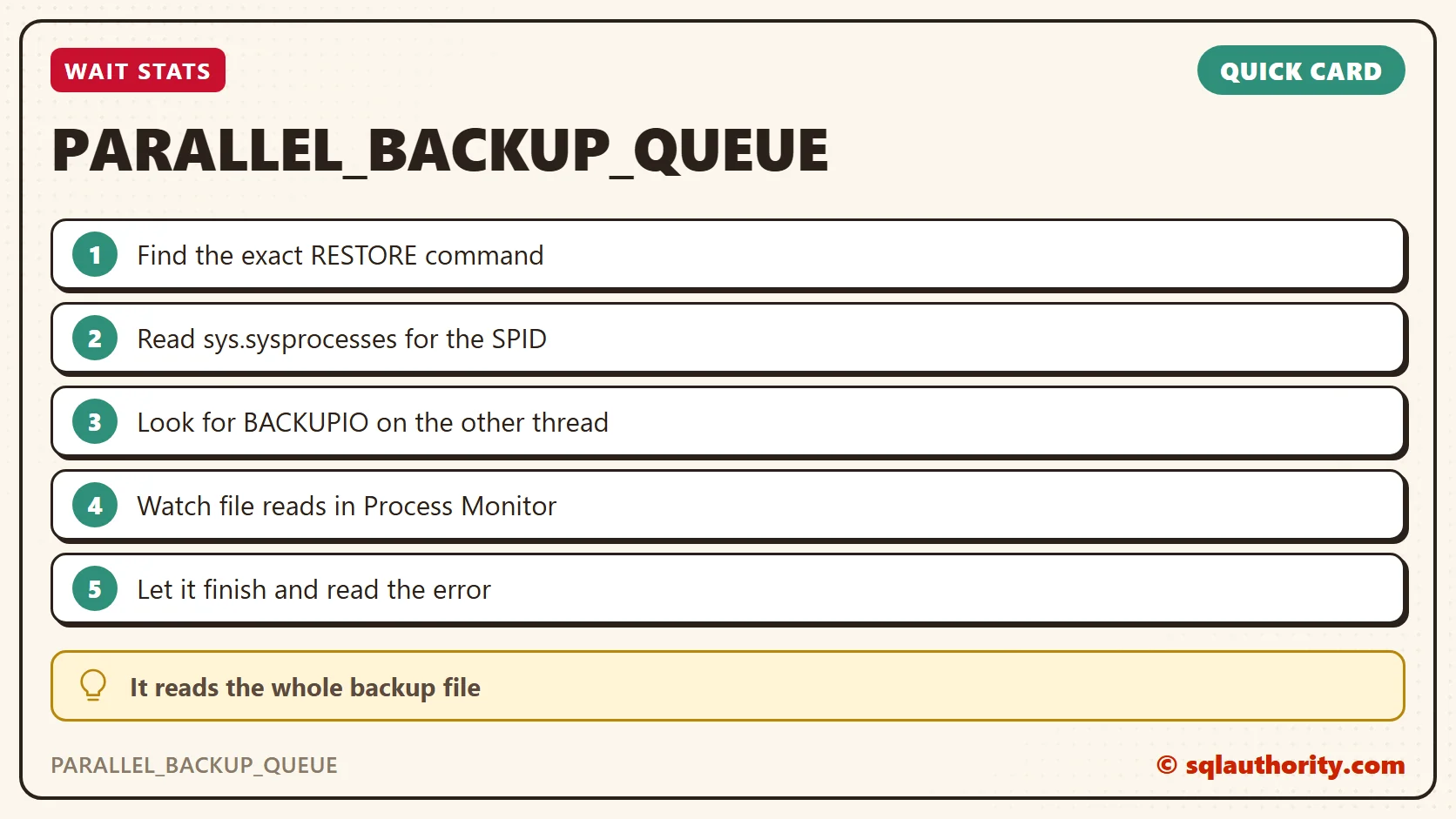
A long RESTORE FILELISTONLY is not a stuck server, it is a big file being read to the end.
Published by Pinal Dave on SQLAuthority. More of my work at pinaldave.com.
Discover more from SQL Authority with Pinal Dave
Subscribe to get the latest posts sent to your email.




5 Comments. Leave new
I ran across this before. If I am correct, this was a HIPS problem. HIPS was preventing SQL from reading the file. When I moved the file from the location to another location that is when SQL was able to read the file.
I just had this error with a large database (500 GB BAK-file) and it occured after its virtual host unexpectedly shut down. So the BAK-file propably got corrupted. A RESTORE HEADERONLY WITH FILE = ‘xxx’ will get stuck and the SPID will become impossible to KILL…
HI wel,
Did you manage to kill that process somehow?
I just had the same problem while doing RESTORE HEADERONLY from a backup taken from AWS RDS
Killing the Parallel Backup Queue is no easy task… but with that said, I have found only two ways to do it.
1- Stop the SQL Server Service (=BIG Hammer)
2- Attempt to Kill SPID via SSMS Activity Monitor/T-SQL. This will slow it down. Now Run Windows task manager, carefully select the correct SSMS Restore Database process, choose “End Task”
Trying to kill the Parallel Backup Queue process via SSMS or T-SQL alone does not work completely. (shows Killed, but it is still running in background)
Everything in the SSMS GUI may “freeze up” for a few seconds after killing the Parallel Backup Queue process within Task Manager, but it will (should) resume back to normal after that.
Attempt at your own risk if you have other important active SSMS process’ running.