
To change fill factor for an index, rebuild the index with a new FILLFACTOR value. A reader asked me this question on Facebook, so I recorded episode 69 of SQL in Sixty Seconds. The tests below measure what the setting does on SQL Server 2025.

What Fill Factor Does
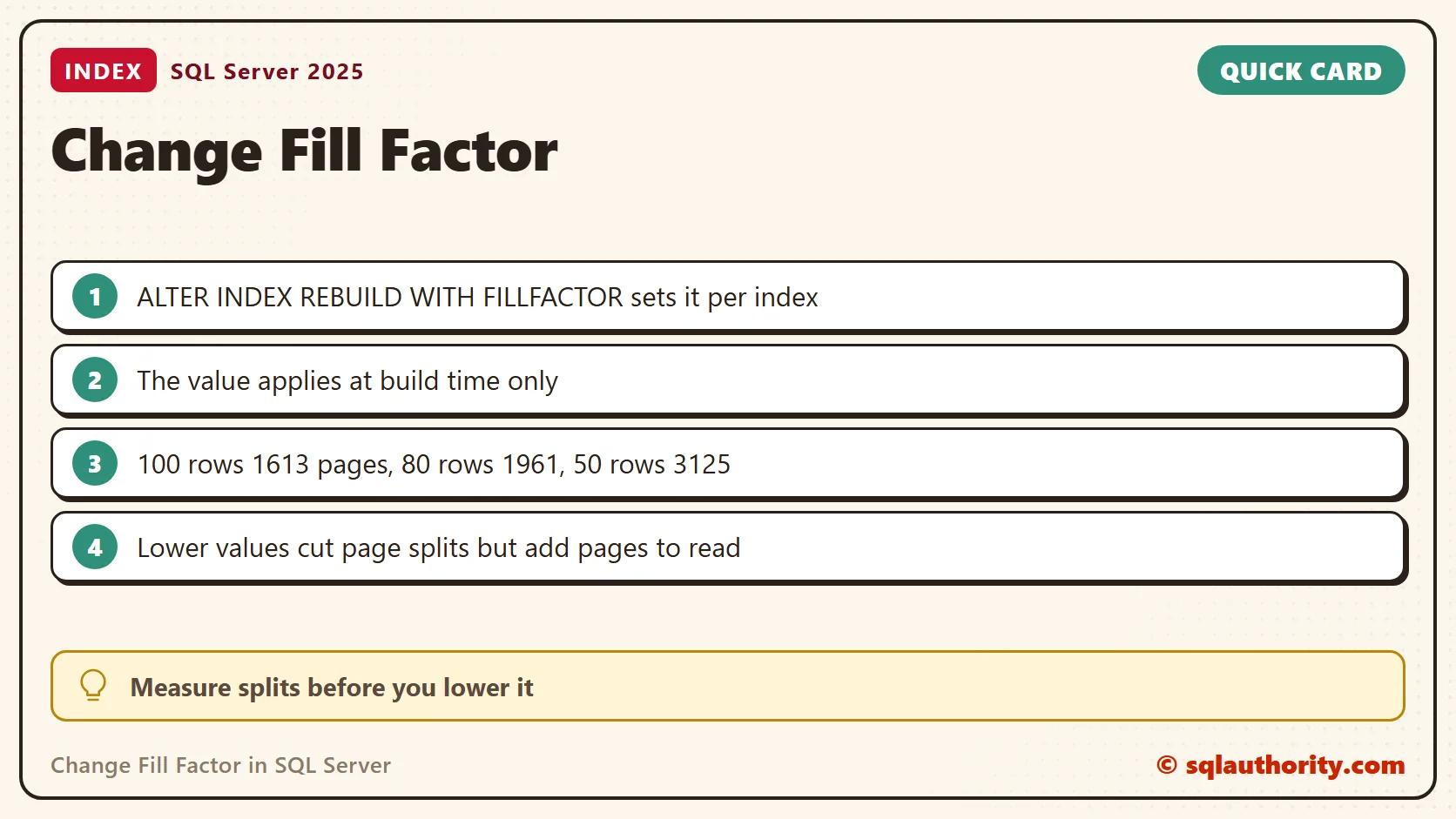
Fill factor is the percentage of each leaf page that SQL Server fills when it builds or rebuilds an index. A value of 80 leaves about 20 percent of every page empty, so later inserts have room. SQL Server does not keep that percentage as rows change. The value applies at build time only.
The server default is 0, which behaves like 100. On my server sys.configurations shows 0 for both the stored and the running value. A lower value uses more pages for the same rows. That costs storage, memory and reads.
SELECT name, value, value_in_use FROM sys.configurations WHERE name = 'fill factor (%)';
Change Fill Factor for One Index
The video shows the server-level setting. Changing that default needs a restart, and it does not rebuild existing indexes. For one index, state the value when you create or rebuild it. This example uses a temporary table, so it leaves nothing behind.
CREATE TABLE #FillFactorDemo (ID int NOT NULL);
INSERT INTO #FillFactorDemo (ID) VALUES (1), (2), (3);
CREATE UNIQUE CLUSTERED INDEX CX_FillFactorDemo ON #FillFactorDemo (ID) WITH (FILLFACTOR = 80);
ALTER INDEX CX_FillFactorDemo ON #FillFactorDemo REBUILD WITH (FILLFACTOR = 100);
SELECT name, fill_factor FROM tempdb.sys.indexes
WHERE object_id = OBJECT_ID('tempdb..#FillFactorDemo') AND name = 'CX_FillFactorDemo';
DROP TABLE #FillFactorDemo;
The query reports 100. Before the rebuild it reported 80. A plain REBUILD with no option keeps the stored value, so the setting stays until you change it again.
Measure the Space Cost
Three rows prove nothing about space. This table holds 100,000 rows of about 120 bytes each, with a random key. Random keys make inserts land everywhere in the index.
CREATE TABLE dbo.Orders (OrderKey uniqueidentifier NOT NULL, Qty int NOT NULL, Note char(100) NOT NULL DEFAULT 'x');
INSERT dbo.Orders (OrderKey, Qty) SELECT TOP (100000) NEWID(), 1 FROM sys.all_objects a CROSS JOIN sys.all_objects b;
CREATE CLUSTERED INDEX CX_Orders ON dbo.Orders (OrderKey) WITH (FILLFACTOR = 100);
ALTER INDEX CX_Orders ON dbo.Orders REBUILD WITH (FILLFACTOR = 80);
SELECT i.fill_factor, ps.page_count, ps.avg_page_space_used_in_percent
FROM sys.indexes AS i
CROSS APPLY sys.dm_db_index_physical_stats(DB_ID(), i.object_id, i.index_id, NULL, 'DETAILED') AS ps
WHERE i.object_id = OBJECT_ID('dbo.Orders') AND i.name = 'CX_Orders' AND ps.index_level = 0;
I ran the rebuild and the last query at 100, 80 and 50.
| FILLFACTOR | Leaf pages | Average page fullness |
|---|---|---|
| 100 | 1613 | 98.8 % |
| 80 | 1961 | 81.2 % |
| 50 | 3125 | 51.0 % |
Fill factor 80 cost 22 percent more pages than 100. Fill factor 50 almost doubled the page count.
The Cost for Readers
More pages mean more reads. A COUNT(*) scan read 1620 pages at fill factor 100 and 1970 pages at 80. Every query that scans the index pays that difference. The pages also take more room in memory.
What You Get for the Space
The gain shows up when rows arrive. I added 20,000 rows with random keys to each version and measured the result.
INSERT dbo.Orders (OrderKey, Qty) SELECT TOP (20000) NEWID(), 2 FROM sys.all_objects a CROSS JOIN sys.all_objects b;
SELECT page_count, avg_fragmentation_in_percent
FROM sys.dm_db_index_physical_stats(DB_ID(), OBJECT_ID('dbo.Orders'), 1, NULL, 'LIMITED');| FILLFACTOR | Pages before | Pages after | Fragmentation after | Page splits |
|---|---|---|---|---|
| 100 | 1613 | 3253 | 99.3 % | about 1650 |
| 80 | 1961 | 2620 | 50.0 % | about 665 |
| 50 | 3125 | 3125 | 0.0 % | 0 |
The full index split about 1650 times and its page count doubled. The 80 percent version split about 665 times and ended up smaller than the 100 percent version. The 50 percent version never split, but it started with the most pages. The keys are random, so each run differs a little. A second run of the 80 percent version ended at 2605 pages and 49.1 percent. The split numbers come from an instance-wide counter, so treat them as approximate.
Gotchas
A heap has no clustered index, so ALTER TABLE ... REBUILD WITH (FILLFACTOR = 80) returns a warning that the option does not apply. The value must be from 1 to 100. A value of 101 failed with Msg 129. By default the value affects the leaf level. The PAD_INDEX option extends it to the pages above.
When Not to Lower It
Leave an index at 100 when its table is read-mostly or its key only increases, such as an identity column. New rows land at the end and never need the spare room. I assume that holds in general, but I did not measure it here. Lower the value for an index that splits a lot. Measure the splits first, and pick a value for each index, not one value for the server.
Related Reading
- Fill factor and index performance
- The server-level fill factor setting
- Are fill factors 0 and 100 different?
- Change the default fill factor
- Index fragmentation and rebuilds
Fill factor is not a speed setting, it is a trade between space now and page splits later.
Published by Pinal Dave on SQLAuthority. More of my work at pinaldave.com.
Discover more from SQL Authority with Pinal Dave
Subscribe to get the latest posts sent to your email.



3 Comments. Leave new
Pinal,
I am learning OLAP concept for creating cube with dim & fact table. But most of time fact and dim table are already created. Do you know some-one who can guide me or any good books which i can refer to?
Hi Pinal,
I just want to know is there any feature in SQL Server which will return the number of rows affected by the select upto that row.
For Ex:
Select * from #temp
Select @@ROWCOUNT will give number of records affected but i want row count when i am executing above query itself. If i am done with fifth row can i get the five , sixth row can i get six like wise. I want to know anything apart from row count
To make sure there’s no confusion – this is changing the default fill factor for the server for creation of new indexes (SQL Server says indexes, so I’ll do that and argue that we can suspend proper English in database land and that the plural form of a database index is different than the English language plural form of index) and does not change the fill factor of any existing indexes.