
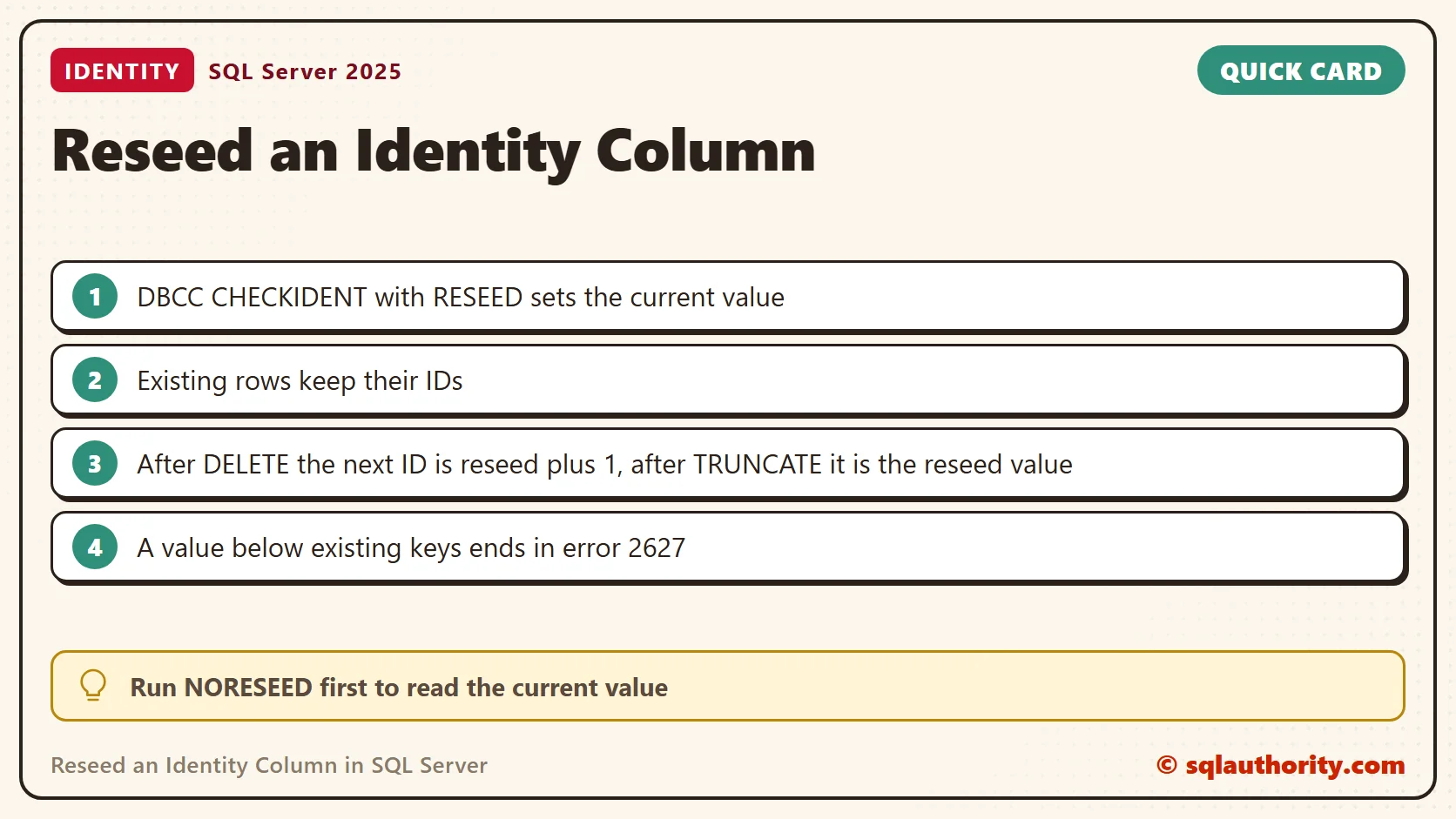
To reseed an identity column, run DBCC CHECKIDENT with the RESEED option and the value you want. Episode 51 of SQL in Sixty Seconds shows the command. It changes the value the column uses next. It does not renumber the rows that already exist.

How an Identity Column Hands Out Numbers
An identity column has a seed and an increment. The seed is the first number, and the increment is the step between numbers. The table remembers the last number it handed out. That memory is the value you change when you reseed an identity column.
Reseed an Identity Column Step by Step
First read the current value. NORESEED reports it and changes nothing. Then reseed. The script below uses a temporary table, so it leaves nothing behind. Run the whole script in one query window.
CREATE TABLE #IdentityDemo
(
    ID int IDENTITY(1,1) PRIMARY KEY,
    Col1 varchar(100)
);
INSERT INTO #IdentityDemo (Col1)
VALUES ('First'), ('Second'), ('Third'), ('Fourth'), ('Fifth');
DBCC CHECKIDENT ('#IdentityDemo', NORESEED);
DBCC CHECKIDENT ('#IdentityDemo', RESEED, 11);
INSERT INTO #IdentityDemo (Col1)
VALUES ('First'), ('Second'), ('Third'), ('Fourth'), ('Fifth');
SELECT ID, Col1 FROM #IdentityDemo ORDER BY ID;
DROP TABLE #IdentityDemo;
The first DBCC message reads current identity value ‘5’, current column value ‘5’. The final query returns ten rows.
| ID | Col1 |
|---|---|
| 1 | First |
| 2 | Second |
| 3 | Third |
| 4 | Fourth |
| 5 | Fifth |
| 12 | First |
| 13 | Second |
| 14 | Third |
| 15 | Fourth |
| 16 | Fifth |
The old rows kept IDs 1 to 5. The new rows start at 12, which is the reseed value 11 plus the increment of 1.
An Empty Table Behaves Differently
The next value depends on how the table became empty. I filled two tables with three rows each. I emptied one with DELETE and the other with TRUNCATE TABLE, then reseeded both to 100. A third table never had a row and was reseeded to 1000.
| How the table was emptied | Reseed value | First new ID |
|---|---|---|
| DELETE | 100 | 101 |
| TRUNCATE TABLE | 100 | 100 |
| Never had rows | 1000 | 1000 |
DELETE leaves the old counter in place, so the next ID is the reseed value plus the increment. TRUNCATE resets the counter to the seed. A table with no history uses the reseed value itself.
What Goes Wrong When You Reseed Too Low
I reseeded a table that held IDs 1, 2 and 3 back to 1. The next insert needed ID 2, and the primary key refused it with Msg 2627. The message ends with The duplicate key value is (2). The failed insert still used up the value 2.
Without a primary key or unique index, the same steps run without any error. That table ended up with two rows that had ID 2. Duplicate IDs are worse than the gaps you wanted to remove.
Read the Current Value Without DBCC
You do not need DBCC to look at the counter. IDENT_CURRENT returns the last value generated for a table. The view sys.identity_columns shows the seed, the increment and the last value together.
SELECT IDENT_CURRENT('dbo.IdentityDemo') AS LastValue;
SELECT name, seed_value, increment_value, last_value
FROM sys.identity_columns
WHERE object_id = OBJECT_ID('dbo.IdentityDemo');
For the table in the first example, both queries returned 16. After a TRUNCATE, last_value in sys.identity_columns is NULL until the first insert.
Find a Safe Value Before You Reseed
On a table that holds data, look at the largest ID first. Reseed to that number or higher. The next ID is then above every ID in the table, unless something inserts explicit IDs later.
SELECT MAX(ID) AS LargestId FROM dbo.IdentityDemo;
Reseed Only When You Know Why
Gaps in an identity column are normal. Rolled-back inserts and deletes leave them. SQL Server 2017 and later also has the IDENTITY_CACHE setting, which is on by default (the value reads 1). Documentation names it as a reason numbers can skip after a restart. Reseeding closes none of these gaps.
A plain DBCC CHECKIDENT ('table') only moves the value up. In my test the current value was 4 and the largest ID was 2. The command changed nothing, and the next insert got ID 5. To go lower, name the value with RESEED.
Good reasons to reseed are test data you reload and a table you emptied on purpose. On a table with data, check the maximum ID first and never go below it.
Related Reading
- DELETE, TRUNCATE and reseeding identity
- Resetting identity values for all tables
- Identity values after TRUNCATE
- Why identity values skip numbers
- Negative identity seeds and increments
Reseeding is not a way to renumber a table, it is a way to choose the next value.
Published by Pinal Dave on SQLAuthority. More of my work at pinaldave.com.
Discover more from SQL Authority with Pinal Dave
Subscribe to get the latest posts sent to your email.




12 Comments. Leave new
In one of our software we have given feature of purge database at UI side,
in this case I have used reseed option with value 0.
I HAVE TO SELECT A VARCHAR COLUMN HAVING LENGTH 4 OR 5 CHARACTERS I HAVE TO PUT ‘000’ (ZEROS) BEFORE THIS COLUMN IF IT’S LENGTH IS 4 THEN I HAVE TO PUT 4 ZEROS BEFORE IT’S AND IF IT’S LENGTH IS 5 THEN I HAVE TO PUT 3 ZEROS I HAVE TO MAKE TOTAL LENGTH EQUAL TO 8
LIKE THIS
SELECT POSTCODE,
CASE LEN(POSTCODE) < 8 THEN
WHILE LEN(POSTOCDE) < 8 LOOP
POSTCODE = '0'+POSTCODE
END LOOP
END
FROM ABCTABLE.
please resolve this asap
@Rao Mohsin
Try this
DECLARE @var VARCHAR(10)
SET @var = ‘123456’
SET @var = RIGHT(REPLICATE(‘0’, 8) + LTRIM(RTRIM(@var)), 8)
SELECT @var
In response to your question: “However, there is one question which keeps on ringing in my mind that is why would anyone need to reseed identity”.
Reseeding an identity can sometimes be necessary in certain replication scenarios with automatic identity range management.
I reseed the database when I am merging two database into one database.
this allows the users to keep on adding row while I merge the data into the “HOLE” I created by reseeding 100k above the current seed.
or in a scenario where so many rows are deleted and inserted, that eventually you reach the maximum of the identity column’s data type, while there are substantially less records in the table than is possible to hold by the identity column. In these scenarios working through foreign key properties gets a little tiresome when reseeding though!
Thank you very much…this is not the first time I have learnt from your blog…just the first time I am leaving a message. Your work is excellent and you have helped me very many times. Thank you.
This is the script which i have written ,i hope it may help to some one
Declare @id int
Declare @count int
Declare @name varchar(100)
Declare @countercheck int
Declare @temp table (id int identity(1,1) ,name varchar(200))
Declare @sqlquery NVARCHAR(500)
Declare @ParmDefinition NVARCHAR(500)
Declare @column_name varchar(50)
Declare @maxvalue int
set @id=0
set @count=0
set @countercheck=0
Insert into @temp(name)
select name=table_name from information_schema.tables where OBJECTPROPERTY( object_id(table_name), ‘TableHasIdentity’)=1 order by table_name desc
set @countercheck=@@rowcount
While @count<@countercheck
Begin
select top 1 @name=name ,@id =id from @temp order by name desc
select @column_name=name from sys.columns where object_id=object_id(@name) and is_identity=1
set @sqlquery = 'select @maxvalue = max(['+@column_name+']) from '+ @name
set @ParmDefinition=' @maxvalue int OUTPUT ,@column_name varchar(50),@name varchar(100)'
Execute sp_executesql @sqlquery,@ParmDefinition, @maxvalue OUTPUT ,@column_name ,@name
set @maxvalue =isnull(@maxvalue,0)
dbcc checkident(@name,reseed ,@maxvalue)
Delete from @temp where id=@id
set @count=@count+1
End
rakesh, thank you a lot.. It really help me.
Thanks for your comment Jairo.
Why would I need to reseed? In my case there is a bulk insert several times a day of almost a million rows. After they are processed, the table data is deleted. The identity column is int, so there can 8500 bulk inserts be done, then the max value for int is reached. Now I can drop the table and recreate it or just reseed the identity.
Nils
Correction: it’s half a million rows, not a million.