
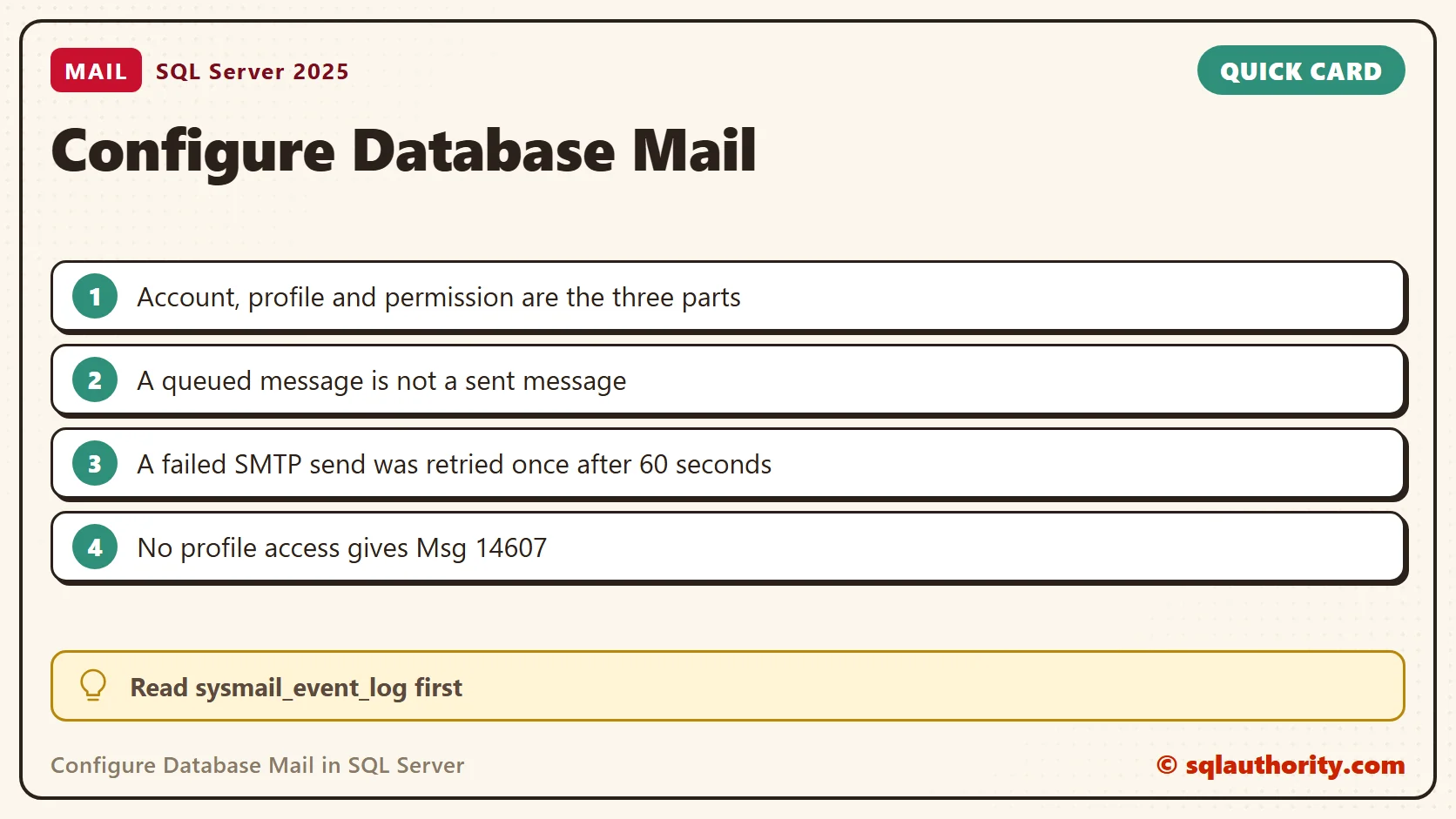
You can configure Database Mail in SQL Server with the wizard in Management Studio or with a few T-SQL calls. Both build the same three parts: an account, a profile and the permission to use it. This is episode 39 of SQL in Sixty Seconds, and I tested the T-SQL version on SQL Server 2025.

In the video I demonstrate the Database Mail configuration wizard. If you prefer written steps and screenshots, read Configure Database Mail: Send Email From SQL Database. Use Database Mail for administrative notifications such as job failures, maintenance status and operator alerts. It is not a bulk-mailing system.
Watch the Original Video
What Database Mail Needs
Database Mail sends through an SMTP server. It needs three things. An account holds the sender address and the server. A profile is a named group of accounts. A person or job must be allowed to use that profile. The 2013 video shows the wizard of its time, and its example settings are not universal. Use the SMTP host, port and sign-in method that your mail administrator approves.
Turn the Feature On
The feature is off until someone switches it on. On my test instance Database Mail XPs was 0, and this script changed it to 1. It needs show advanced options to be on first.
EXEC sp_configure 'show advanced options', 1;
RECONFIGURE;
EXEC sp_configure 'Database Mail XPs', 1;
RECONFIGURE;
Build the Account and the Profile
Everything lives in msdb. Three calls create the account, create the profile and join them. The server here is localhost on port 2525, where nothing listens. That is deliberate: it lets you see a failure later. Put your own SMTP host and port in its place.
USE msdb;
EXEC dbo.sysmail_add_account_sp
     @account_name = N'OpsAccount',
     @email_address = N'sqlserver@example.test',
     @display_name = N'SQL Server Alerts',
     @mailserver_name = N'localhost',
     @port = 2525,
     @enable_ssl = 0;
EXEC dbo.sysmail_add_profile_sp @profile_name = N'OpsProfile';
EXEC dbo.sysmail_add_profileaccount_sp
     @profile_name = N'OpsProfile',
     @account_name = N'OpsAccount',
     @sequence_number = 1;
A read-back query shows what the wizard would have stored. It returned one row for me, with the server, the port and SSL off.
SELECT p.name AS ProfileName, a.name AS AccountName, s.servername AS MailServer, s.port AS Port, s.enable_ssl AS UsesSsl
FROM msdb.dbo.sysmail_profile AS p
JOIN msdb.dbo.sysmail_profileaccount AS pa ON pa.profile_id = p.profile_id
JOIN msdb.dbo.sysmail_account AS a ON a.account_id = pa.account_id
JOIN msdb.dbo.sysmail_server AS s ON s.account_id = a.account_id
WHERE p.name = N'OpsProfile';
A real SMTP server that needs a sign-in also wants @username and @password on the account. A server that requires encryption also needs @enable_ssl = 1. I did not test that, because my lab sends nothing off this PC.
Send a Message and Follow It
sp_send_dbmail returns at once with the text Mail (Id: 4) queued. Queued means accepted, not delivered. A background process does the sending, and the result lands in the mail tables.
EXEC msdb.dbo.sp_send_dbmail
     @profile_name = N'OpsProfile',
     @recipients = N'dba@example.test',
     @subject = N'Nightly backup finished',
     @body = N'The backup job completed.';
Wait a little over a minute, then read the status and the log. My message was unsent right after the call and retrying five seconds later. It became failed after the retry, because the default settings are one retry after 60 seconds.
SELECT mailitem_id, sent_status, subject FROM msdb.dbo.sysmail_allitems ORDER BY mailitem_id;
SELECT event_type, description FROM msdb.dbo.sysmail_event_log ORDER BY log_id;
Each attempt wrote an error row. The row says the mail server failed. It ends in socket error 10061, actively refused, with the address and port I typed. When mail goes missing, read sysmail_event_log before anything else. It names the real cause.
Who Is Allowed to Send
A sysadmin can send with any profile. Everyone else needs two things: membership in DatabaseMailUserRole in msdb, and access to the profile. I tested each missing piece with a user that has no login.
| Situation | What SQL Server returned |
|---|---|
| No role membership | Msg 229, EXECUTE permission denied on sp_send_dbmail |
| Role member, no access to the profile | Msg 14607, profile name is not valid |
| No profile named and no default profile | Msg 14636, no global profile is configured |
| Role member with access granted | Mail queued |
USE msdb;
CREATE USER MailDemoUser WITHOUT LOGIN;
ALTER ROLE DatabaseMailUserRole ADD MEMBER MailDemoUser;
EXEC dbo.sysmail_add_principalprofile_sp
     @profile_name = N'OpsProfile',
     @principal_name = N'MailDemoUser',
     @is_default = 0;
Give access only to the users and jobs that need it. SQL Server Agent has its own mail profile setting in its properties, and job alerts use that one.
Limits Worth Knowing
Two defaults showed up in sysmail_help_configure_sp. The maximum attachment size is 1,000,000 bytes, and the extensions exe, dll, vbs and js are blocked. Both can be changed. Neither fits a bulk-mailing job, so keep Database Mail for operational messages and use a dedicated tool for the rest.
Remove the Test Objects
The lab objects came out with these calls. The last one turns the feature back off.
USE msdb;
EXEC dbo.sysmail_delete_mailitems_sp @sent_before = '20300101';
EXEC dbo.sysmail_delete_log_sp @logged_before = '20300101';
EXEC dbo.sysmail_delete_principalprofile_sp @profile_name = N'OpsProfile', @principal_name = N'MailDemoUser';
EXEC dbo.sysmail_delete_profileaccount_sp @profile_name = N'OpsProfile', @account_name = N'OpsAccount';
EXEC dbo.sysmail_delete_profile_sp @profile_name = N'OpsProfile';
EXEC dbo.sysmail_delete_account_sp @account_name = N'OpsAccount';
ALTER ROLE DatabaseMailUserRole DROP MEMBER MailDemoUser;
DROP USER MailDemoUser;
EXEC sp_configure 'Database Mail XPs', 0;
RECONFIGURE;
Related Tips
Database Mail is not a bulk-mailing system, it is a channel for the messages your servers need to send you.
Published by Pinal Dave on SQLAuthority. More of my work at pinaldave.com.
Discover more from SQL Authority with Pinal Dave
Subscribe to get the latest posts sent to your email.




3 Comments. Leave new
Nice article, Thanks :)
Agreed. If an application need to send mail then it should use mediums other than SLQ server.
This approach is true that SQL Server is a Platform vision that helps your organization to manage any data, any place, and any time.