
To display datetime in a specific format, use CONVERT with a style number, or FORMAT with a pattern. Both turn a date into text. They differ in speed, in how you read them, and in the mistakes they invite.

CONVERT and Style Numbers
Every example here uses one fixed value, so the results never change. The value is 6 October 2026 at 2:35:09 PM, with 123 milliseconds. CONVERT takes a target type, the value and a style number. The style decides the layout. For the date styles shown here, styles below 100 give a two digit year. The same style plus 100 gives four digits.
DECLARE @d datetime2(3) = '2026-10-06T14:35:09.123';
SELECT s.Style, s.Layout, CONVERT(varchar(30), @d, s.Style) AS Result
FROM (VALUES (1, 'mm/dd/yy'), (3, 'dd/mm/yy'), (5, 'dd-mm-yy'), (101, 'mm/dd/yyyy'), (103, 'dd/mm/yyyy'), (105, 'dd-mm-yyyy'),
             (106, 'dd mon yyyy'), (107, 'Mon dd, yyyy'), (108, 'hh:mi:ss'), (110, 'mm-dd-yyyy'), (112, 'yyyymmdd'),
             (120, 'yyyy-mm-dd hh:mi:ss'), (121, 'yyyy-mm-dd hh:mi:ss.mmm'), (126, 'ISO 8601')) AS s(Style, Layout)
ORDER BY s.Style;| Style | Layout | Result |
|---|---|---|
| 1 | mm/dd/yy | 10/06/26 |
| 3 | dd/mm/yy | 06/10/26 |
| 5 | dd-mm-yy | 06-10-26 |
| 101 | mm/dd/yyyy | 10/06/2026 |
| 103 | dd/mm/yyyy | 06/10/2026 |
| 105 | dd-mm-yyyy | 06-10-2026 |
| 106 | dd mon yyyy | 06 Oct 2026 |
| 107 | Mon dd, yyyy | Oct 06, 2026 |
| 108 | hh:mi:ss | 14:35:09 |
| 110 | mm-dd-yyyy | 10-06-2026 |
| 112 | yyyymmdd | 20261006 |
| 120 | yyyy-mm-dd hh:mi:ss | 2026-10-06 14:35:09 |
| 121 | yyyy-mm-dd hh:mi:ss.mmm | 2026-10-06 14:35:09.123 |
| 126 | ISO 8601 | 2026-10-06T14:35:09.123 |
Styles 101 and 103 differ only in the order of day and month. The text 06/10/2026 means two different dates to an American and a European reader. That’s why I prefer a layout with the month name, such as 106. An ISO layout such as 120 or 126 works too. Neither can be misread. Style 112, with no separators, sorts correctly as text.
Give the target type enough room. A varchar(30) holds every result above. A varchar(10) would cut 2026-10-06 14:35:09 without a word.
FORMAT and Patterns
To display datetime with FORMAT, you pass a pattern instead of a number. The pattern uses letters, and the case of each letter matters. The next query uses a correct pattern and a wrong one. The wrong one is a pattern that many scripts copy.
DECLARE @d datetime2(3) = '2026-10-06T14:35:09.123';
SELECT FORMAT(@d, 'dd MMM yyyy HH:mm:ss.fff', 'en-US') AS Correct,
FORMAT(@d, 'dd mon yyyy HH:m:ss:mmm', 'en-US') AS WrongCase;| Correct | WrongCase |
|---|---|
| 06 Oct 2026 14:35:09.123 | 06 35on 2026 14:35:09:35 |
The wrong pattern prints 35 in three places. A capital M means the month. A lowercase m means the minute. So mon became the minute followed by the letters o and n. Use MMM for the month name and mm for minutes. HH is a 24 hour clock, and hh or h is a 12 hour clock. Use fff for milliseconds. Note that mmm isn’t milliseconds.
DECLARE @d datetime2(3) = '2026-10-06T14:35:09.123';
SELECT FORMAT(@d, 'MM/dd/yyyy h:mm tt', 'en-US') AS UsStyle,
       FORMAT(@d, 'dd MMMM yyyy', 'de-DE') AS German,
FORMAT(@d, N'"Current Time is "dddd MMMM dd, yyyy', 'en-US') AS WithText;| UsStyle | German | WithText |
|---|---|---|
| 10/06/2026 2:35 PM | 06 Oktober 2026 | Current Time is Tuesday October 06, 2026 |
Three things FORMAT does well. It writes AM and PM in any layout you choose with tt. CONVERT has only the fixed styles 0, 100 and 109 for that. It follows a culture, so the German example prints the month name in German. And it lets you add text in double quotes inside the pattern.
Which One to Use
The price of that flexibility is speed. The script below builds 200,000 dates in a temporary table, then formats each one both ways and prints the milliseconds. Your numbers will differ. The proportion is what matters.
SELECT TOP (200000) DATEADD(MINUTE, n, '2026-01-01') AS d INTO #dates
FROM (SELECT ROW_NUMBER() OVER (ORDER BY (SELECT NULL)) AS n FROM sys.all_objects AS a CROSS JOIN sys.all_objects AS b) AS nums;
GO
DECLARE @t0 datetime2(3) = SYSDATETIME(), @x int;
SELECT @x = SUM(LEN(CONVERT(varchar(10), d, 120))) FROM #dates;
DECLARE @t1 datetime2(3) = SYSDATETIME();
SELECT @x = SUM(LEN(FORMAT(d, 'yyyy-MM-dd', 'en-US'))) FROM #dates;
DECLARE @t2 datetime2(3) = SYSDATETIME();
SELECT DATEDIFF(MILLISECOND, @t0, @t1) AS ConvertMs, DATEDIFF(MILLISECOND, @t1, @t2) AS FormatMs;
DROP TABLE #dates;
In three runs on the test server, CONVERT needed about 110 milliseconds and FORMAT needed about 1,100 to 1,300. FORMAT took roughly ten times as long. For one value in a report header, that is nothing. For a column of a million rows, it is a real cost. Use CONVERT for bulk work. Use FORMAT for a 12 hour layout of your choice, a culture or text inside the pattern.
Questions That Come Up
Two requests keep returning. The first is converting a text date to a real date. An example is 25-02-14, day first with a two digit year. Pass the style that matches the text. Style 5 is day, month and year with dashes. The second is turning 11:30 AM, stored as text, into a time. TRY_CONVERT parses it and returns NULL when the text isn’t a time.
SELECT CONVERT(date, '25-02-14', 5) AS DayFirstTwoDigitYear, TRY_CONVERT(time(0), '11:30 AM') AS ParsedTime;
| DayFirstTwoDigitYear | ParsedTime |
|---|---|
| 2014-02-25 | 11:30:00 |
Note the year. SQL Server read 14 as 2014. It treats two digit years from 00 to 49 as 20xx, and 50 to 99 as 19xx. A four digit year in the source leaves no doubt.
Parsing Depends on the Session
How you display datetime is only half of the story. When SQL Server reads text such as 03/04/2026, it must guess the order. The session’s DATEFORMAT decides, and it follows the login’s language. The same text gives two different dates. A new connection returns to the login’s default.
SET DATEFORMAT dmy;
SELECT CAST('03/04/2026' AS date) AS AsDmy;
SET DATEFORMAT mdy;
SELECT CAST('03/04/2026' AS date) AS AsMdy;| AsDmy |
|---|
| 2026-04-03 |
| AsMdy |
|---|
| 2026-03-04 |
The cure is to say which order you mean. CONVERT(date, '03/04/2026', 101) reads the text as month first, and the style wins whatever the session says. Better still, pass dates as yyyymmdd, or as ISO 8601 with a T, such as 2026-10-06T14:35:09. Those layouts read the same under every setting.
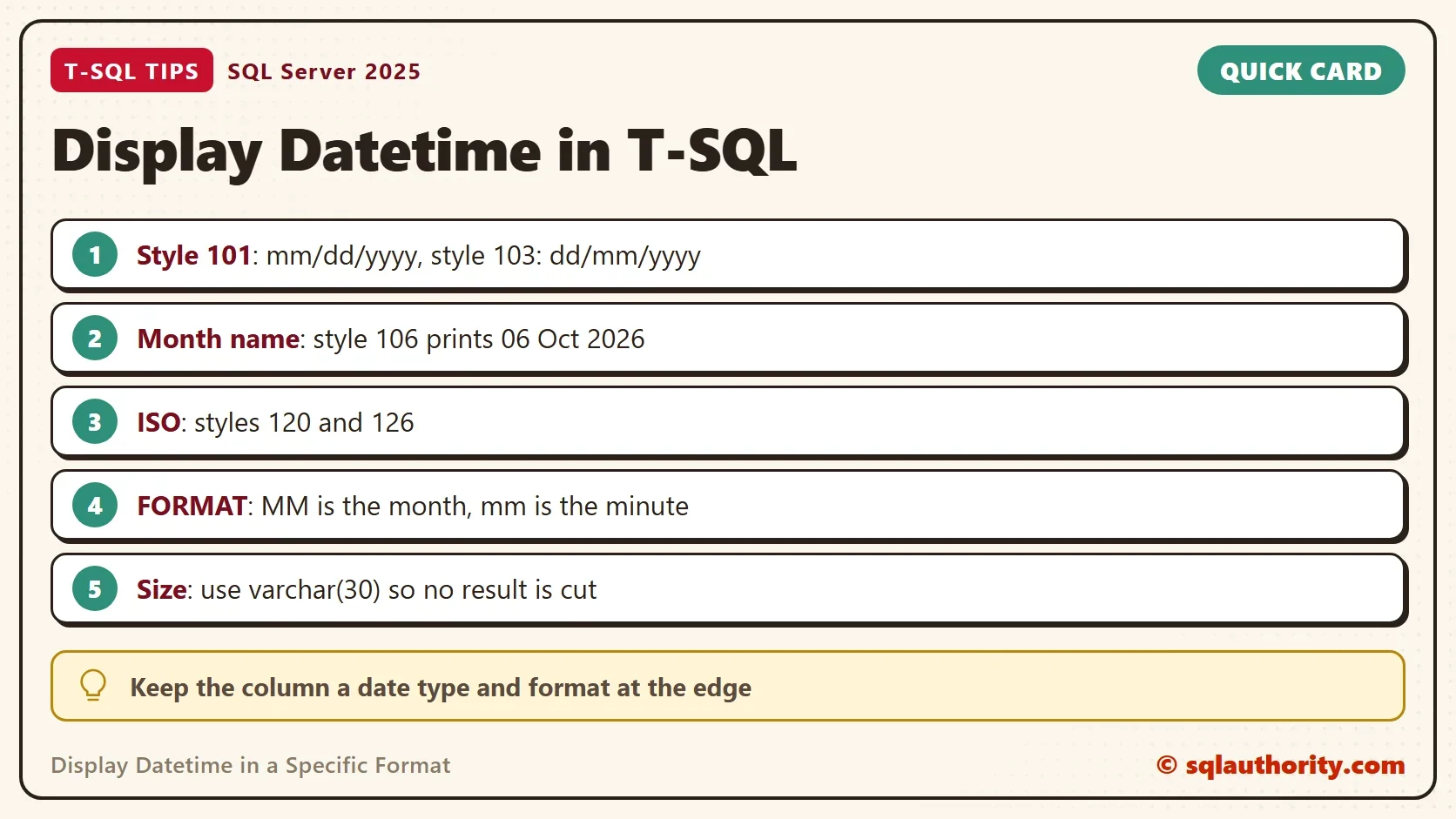
You could argue that all this formatting belongs in the application, not in T-SQL. It does. Keep the column a date type and send the raw value. Let the application format it for each user’s culture. Use T-SQL formatting for exports, file names and messages that stay inside the database.
What to Remember
Use CONVERT with a style for speed and FORMAT for a 12 hour layout of your choice or a culture. Remember that MM is the month and mm is the minute. Size the target type for the longest result, and pass a style whenever you convert text to a date. A date stored as a string can’t be sorted or compared as a date, so keep the type.
A date is not a string, it is a value you format when someone reads it.
Published by Pinal Dave on SQLAuthority. More of my work at pinaldave.com.
Discover more from SQL Authority with Pinal Dave
Subscribe to get the latest posts sent to your email.




12 Comments. Leave new
Thank you – nice explanation
I’m afraid in order to show millisecond we should use fff rather than mmm
SELECT FORMAT ( GETDATE(), ‘dd mon yyyy HH:m:ss:mmm’, ‘en-US’ ) AS DateConvert;
Typo error.
Hi,
(SELECT CONVERT(VARCHAR(30),it.StartDate) )[start] will return date as Jun 17 2013 2:00PM and ( SELECT CONVERT(VARCHAR(30),it.EndDate,101))[end] will return date as 06/17/2013 but i need date format like 06/17/2013 2:00 PM. Can you please help me in this?
Hi,
( SELECT CONVERT(VARCHAR(30),it.EndDate,101))[end] will return date as 06/17/2013 and (SELECT CONVERT(VARCHAR(30),it.StartDate) )[start] will return date as Jun 17 2013 2:00PM and i need date in the following format 06/17/2013 2:00 PM(“/” is important) . Can you please help me on this
got the answer.
SELECT (CONVERT(VARCHAR(30),it.EndDate,101) +’ ‘ +
CONVERT(VARCHAR(30),it.EndDate,8)) AS end
Hi pinal
i want to have a date range list in a drop down for reports like as follows
Today
Yesterday
Before Two Days
Current Week
Last Week
Current Month
Last Month
Last 3 Months
Current Year
Last Year
First Quater
Second Quater
Third Quater
Fourth Quater
Hi Pinal
ITS VERY URGENT
I want to convert ’25-02-14′ (dd-mm-yy) format to ‘2014-02-25’ (yyyy-mm-dd).
I’m trying of many methods but I could not able to get through.
Waiting for your reply.
Thanks & Regards
Madhu.R
My table has filed with data type datetime…. when i update it it gives conversion error .. i update it via procedure.. i pass parameter to procedure.. and update table.. pls give solution.
SELECT CONVERT(DATE,STUFF(’25-02-14′,7,0,’20’), 105) AS [DATEFORMAT]
My table contains nvarchar(50) field which contains data like “11:30 AM “, i want to convert it to time
I have an SQL related Problem in My Stored Proc Where Do I Ask by attaching a Notepad Data?