
This T-SQL errors and reactions demo shows how SQL Server reports a failure and how your code reacts.

Rick Morelan presented this March 2012 episode as the follow-up to SQL in Sixty Seconds #002. Readers asked to see the idea demonstrated, so this is the demo. I rebuilt it on SQL Server 2025 and ran every query below.
Watch the Original Demo
What a CATCH Block Can Read
When a statement fails inside TRY, control moves to CATCH. Six functions describe the error there. They return NULL outside a CATCH block, so read them before anything else runs.
BEGIN TRY
    SELECT 1 / 0 AS Broken;
END TRY
BEGIN CATCH
    SELECT ERROR_NUMBER() AS ErrorNumber,
           ERROR_SEVERITY() AS Severity,
           ERROR_STATE() AS ErrorState,
           ERROR_LINE() AS ErrorLine,
           ERROR_PROCEDURE() AS ErrorProcedure,
           ERROR_MESSAGE() AS ErrorMessage;
END CATCH;
Divide by zero returned error 8134 with severity 16 and state 1. It happened on line 2 of the batch. ERROR_PROCEDURE was NULL because the code ran outside a stored procedure.
Severity Sets the Tone
Every message has a severity, and the catalog stores it. You can look up the errors you expect before you write the handler. The duplicate key error is the odd one out.
SELECT message_id, severity, text
FROM sys.messages
WHERE language_id = 1033 AND message_id IN (207, 208, 245, 2627, 8134)
ORDER BY message_id;
| Error | Severity | Meaning |
|---|---|---|
| 207 | 16 | Invalid column name |
| 208 | 16 | Invalid object name |
| 245 | 16 | Conversion failed |
| 2627 | 14 | Duplicate key violation |
| 8134 | 16 | Divide by zero |
Severity 11 to 16 marks errors that the user or the code can correct. Severity 20 and above ends the connection. I did not run one of those, because they write to the ERRORLOG. For everyday handlers, the number and the message matter more than the severity.
Log the Error and Keep Going
The most useful reaction is the plainest one. A bad value should not stop the good ones. This loop moves text into an integer column. The CATCH block writes each failure to a table, and the loop continues.
CREATE TABLE dbo.ErrorLog (
    LogId int IDENTITY(1,1) PRIMARY KEY,
    LoggedAt datetime2(0) NOT NULL DEFAULT SYSDATETIME(),
    InputText varchar(20) NULL,
    ErrorNumber int NOT NULL,
    ErrorMessage nvarchar(2048) NOT NULL);
CREATE TABLE dbo.Results (InputText varchar(20) NOT NULL, Quantity int NOT NULL);
DECLARE @Inputs TABLE (Id int IDENTITY(1,1), InputText varchar(20));
INSERT @Inputs (InputText) VALUES ('12'), ('abc'), ('7'), ('3000000000'), ('5');
DECLARE @Id int = 1, @Text varchar(20);
WHILE @Id <= (SELECT MAX(Id) FROM @Inputs)
BEGIN
    SELECT @Text = InputText FROM @Inputs WHERE Id = @Id;
    BEGIN TRY
        INSERT dbo.Results (InputText, Quantity) VALUES (@Text, CAST(@Text AS int));
    END TRY
    BEGIN CATCH
        INSERT dbo.ErrorLog (InputText, ErrorNumber, ErrorMessage)
        VALUES (@Text, ERROR_NUMBER(), ERROR_MESSAGE());
    END CATCH;
    SET @Id += 1;
END;
SELECT InputText, Quantity FROM dbo.Results ORDER BY InputText;
SELECT InputText, ErrorNumber, ErrorMessage FROM dbo.ErrorLog ORDER BY LogId;
Three rows loaded: 12, 7 and 5. Two were logged. The text abc failed with error 245. The value 3000000000 failed with error 248, because it overflows an int. Both messages name the bad value, so the log explains itself.
Rethrow With THROW or RAISERROR
Logging inside a procedure raises a second question: what does the caller see? I wrote one procedure twice. The first ends its CATCH block with THROW, and the second ends with RAISERROR.
CREATE PROCEDURE dbo.DivideTwo @a int, @b int
AS
BEGIN
    BEGIN TRY
        SELECT @a / @b AS Quotient;
    END TRY
    BEGIN CATCH
        INSERT dbo.ErrorLog (InputText, ErrorNumber, ErrorMessage)
        VALUES (CONCAT(@a, '/', @b), ERROR_NUMBER(), ERROR_MESSAGE());
        THROW;
    END CATCH;
END;
GO
CREATE PROCEDURE dbo.DivideTwoRaise @a int, @b int
AS
BEGIN
    BEGIN TRY
        SELECT @a / @b AS Quotient;
    END TRY
    BEGIN CATCH
        DECLARE @m nvarchar(2048) = ERROR_MESSAGE();
        RAISERROR(@m, 16, 1);
    END CATCH;
END;
GO
BEGIN TRY
    EXEC dbo.DivideTwo 10, 0;
END TRY
BEGIN CATCH
    SELECT ERROR_NUMBER() AS Number, ERROR_PROCEDURE() AS ProcedureName, ERROR_LINE() AS LineNumber;
END CATCH;
BEGIN TRY
    EXEC dbo.DivideTwoRaise 10, 0;
END TRY
BEGIN CATCH
    SELECT ERROR_NUMBER() AS Number, ERROR_PROCEDURE() AS ProcedureName, ERROR_LINE() AS LineNumber;
END CATCH;
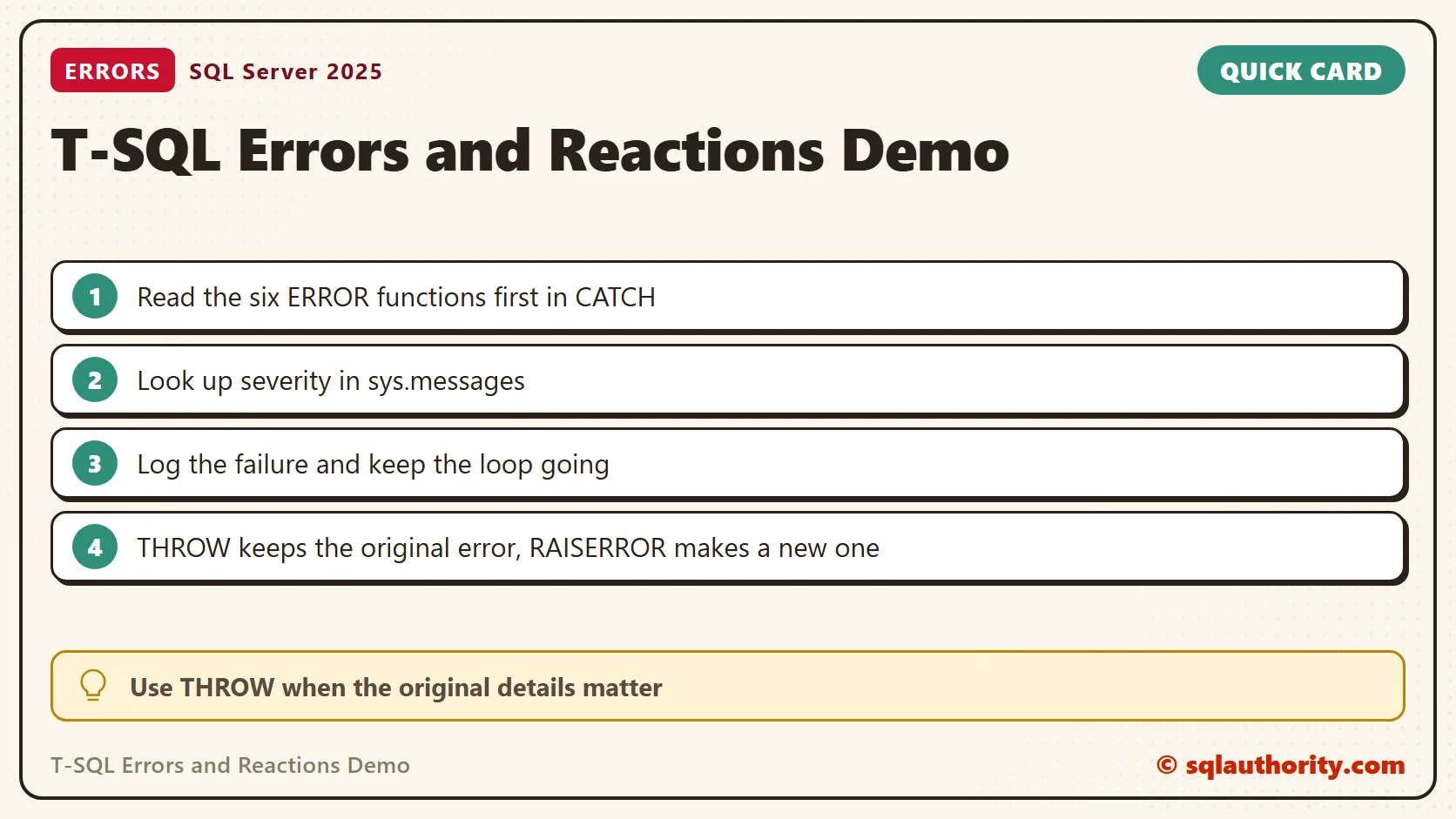
THROW without arguments rethrows the original error. The caller saw 8134, the procedure name dbo.DivideTwo and line 5. RAISERROR built a new error. The caller saw 50000 and line 9 of the wrapper procedure. When the original details matter, use THROW. A handler that logs and then rethrows keeps both the record and the original failure. RAISERROR still has a place, because it supports printf-style formatting and a severity you choose.
Clean Up the Transaction
A CATCH block that logs and moves on must also deal with the transaction. With XACT_ABORT ON, an error inside a transaction leaves it uncommittable. In my test, XACT_STATE() returned -1 and @@TRANCOUNT was 1. The only safe move is a rollback.
SET XACT_ABORT ON;
BEGIN TRY
    BEGIN TRANSACTION;
    INSERT dbo.Results (InputText, Quantity) VALUES ('9', 9);
    INSERT dbo.Results (InputText, Quantity) VALUES ('x', CAST('x' AS int));
    COMMIT TRANSACTION;
END TRY
BEGIN CATCH
    SELECT XACT_STATE() AS TransactionState, @@TRANCOUNT AS OpenTransactions;
    IF XACT_STATE() <> 0 ROLLBACK TRANSACTION;
END CATCH;
SET XACT_ABORT OFF;
SELECT COUNT(*) AS ResultRows FROM dbo.Results;
After the rollback, the Results table still held three rows. The valid insert of 9 left nothing behind. Test XACT_STATE() before you roll back. A ROLLBACK with no open transaction raises its own error, number 3903.
One Rule for THROW
A bare THROW only works inside a CATCH block. Anywhere else, SQL Server returns error 10704. Outside CATCH, give it an error number of 50000 or higher, a message and a state. A lower number fails with error 35100.
THROW 50001, 'Order quantity must be positive.', 1;
My Checklist for Any Error Demo
I read the number and the message before I choose a reaction. I log both, so a failure leaves a trace. I decide whether the loop continues, and I test the bad input on purpose. Then I check what the caller receives, because that is what the application sees.
More on Errors
- Explanation of TRY…CATCH and Error Handling
- Recycle the Error Log Without Restarting SQL Server
- SQL Joes 2 Pros: SQL Server Error Messages, Day 27 of 35
An error is not the end of the batch, it is information your code can read and use.
Published by Pinal Dave on SQLAuthority. More of my work at pinaldave.com.
Discover more from SQL Authority with Pinal Dave
Subscribe to get the latest posts sent to your email.




1 Comment. Leave new
There are certainly a variety of details like that to take into consideration. That could be a great point to carry up. I provide the thoughts above as common inspiration however clearly there are questions like the one you carry up the place crucial factor will probably be working in honest good faith. I don?t know if greatest practices have emerged around issues like that, however I’m sure that your job is clearly recognized as a fair game. Both girls and boys feel the affect of only a second’s pleasure, for the rest of their lives.