

Installing SQL Server 2016 failed with “Unable to open Windows Installer file” and error -2147286960. Here is what caused it and how I fixed the setup.
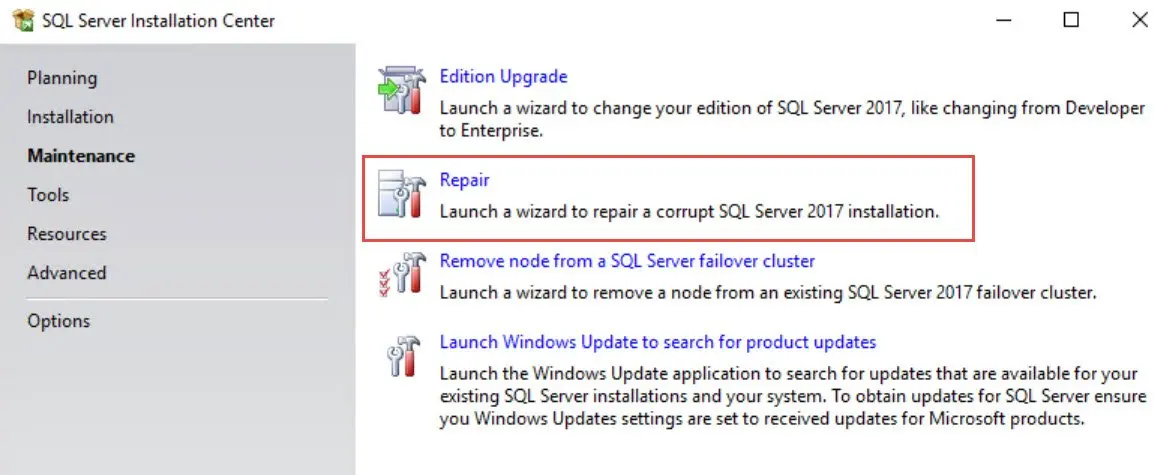
SQL SERVER – Service Pack Failure: MissingRegistryKeyException. The Registry Key is Missing
A reader hit MissingRegistryKeyException during a service pack, but my earlier fix did not help. Here is another cause of the missing registry key and the fix.

SQL SERVER – Error 1324. The folder path ‘Program Files’ contains an invalid character.
Error 1324. The folder path ‘Program Files’ contains an invalid character. Let us fix the error with the help of the solution in the blog.
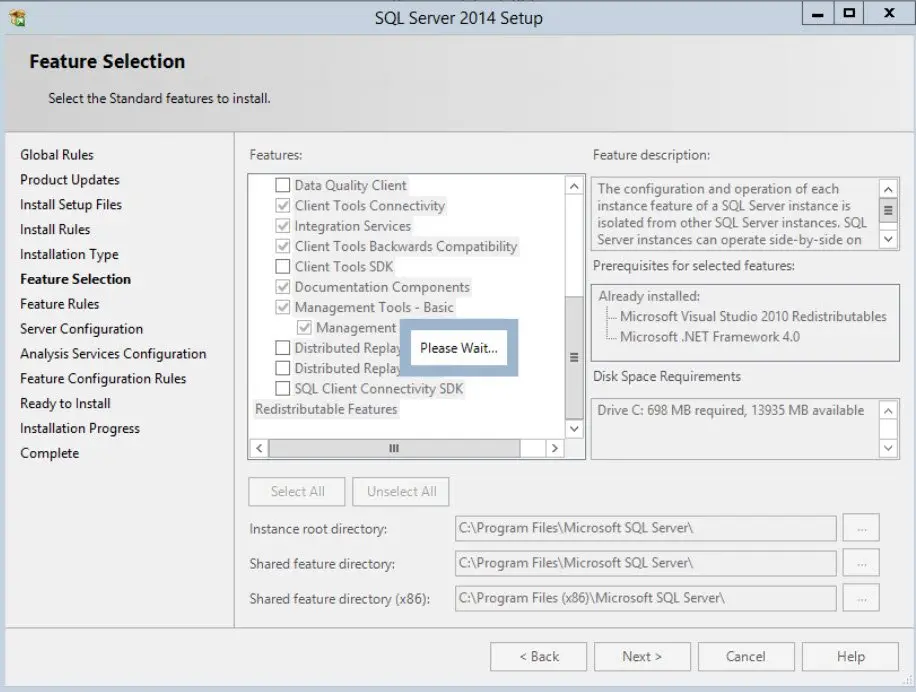
SQL SERVER – Installation Wizard Hang Forever – Please Wait on Feature Selection Page
Adding Analysis Services to SQL Server 2014, the Installation Wizard hung on “Please Wait” at feature selection, even after my lunch. Here is what fixed it.
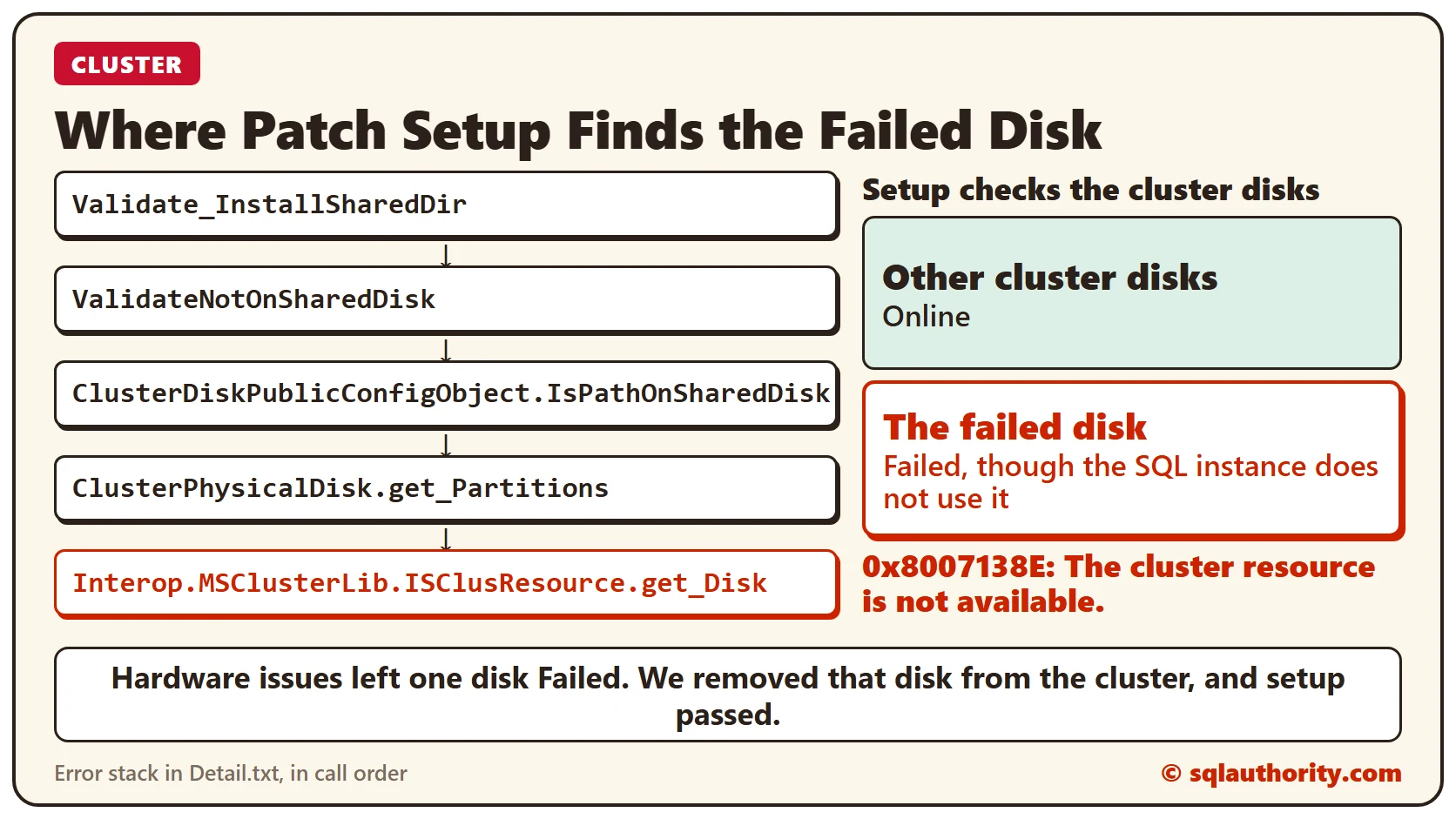
HRESULT 0x8007138E: The Cluster Resource Is Not Available
HRESULT 0x8007138E, the cluster resource is not available, stopped a SQL Server patch on a clustered instance. The Summary.txt and Detail.txt files led to one failed cluster disk. Removing it from the cluster fixed the install.
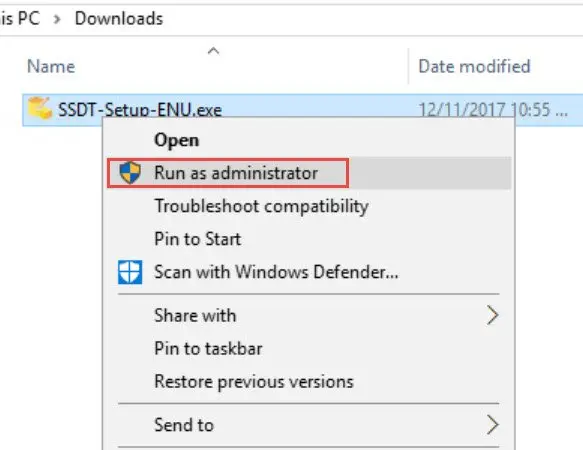
SQL SERVER Data Tools – SSDT for Visual Studio 2017 Installation Error 0x80070002: Error 0x80070002: Failed to Acquire Payload
SSDT for Visual Studio 2017 would not install on my new demo machine. Here is the Installation Error 0x80070002 I found in the setup log in the TEMP folder.

Cluster Remote Access Rule Failed During SQL Server Cluster Setup
The Cluster Remote Access rule failed while I installed a SQL Server failover clustered instance. Detail.txt showed setup could not reach a remote node. I checked the usual causes, then skipped the rule from the command line, and the install finished.