

Question: How to Download the Latest SQL Server Docker Image? Answer: The command to download the latest SQL Server Docker Image is here:


Docker Run Without Pull: Start SQL Server in One Command
Docker run without pull works because docker run downloads the image when it is not on your machine. This post shows how to check which images you already have and how the pull option changes the behavior. It also explains when an explicit pull is the better habit.

Docker Volume for SQL Server: Keep Your Data Across Upgrades
A Docker volume keeps SQL Server data outside the container, so you can replace the container and keep every database. This post creates a named volume, copies a backup into it and upgrades by starting a newer image on the same volume. It also covers the cautions that protect your data.
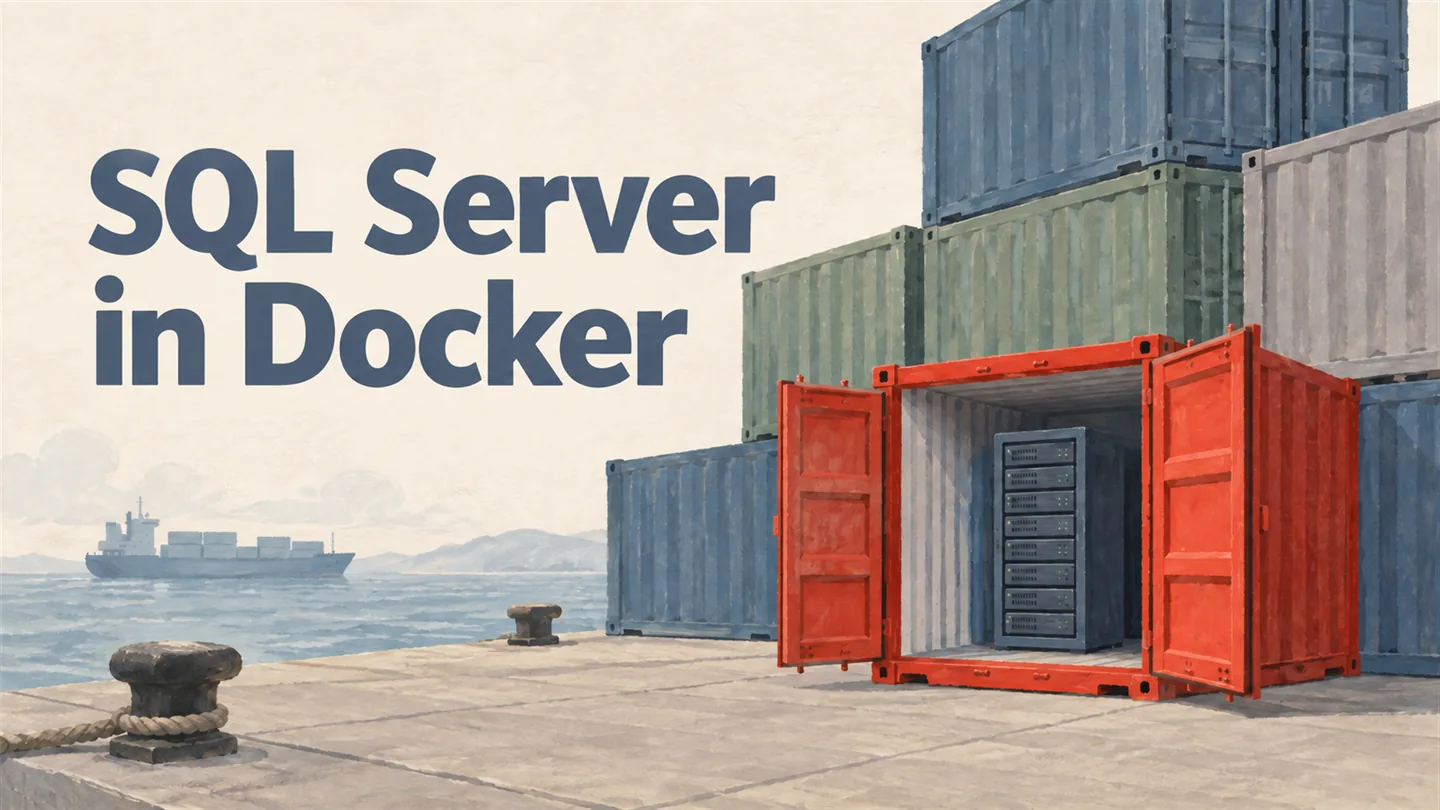
SQL SERVER – How to Get Started with Docker Containers with Latest SQL Server?
My Docker container broke a day before my SQLBits talk and I had to rebuild it. Here is a beginner’s step-by-step guide to running the latest SQL Server in Docker.