
Question: How to Trim TIME Part in DATETIME Values?
SQL SERVER – Optimize Key Lookup by Creating Index with Include Columns
I love query tuning and performance tuning projects. In one of the recent Comprehensive Database Performance Health Check my client had a very interesting scenario where their queries were running pretty fast earlier but gradually started to run slow and eventually started to take over 10 minutes to execute. They reached out to me to tune their slow running query. While looking at the query execution plan, there is a big key lookup operation which was actually slowing down their query. I decided to create an index with include column on that table and resolve this issue.
Puzzle – Datatime to DateTime2 Conversation in SQL Server 2017
Earlier last week, I was presenting various questions about SQL Server 2017 at PASS in Seattle. However, during one of the session, I was fortunate to meet SQL Server Expert Christopher Savage. He shared a very interesting puzzle with me. I have been trying to solve the puzzle for a while, but I have no answer for it. Let us see the puzzle about DateTime2 Conversion in SQL Server 2017.
SQL SERVER – Steps to Change IP Address of SQL Server Failover Cluster Instance
There have been many questions in my mailbox asking about exact steps to change the windows cluster and SQL failover cluster IP address to the new VLAN. In this blog, I would outline the steps which are needed to perform this migration.
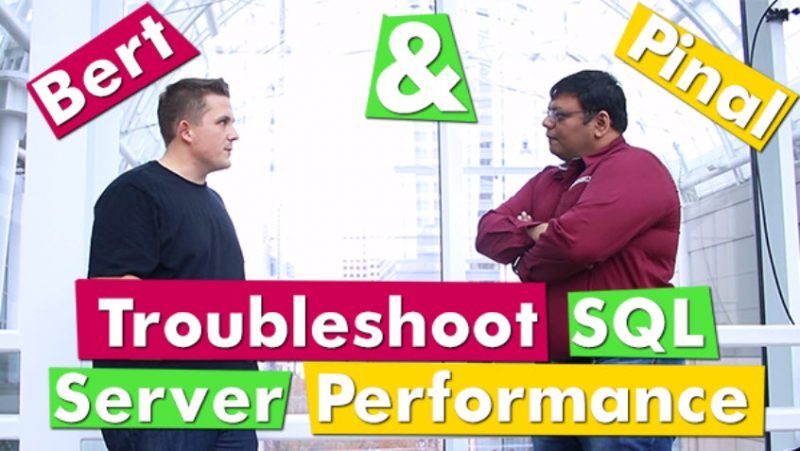
Video – Bert & Pinal Troubleshoot a Slow Performing SQL Server
Earlier last week, I had the opportunity to attend my 10th SQL PASS. Yes, It has been 10 years since I have been visiting the PASS conference. This year, I had the opportunity to present 1 pre-con, 2 general sessions, 1 lightning talk. I really had a busy time at SQLPASS but along with the sessions, the highlight of the event was a video I recorded with Bert where we discussed troubleshoot a Slow Performing SQL Server.
Practical Real World Performance Tuning – 50% Discount for 15 Days
Practical Real World Performance Tuning – 50% Discount for 15 Days






Is your SQL Server running slow and you want to speed it up without sharing server credentials? In my Comprehensive Database Performance Health Check, we can work together remotely and resolve your biggest performance troublemakers in less than 4 hours.
Once you learn my business secrets, you will fix the majority of problems in the future.

Have you ever opened any PowerPoint deck when you face SQL Server Performance Tuning emergencies? SQL Server Performance Tuning Practical Workshop is my MOST popular training with no PowerPoint presentations and 100% practical demonstrations.
Essentially I share my business secrets to optimize SQL Server performance.