Object Explorer Details helps copy procedure definitions through SSMS scripting. I select the procedures and review the generated script before execution.

Use the original SSMS workflow
- Connect to the intended instance and expand the intended database.
- Select Programmability > Stored Procedures in Object Explorer.
- Press F7, or choose View > Object Explorer Details.
- Select the procedures you need in the details pane.
- Right-click and choose Script Stored Procedure as > CREATE To > New Query Editor Window.
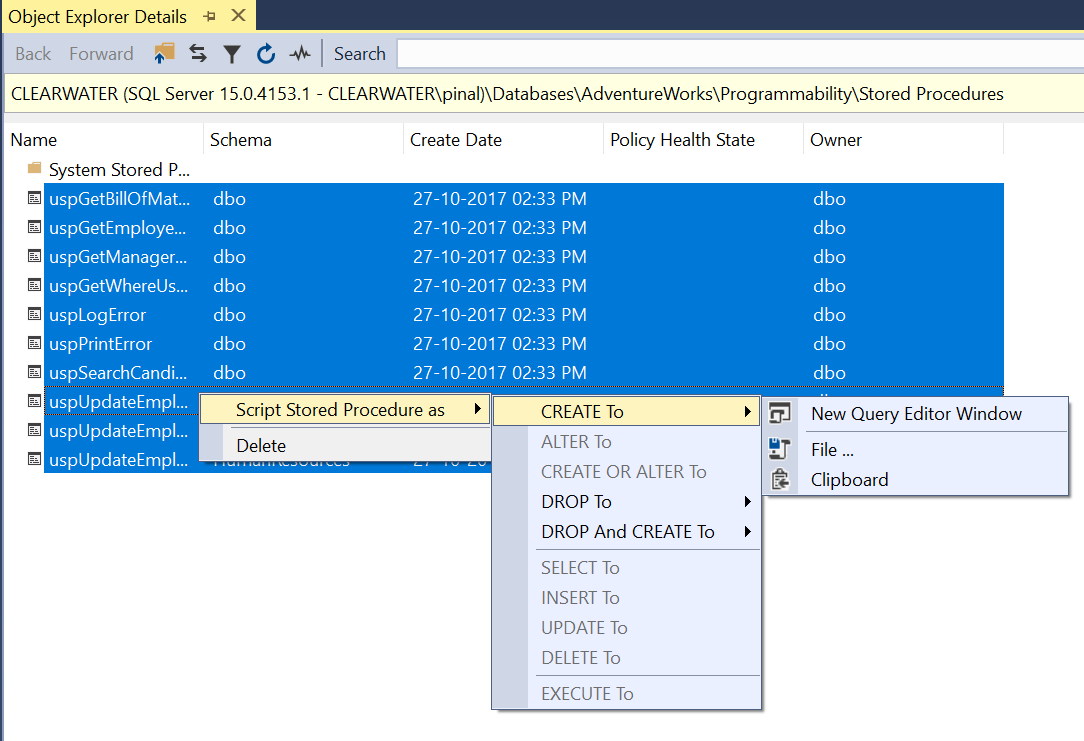
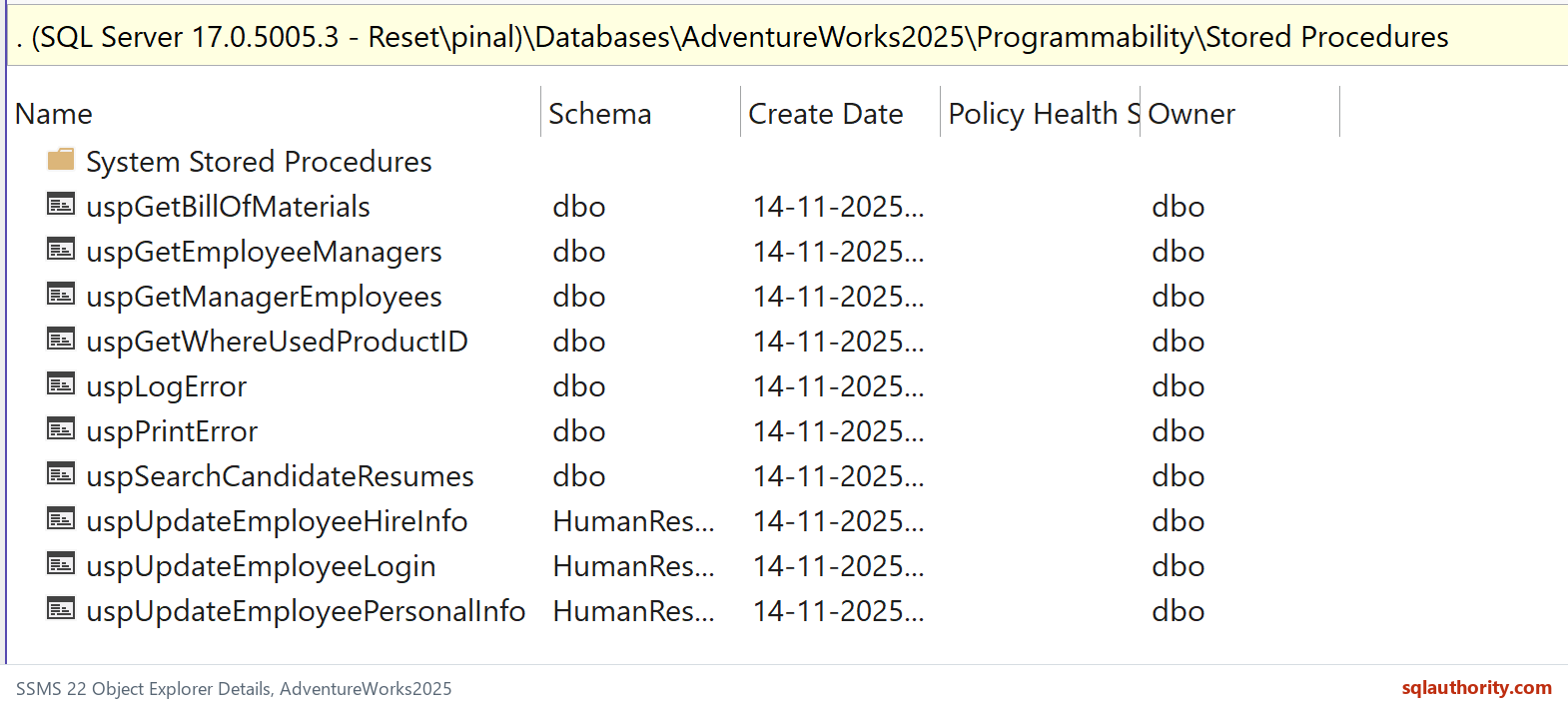
Select Stored Procedures in Object Explorer and press F7. Object Explorer Details lists the procedures. Select the required rows before opening the scripting menu.
The new query window contains scripts. Review the target database and scripting options before running them. Copying definitions does not copy data or automatically reproduce every dependency and permission.
Inspect definitions with SQL
SELECT QUOTENAME(SCHEMA_NAME(p.schema_id)) + N'.' + QUOTENAME(p.name) AS procedure_name,
       m.definition
FROM sys.procedures AS p
LEFT JOIN sys.sql_modules AS m ON m.object_id = p.object_id
WHERE p.is_ms_shipped = 0
ORDER BY SCHEMA_NAME(p.schema_id), p.name;
The result is a metadata list, not a complete deployment script. A definition can be NULL because it is encrypted or because you can’t view it. Obtain the source through the approved process rather than treating a missing definition as an empty procedure.
The historical screenshot shows the menu path, while the current native capture shows the selected folder and details list. Neither image implies that a procedure was deployed.
Related reading
- SQL in Sixty Seconds series
- MAX Columns Ever Existed in Table – SQL in Sixty Seconds #182
- Tuning Query Cost 100% – SQL in Sixty Seconds #181
- Queries Using Specific Index – SQL in Sixty Seconds #180
- Read Only Tables – Is it Possible? – SQL in Sixty Seconds #179
- One Scan for 3 Count Sum – SQL in Sixty Seconds #178
- SUM(1) vs COUNT(1) Performance Battle – SQL in Sixty Seconds #177
- COUNT(*) and COUNT(1): Performance Battle – SQL in Sixty Seconds #176
Copying definitions is not a complete deployment, it is script preparation that still needs dependency and permission review.
Published by Pinal Dave on SQLAuthority. More of my work at pinaldave.com.
Discover more from SQL Authority with Pinal Dave
Subscribe to get the latest posts sent to your email.