tempdb, written up the way a guidebook writes up a country most people only visit when something has gone wrong. Four regions, how to get there, what it costs, dangers and annoyances, and when to go. Every figure was measured on SQL Server 2025 during the trip.
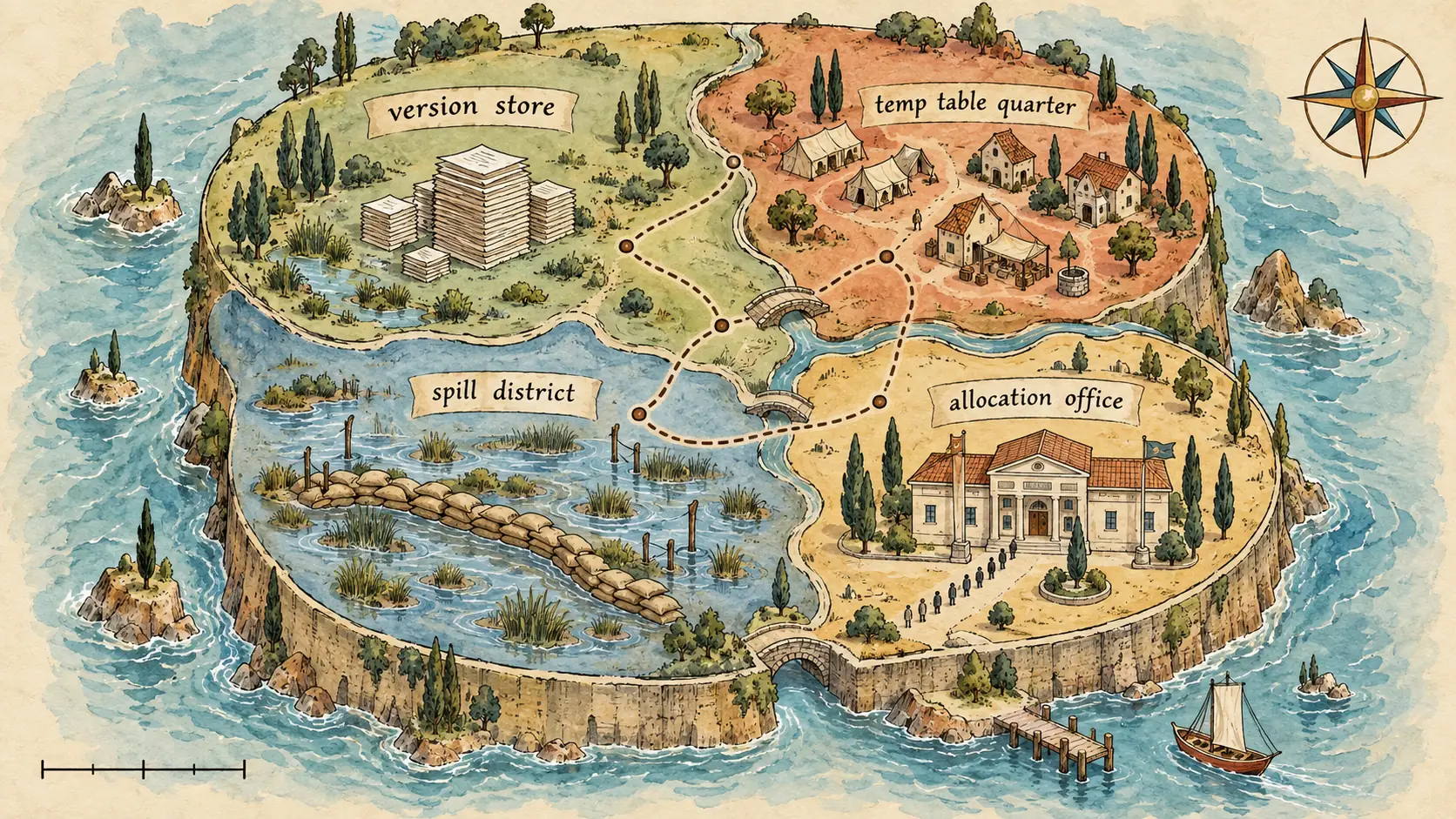
Population: everything temporary on the instance. Currency: pages, 8 KB each. Official language: worktables. Best time to visit: before your query does. The instance visited had 8 data files and 8,584 MB, which is on the generous side.
Region 1: the version store
Getting there. Switch on READ_COMMITTED_SNAPSHOT and every update starts leaving a copy of the old row here. That holds while accelerated database recovery is off, as it was in this lab. With it on, the versions go to a persistent store inside the database instead. Readers see the committed version as it stood when their statement started, not their transaction.
What it costs. I updated 300,000 rows in one transaction with RCSI on and watched the reservation. Before: 0 pages. While the transaction was open: 7,896 pages, which is 61 MB. The update took 792 ms.
Same update with RCSI off: 598 ms and no version store at all.
So versioning cost this update about a third more time. It also held 61 MB of tempdb for as long as the transaction stayed open. I did not measure how much of that reached disk.
Dangers and annoyances. A long-running transaction keeps the version store from being cleaned up. One reporting query that runs for an hour under snapshot isolation can hold gigabytes of versions. That covers every table anyone updated in that hour. The symptom is tempdb growing and nobody knowing why.
When to go. Almost always. Readers not blocking writers is worth 61 MB. Go in with a plan for the long transaction.
Region 2: the temp table quarter, and its rival
Getting there. CREATE TABLE #t or DECLARE @t TABLE. Both live here. The guidebooks have argued about which is better for twenty years.
What it costs. 200,000 rows loaded into each, then joined to a 20,000 row customers table with a filter.
temp table        10,168 reads   369 ms CPU   join estimate 40,000 rows
table variable    18,313 reads   328 ms CPU   join estimate 36,000 rows
Both got a Hash Match join, and both estimates were within sight of each other. The old story, where the table variable estimates one row and gets a disastrous plan, didn’t happen. Deferred compilation has been fixing that since 2019.
The table variable did read 80 percent more pages. The temp table did use 12 percent more CPU. Neither was wrong.
Dangers and annoyances. The plan knew the temp table held 200,000 rows. Its scan estimated 20,000 rows after a bitmap filter and returned 40,000. The estimate wasn’t stale, it was the filter’s guess. At 200,000 rows a guess that’s out by two is survivable. At twenty million it isn’t.
When to go. Temp table when you’ll join it to something big or index it. Table variable when it’s small and you want it to vanish with the batch. Stop arguing about it.

Region 3: the spill district
Getting there. Ask for less memory than a sort or a hash needs. The operator writes what won’t fit to this district and reads it back.
What it costs. A sort received 1,536 KB for an estimated 50 rows and was given 200,050 rows to order. It wrote 566 pages to tempdb and read 566 back. The whole statement came to 1,411,889 reads and 2,025 ms of CPU. The only wait the spill itself left was IO_COMPLETION, 35 ms.
That small wait is the whole danger. A spill doesn’t look like much from the outside. It looks like a query that’s a bit slower than it should be.
Dangers and annoyances. The grant was sized for 50 rows because that’s how many the plan was compiled for. In a separate lab, memory grant feedback fixed a grant like this on the second execution. The first one paid.
When to go. Never on purpose. Look for the yellow triangle on Sort and Hash operators, and for IO_COMPLETION waits on queries that shouldn’t touch disk.
Region 4: the allocation office
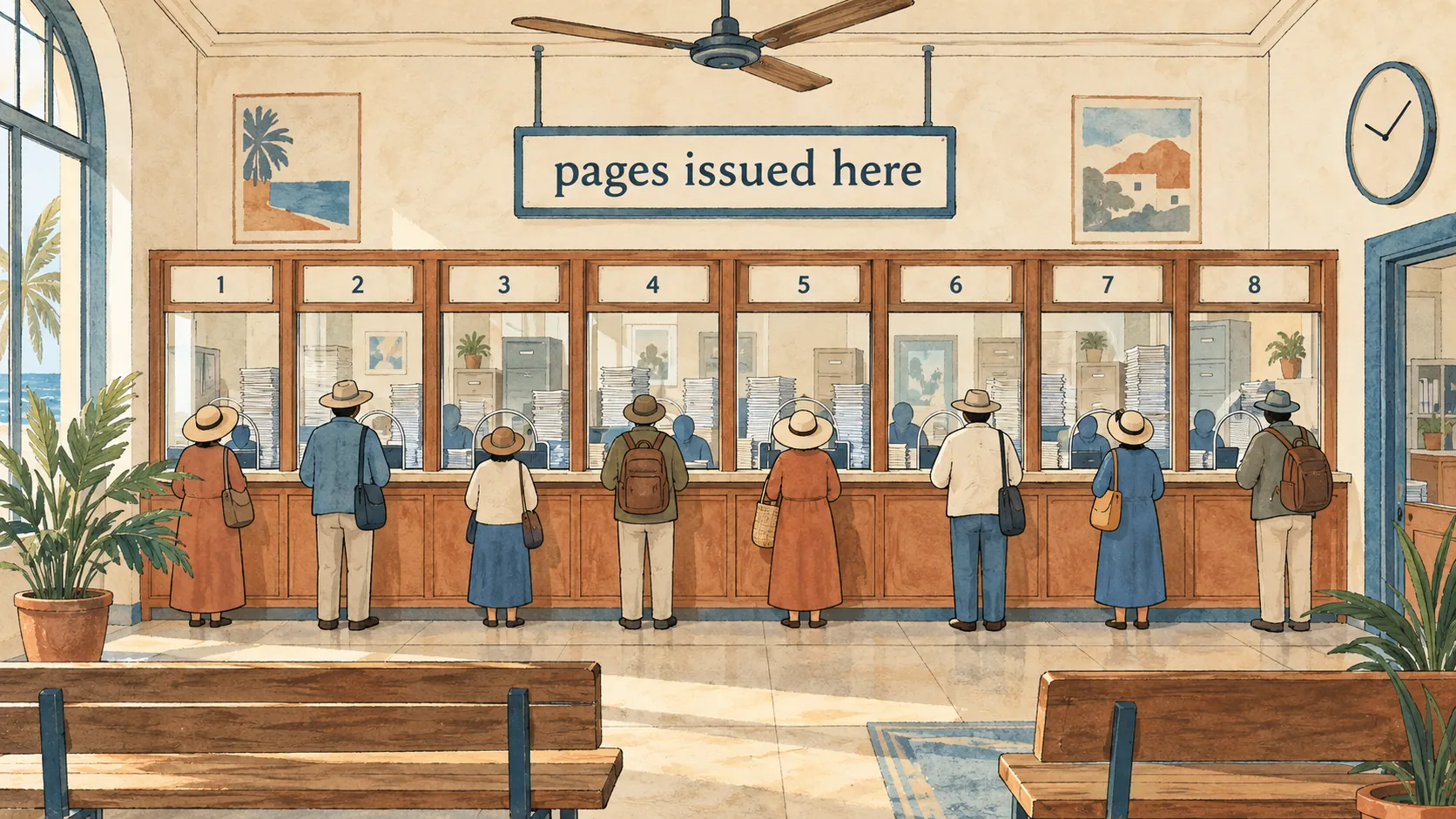
Getting there. Create anything. Every temporary object needs pages, and this office hands them out.
What it costs. A 200,000 row temp table with a 100 byte filler column took 3,144 pages, about 25 MB. Cheap, and the office handled it without a queue.
Dangers and annoyances. The queue is the thing. When hundreds of sessions create small temp tables at once, they line up for the same allocation pages. You’ll see PAGELATCH waits on tempdb with page numbers like 2:1:1 and 2:1:3. The fix is more data files. That’s why this instance has eight, and why every instance since 2016 gets several by default.
When to go. You’re already there. Try not to all arrive at once.
Before you travel into tempdb
Check the number of data files. Check that they’re the same size, so allocation stays balanced. Check whether RCSI is on, and if it is, find your longest transactions.
Then, on a quiet day, look at sys.dm_db_file_space_usage and learn what normal looks like. The day you need it, you’ll want to know what it looked like before.
If tempdb on your instance is the region nobody has mapped, I have the compass.
tempdb is not a scratch disk, it is a country with regions, and each one charges differently.
Published by Pinal Dave on SQLAuthority. More of my work at pinaldave.com.
Discover more from SQL Authority with Pinal Dave
Subscribe to get the latest posts sent to your email.