
Instance level fill factor is a default for every index that names no value. An index level value always wins. The instance level is a blunt tool that costs space everywhere. The index level is precise and takes work.

What Each Level Does
Fill factor tells SQL Server how full to make the leaf pages when it builds or rebuilds an index. A value of 90 leaves 10 percent of each page empty for later inserts and updates. The empty space postpones page splits, which are expensive. The cost is more pages to read and more memory to cache them.
The instance level sets one default for the whole server. It applies to every index that does not say otherwise, in every database. The index level sets the value for one index in its CREATE INDEX or ALTER INDEX statement. When both exist, the index value wins. The value is applied when the index is created or rebuilt. New rows then fill the free space, and only the next rebuild restores it.
Read the Instance Setting
The instance setting is named fill factor (%). It is an advanced option with a default of 0, and 0 behaves like 100: full pages. The demo database is named FillFactorLevelDemo, so run the script on a test server. It builds a table with 20,000 rows and one index, and it reads the setting.
IF DB_ID(N'FillFactorLevelDemo') IS NULL CREATE DATABASE FillFactorLevelDemo;
GO
USE FillFactorLevelDemo;
GO
DROP TABLE IF EXISTS dbo.Readings;
CREATE TABLE dbo.Readings (ReadingID int IDENTITY(1,1) NOT NULL CONSTRAINT PK_Readings PRIMARY KEY CLUSTERED, SensorCode int NOT NULL, Label char(60) NOT NULL);
GO
INSERT dbo.Readings (SensorCode, Label)
SELECT TOP (20000) CONVERT(int, SUBSTRING(HASHBYTES('MD5', CONVERT(varchar(12), n)), 1, 3)) % 1000000, 'reading'
FROM (SELECT ROW_NUMBER() OVER (ORDER BY (SELECT NULL)) AS n FROM sys.all_objects AS a CROSS JOIN sys.all_objects AS b) AS t
ORDER BY n;
CREATE INDEX IX_Readings_Sensor ON dbo.Readings (SensorCode, Label);
GO
CREATE OR ALTER VIEW dbo.LeafInfo AS
SELECT i.fill_factor AS StoredFill, ps.page_count AS LeafPages, CAST(ps.avg_page_space_used_in_percent AS decimal(5,1)) AS PercentFull
FROM sys.indexes AS i
CROSS APPLY sys.dm_db_index_physical_stats(DB_ID(), i.object_id, i.index_id, NULL, 'DETAILED') AS ps
WHERE i.object_id = OBJECT_ID(N'dbo.Readings') AND i.name = N'IX_Readings_Sensor' AND ps.index_level = 0;
SELECT name, value, value_in_use FROM sys.configurations WHERE name = N'fill factor (%)';
| name | value | value_in_use |
|---|---|---|
| fill factor (%) | 0 | 0 |
To change the default, run sp_configure and RECONFIGURE, then restart the SQL Server service. Without the restart, the new value does not take effect. Fill factor is an advanced option, so the first two lines switch on show advanced options. Here is the change to 95, with both undo steps on comment lines. Run it only on a server you are allowed to restart.
EXEC sys.sp_configure N'show advanced options', 1;
RECONFIGURE;
EXEC sys.sp_configure N'fill factor (%)', 95;
RECONFIGURE;
-- undo: EXEC sys.sp_configure N'fill factor (%)', 0; RECONFIGURE;
-- undo, only if show advanced options was 0 before: EXEC sys.sp_configure N'show advanced options', 0; RECONFIGURE;
-- The fill factor change takes effect after the SQL Server service restarts.
Set the Index Level
One index gets its own value with the FILLFACTOR option. CREATE INDEX takes it for a new index. ALTER INDEX … REBUILD takes it for an existing one. The column fill_factor of sys.indexes stores the value, and it stays 0 for an index that named none.
CREATE NONCLUSTERED INDEX IX_Readings_SensorOnly ON dbo.Readings (SensorCode) WITH (FILLFACTOR = 95);
ALTER INDEX IX_Readings_SensorOnly ON dbo.Readings REBUILD WITH (FILLFACTOR = 95);
SELECT name, fill_factor FROM sys.indexes WHERE object_id = OBJECT_ID(N'dbo.Readings') ORDER BY index_id;
| name | fill_factor |
|---|---|
| PK_Readings | 0 |
| IX_Readings_Sensor | 0 |
| IX_Readings_SensorOnly | 95 |
Measure the Cost in Pages
Free space is not free. The next script rebuilds the index four times, at 100, 95, 90 and 70 percent. It reads the leaf level after each rebuild. The cursor runs four times and then stops.
DECLARE @ff TABLE (Setting int);
INSERT @ff VALUES (100), (95), (90), (70);
DECLARE @r TABLE (FillFactorSet int, StoredFill int, LeafPages int, PercentFull decimal(5,1));
DECLARE @s int, @sql nvarchar(400);
DECLARE c CURSOR LOCAL FAST_FORWARD FOR SELECT Setting FROM @ff;
OPEN c;
FETCH NEXT FROM c INTO @s;
WHILE @@FETCH_STATUS = 0
BEGIN
    SET @sql = N'ALTER INDEX IX_Readings_Sensor ON dbo.Readings REBUILD WITH (FILLFACTOR = ' + CAST(@s AS nvarchar(3)) + N');';
    EXEC (@sql);
    INSERT @r SELECT @s, StoredFill, LeafPages, PercentFull FROM dbo.LeafInfo;
    FETCH NEXT FROM c INTO @s;
END;
CLOSE c;
DEALLOCATE c;
SELECT * FROM @r;| FillFactorSet | StoredFill | LeafPages | PercentFull |
|---|---|---|---|
| 100 | 100 | 184 | 99.4 |
| 95 | 95 | 193 | 94.7 |
| 90 | 90 | 203 | 90.0 |
| 70 | 70 | 260 | 70.3 |
A fill factor of 95 added about 5 percent more pages. A value of 90 added about 10 percent, and 70 added more than 40 percent. The pages are real, so a table scan reads them and the buffer pool caches them. That is the price of an instance level fill factor. It applies to every index, including the ones that never see an insert.
Measure the Benefit in Page Splits
The next script rebuilds at 100, 95, 90 and 70 percent. After each rebuild it inserts 2,000 rows with scattered keys, which is 10 percent of the table. It counts the leaf page allocations that the load caused, which is the number of page splits. A separate post, Measure Page Splits in SQL Server With T-SQL, covers the counter in depth.
CREATE OR ALTER VIEW dbo.LeafAllocations AS
SELECT os.leaf_allocation_count AS Allocations
FROM sys.dm_db_index_operational_stats(DB_ID(), OBJECT_ID(N'dbo.Readings'), NULL, NULL) AS os
JOIN sys.indexes AS i ON i.object_id = os.object_id AND i.index_id = os.index_id
WHERE i.name = N'IX_Readings_Sensor';
GO
DECLARE @ff TABLE (Setting int);
INSERT @ff VALUES (100), (95), (90), (70);
DECLARE @r TABLE (FillFactorSet int, SplitsDuringLoad int, LeafPagesAfter int);
DECLARE @s int, @sql nvarchar(400), @before bigint, @after bigint;
DECLARE c CURSOR LOCAL FAST_FORWARD FOR SELECT Setting FROM @ff;
OPEN c;
FETCH NEXT FROM c INTO @s;
WHILE @@FETCH_STATUS = 0
BEGIN
    SET @sql = N'ALTER INDEX IX_Readings_Sensor ON dbo.Readings REBUILD WITH (FILLFACTOR = ' + CAST(@s AS nvarchar(3)) + N');';
    EXEC (@sql);
    SELECT @before = Allocations FROM dbo.LeafAllocations;
    INSERT dbo.Readings (SensorCode, Label)
    SELECT TOP (2000) CONVERT(int, SUBSTRING(HASHBYTES('MD5', CONVERT(varchar(12), n + 100000)), 1, 3)) % 1000000, 'extra'
    FROM (SELECT ROW_NUMBER() OVER (ORDER BY (SELECT NULL)) AS n FROM sys.all_objects AS a CROSS JOIN sys.all_objects AS b) AS t
    ORDER BY n;
    SELECT @after = Allocations FROM dbo.LeafAllocations;
    INSERT @r SELECT @s, @after - @before, LeafPages FROM dbo.LeafInfo;
    DELETE dbo.Readings WHERE Label = 'extra';
    FETCH NEXT FROM c INTO @s;
END;
CLOSE c;
DEALLOCATE c;
SELECT * FROM @r;| FillFactorSet | SplitsDuringLoad | LeafPagesAfter |
|---|---|---|
| 100 | 184 | 368 |
| 95 | 178 | 371 |
| 90 | 81 | 284 |
| 70 | 0 | 260 |
At 100 percent, every page that received a row had to split. At 90 percent, the free space absorbed most of the 2,000 rows, but not all of them. Keys land unevenly, so some pages receive more than their 10 percent. At 70 percent, no page split. The load fits into the free space, and the table stays at 260 pages.
A fill factor of 95 cut the splits only a little, from 184 to 178. The load of 10 percent is twice its free space. It is a cushion for tables that change little between rebuilds.
Which Level to Set
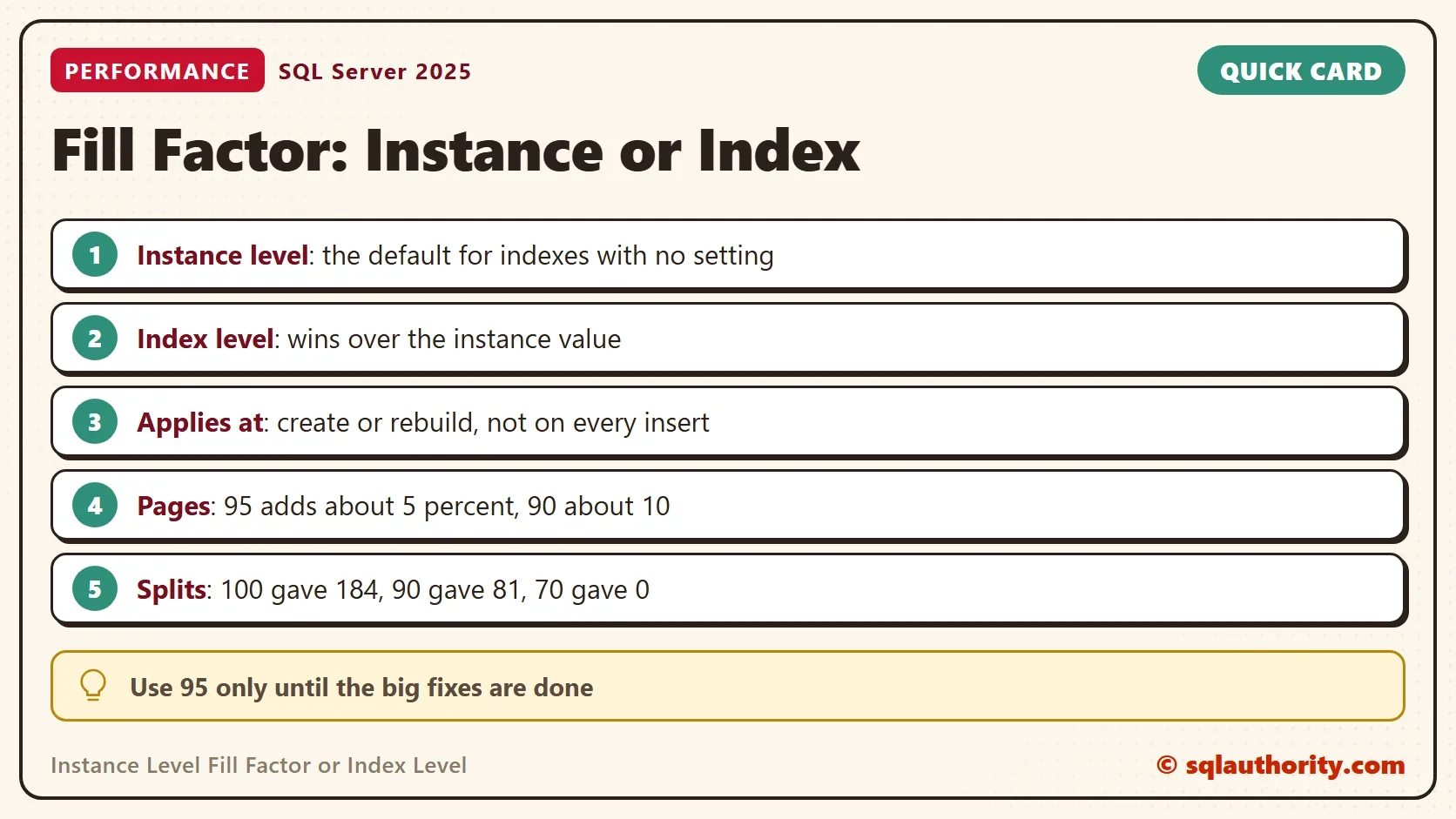
In most cases the instance level stays at 0. Use 95 only while the big problems get fixed. It is a cheap cushion, not a cure. It costs about 5 percent more pages and stops only small loads from splitting pages. Then move to the index level for the few tables that carry most of the writes.
For those indexes, one rule of thumb is this. If a table changes about 10 percent between weekly rebuilds, use a fill factor of 90. The demo agrees: 90 cut the splits from 184 to 81. It is a starting value, not a law. The column types, the key distribution and the rebuild schedule move the answer. Measure the splits after the change.
You could argue that an instance level default is lazy, and that every index deserves its own value. In a database with hundreds of tables, that work never finishes. A good default now beats a perfect plan that never ships. Set the instance level fill factor and tune the top tables. Return the instance value to 0 when the index values are done.
What to Remember
The instance level fill factor is a default, and the index level wins. Neither is maintained as rows arrive, so only a rebuild restores the free space. Measure the cost in pages and the benefit in splits before you pick a number. The instance setting needs a service restart, so plan it.
When you finish testing, remove the example database.
USE master;
GO
IF DB_ID(N'FillFactorLevelDemo') IS NOT NULL
BEGIN
    ALTER DATABASE FillFactorLevelDemo SET SINGLE_USER WITH ROLLBACK IMMEDIATE;
    DROP DATABASE FillFactorLevelDemo;
END;
A fill factor is not a speed setting, it is free space that you pay for in advance.
Published by Pinal Dave on SQLAuthority. More of my work at pinaldave.com.
Discover more from SQL Authority with Pinal Dave
Subscribe to get the latest posts sent to your email.




1 Comment. Leave new
Mike Byrd did an interesting session at PASS Virtual Summit on Fill Factor. There are some conditions – minimal number of pages and average row length meaning you cannot actually take advantage of fill factor that could be added but it does show a method to determine the fill factor