SQLOS scheduler and process states are the answer to one question: where is my thread right now? Many of you asked me about this after you watched Sleeping vs Suspended Process: SQL in Sixty Seconds #122. If you have not watched that video yet, I strongly suggest you watch it first.
The Question
After the video, I received this question:
How do we map the SQLOS with various Process States?
I usually discuss this topic during my Comprehensive Database Performance Health Check, when we talk about performance tuning. Let me answer it here in simple words.
How the SQLOS Scheduler Works
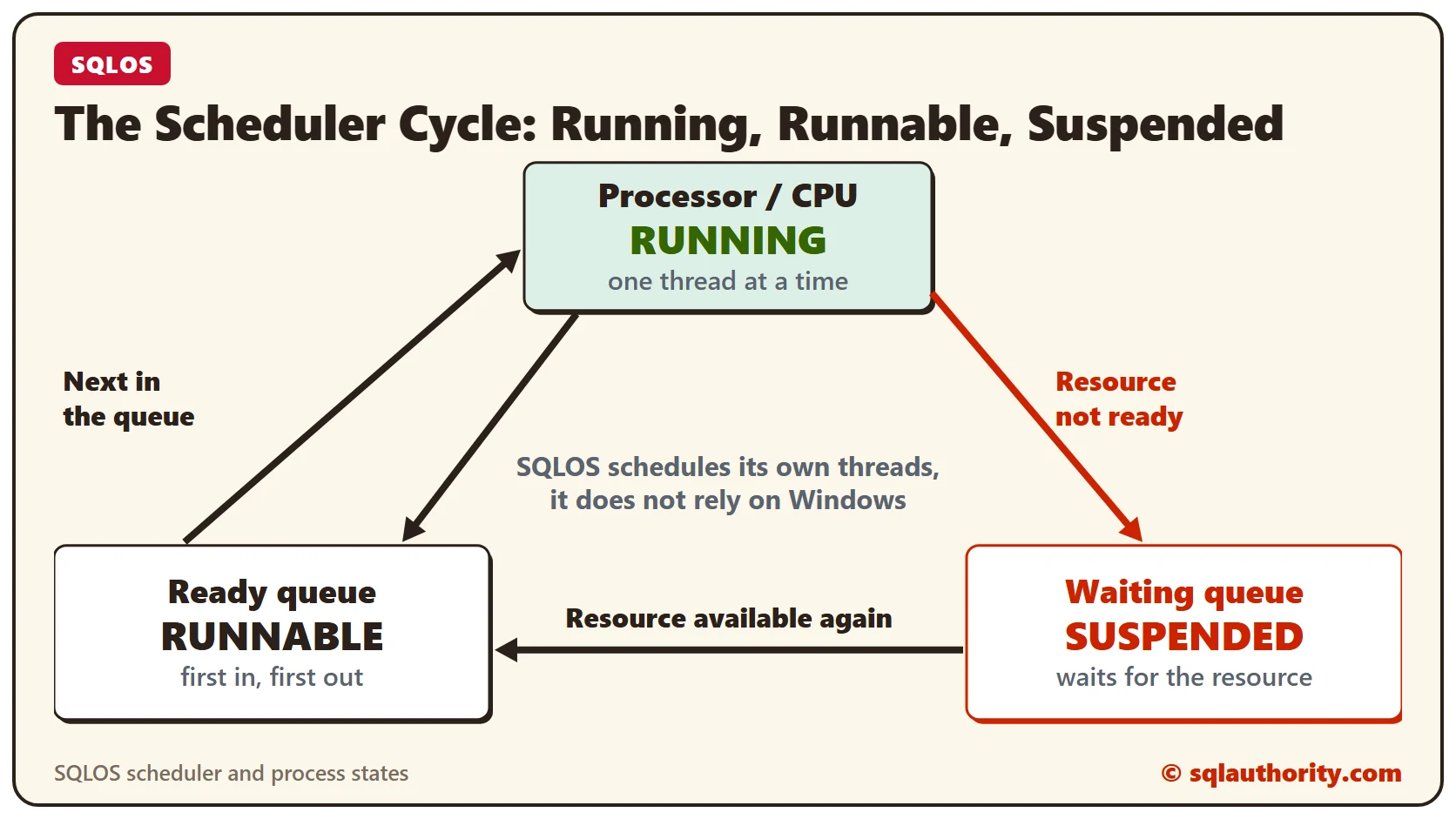
The SQLOS scheduler is SQL Server’s own scheduler. It does not depend on Windows to schedule its processes. It works on its own, based on the available resources and the algorithm programmed into it. It has three major components.
Before you read about them, think about your production system. How many threads and processes are you working with at any one point? I commonly see SQL Server dealing with hundreds of processes at the same time. Let us see how SQL Server manages all of them.
The Three Components
Processor or CPU: this is a logical CPU (a physical CPU core) that processes the threads. Traditionally, it processes one thread at a time. A thread in this component is in the RUNNING state.
Ready queue or runnable queue: the processor attends to one thread at a time. Every thread that is ready for the CPU waits its turn in the ready queue. The usual logic is first in, first out (FIFO). That does not apply when Resource Governor is in play, but that is a conversation for another day. A thread in this queue is in the RUNNABLE state.
Waiting queue: when the CPU gets to a thread, the thread can lack something it needs, such as I/O. Then it moves to the suspended state and goes to the waiting queue. It waits there until the resource is available again. There is technically no limit on how long a thread can wait here, unless you have configured an execution timeout. A thread in this queue is in the SUSPENDED state.
Once the resource is available again, the thread moves to the runnable queue. I hope this post about the SQLOS scheduler is useful. Leave a comment if you have any questions. You can also reach me on Twitter.
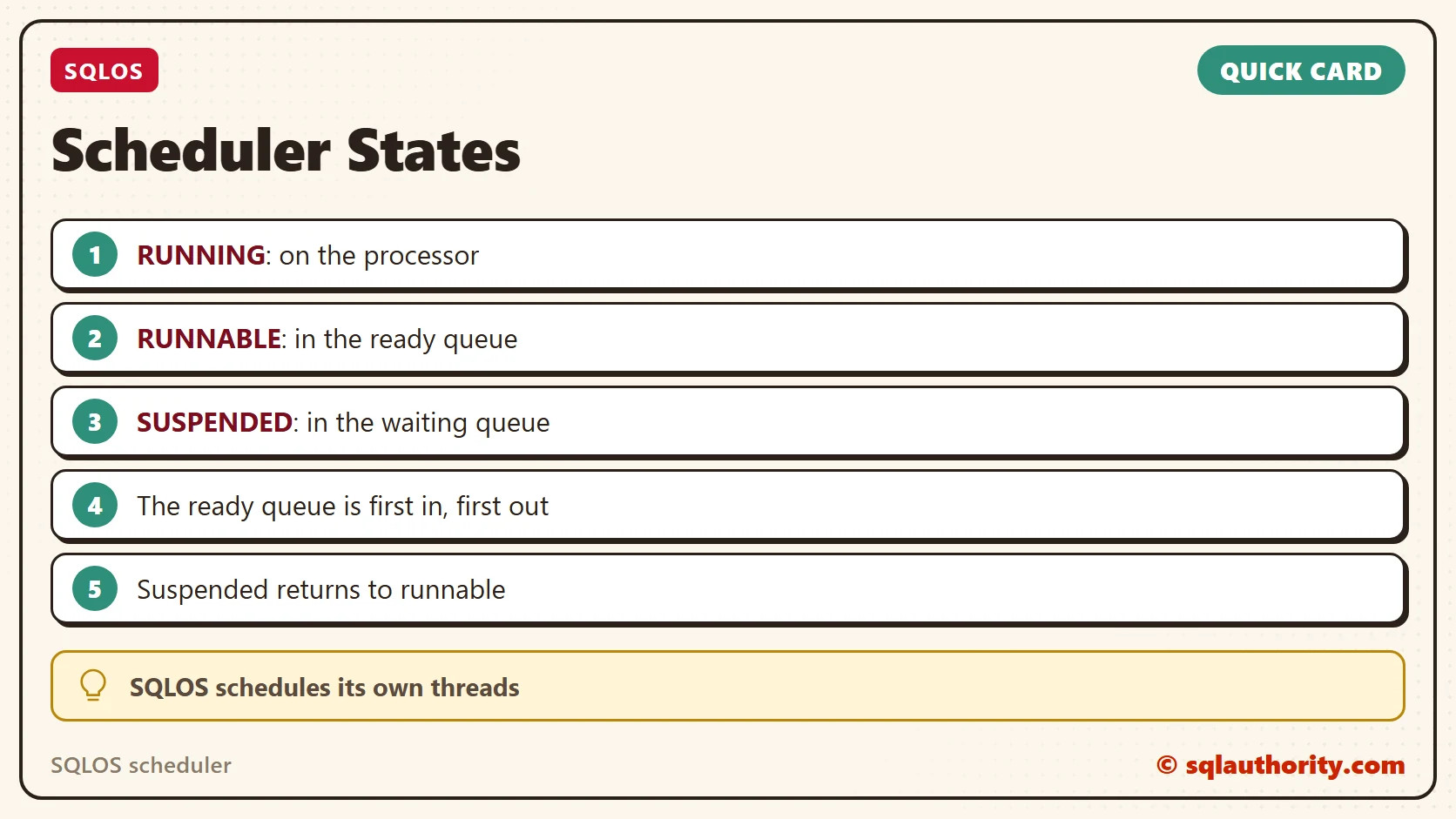
Suspended is not a crash, it is a thread waiting for its resource.
Published by Pinal Dave on SQLAuthority. More of my work at pinaldave.com.
Discover more from SQL Authority with Pinal Dave
Subscribe to get the latest posts sent to your email.