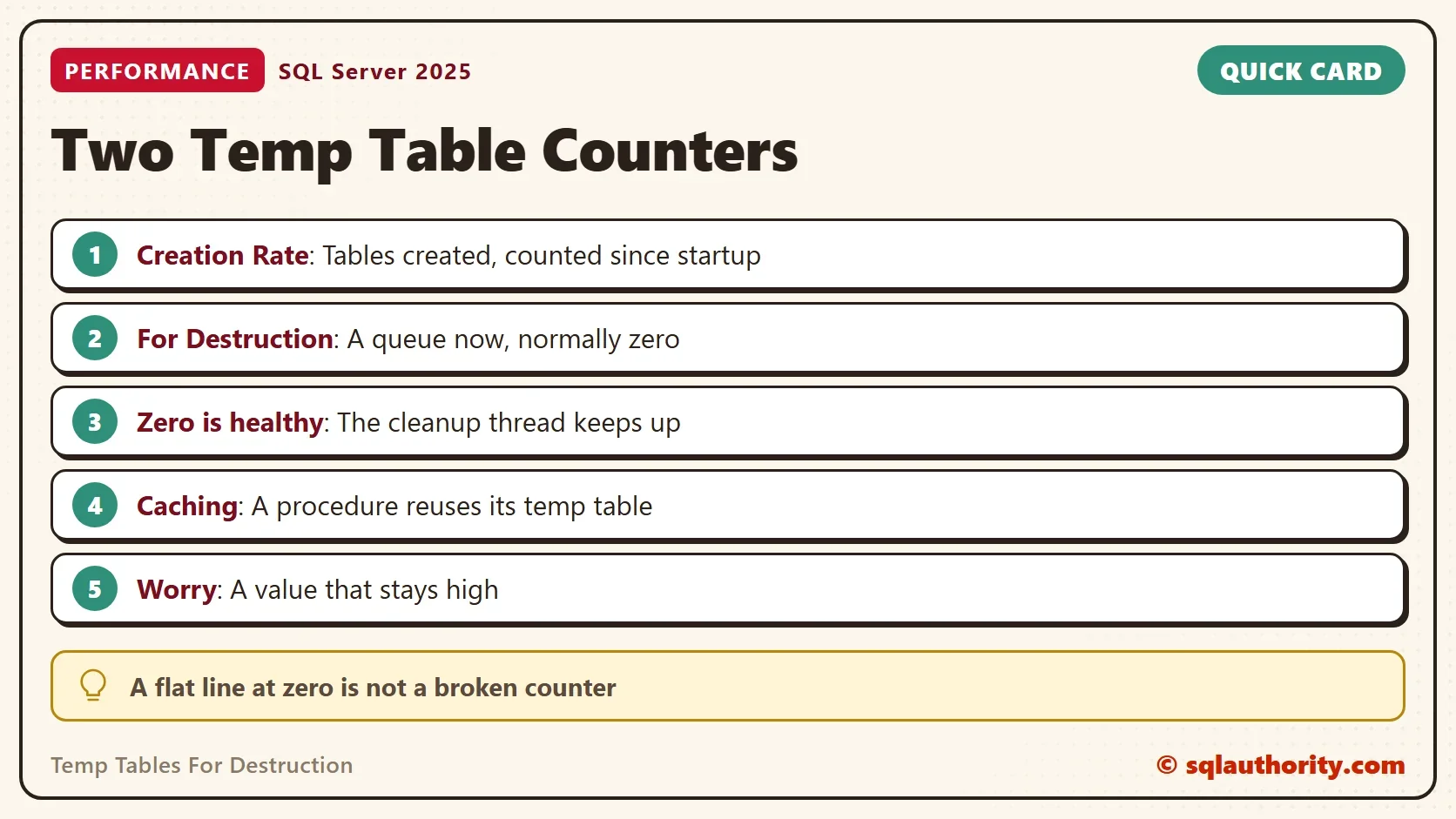
The Temp Tables For Destruction counter sits at or near zero on a healthy server, and that is normal. It is not a broken counter. It measures a short queue, and it is easy to misread next to its neighbor.

The Two Counters
A client set up two Performance Monitor counters to watch tempdb. The first was Temp Tables Creation Rate. The second was Temp Tables For Destruction. The creation rate moved, and the second line stayed flat at zero. The client feared that temp tables were never dropped, which would fill tempdb sooner or later.
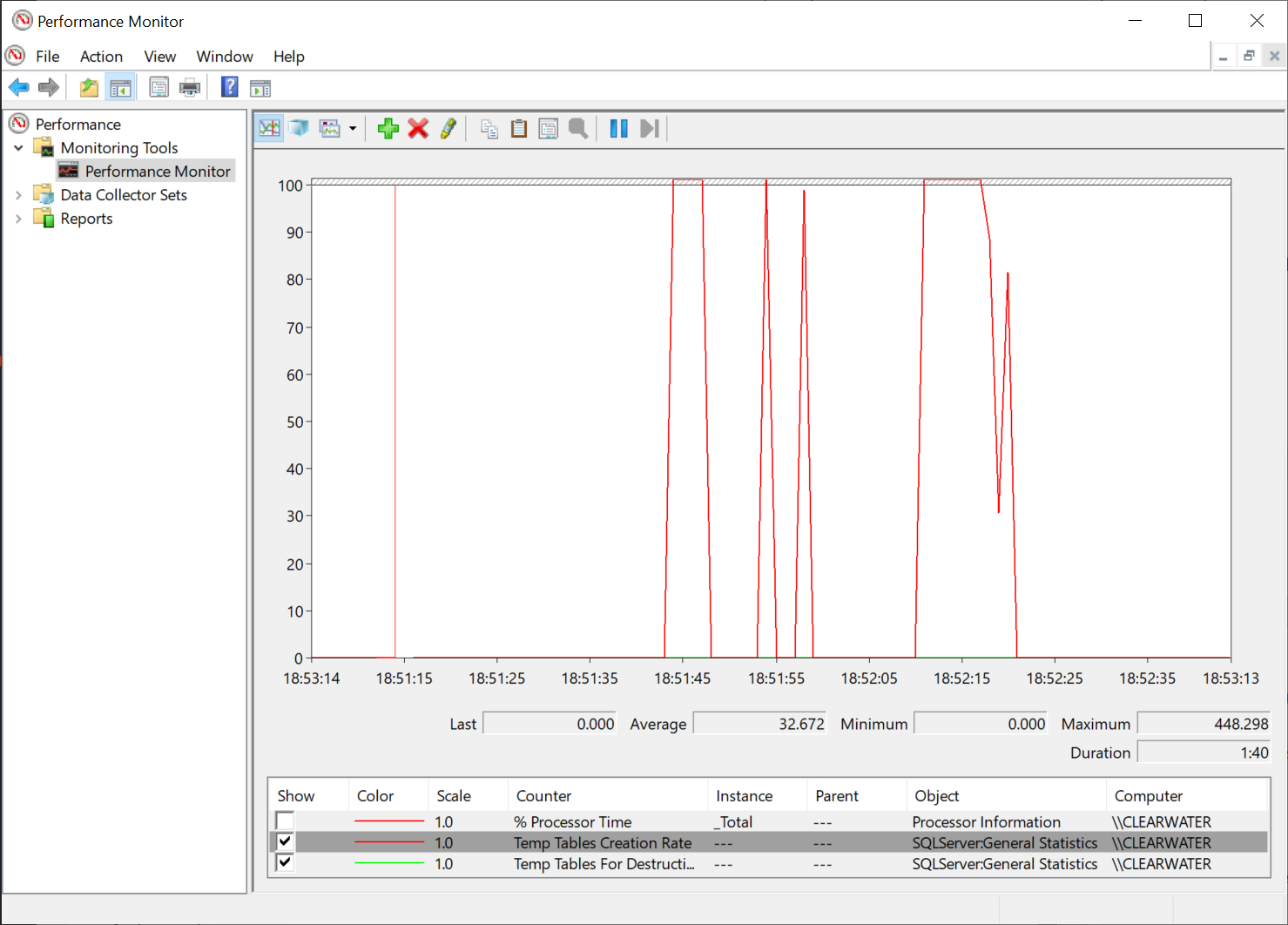
The fear came from reading the second name as a total. The counter descriptions differ. Creation Rate counts the temporary tables and table variables created per second. For Destruction counts the ones that are waiting for the cleanup system thread to destroy them. The first counts events. The second is a queue, and a queue is empty when its worker keeps up.
You can read both from T-SQL. The view sys.dm_os_performance_counters lists them in the General Statistics object.
SELECT RTRIM(object_name) AS ObjectName, RTRIM(counter_name) AS CounterName, cntr_value, cntr_type
FROM sys.dm_os_performance_counters
WHERE counter_name IN (N'Temp Tables Creation Rate', N'Temp Tables For Destruction');
| ObjectName | CounterName | cntr_value | cntr_type |
|---|---|---|---|
| MSSQL$SQLDEV:General Statistics | Temp Tables Creation Rate | 2001 | 272696576 |
| MSSQL$SQLDEV:General Statistics | Temp Tables For Destruction | 0 | 65792 |
The object name carries your instance name, and the values differ on your server. The cntr_type column explains the shapes. The creation row is a running total since startup, which Performance Monitor turns into a rate by comparing two samples. The destruction row is a single reading, taken at that moment.
Measure the Creation Rate
To see the first counter move, create temp tables in a loop. The script reads the counter before and after. It reads the destruction counter after every cycle to record its peak.
SET NOCOUNT ON;
DECLARE @i int = 0, @Start datetime2 = SYSDATETIME(), @Before bigint, @After bigint, @Peak bigint = 0, @Now bigint;
SELECT @Before = cntr_value FROM sys.dm_os_performance_counters WHERE counter_name = N'Temp Tables Creation Rate';
WHILE @i < 1000
BEGIN
    SELECT TOP (500) object_id, name INTO #Work FROM sys.all_columns;
    DROP TABLE #Work;
    SELECT @Now = cntr_value FROM sys.dm_os_performance_counters WHERE counter_name = N'Temp Tables For Destruction';
    IF @Now > @Peak SET @Peak = @Now;
    SET @i += 1;
END;
SELECT @After = cntr_value FROM sys.dm_os_performance_counters WHERE counter_name = N'Temp Tables Creation Rate';
SELECT @After - @Before AS TablesCreated,
       CONVERT(decimal(9,1), 1000.0 * (@After - @Before) / NULLIF(DATEDIFF(MILLISECOND, @Start, SYSDATETIME()), 0)) AS CreatedPerSecond,
@Peak AS PeakForDestruction;| TablesCreated | CreatedPerSecond | PeakForDestruction |
|---|---|---|
| 1000 | 243.2 | 1 |
The counter rose by the number of tables the loop created, plus whatever other sessions created meanwhile. It is server-wide. Reading the counter in every cycle slows the loop, so the rate is lower than the server can reach.
The destruction value stayed at 0 or 1. In an earlier run it peaked at 0, and in this one at 1. A 1 means that one table was waiting at the moment of the read. The loop dropped a table in every cycle, yet the queue never grew. The cleanup thread kept up.
A Cached Temp Table Moves Neither Counter
Temp tables in a stored procedure add a twist. SQL Server keeps the structure of such a table when the procedure ends and reuses it on the next call. The table is not destroyed and not created again. Caching has conditions. A procedure that adds an index or runs ALTER TABLE on its temp table after creating it loses the caching. The demo database holds a procedure that makes and fills a temp table.
IF DB_ID(N'TempCounterDemo') IS NULL CREATE DATABASE TempCounterDemo;
GO
USE TempCounterDemo;
GO
CREATE OR ALTER PROCEDURE dbo.UseTempTable
AS
BEGIN
    SET NOCOUNT ON;
    CREATE TABLE #Work (ObjectID int NOT NULL, Name sysname NOT NULL);
    INSERT INTO #Work SELECT TOP (500) object_id, name FROM sys.all_columns;
END;
Call it a thousand times and compare the creation counter before and after.
SET NOCOUNT ON;
DECLARE @i int = 0, @Before bigint, @After bigint;
SELECT @Before = cntr_value FROM sys.dm_os_performance_counters WHERE counter_name = N'Temp Tables Creation Rate';
WHILE @i < 1000
BEGIN
    EXEC dbo.UseTempTable;
    SET @i += 1;
END;
SELECT @After = cntr_value FROM sys.dm_os_performance_counters WHERE counter_name = N'Temp Tables Creation Rate';
SELECT @After - @Before AS TablesCreated;| TablesCreated |
|---|
| 3 |
A thousand calls raised the creation counter by 3 in this run. Earlier runs gave 1, 0 and 7. The small differences come from other sessions on the shared server. No run came near 1,000, because the first call created the table and the other 999 reused it. A busy server that runs mostly cached procedures shows a low creation rate. Its destruction counter sits at zero. Both are signs of health, not of missing data.
When a Zero Is Not Enough
A zero in the destruction counter means that the cleanup thread is keeping up when you read it. It doesn’t prove that tempdb is healthy. Sample the counter several times over a minute, not once, because a single reading is only a snapshot. A value that stays above zero across many samples is the sign to act. Tables are piling up faster than they are removed. Then look at the tempdb waits and the data files. The settings are in TempDB Performance: Five Settings to Check in SQL Server.
The Argument About Counters
You could argue that watching these counters is useful anyway. It can be, as a smoke alarm. I don’t like tuning from counters alone, because a counter says that something is off, not where. A wait statistic or a query plan points at a cause. A counter is a reason to look.
What to Remember
Read Temp Tables For Destruction as a queue, not a total. Zero, or a number close to it, is the normal value. Read Temp Tables Creation Rate as a running count. It needs two samples to become a rate, and cached temp tables don’t move it. When you finish testing, drop the example database.
USE master;
GO
ALTER DATABASE TempCounterDemo SET SINGLE_USER WITH ROLLBACK IMMEDIATE;
DROP DATABASE TempCounterDemo;
A flat line is not a failure, it is a queue with nothing waiting.
Published by Pinal Dave on SQLAuthority. More of my work at pinaldave.com.
Discover more from SQL Authority with Pinal Dave
Subscribe to get the latest posts sent to your email.