
A recovery model insert test settles an old argument with one number: how much log each model writes.

The Argument
The claim comes up whenever WRITELOG shows in a wait report. You see those waits because the database uses FULL recovery. Switch to SIMPLE and the waits go away, and the inserts run faster. In one case, a client’s CTO wanted proof instead of theory, and a live test settled it.
This post repeats that test with a simple setup. It builds on Insert Workload Waits: WRITELOG and PAGELATCH_EX, where the same insert table produced WRITELOG and PAGELATCH_EX waits. Bulk-logged recovery is a different test, so it stays out here.
What the Test Does
The test runs 16 connections that insert 10,000 rows each, one row per transaction. It runs the same load under FULL, then SIMPLE, then FULL and SIMPLE again. One lucky run can’t decide the result. The data and log files are sized up front, so file growth doesn’t distort a run. A recovery model insert test means something only when the setup is fair. The same table, the same file sizes and the same worker count run in every round.
A FULL database needs a full backup before it keeps its log. Until then it reuses the log like SIMPLE does. The backup in the next script goes to NUL, which throws the data away. Use NUL only in a demo, never as a real backup. Each backup to NUL adds a history row to msdb, and the cleanup removes it.
IF DB_ID(N'RecoveryInsertDemo') IS NULL CREATE DATABASE RecoveryInsertDemo;
GO
ALTER DATABASE RecoveryInsertDemo MODIFY FILE (NAME = RecoveryInsertDemo, SIZE = 256MB);
ALTER DATABASE RecoveryInsertDemo MODIFY FILE (NAME = RecoveryInsertDemo_log, SIZE = 512MB);
GO
USE RecoveryInsertDemo;
GO
DROP TABLE IF EXISTS dbo.GateLog, dbo.WorkerRuns, dbo.WorkerWaits, dbo.LogMark, dbo.RunSummary;
CREATE TABLE dbo.GateLog (
    GateLogId int          IDENTITY(1,1) NOT NULL CONSTRAINT PK_GateLog PRIMARY KEY CLUSTERED,
    Note      varchar(500) NOT NULL CONSTRAINT DF_GateLog_Note DEFAULT ('Visitor counted at the gate')
);
CREATE TABLE dbo.WorkerRuns  (SessionId int NOT NULL, StartedAt datetime2(3) NOT NULL, EndedAt datetime2(3) NULL);
CREATE TABLE dbo.WorkerWaits (SessionId int NOT NULL, WaitType nvarchar(60) NOT NULL, WaitMs bigint NOT NULL);
CREATE TABLE dbo.LogMark     (BytesWritten bigint NOT NULL);
CREATE TABLE dbo.RunSummary (
    RunNo           int          IDENTITY(1,1) NOT NULL,
    Recovery        varchar(10)  NOT NULL,
    ElapsedSeconds  decimal(8,1) NOT NULL,
    WriteLogSeconds decimal(8,1) NOT NULL,
    LogWrittenMB    decimal(8,1) NOT NULL,
    LogReuseWait    varchar(30)  NOT NULL
);
Run One Round
A round has four steps. Switch the model, reset the counters, run the workers and save the numbers. Start with FULL.
ALTER DATABASE RecoveryInsertDemo SET RECOVERY FULL;
BACKUP DATABASE RecoveryInsertDemo TO DISK = N'NUL';
The reset script clears the old rows and forces a checkpoint. It also notes how many bytes the log file has written.
TRUNCATE TABLE dbo.GateLog;
TRUNCATE TABLE dbo.WorkerRuns;
TRUNCATE TABLE dbo.WorkerWaits;
TRUNCATE TABLE dbo.LogMark;
CHECKPOINT;
INSERT dbo.LogMark (BytesWritten)
SELECT num_of_bytes_written FROM sys.dm_io_virtual_file_stats(DB_ID(), 2);
Each worker records its own start and end times and its own waits. Save this file as worker.sql.
SET NOCOUNT ON;
INSERT dbo.WorkerRuns (SessionId, StartedAt) VALUES (@@SPID, SYSDATETIME());
GO
INSERT dbo.GateLog DEFAULT VALUES;
GO 10000
UPDATE dbo.WorkerRuns SET EndedAt = SYSDATETIME() WHERE SessionId = @@SPID AND EndedAt IS NULL;
INSERT dbo.WorkerWaits (SessionId, WaitType, WaitMs)
SELECT @@SPID, wait_type, wait_time_ms
FROM sys.dm_exec_session_wait_stats
WHERE session_id = @@SPID;
$server  = '.\SQLDEV'
$workers = 16
$watch = [Diagnostics.Stopwatch]::StartNew()
1..$workers | ForEach-Object {
    Start-Process sqlcmd -ArgumentList "-S $server -E -C -d RecoveryInsertDemo -i worker.sql -o NUL" -WindowStyle Hidden -PassThru
} | Wait-Process
'{0:N1} seconds with {1} workers' -f $watch.Elapsed.TotalSeconds, $workers
The save script turns the round into one row. It reads the elapsed time and the WRITELOG seconds across all 16 sessions. It adds the log bytes written during the run and the reason the log can’t be reused yet.
CHECKPOINT;
INSERT dbo.RunSummary (Recovery, ElapsedSeconds, WriteLogSeconds, LogWrittenMB, LogReuseWait)
SELECT CAST(DATABASEPROPERTYEX(DB_NAME(), N'Recovery') AS varchar(10)),
       (SELECT DATEDIFF(MILLISECOND, MIN(StartedAt), MAX(EndedAt)) / 1000.0 FROM dbo.WorkerRuns),
       (SELECT SUM(WaitMs) / 1000.0 FROM dbo.WorkerWaits WHERE WaitType = N'WRITELOG'),
       (SELECT (f.num_of_bytes_written - m.BytesWritten) / 1048576.0
        FROM sys.dm_io_virtual_file_stats(DB_ID(), 2) AS f CROSS JOIN dbo.LogMark AS m),
       (SELECT log_reuse_wait_desc FROM sys.databases WHERE name = DB_NAME());
For SIMPLE, run the next statement and then repeat the reset, the workers and the save.
ALTER DATABASE RecoveryInsertDemo SET RECOVERY SIMPLE;
The Result
SELECT RunNo, Recovery, ElapsedSeconds, WriteLogSeconds, LogWrittenMB, LogReuseWait
FROM dbo.RunSummary
ORDER BY RunNo;
| RunNo | Recovery | ElapsedSeconds | WriteLogSeconds | LogWrittenMB | LogReuseWait |
|---|---|---|---|---|---|
| 1 | FULL | 11.3 | 35.6 | 86.0 | LOG_BACKUP |
| 2 | SIMPLE | 50.8 | 51.1 | 82.3 | NOTHING |
| 3 | FULL | 100.1 | 190.7 | 77.5 | LOG_BACKUP |
| 4 | SIMPLE | 60.7 | 137.1 | 78.6 | NOTHING |
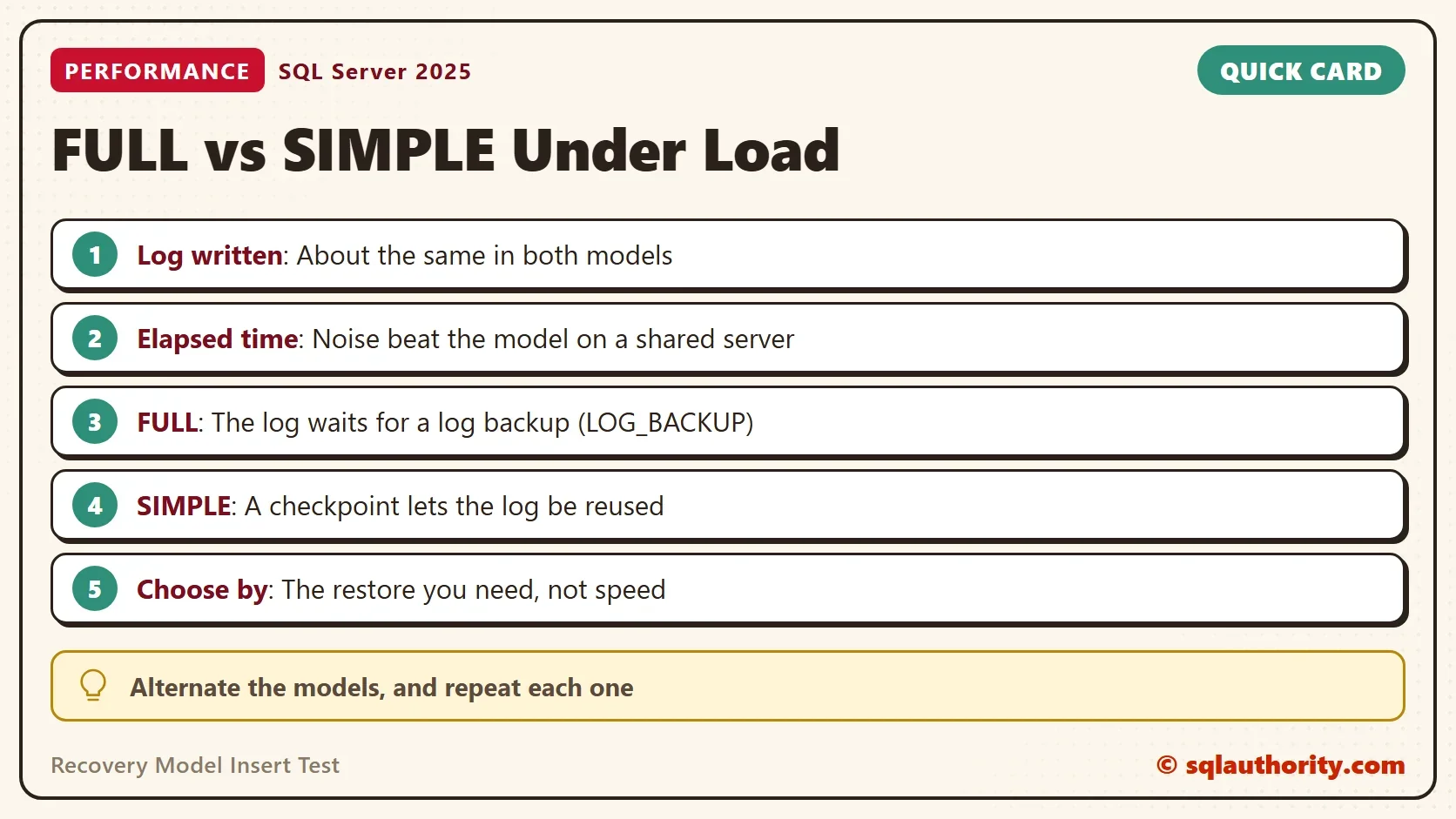
Three things stand out. First, the log written is almost the same in every run, between 77 and 86 MB. Each insert writes its log records before the commit completes, in every recovery model.
Second, the elapsed time moved between 11 and 100 seconds, and the fastest and the slowest runs are both FULL. The test server was busy with other work, so that noise is bigger than any effect of the model. The WRITELOG seconds follow the elapsed time, not the model.
Third, the last column differs. FULL reports LOG_BACKUP, which means the log can’t be reused until a log backup runs. SIMPLE reports NOTHING, because a checkpoint frees the log.
What Differs
The recovery model decides what happens to the log after a commit. It doesn’t change what is written during the commit. In FULL, the log records stay until a log backup copies them. In SIMPLE, a checkpoint marks them as reusable. The next script shows both steps in a FULL database.
ALTER DATABASE RecoveryInsertDemo SET RECOVERY FULL;
BACKUP DATABASE RecoveryInsertDemo TO DISK = N'NUL';
INSERT dbo.GateLog (Note)
SELECT TOP (100000) 'Visitor counted at the gate'
FROM sys.all_objects AS a CROSS JOIN sys.all_objects AS b;
CHECKPOINT;
SELECT log_reuse_wait_desc AS BeforeLogBackup FROM sys.databases WHERE name = DB_NAME();
BACKUP LOG RecoveryInsertDemo TO DISK = N'NUL';
CHECKPOINT;
SELECT log_reuse_wait_desc AS AfterLogBackup FROM sys.databases WHERE name = DB_NAME();
| BeforeLogBackup |
|---|
| LOG_BACKUP |
| AfterLogBackup |
|---|
| NOTHING |
To see why any log can’t be reused, read the log_reuse_wait_desc column of sys.databases. The log backup is what frees the log in FULL. A database in FULL recovery with no log backups grows its log until the disk is full. That is the real cost of FULL, and it has nothing to do with insert speed.
You could argue that SIMPLE must be faster because it keeps less log. It keeps the log for less time, which saves disk space. It doesn’t save commit time. In this test the faster runs were noise. That is why the test alternates the models.
What to Remember
Choose the recovery model for the restore you need. FULL with log backups lets you restore to a point in time. SIMPLE restores only to the last full or differential backup. Insert speed isn’t a reason to pick either one. In this recovery model insert test, SIMPLE gave no consistent gain.
When you finish, drop the demo database. The last statement removes the backup history that the NUL backups left in msdb.
USE master;
GO
ALTER DATABASE RecoveryInsertDemo SET SINGLE_USER WITH ROLLBACK IMMEDIATE;
DROP DATABASE RecoveryInsertDemo;
EXEC msdb.dbo.sp_delete_database_backuphistory @database_name = N'RecoveryInsertDemo';
The recovery model is not a speed setting, it is a promise about restores.
Published by Pinal Dave on SQLAuthority. More of my work at pinaldave.com.
Discover more from SQL Authority with Pinal Dave
Subscribe to get the latest posts sent to your email.




4 Comments. Leave new
In line 3 of the simple recovery test, you are still setting the recovery model to ‘FULL’. Thank you for your many interesting posts and helpful scripts.
Thanks for catching the copy paste error :-)
I have fixed it and thank you again for reading it.
Your blog giving good knowledge.
Thanks for your help
Superb. I really enjoyed very much with this article here. Really it is an amazing article I had ever read.