
Msg 3254 says the volume on a device is empty, and it can stop a restore of an existing file. I was on a Comprehensive Database Performance Health Check with SQL Server 2017 and 2019. My client’s DBA asked me for help with this error. I found it interesting. Not many people have hit it.
The Error
The complete error message they received was this:
Msg 3254, Level 16, State 1, Line 14
The volume on device 'C:\Program Files\Microsoft SQL Server\MSSQL15.MSSQLSERVER\MSSQL\Backup\ProdDB.bak' is empty.
Msg 3013, Level 16, State 1, Line 14
RESTORE DATABASE is terminating abnormally.
What Happened
In my lab, I got the same error when I gave RESTORE a text file instead of a real backup. Here is the command:
RESTORE DATABASE SQLAuthority
FROM DISK = 'C:\Temp\SQLAuthority.bak'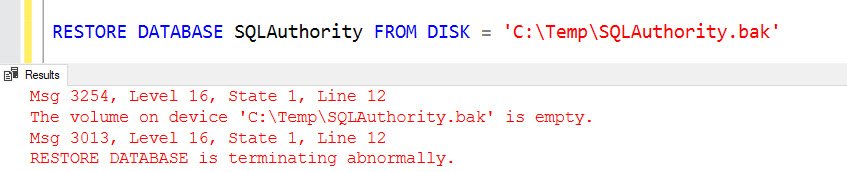
This is the output:
Msg 3254, Level 16, State 1, Line 12
The volume on device 'C:\Temp\SQLAuthority.bak' is empty.
Msg 3013, Level 16, State 1, Line 12
RESTORE DATABASE is terminating abnormally.
How to Check
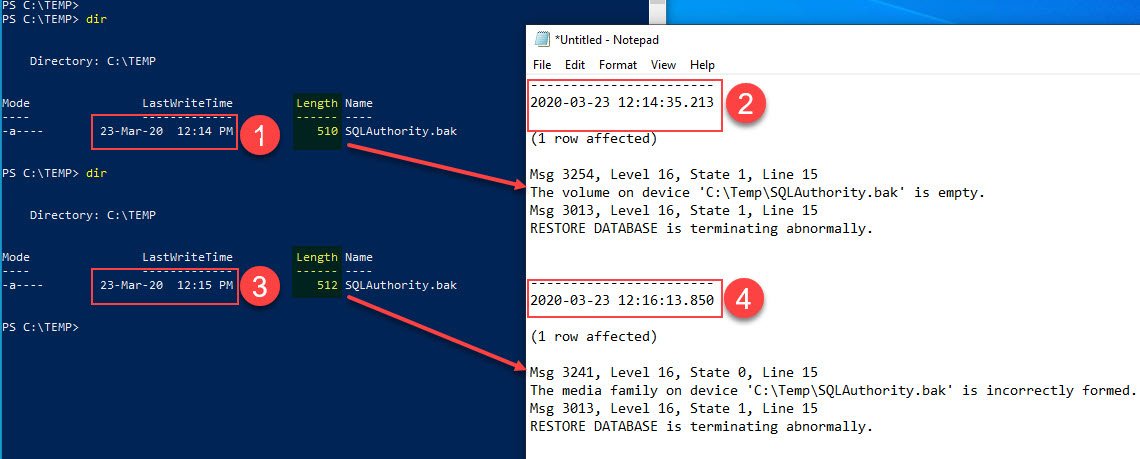
When a restore fails with this error, I check the size of the backup file first. I tried various sizes. A file smaller than 512 bytes gave me the same error. At 512 bytes, the message changed to this:
Msg 3241, Level 16, State 0, Line 15
The media family on device 'C:\Temp\SQLAuthority.bak' is incorrectly formed. SQL Server cannot process this media family.
Msg 3013, Level 16, State 1, Line 15
RESTORE DATABASE is terminating abnormally.
The picture below shows the timestamp, the size and the new message:
Why It Happens
My test made it clear that the file wasn’t a correct backup. A real backup can never be smaller than 512 KB. A file that small can’t be read as a backup, so SQL Server reports the volume as empty.
The Fix
If you get the device is empty error, check the size of the backup file. Then use another backup of the database that is healthy.
How to Prevent It
Keep more than one backup of important databases. Then a bad file doesn’t leave you without a way back.
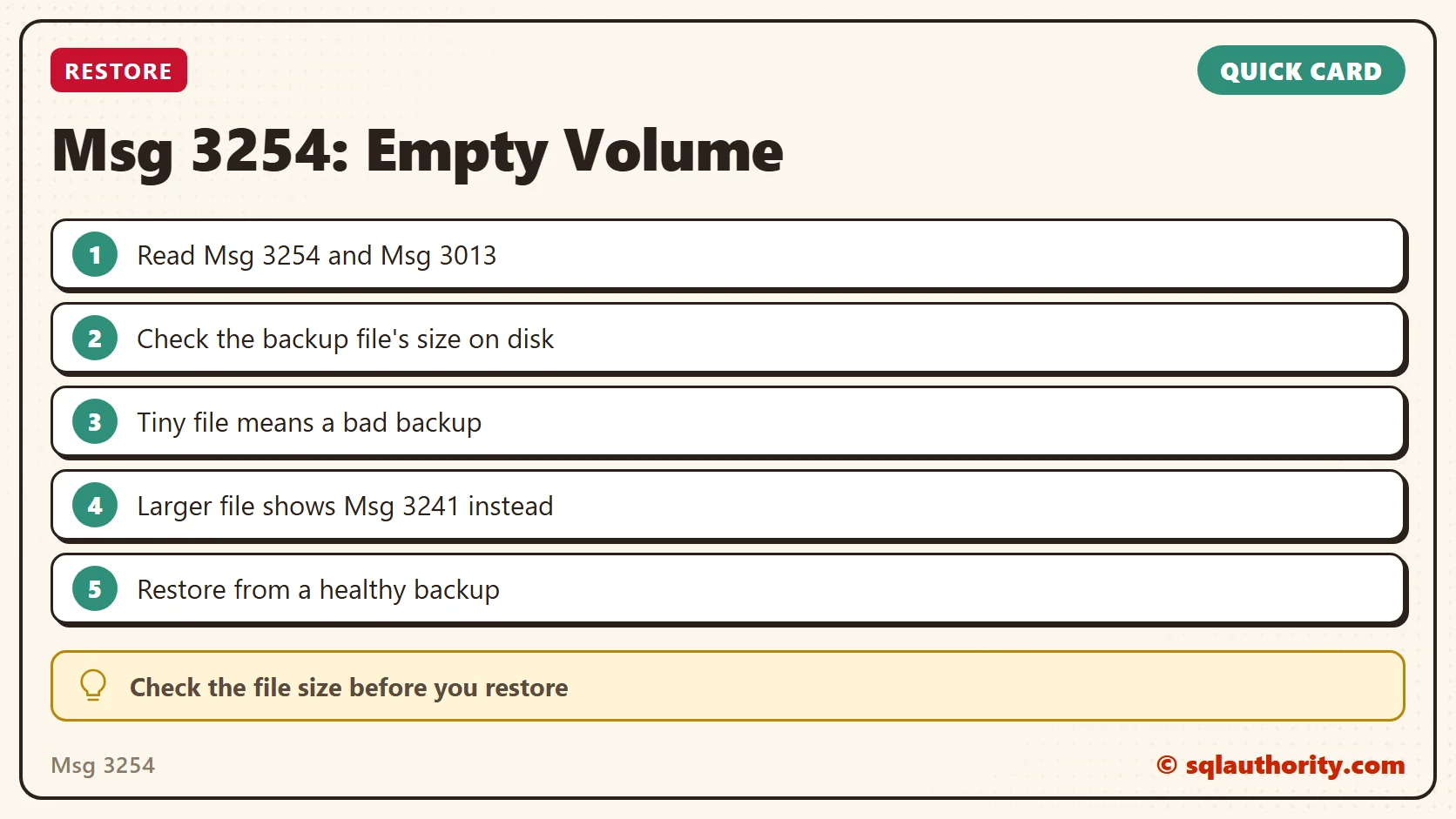
An empty volume is not an empty disk, it is a backup file too small to be real.
Published by Pinal Dave on SQLAuthority. More of my work at pinaldave.com.
Discover more from SQL Authority with Pinal Dave
Subscribe to get the latest posts sent to your email.




2 Comments. Leave new
Not the error message itself, but the fact that you found out that the limit is 512KB is pretty cool. :-)
I am transferring a backup from SQL 2012 to another server with sql 2014 and I get the second error in your list. the backup is incorrectly formed. It is a good file because I have checked it on the original sql box. I have never had this happen before. Any thoughts?