Setup error 0x86D80018 stopped a cluster upgrade for one of my clients. I had worked with them earlier on a Comprehensive Database Performance Health Check. They were upgrading SQL Server 2016 to SQL Server 2017 in a clustered environment.

The Error
When the client tried to patch the other node, setup failed. The error said: There are no more endpoints available from the endpoint mapper. I asked them to look at the SQL Server setup logs. These are the interesting messages:
Detailed results:
Feature: Full-Text and Semantic Extractions for Search
Status: Failed
Reason for failure: An error occurred for a dependency of the feature causing the setup process for the feature to fail.
Next Step: The upgrade process for SQL Server failed. To continue the upgrade process, use the following information to resolve the error. Next, uninstall SQL Server by using this command line: setup /q /action=uninstall /instanceid=SQLQA /features=DQ,FULLTEXT,SQLENGINE,REPLICATION. Then, run SQL Server Setup again.
Component name: SQL Server Database Engine Services Instance Features
Component error code: 0x86D80018
Error description: There was an error to lookup cluster resource types. Error: There was a failure to call cluster code from a provider. Exception message: There are no more endpoints available from the endpoint mapper.
The same message appeared multiple times for other features as well.
What Happened
The client upgraded the passive nodes first, and that went fine. They failed over to an upgraded node, and that went fine too. Only the patch of the other node failed.
Why It Happens
When I searched for the message, I found that it is generic. It can appear when there are multiple versions of the SQL Server cluster resource DLLs.
How to Check
Whenever I face such a situation, I read the message from SQL Server setup carefully and follow it. Let’s do it again. I also looked into the registry and found something interesting: an entry for SQLQA.INACTIVE.
On the internet, I found advice to run MSIEXEC /X, clean the registry and so on. I don’t follow them unless I’m pretty sure what they will do.
The Fix
Finally, I went with the command that SQL Server setup itself asked for, in the Next Step text. I ran it from the command prompt. The setup.exe in the command is the one in the root of the SQL Server 2017 media.
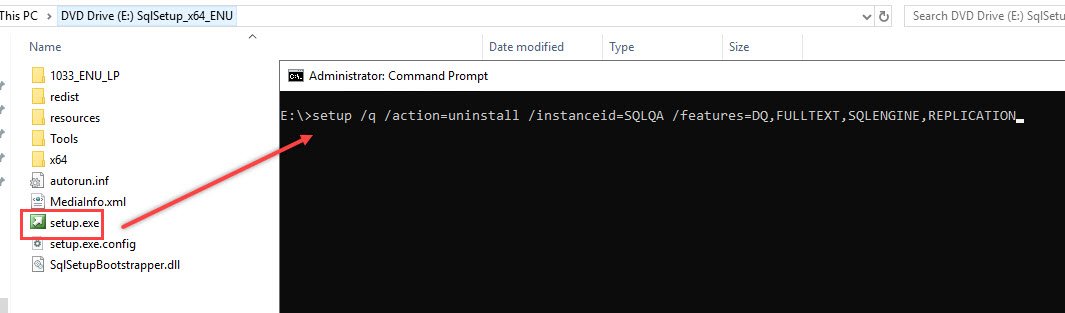
setup /q /action=uninstall /instanceid=SQLQA /features=DQ,FULLTEXT,SQLENGINE,REPLICATIONConfirm It Worked
Once I ran the command, we rebooted both nodes and ran setup again to upgrade SQL Server. It worked.
How to Prevent It
Read the Next Step text in the setup summary carefully before you search the internet. A setup message can tell you what to run. Have you ever seen such interesting errors? Please share them in the comments.
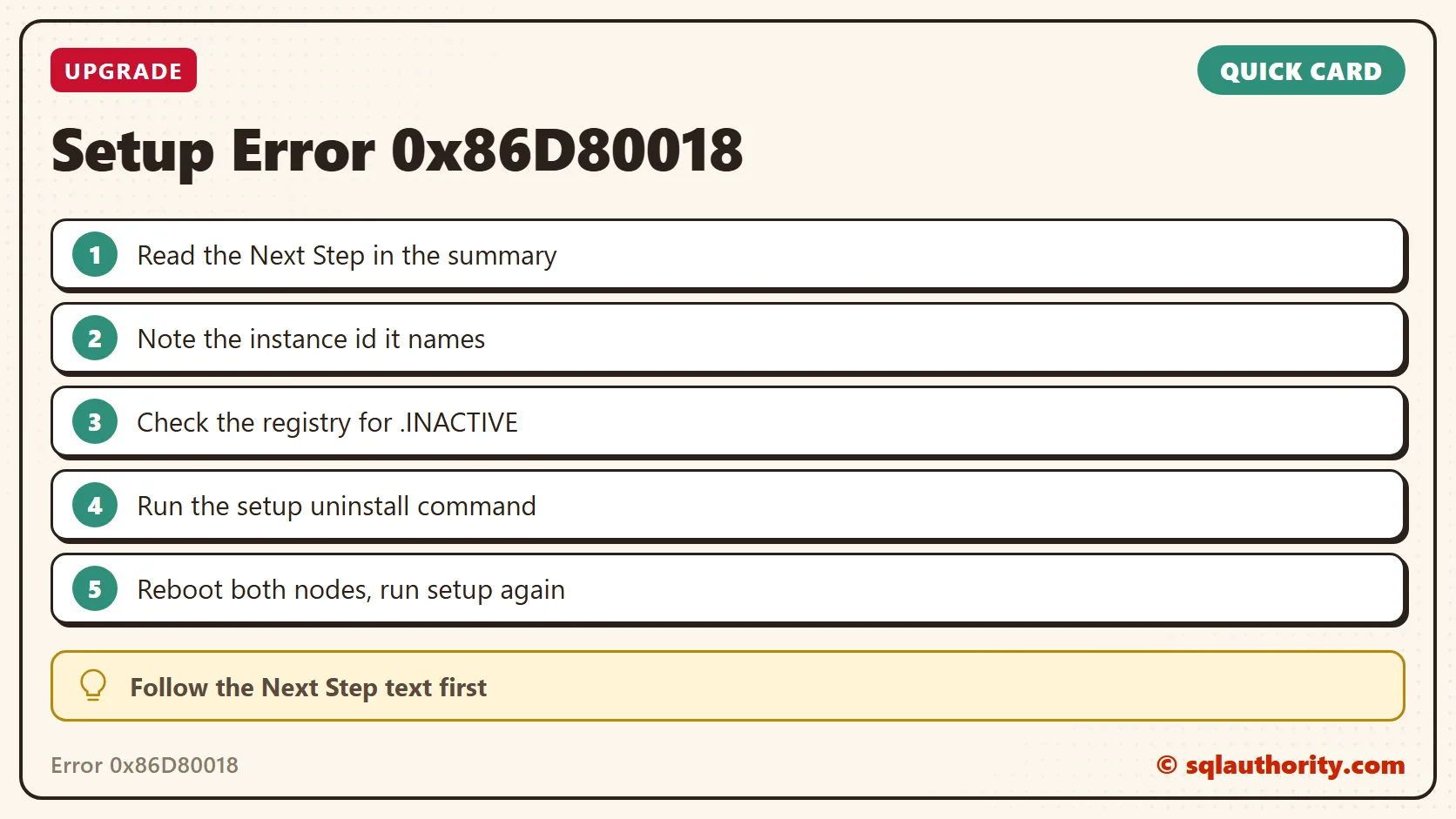
Setup’s Next Step is not noise, it is the instruction to follow.
Published by Pinal Dave on SQLAuthority. More of my work at pinaldave.com.
Discover more from SQL Authority with Pinal Dave
Subscribe to get the latest posts sent to your email.