
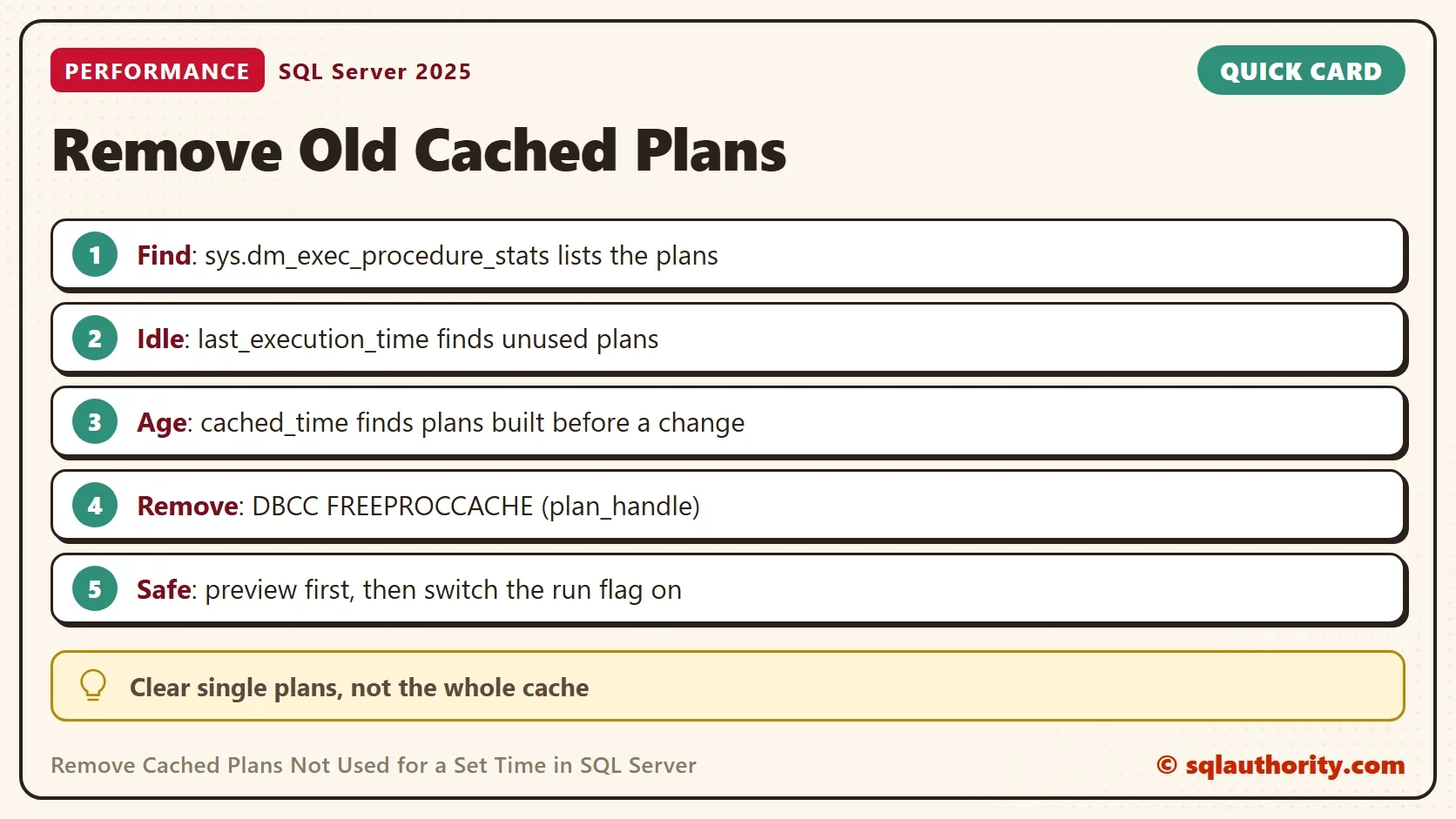
To clear cached plans not used for a set time, list them by last execution time. Then clear each one by its plan handle. That targets the stale plans and leaves the healthy ones alone. Clearing the whole cache on a busy server is a blunt tool by comparison.

When You Want to Clear Plans by Time
In one tuning engagement, the team changed indexes and code and then checked the results. Stored procedures that compiled a fresh plan ran fast. The procedures that kept a plan built before the changes still ran slowly. The cure was to remove the plans older than four hours, so each procedure compiled again with the new design.
Two times matter for a plan. The creation time says when the plan was built, and that is the one the client case needed. The last execution time says how long the plan has been idle. A busy procedure can keep an old plan and still run every second. Cached plans not used for a while and plans built before a change are two different lists. This post builds both.
Build the Demo
The demo database named OldPlanCleanDemo has one small table and three reporting procedures. They only read the table, so they print nothing. A fourth procedure does the cleanup. One call finds cached plans not used for a set time. It reads sys.dm_exec_procedure_stats, which holds one row for every procedure that has a plan in the cache. The cutoff is a number of seconds, because waiting four hours would make a poor demo. Pass 14400 for four hours.
IF DB_ID(N'OldPlanCleanDemo') IS NULL CREATE DATABASE OldPlanCleanDemo;
GO
USE OldPlanCleanDemo;
GO
DROP TABLE IF EXISTS dbo.Orders;
CREATE TABLE dbo.Orders (
    OrderID    int IDENTITY(1,1) NOT NULL PRIMARY KEY,
    CustomerID int NOT NULL,
    Amount     decimal(9,2) NOT NULL
);
INSERT INTO dbo.Orders (CustomerID, Amount) VALUES (1, 10.00), (1, 20.00), (2, 15.50), (3, 8.25);
GO
CREATE OR ALTER PROCEDURE dbo.ReportRare @CustomerID int AS
    DECLARE @Total decimal(9,2) = (SELECT SUM(Amount) FROM dbo.Orders WHERE CustomerID = @CustomerID);
GO
CREATE OR ALTER PROCEDURE dbo.ReportBusy @CustomerID int AS
    DECLARE @Largest decimal(9,2) = (SELECT MAX(Amount) FROM dbo.Orders WHERE CustomerID = @CustomerID);
GO
CREATE OR ALTER PROCEDURE dbo.ReportNew @CustomerID int AS
    DECLARE @Smallest decimal(9,2) = (SELECT MIN(Amount) FROM dbo.Orders WHERE CustomerID = @CustomerID);
GO
The cleanup procedure builds one DBCC command per old plan. The second parameter picks the clock. The value ‘idle’ reads the last execution time, and ‘age’ reads the time the plan was cached. The procedure prints the commands and returns a list of procedures with a yes or no for the cutoff. It runs the commands only when the third parameter is 1. The default of 0 is a preview. The procedure leaves its own plan out of the list.
CREATE OR ALTER PROCEDURE dbo.RemoveOldPlans
    @Seconds int,
    @Basis varchar(4) = 'idle',
    @Run bit = 0
AS
BEGIN
    SET NOCOUNT ON;
    IF @Basis NOT IN ('idle', 'age') THROW 50001, 'Use idle or age for @Basis.', 1;
    DECLARE @CutOff datetime = DATEADD(SECOND, -@Seconds, GETDATE());
    SELECT ps.plan_handle, OBJECT_NAME(ps.object_id, ps.database_id) AS ProcedureName,
           CASE WHEN CASE WHEN @Basis = 'age' THEN ps.cached_time ELSE ps.last_execution_time END < @CutOff
                THEN N'yes' ELSE N'no' END AS OlderThanCutoff
    INTO #Plans
    FROM sys.dm_exec_procedure_stats AS ps
    WHERE ps.database_id = DB_ID() AND ps.object_id <> @@PROCID;
    DECLARE @Commands nvarchar(max) =
        (SELECT STRING_AGG(CONVERT(nvarchar(max), CONCAT(N'DBCC FREEPROCCACHE (', CONVERT(varchar(130), plan_handle, 1), N');')), CHAR(10))
         FROM #Plans WHERE OlderThanCutoff = N'yes');
    SELECT ProcedureName, OlderThanCutoff FROM #Plans ORDER BY ProcedureName;
    PRINT ISNULL(@Commands, N'Nothing is older than the cutoff.');
    IF @Run = 1 AND @Commands IS NOT NULL EXEC (@Commands);
END;
Preview the Cached Plans Not Used for a While
Give the procedures different histories. The rare report runs once. The busy report runs, waits four seconds and runs again. Its plan is old, but its last use is fresh. The new report is first called after the wait. A cutoff of two seconds then separates them. Both previews run in one batch, and neither changes anything.
EXEC dbo.ReportRare @CustomerID = 1;
EXEC dbo.ReportBusy @CustomerID = 1;
WAITFOR DELAY '00:00:04';
EXEC dbo.ReportBusy @CustomerID = 1;
EXEC dbo.ReportNew @CustomerID = 1;
EXEC dbo.ReportNew @CustomerID = 1;
EXEC dbo.RemoveOldPlans @Seconds = 2, @Basis = 'idle';
EXEC dbo.RemoveOldPlans @Seconds = 2, @Basis = 'age';
The first grid uses the idle clock. Only the rare report is old, because the busy one ran again a moment ago. The second grid uses the plan age. The busy report now shows up too, which is the case from the tuning engagement.
| ProcedureName | OlderThanCutoff (idle) |
|---|---|
| ReportBusy | no |
| ReportNew | no |
| ReportRare | yes |
| ProcedureName | OlderThanCutoff (age) |
|---|---|
| ReportBusy | yes |
| ReportNew | no |
| ReportRare | yes |
The Messages tab holds the command that the procedure would run. For a short list, that is enough to copy. PRINT cuts a long list at 8,000 characters. On a busy server, return the commands as a result set instead. The plan handle is different on every server, so the line below is shortened.
DBCC FREEPROCCACHE (0x05001D00F01AB84A...);
The command works because the plan handle starts with 0x. The conversion in the procedure uses style 1, which keeps that prefix. Style 2 drops it, and the DBCC statement then fails with Msg 102 for incorrect syntax. A command built with style 2 can’t run.
Remove the Old Plans
The ages must be fresh before the removal, so the first call clears this database’s procedure plans. A cutoff of zero seconds marks every plan as old. That call prints a list with a yes on every row. Then the same calls run again, and the removal uses the plan age with the switch on. Only the new report keeps its plan.
EXEC dbo.RemoveOldPlans @Seconds = 0, @Run = 1;
EXEC dbo.ReportRare @CustomerID = 1;
EXEC dbo.ReportBusy @CustomerID = 1;
WAITFOR DELAY '00:00:04';
EXEC dbo.ReportBusy @CustomerID = 1;
EXEC dbo.ReportNew @CustomerID = 1;
EXEC dbo.ReportNew @CustomerID = 1;
EXEC dbo.RemoveOldPlans @Seconds = 2, @Basis = 'age', @Run = 1;
Check the cache afterward. The rare and busy reports have no row, and the new report keeps its plan. It ran twice, so its counter reads 2.
SELECT OBJECT_NAME(object_id, database_id) AS ProcedureName, execution_count AS Runs
FROM sys.dm_exec_procedure_stats
WHERE database_id = DB_ID() AND object_id <> OBJECT_ID(N'dbo.RemoveOldPlans')
ORDER BY ProcedureName;
| ProcedureName | Runs |
|---|---|
| ReportNew | 2 |
The next call to the busy report compiles a new plan, and its run counter starts again at 1.
EXEC dbo.ReportBusy @CustomerID = 1;
SELECT OBJECT_NAME(object_id, database_id) AS ProcedureName, execution_count AS Runs
FROM sys.dm_exec_procedure_stats
WHERE database_id = DB_ID() AND object_id <> OBJECT_ID(N'dbo.RemoveOldPlans')
ORDER BY ProcedureName;
| ProcedureName | Runs |
|---|---|
| ReportBusy | 1 |
| ReportNew | 2 |
Adapt It to a Real Server
To clear cached plans not used for four hours, pass 14400 seconds with the idle basis. To remove plans built before a change, use the age basis and the seconds since the change. Remove the database filter if you want every database, and keep the preview step. The statement needs the ALTER SERVER STATE permission.
The procedure uses STRING_AGG, which needs SQL Server 2017, and CREATE OR ALTER, which needs SQL Server 2016 SP1. Plans for ad hoc and prepared statements are not in sys.dm_exec_procedure_stats. They sit in sys.dm_exec_query_stats. That view has a plan handle and a last execution time per statement, so the same pattern works there.
For a closer look at the oldest plans, read Find the Oldest Query Plan in the Plan Cache. To clear everything for one database, read Clear the Plan Cache for a Single Database in SQL Server.
What to Remember
You could argue that a removed plan costs a recompile, and that a cache flush every night is simpler. A recompile is cheap for one procedure. A flush makes every procedure compile at once, and that spike can land on the busiest morning. Clear plans one by one, preview the list, and let the cutoff be the time you can defend.
When you finish the demo, drop the example database.
USE master;
GO
DROP DATABASE IF EXISTS OldPlanCleanDemo;
A plan cache is not a drawer to empty, it is a list of decisions to review.
Published by Pinal Dave on SQLAuthority. More of my work at pinaldave.com.
Discover more from SQL Authority with Pinal Dave
Subscribe to get the latest posts sent to your email.




3 Comments. Leave new
Hi Pinal, wouldn’t it be more useful to base this on last execution, rather than creation time?
WHERE DATEDIFF(hour,last_execution_time, GETDATE()) > 4
Actually, I take that back: I didn’t thoroughly read your use case at the beginning and just dove directly into code. :) Creation time actually makes sense. Sorry about that.
In my case, the last column command is not formatted correctly. You have to use the 0x number under the plan handle column to make the command work. Otherwise a very useful bit of information.