
Error 15580 means SQL Server cannot drop the master key because a dialog is encrypted by it. A reader followed my earlier post on an Always On error, got this next error, and asked me for help.

The Error
Msg 15580, Level 16, State 1, Line 1
Cannot drop master key because dialog '0BAF40FB-6CE1-4F73-A6FB-0E57EA4D5B6F' is encrypted by it
What the Reader Sent
Earlier I wrote about Encrypted by Database Master Key: Fix the Always On Error. The reader saw the same error in the wizard, so they ran this command to drop the master key:
USE [DatabaseName];
GO
DROP MASTER KEY
GO
It failed with the Msg 15580 message above.
How to Check
We went looking for where the GUID came from. First, we checked whether Service Broker was enabled:
SELECT is_broker_enabled, name
FROM sys.databases
Service Broker was not enabled for the database with the problem. Next, we looked at the conversation endpoints:
SELECT *
FROM sys.conversation_endpoints
The conversation endpoints held entries with the conversation_id from the error message. That meant leftover entries needed a cleanup.

The Fix
Do this only when you’re sure no encryption is used in the database or on the server. Regenerate the master key with this command. Pick a strong password and write it down somewhere safe.
USE [DatabaseName]
GO
ALTER MASTER KEY FORCE REGENERATE
WITH ENCRYPTION BY PASSWORD = 'YourStrongPassword'
GO
Confirm It Worked
After the regenerate, we ran the same DROP MASTER KEY command as before, and it worked. As I described in the earlier post, the reader could then add the database to the availability group.
How to Prevent It
Before you drop a master key in a database that doesn’t use Service Broker, look at sys.conversation_endpoints. Leftover entries are easy to miss.
Have you faced this issue before? Please tell me in the comments how you solved it.
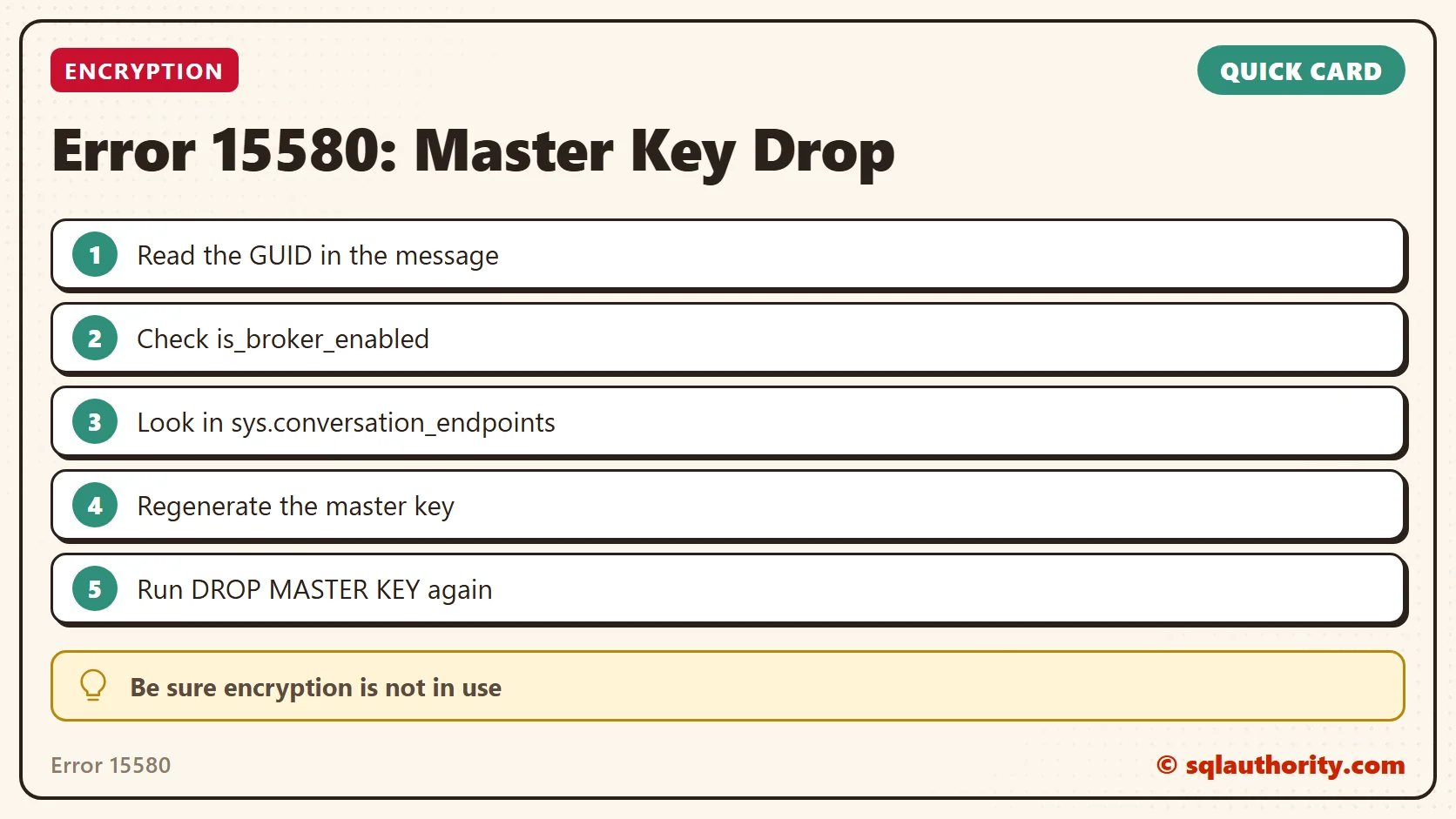
Error 15580 is not about a stuck key, it is about a conversation left behind.
Published by Pinal Dave on SQLAuthority. More of my work at pinaldave.com.
Discover more from SQL Authority with Pinal Dave
Subscribe to get the latest posts sent to your email.



1 Comment. Leave new
I tried everything to add the Database in AG group but still its asking for password requirement.
When i tried the below script:-
use [Database_name]
go
ALTER MASTER KEY FORCE REGENERATE
WITH ENCRYPTION BY PASSWORD = ‘Pa$$word’
GO
message was:-
The current master key cannot be decrypted. The error was ignored because the FORCE option was specified.
Any help is really appreciated .