Database scoped configuration options change how one database behaves, without touching the server. SQL Server 2025 lists 41 of them. This post lists them, changes two, restores them, and answers an old question about the missing id 5.

What a Scoped Option Is
Many settings used to exist only for the whole instance. Database scoped configuration options move the choice into one database. Two databases on the same server can then use different values for the same option.
SQL Server 2016 had four of them: MAXDOP, LEGACY_CARDINALITY_ESTIMATION, PARAMETER_SNIFFING and QUERY_OPTIMIZER_HOTFIXES. SQL Server 2017 added IDENTITY_CACHE. Each release since has added more, and the number kept growing. I like the idea, because a database that moves to another server keeps its own choices.
List Them All
The catalog view sys.database_scoped_configurations lists the database scoped configuration options of the current database. The demo creates an empty database named ScopedConfigDemo, so the values are the defaults of a new database.
IF DB_ID(N'ScopedConfigDemo') IS NULL CREATE DATABASE ScopedConfigDemo;
GO
USE ScopedConfigDemo;
SELECT COUNT(*) AS OptionCount,
       MIN(configuration_id) AS FirstId,
       MAX(configuration_id) AS LastId
FROM sys.database_scoped_configurations;| OptionCount | FirstId | LastId |
|---|---|---|
| 41 | 1 | 48 |
The server lists 41 options with ids from 1 to 48. Run the next query for the full list. Your build can list a different number.
SELECT configuration_id, name, value
FROM sys.database_scoped_configurations
ORDER BY configuration_id;
| configuration_id | name | value |
|---|---|---|
| 1 | MAXDOP | 0 |
| 2 | LEGACY_CARDINALITY_ESTIMATION | 0 |
| 3 | PARAMETER_SNIFFING | 1 |
| 4 | QUERY_OPTIMIZER_HOTFIXES | 0 |
| 6 | IDENTITY_CACHE | 1 |
| 7 | INTERLEAVED_EXECUTION_TVF | 1 |
| 8 | BATCH_MODE_MEMORY_GRANT_FEEDBACK | 1 |
| 9 | BATCH_MODE_ADAPTIVE_JOINS | 1 |
| 10 | TSQL_SCALAR_UDF_INLINING | 1 |
| 11 | ELEVATE_ONLINE | OFF |
| 12 | ELEVATE_RESUMABLE | OFF |
| 13 | OPTIMIZE_FOR_AD_HOC_WORKLOADS | 0 |
| 14 | XTP_PROCEDURE_EXECUTION_STATISTICS | 0 |
| 15 | XTP_QUERY_EXECUTION_STATISTICS | 0 |
| 16 | ROW_MODE_MEMORY_GRANT_FEEDBACK | 1 |
| 17 | ISOLATE_SECURITY_POLICY_CARDINALITY | 0 |
| 18 | BATCH_MODE_ON_ROWSTORE | 1 |
| 19 | DEFERRED_COMPILATION_TV | 1 |
| 20 | ACCELERATED_PLAN_FORCING | 1 |
| 21 | GLOBAL_TEMPORARY_TABLE_AUTO_DROP | 1 |
| 22 | LIGHTWEIGHT_QUERY_PROFILING | 1 |
| 23 | VERBOSE_TRUNCATION_WARNINGS | 1 |
| 24 | LAST_QUERY_PLAN_STATS | 0 |
| 25 | PAUSED_RESUMABLE_INDEX_ABORT_DURATION_MINUTES | 1440 |
| 27 | EXEC_QUERY_STATS_FOR_SCALAR_FUNCTIONS | 1 |
| 28 | PARAMETER_SENSITIVE_PLAN_OPTIMIZATION | 1 |
| 29 | ASYNC_STATS_UPDATE_WAIT_AT_LOW_PRIORITY | 0 |
| 31 | CE_FEEDBACK | 1 |
| 33 | MEMORY_GRANT_FEEDBACK_PERSISTENCE | 1 |
| 34 | MEMORY_GRANT_FEEDBACK_PERCENTILE_GRANT | 1 |
| 35 | OPTIMIZED_PLAN_FORCING | 1 |
| 37 | DOP_FEEDBACK | 1 |
| 38 | LEDGER_DIGEST_STORAGE_ENDPOINT | OFF |
| 39 | FORCE_SHOWPLAN_RUNTIME_PARAMETER_COLLECTION | 0 |
| 40 | READABLE_SECONDARY_TEMPORARY_STATS_AUTO_CREATE | 1 |
| 41 | READABLE_SECONDARY_TEMPORARY_STATS_AUTO_UPDATE | 1 |
| 42 | OPTIMIZED_SP_EXECUTESQL | 0 |
| 44 | FULLTEXT_INDEX_VERSION | 2 |
| 46 | CE_FEEDBACK_FOR_EXPRESSIONS | 1 |
| 47 | OPTIONAL_PARAMETER_OPTIMIZATION | 1 |
| 48 | PREVIEW_FEATURES | 0 |
Why Is Id 5 Missing?
An old question asked why configuration id 5 is skipped, and what it was meant to be. The ids run to 48, but the view holds 41 rows, so some numbers are absent. This query finds them. It needs compatibility level 160 for GENERATE_SERIES.
SELECT g.value AS MissingId
FROM GENERATE_SERIES(1, (SELECT MAX(configuration_id) FROM sys.database_scoped_configurations)) AS g
LEFT JOIN sys.database_scoped_configurations AS c ON c.configuration_id = g.value
WHERE c.configuration_id IS NULL
ORDER BY g.value;
| MissingId |
|---|
| 5 |
| 26 |
| 30 |
| 32 |
| 36 |
| 43 |
| 45 |
Seven ids are absent, and 5 is the first. Microsoft does not say why. The ids are labels, not a count, and no skipped id has been reused so far on this build. Don’t write code that expects the ids to be continuous.
Change an Option and Undo It
An option changes with ALTER DATABASE SCOPED CONFIGURATION. The statement affects the database you are in. It needs the ALTER ANY DATABASE SCOPED CONFIGURATION permission. The demo sets MAXDOP to 2 and turns off parameter sniffing.
ALTER DATABASE SCOPED CONFIGURATION SET MAXDOP = 2;
ALTER DATABASE SCOPED CONFIGURATION SET PARAMETER_SNIFFING = OFF;
The view has a column that tells you what you changed. is_value_default is 0 when the value differs from the default.
SELECT name, value, is_value_default
FROM sys.database_scoped_configurations
WHERE is_value_default = 0
ORDER BY name;
| name | value | is_value_default |
|---|---|---|
| MAXDOP | 2 | 0 |
| PARAMETER_SNIFFING | 0 | 0 |
Now put both back. The same query then returns no rows.
ALTER DATABASE SCOPED CONFIGURATION SET MAXDOP = 0;
ALTER DATABASE SCOPED CONFIGURATION SET PARAMETER_SNIFFING = ON;
SELECT name, value, is_value_default
FROM sys.database_scoped_configurations
WHERE is_value_default = 0
ORDER BY name;
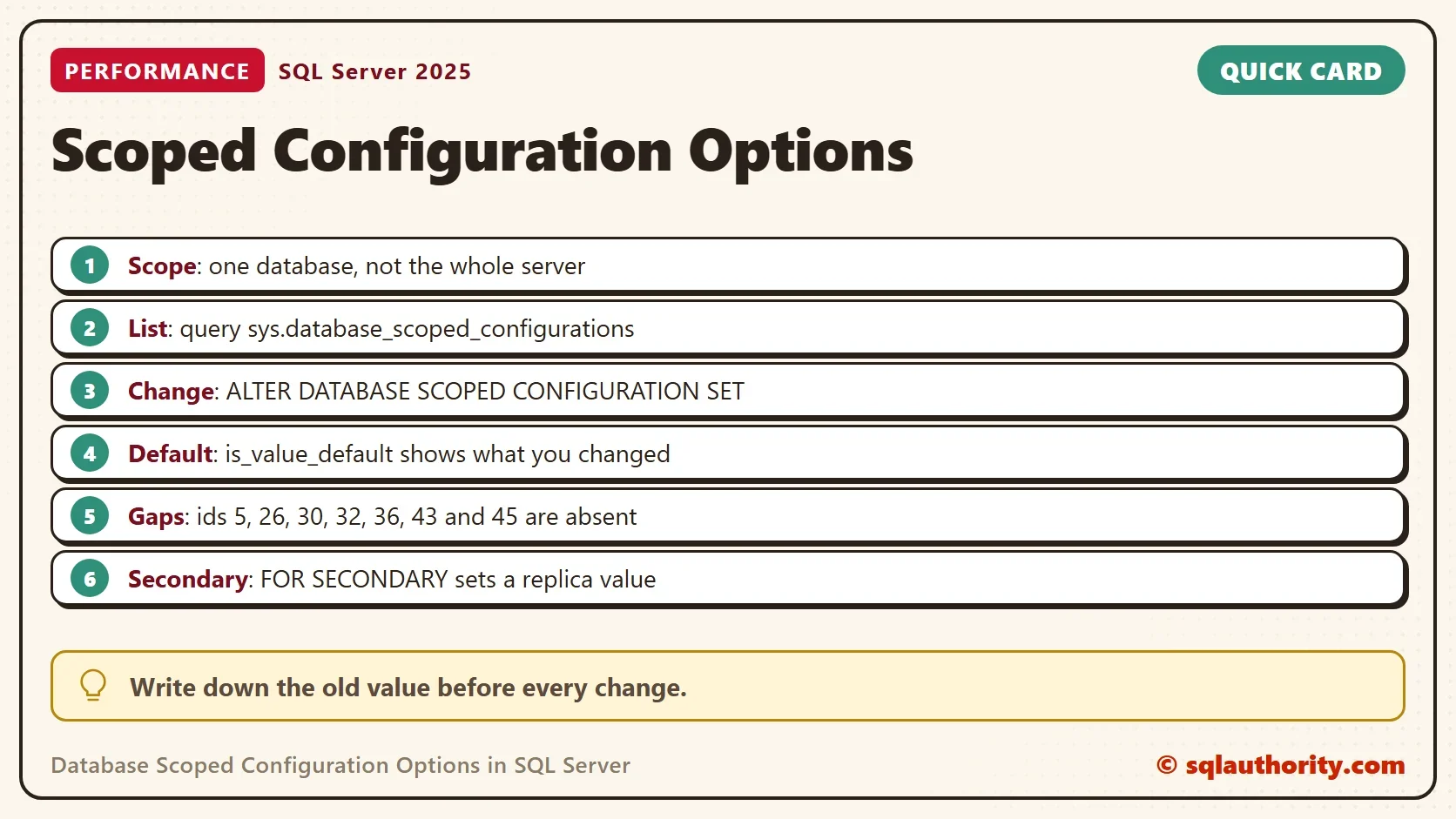
Write down the old value before every change. The query above is the cheapest audit of a database that someone tuned long ago.
Changing MAXDOP, PARAMETER_SNIFFING or LEGACY_CARDINALITY_ESTIMATION removes the cached plans of that database, so the next call compiles again. The other options were not tested and can leave plans in place. Clear the plans of the test database with ALTER DATABASE SCOPED CONFIGURATION CLEAR PROCEDURE_CACHE before you compare results. The newest id, 48, is PREVIEW_FEATURES, which gates features that are still in preview.
Options Worth Knowing
A few options carry most of the weight. MAXDOP caps parallelism for one database. LEGACY_CARDINALITY_ESTIMATION switches back to the old row estimator. PARAMETER_SNIFFING decides whether SQL Server builds a plan from the first parameter value. LAST_QUERY_PLAN_STATS keeps the last actual plan, which Last Known Actual Plan in SQL Server: Query Plan Stats uses.
The memory grant options belong to the same family. Two of them switch memory grant feedback on and off, one for row mode and one for batch mode. Stop Memory Grant Feedback: Database Setting and Query Hint shows the effect of each. BATCH_MODE_ON_ROWSTORE allows batch mode on ordinary tables.
Audit One Database at a Time
The changed-options query answers one database at a time. Run it in each database that matters. A value that differs from the default means someone tuned the database. It also tells you where to look when a query behaves differently from the same query on another database.
Replicas Have Their Own Value
In an availability group, a readable secondary can use a different value. The statement adds FOR SECONDARY after the words ALTER DATABASE SCOPED CONFIGURATION. The view shows that value in the value_for_secondary column, which is NULL here because the demo has no replica.
Server Setting or Scoped Option?
You could argue that one server setting is simpler than many database options. For one database on one server, it is. Scoped options win when a server holds several databases that need different behavior, or when a database moves between servers. The settings are stored in the database, so they travel with it.
What to Remember
List the database scoped configuration options with the catalog view, and check is_value_default for changes. Treat ids as labels. Change one option at a time, and write down the old value first.
When you finish, drop the demo database.
USE master;
GO
IF DB_ID(N'ScopedConfigDemo') IS NOT NULL
BEGIN
    ALTER DATABASE ScopedConfigDemo SET SINGLE_USER WITH ROLLBACK IMMEDIATE;
    DROP DATABASE ScopedConfigDemo;
END;
A scoped option is not a server rule, it is a habit that belongs to one database.
Published by Pinal Dave on SQLAuthority. More of my work at pinaldave.com.
Discover more from SQL Authority with Pinal Dave
Subscribe to get the latest posts sent to your email.