Question: How do you remove the brackets added by QUOTENAME? PARSENAME(value, 1) worked for the simple names in the original example. It is an identifier parser, however, not a general-purpose undo function for every string.

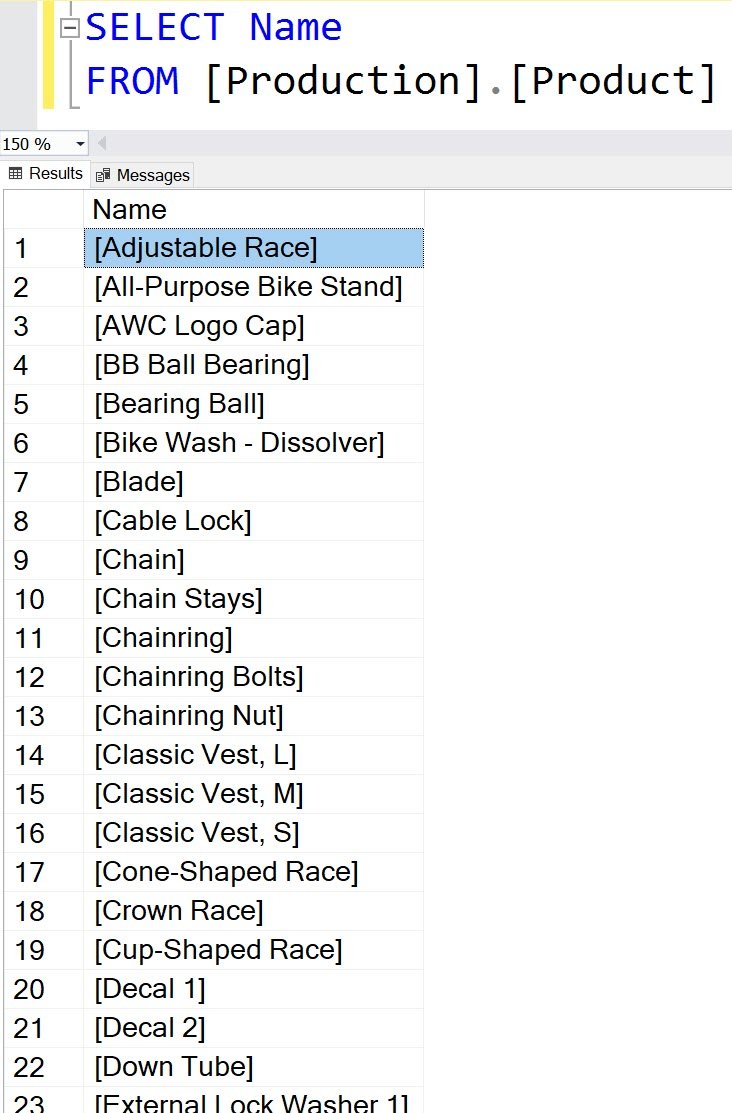
A reader followed my QUOTENAME and custom quote character example and updated stored product names. Every name now had brackets around it. The next question was how to get those names back.
SELECT PARSENAME(Name, 1) AS Name
FROM Production.Product;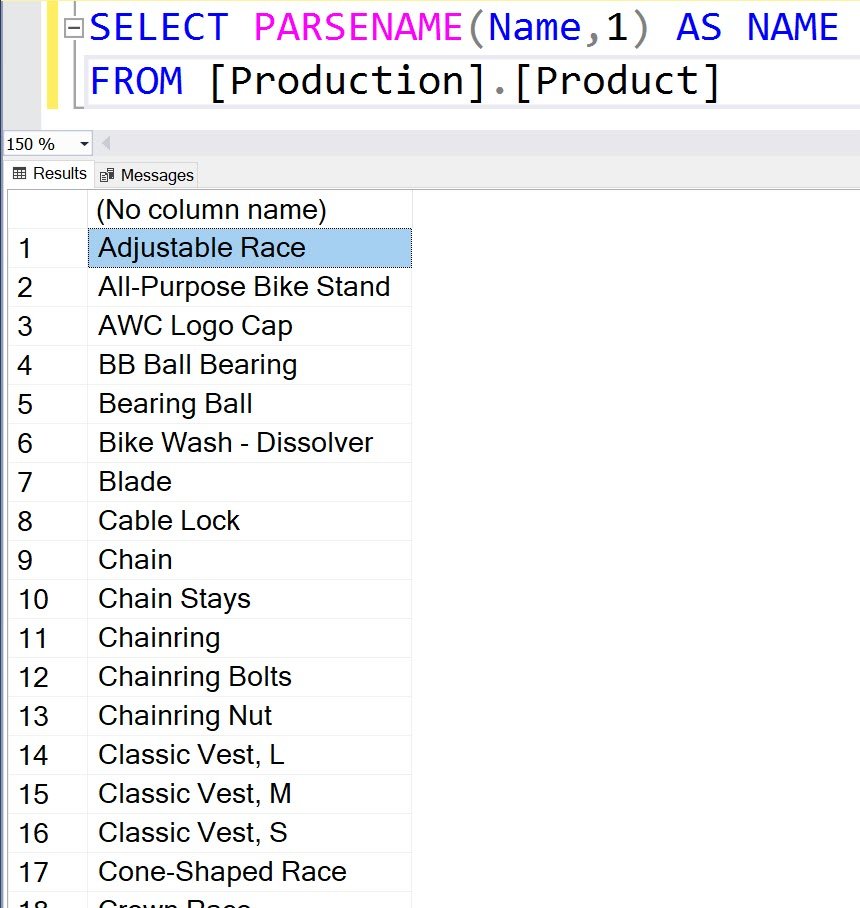
Check the limits before updating data
SELECT q.QuotedValue, PARSENAME(q.QuotedValue, 1) AS ParsedName,
       REPLACE(SUBSTRING(q.QuotedValue, 2, LEN(q.QuotedValue)-2),
               N']]', N']') AS UnwrappedValue
FROM (VALUES (QUOTENAME(N'Adjustable Race')),
             (QUOTENAME(N'Part]A')), (QUOTENAME(N''))) AS q(QuotedValue);
QUOTENAME normally surrounds a value with brackets and doubles embedded closing brackets. PARSENAME parses SQL object-name parts and returns NULL for an invalid or empty identifier. Thus [] does not round-trip an empty string through PARSENAME.
The UnwrappedValue expression removes one known bracket pair and reverses doubled closing brackets, including the empty-string case. It is appropriate here only because every input in this small test was produced by default-bracket QUOTENAME. Don’t apply it blindly to mixed strings, other quote characters or values that weren’t wrapped this way.
QUOTENAME accepts at most 128 input characters. If an earlier update saved NULL after longer values were passed to it, no unwrapping function can recover those lost values. Use the original data or a backup.
Preview the old and proposed values, verify which rows were changed and preserve a backup before correcting a stored column. My quick answer solved that reader’s simple case; those checks determine whether it solves yours.
Published by Pinal Dave on SQLAuthority. More of my work at pinaldave.com.
Discover more from SQL Authority with Pinal Dave
Subscribe to get the latest posts sent to your email.