
Backup to URL hangs on PREEMPTIVE_HTTP_EVENT_WAIT when an outbound rule blocks the internet. I saw this while playing with SQL Server on an Azure virtual machine. I had created an outbound rule to avoid internet access. Then my backups started to give me trouble.

The Error
The backup ran for around 20 minutes, and then it failed with this message:
Msg 3201, Level 16, State 1, Line 1
Cannot open backup device 'https://sqlauthority.blob.core.windows.net/backupcontainer/SQLAuthDB.bak'. Operating system error 50(The request is not supported.).
Msg 3013, Level 16, State 1, Line 1
BACKUP DATABASE is terminating abnormally.
What Happened
For learning, I wanted to block internet access on my SQL Server virtual machine in Azure. So I created an outbound rule that blocks the internet with the Deny option, as shown here.

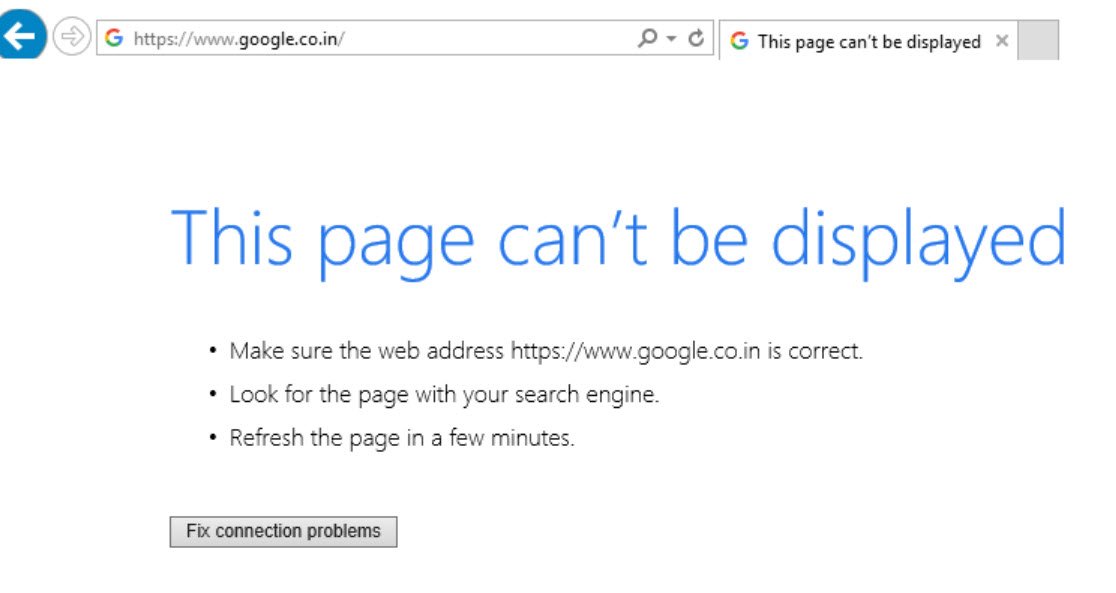
The rule worked and I got what I wanted. I couldn’t open any site, including google.com.
Then my backups to URL stopped working. A backup that used to finish in a few seconds now ran for a long time. This is the backup command:
BACKUP DATABASE SQLAuthDB TO
URL = N'https://sqlauthority.blob.core.windows.net/backupcontainer/SQLAuthDB.bak'
GO
Why It Happens
I couldn’t find any documentation for PREEMPTIVE_HTTP_EVENT_WAIT. From the name, it looks like a wait that won’t end by itself the way normal SQL threads do. It also looks like it’s waiting for an HTTP request that went out to storage for my backup.
A backup to URL leaves the machine, so it needs the internet. That is the thing I had blocked. I wondered whether this meant the VM must have internet access, or whether there was something else I could do.
How to Check
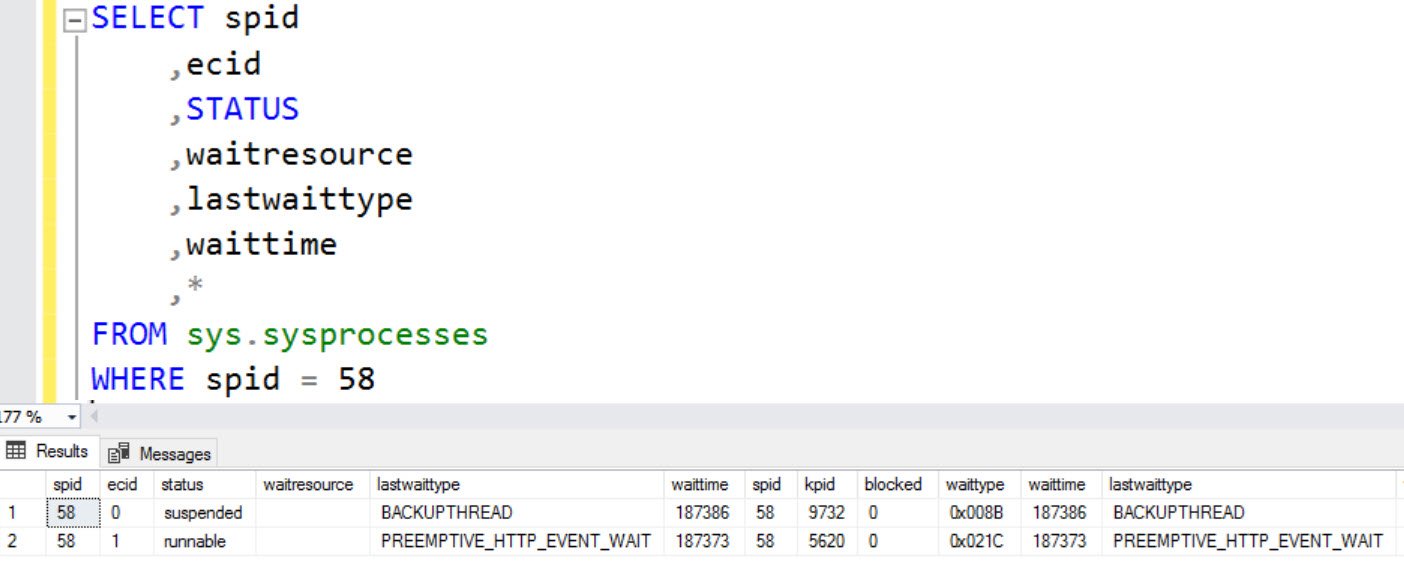
I queried sys.sysprocesses for the backup session, which was SPID 58. It returned two rows with two wait types:
- BACKUPTHREAD
- PREEMPTIVE_HTTP_EVENT_WAIT
The Fix
From my search on the internet, I found two ways to fix this and keep the existing rule:
- Open the specific port, with a rule priority that beats the internet rule. Here the backup uses https, which uses port 443.
- Add an outbound rule for storage, so connections to storage go out even though the internet is blocked.
Option 2 is better, because it takes care of the port number automatically. I set the internet rule priority to 200 and added a new rule with the destination set to Storage.

Confirm It Worked
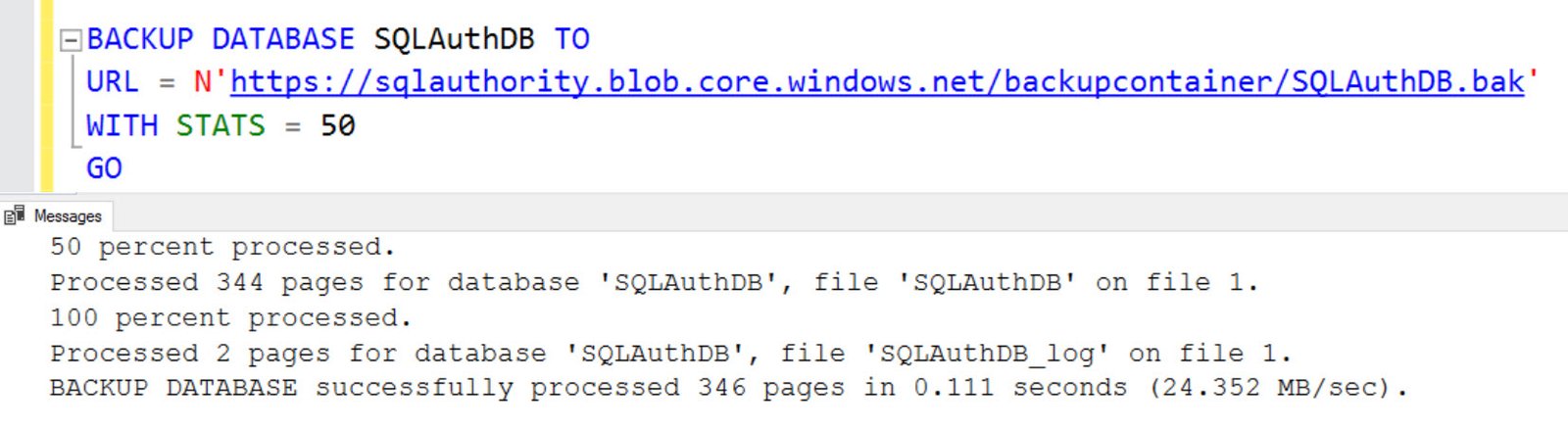
After this, google.com still didn’t open, but backup to URL started working.
How to Prevent It
If you see PREEMPTIVE_HTTP_EVENT_WAIT, check what kind of query is going out to the internet. If it’s a backup to URL, you know the answer now. When you block the internet on an Azure VM, add the Storage rule first.
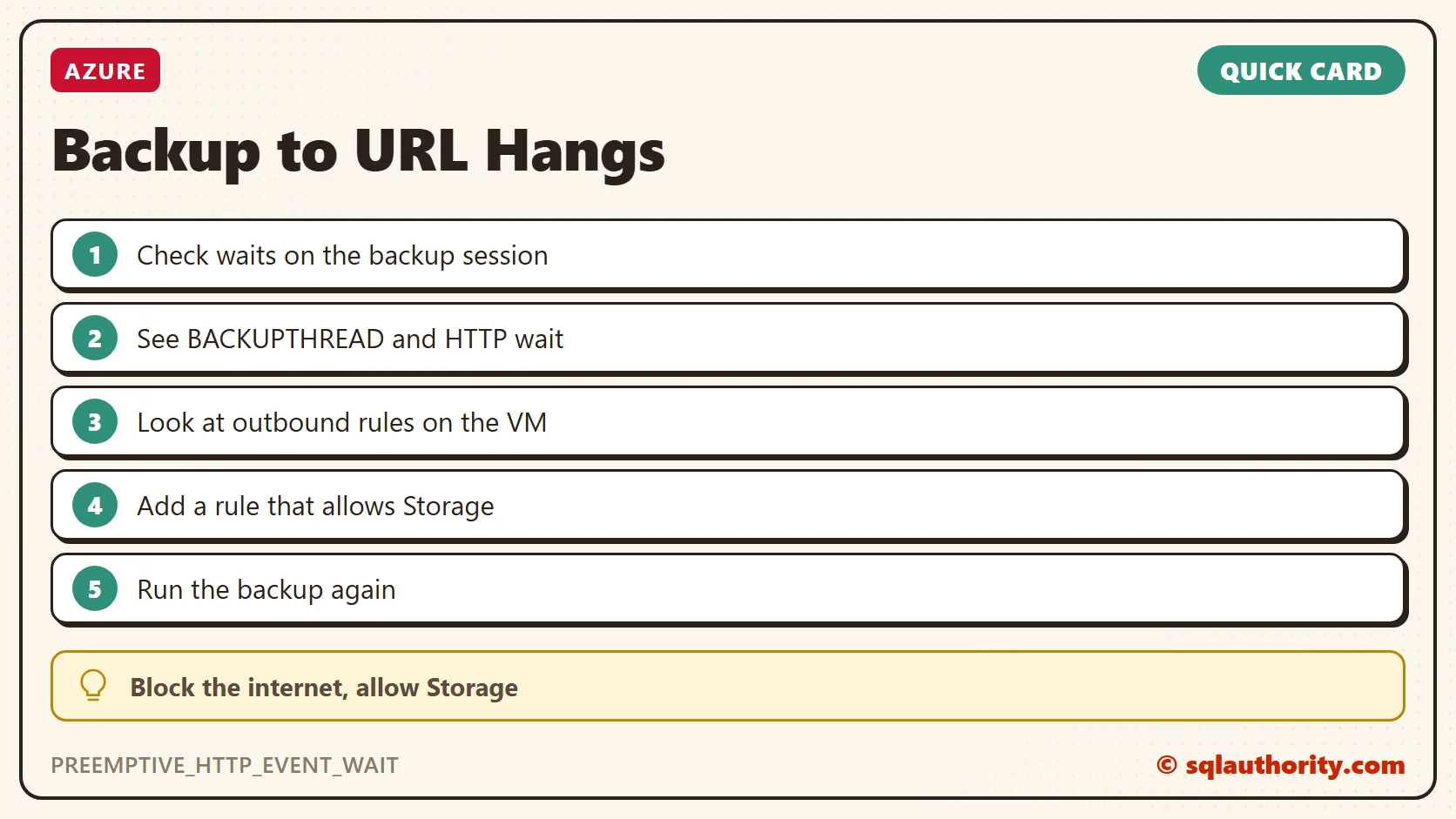
A blocked internet is not a broken backup, it is a missing rule for storage.
Published by Pinal Dave on SQLAuthority. More of my work at pinaldave.com.
Discover more from SQL Authority with Pinal Dave
Subscribe to get the latest posts sent to your email.




1 Comment. Leave new
We are facing the issue of PREEMPTIVE_HTTP_EVENT_WAIT, but we cannot solve it with the firewall settings because our outbound traffic is only allowed via a proxy. I assume that SQL server is not using the proxy when executing the backup to URL command. Is it possible to influence that?