A full-text index on an Always On availability group database can block the redo thread of a readable secondary. The symptom looks strange. Reads on a read-only copy wait for a writer, and nobody is writing.

The Symptom
A readable secondary is a copy of the database that serves reports and searches while the primary takes the writes. The copy stays current because a system thread, called the redo thread, replays the primary’s log. Users see a read-only database, so a blocked read looks impossible at first.
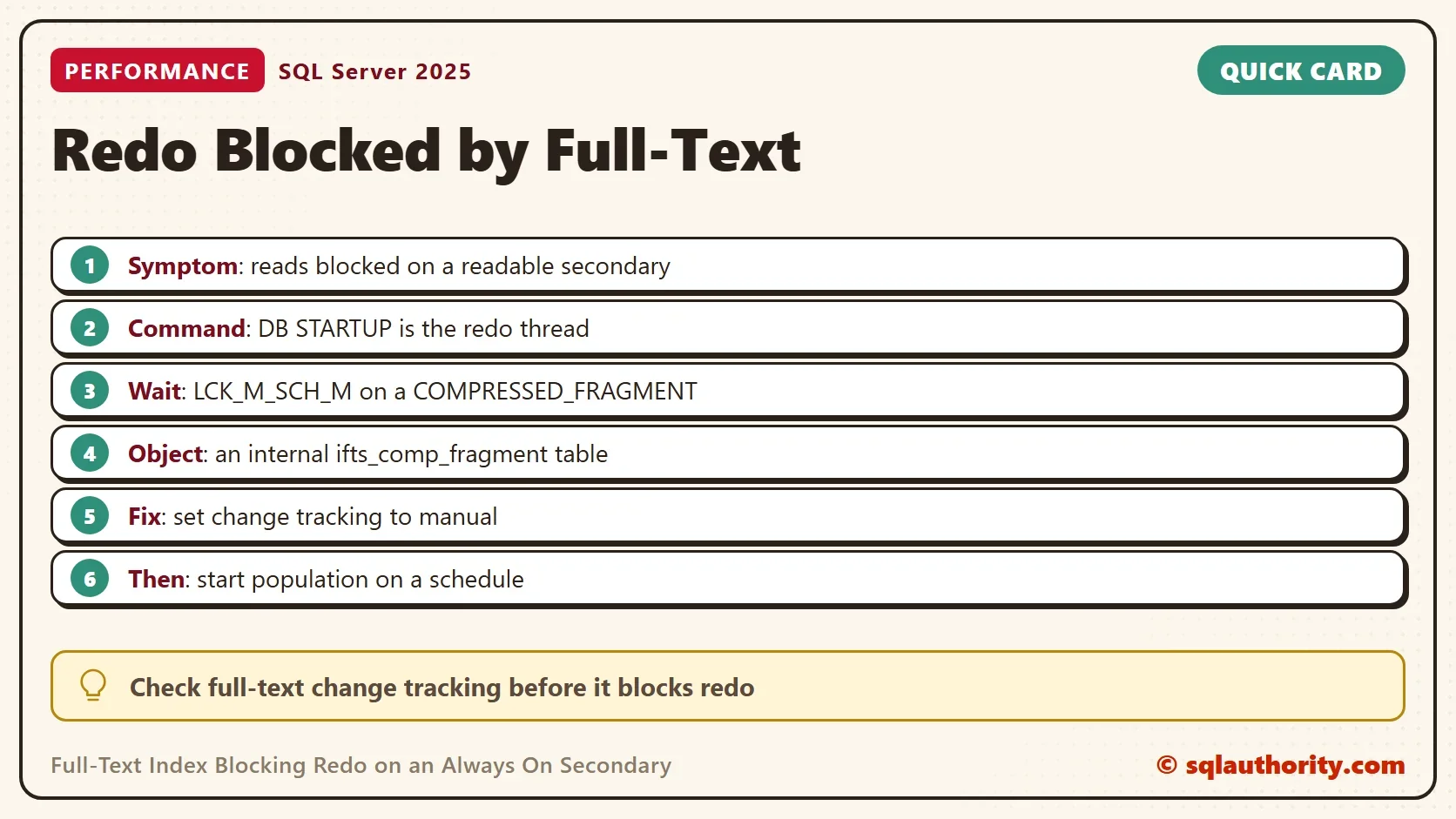
The redo thread is the writer. It shows up in sys.dm_exec_requests with the command DB STARTUP. When a user query blocks it, the replica falls behind. The lag grows for as long as the block lasts, and a failover would then take longer.
Read the Block
Run this query on the secondary. It lists redo requests that wait on another session. The columns hold the three clues you need: the wait type, the wait resource and the blocking session.
SELECT r.session_id AS SessionId,
       r.command AS Command,
       r.wait_type AS WaitType,
       r.wait_resource AS WaitResource,
       r.blocking_session_id AS BlockedBy,
       DB_NAME(r.database_id) AS DatabaseName,
       r.wait_time AS WaitMs
FROM sys.dm_exec_requests AS r
WHERE r.command = N'DB STARTUP' AND r.blocking_session_id > 0;
On a healthy replica the query returns no rows, which is also what a server without an availability group returns. On an affected replica, three clues appear together. The command is DB STARTUP. The wait type is LCK_M_SCH_M, which means the thread waits for a schema modification lock. The wait resource is a metadata lock on a COMPRESSED_FRAGMENT, followed by an object id and a fragment id.
The BlockedBy column names the session that holds the conflicting lock. In the pattern described here, that session is a reader running a full-text search.
Find the Internal Table
A full-text index is stored in small pieces called fragments. SQL Server keeps each piece in an internal table, and SQL Server merges the pieces over time. The object id in the wait resource belongs to one of those internal tables. Its name starts with ifts_comp_fragment. This query lists such tables in the current database. It returns no rows when the database has none.
SELECT name, type_desc
FROM sys.all_objects
WHERE name LIKE N'ifts_comp_fragment%';
A real result row has the name ifts_comp_fragment_ followed by two numbers, and the type INTERNAL_TABLE. To match the wait directly, look up the object id from the wait resource. Replace the number below with your own.
SELECT name, type_desc
FROM sys.all_objects
WHERE object_id = 484196875;
When the id matches such a table, full-text search is involved. No ordinary table is to blame.
Why It Happens
The pattern was seen with a population running while readers ran full-text searches on the secondary. A full-text index changes when its population runs. The log carries those changes to the secondary, where the redo thread replays them. The wait type LCK_M_SCH_M suggests that redo needed a schema modification lock on a fragment that a search held. Redo then waited until the search ended. That reading of the wait is an inference, not a measured fact.
The pattern comes from a real case on an older SQL Server. It has not been reproduced on SQL Server 2025. It appeared while a population was active, whether change tracking was automatic or manual. A population that runs all day gives readers and the redo thread many chances to collide.
Check Your Full-Text Indexes
List the full-text indexes of a database and their change tracking mode. Run the query in each database that sits in an availability group.
SELECT OBJECT_NAME(object_id) AS TableName,
       change_tracking_state_desc AS ChangeTracking,
       crawl_type_desc AS LastCrawl,
       is_enabled
FROM sys.fulltext_indexes;
A mode of AUTO means SQL Server populates the index as rows change, so fragments change all day. MANUAL means it tracks changes but waits for you to start the population. OFF means it tracks nothing.
Control When the Population Runs
The fix is to decide when fragments change. Switch the index to manual tracking. Then start the population from an Agent job at a quiet hour. These statements change a real index. The test server had no full-text component to run them on, so test them on a copy first.
ALTER FULLTEXT INDEX ON dbo.CustomerData SET CHANGE_TRACKING = MANUAL;
ALTER FULLTEXT INDEX ON dbo.CustomerData START UPDATE POPULATION;
A population based on a timestamp column is a longer term option. SQL Server then reads only the rows that changed since the last run.
You could argue that stale search results are a worse problem than redo lag. For a shop that needs search results within seconds, that is true, and manual tracking doesn’t fit. Ask the business how fresh search results must be, and set the schedule from that. Write the refresh interval down.
What to Remember
Look at the command, the wait type and the wait resource together. DB STARTUP with LCK_M_SCH_M on a COMPRESSED_FRAGMENT points to a full-text index and a reader that blocks redo. Check the change tracking mode of every one in an availability group. Move the population to a schedule when readers and redo collide.
Nothing here creates objects on your server, so there is nothing to clean up.
A blocked redo thread is not a mystery, it is a lock nobody looked for.
Published by Pinal Dave on SQLAuthority. More of my work at pinaldave.com.
Discover more from SQL Authority with Pinal Dave
Subscribe to get the latest posts sent to your email.